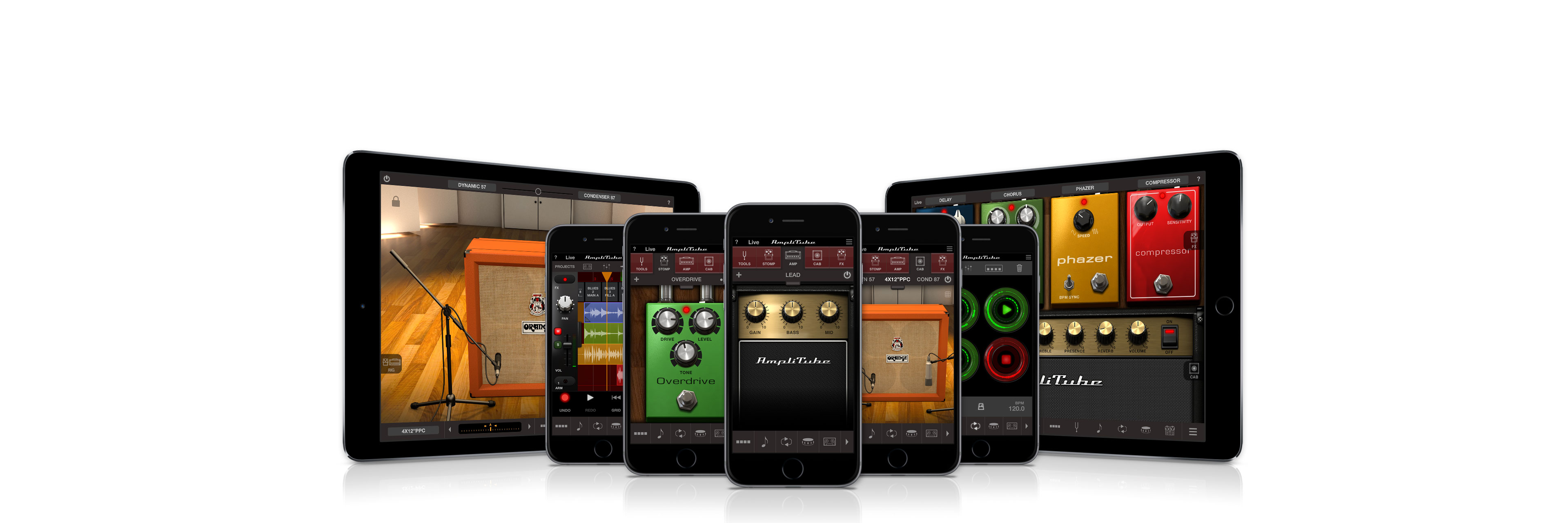
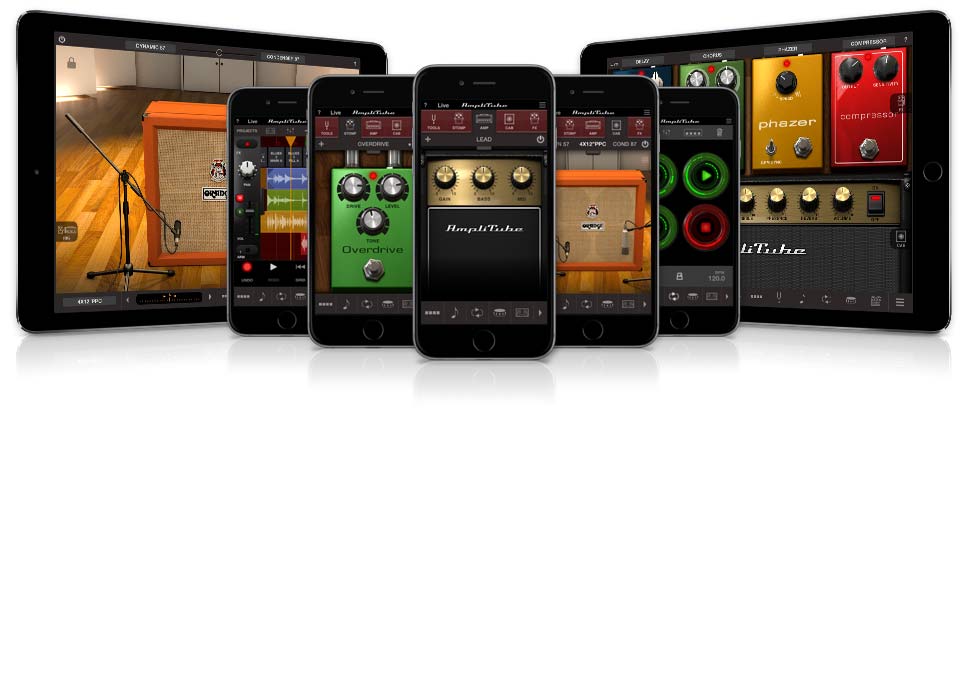
Get ready to rock: l'esclusivo studio di registrazione dal tone processing all'avanguardia ti aspetta!
Per iPhone e iPad
Partecipa anche tu alla rivoluzione musicale su mobile! Con AmpliTube potrai utilizzare il tuo iPhone, iPad o iPod touch per processare, registrare e suonare la tua chitarra, basso o altri strumenti ovunque tu sia.
AmpliTube è lo studio full-optional che ti offre una collezione espandibile dei più iconici gear al mondo, tutti in una versione virtuale ultra-realistica.
Costruisci il rig di basso o chitarra dei tuoi sogni e approfitta dei potentissimi tool di editing e recording insieme ad altre funzionalità a portata di mano, ogni volta che l’ispirazione chiama.
Il rig di chitarra dei tuoi sogni
La prima cosa che noterai su AmpliTube per iOS è che è incredibilmente divertente e facile da usare. Ti permette di combinare elementi del tuo gear virtuale per creare rig di chitarra e basso personalizzati composti da 6 effetti stompbox (4 pre e 2 post-amp), un ampli e uno speaker cabinet con 2 microfoni posizionabili.
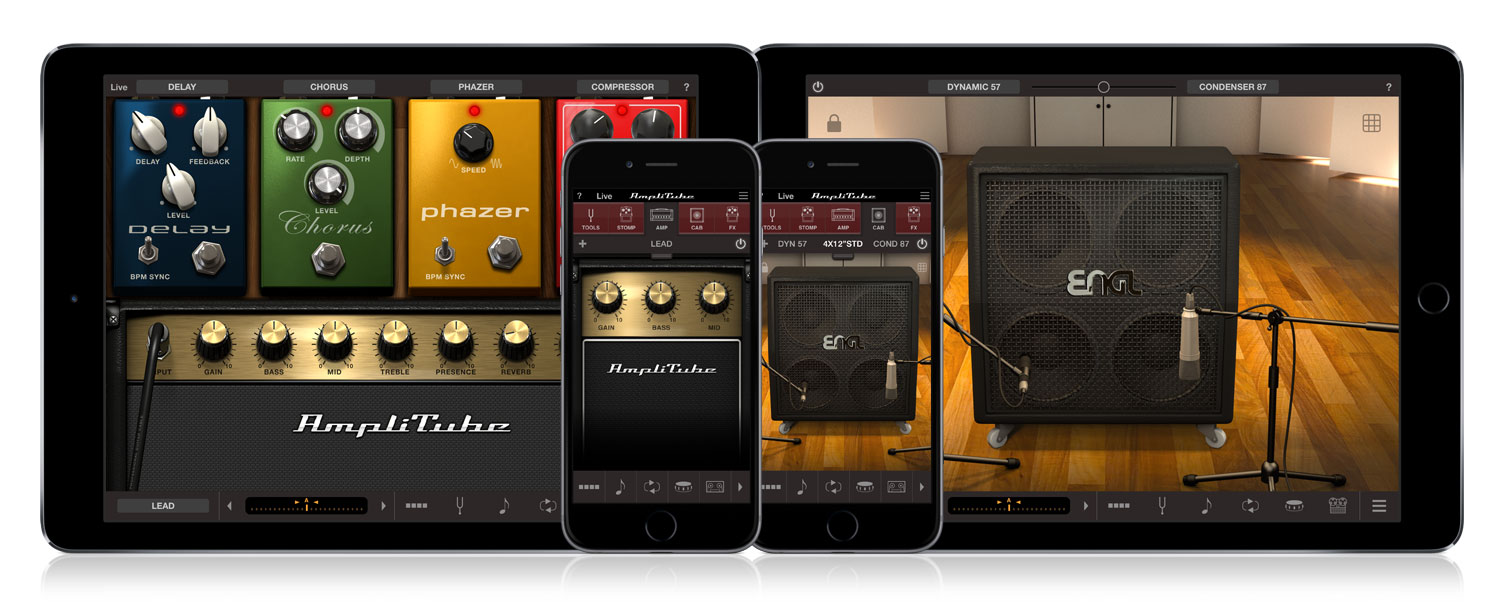

Aspetto e suono sensazionale
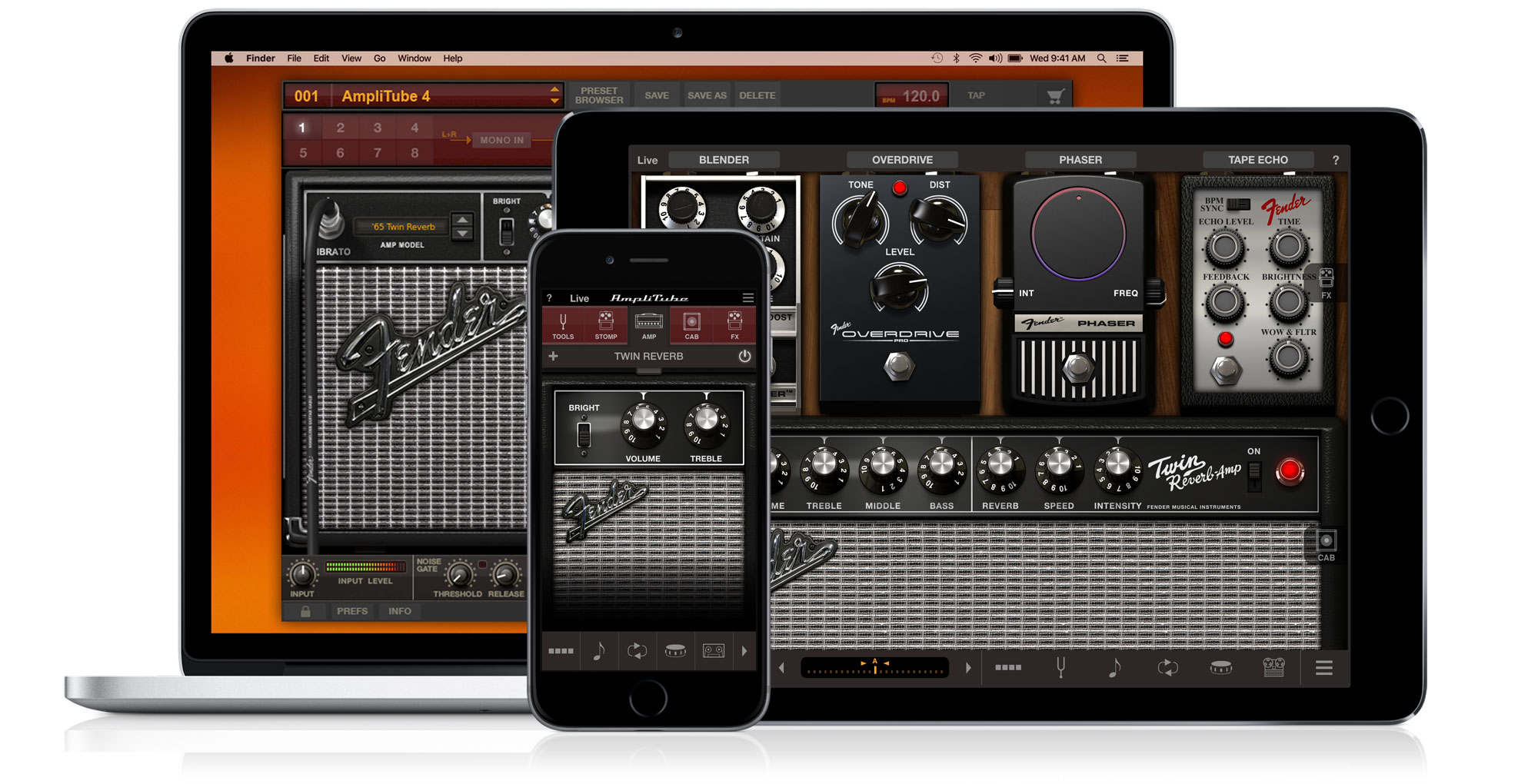
La seconda cosa che noterai riguardo AmpliTube è che suona meravigliosamente. Questo perché sfrutta lo stesso processore di segnale di AmpliTube Custom Shop per Mac/PC. Sentirai immediatamente la differenza: ecco perché AmpliTube è stato utilizzato in innumerevoli registrazioni ed è diventato uno standard degli studi professionali dell’industria musicale internazionale.
Scopri il confronto sonoro tra AmpliTube per iOS e per Mac/PC.
Diciamo che siamo ossessionati dai dettagli – ogni elemento del rig virtuale è stato meticolosamente modellato in modo da essere l’esemplare virtuale ultra-realistico del gear reale.
Preparati a salire sul palco
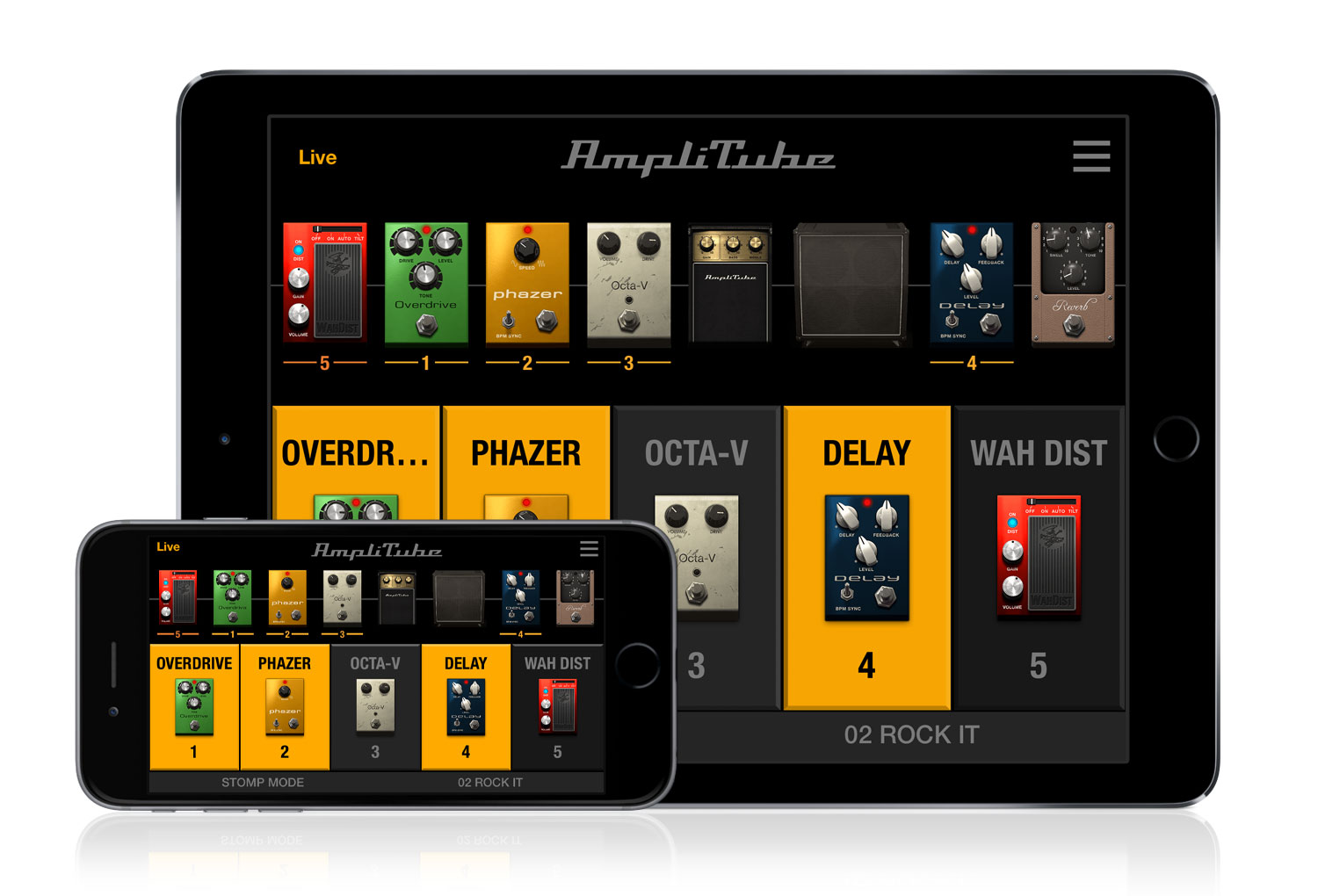
L’esclusiva sezione Live Mode di AmpliTube ti offre tutti i controlli e le informazioni di cui hai bisogno a portata di mano, grazie al layout facile da visualizzare mentre sei sul palco.
Avrai una visione globale dell’intera catena audio, con indicatori visivi su ciò che è attivo o meno e potrai gestire e cambiare facilmente i preset.
La sezione Live Mode si attiva con un semplice tocco ed elimina dall’interfaccia tutto ciò che può distrarre la tua performance.
Avrai una un’interfaccia ottimizzata per il live, senza mai sacrificare l’eccellenza di AmpliTube.
Padroneggia la performance
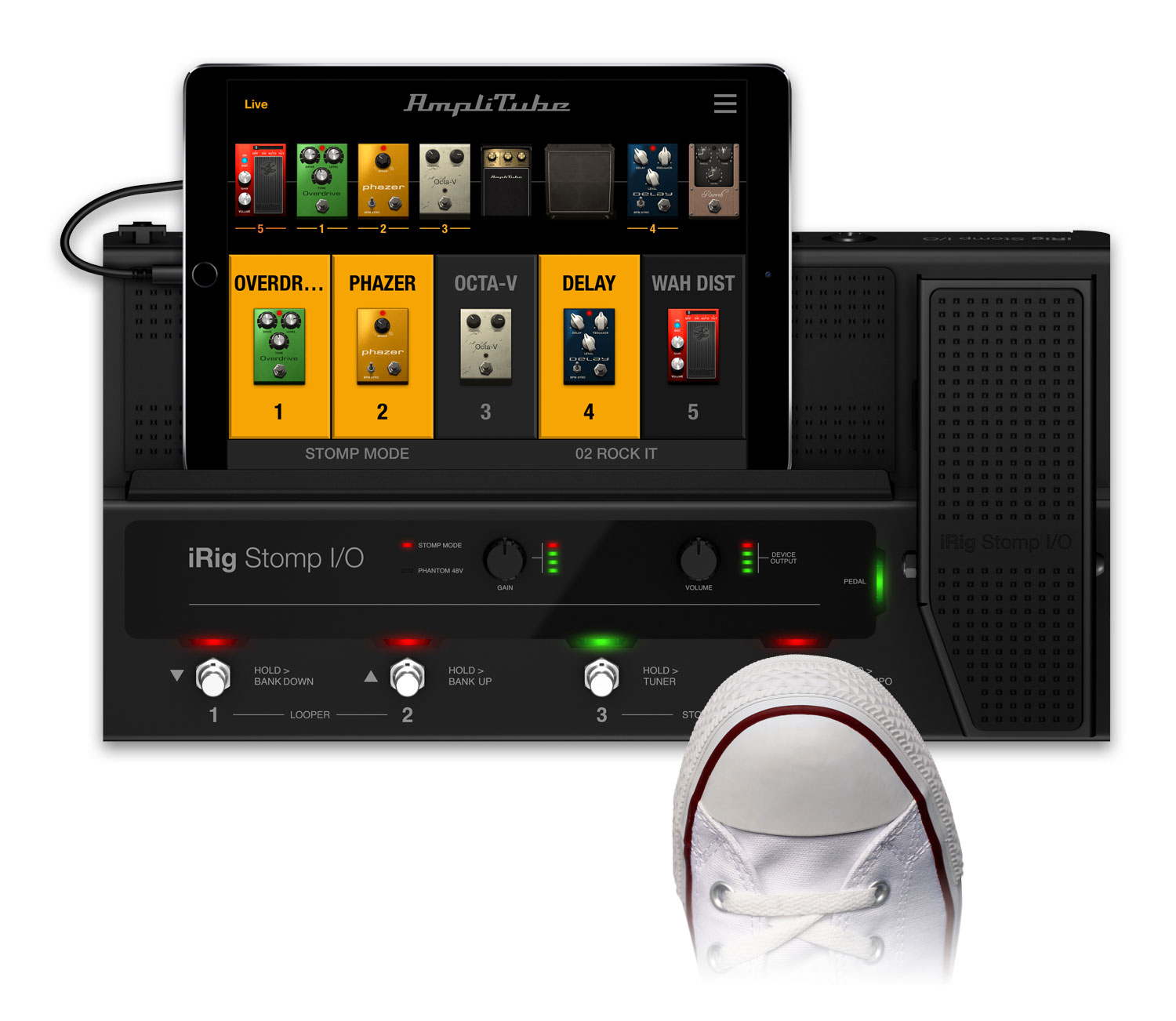
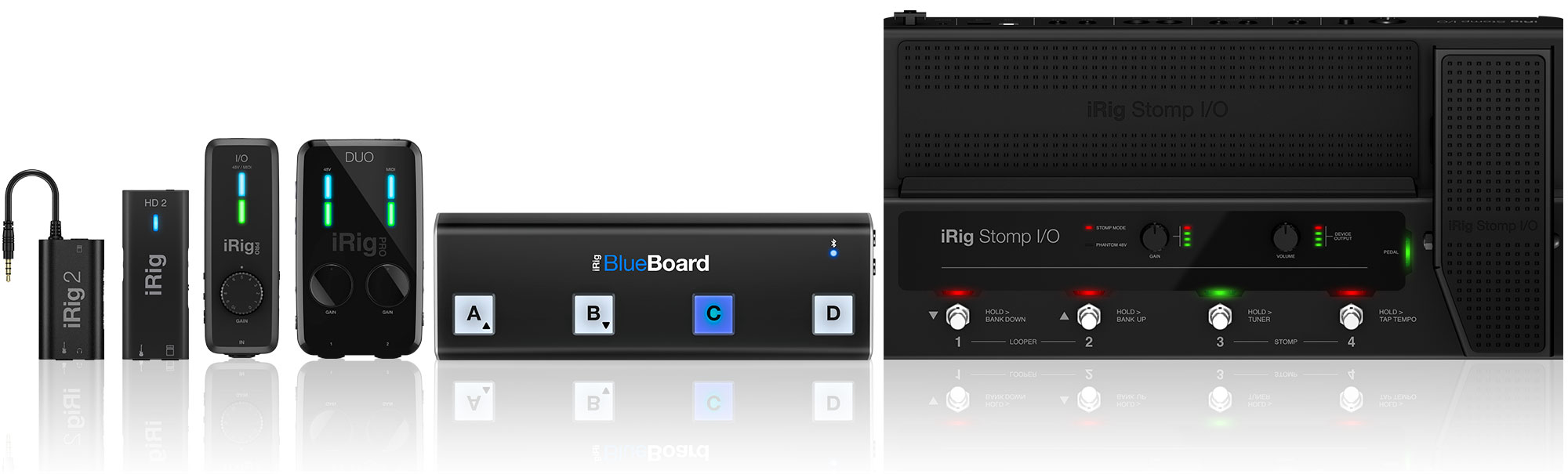
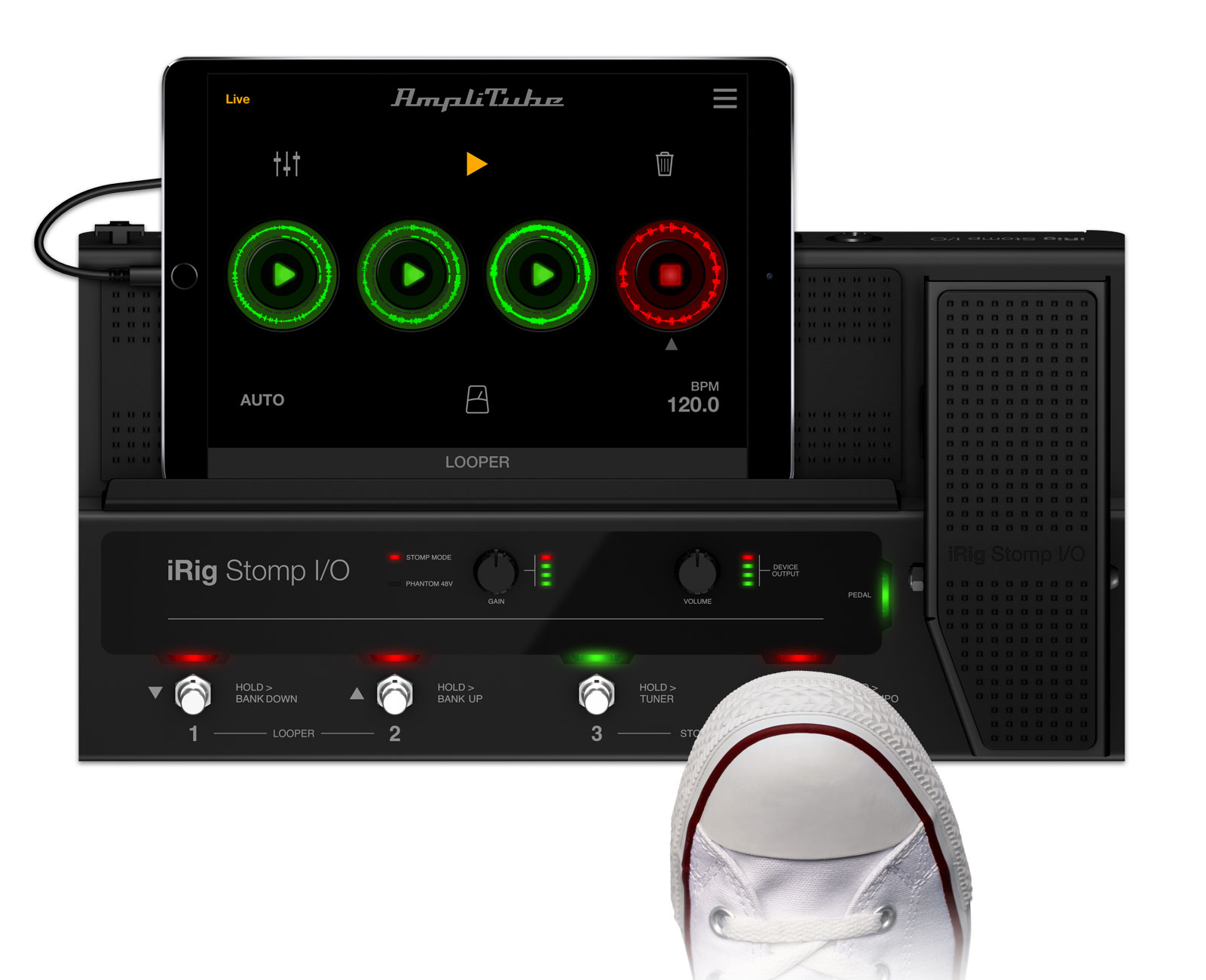
AmpliTube ti offre la possibilità di integrare altri device con facilità tramite una serie di controller. Connetti iRig Stomp I/O, il rivoluzionario pedalboard controller USB e interfaccia audio di IK che ti permette di accedere agli effetti stomp, cambiare i preset, gestire i settaggi e molto altro, come se stessi usando una pedaliera tradizionale. Connetti iRig BlueBoard per controllare ed editare preset ed effetti, il tutto comodamente wireless. AmpliTube è controllabile via MIDI con le interfacce di IK come iRig MIDI 2, che ti permettono di connettere controller esterni e abbinare patch e parametri in pochi semplici tocchi

Un gear senza precedenti
AmpliTube è dotato di una sorprendente collection di gear virtuali che include 18 effetti stompbox variegati (Swell, Electric Flanger, Crusher, Dcomp, FeedBack, Phazer 10, Delay, Fuzz, Overdrive, Wah, Envelope Filter, Chorus, Flanger, Phazer, Octave, Noise Filter, Volume e Distortion), 8 amplificatori (British Copper 30 TB, Vintage Metal Lead, 360Bass, Clean, Crunch, Lead, Metal e Bass), 10 speaker cabinet e 2 microfoni (Dynamic 87 e Condenser 87).
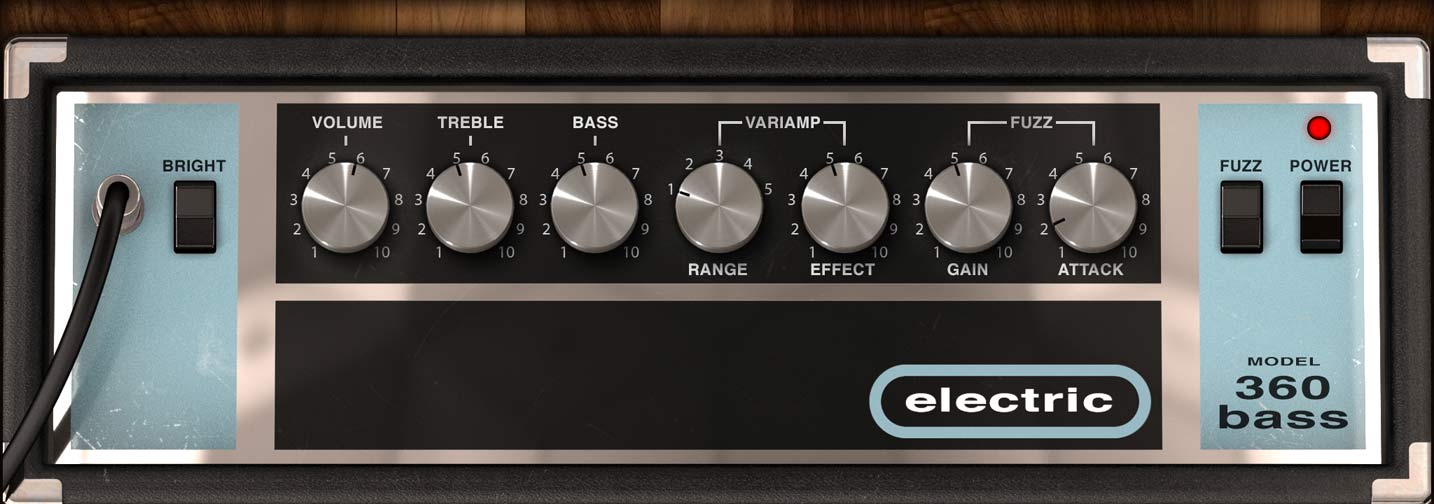
360Bass
Based on Acoustic® 360™ bass preamp
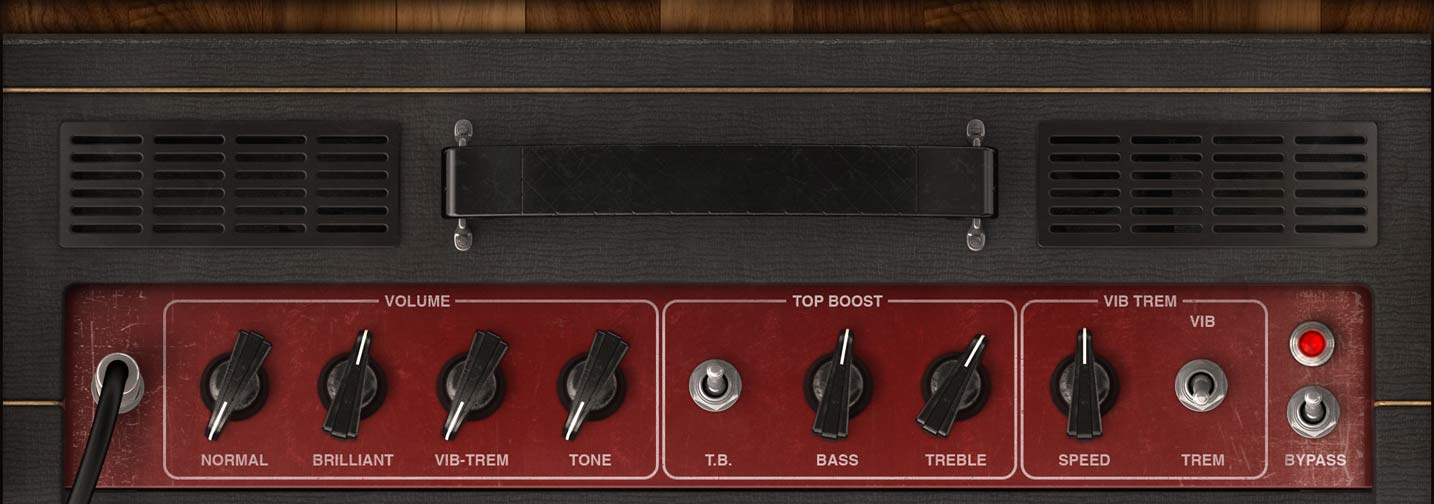
British Copper 30 TB
Based on Vox® AC30™ - copper panel
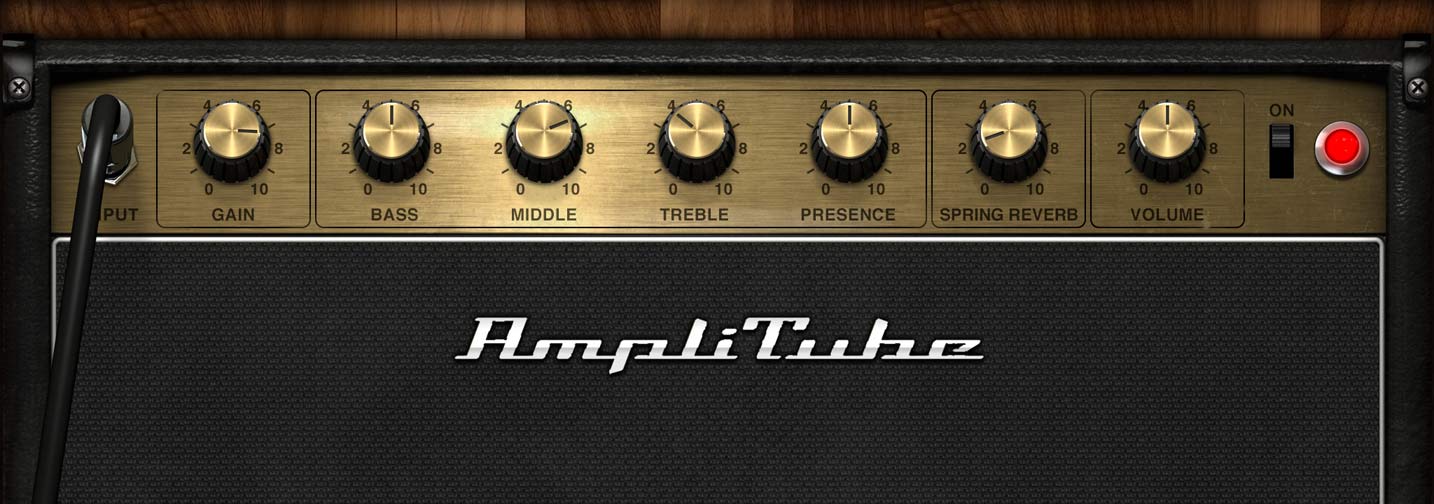
Vintage Metal Lead
Based on Marshall® JMP100™ head
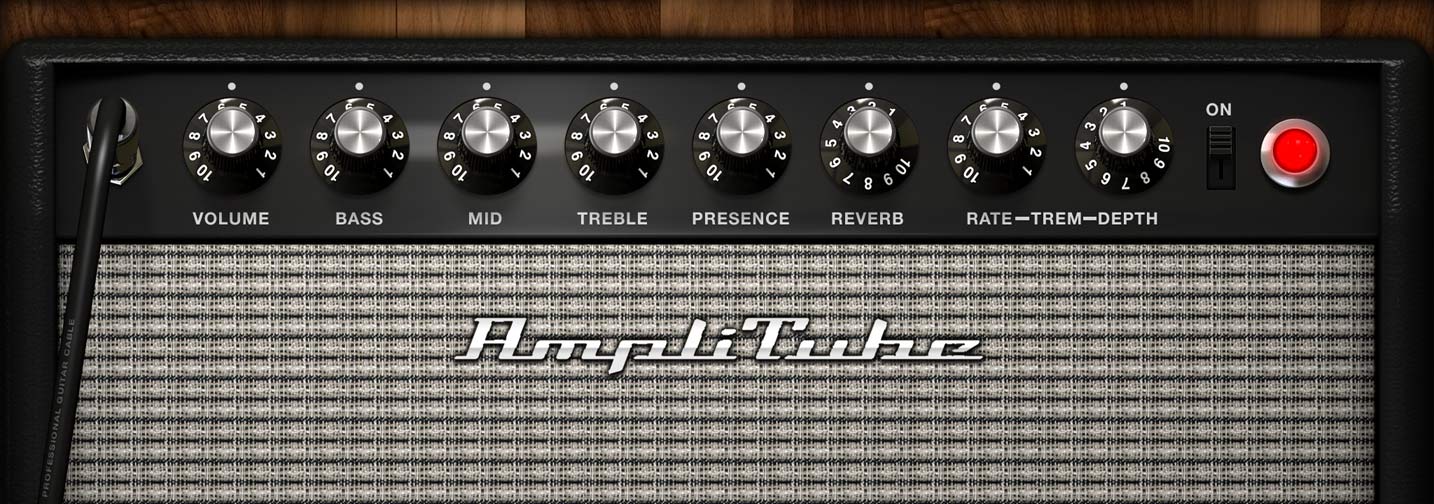
Clean
Based on Fender® blackface Deluxe Reverb®
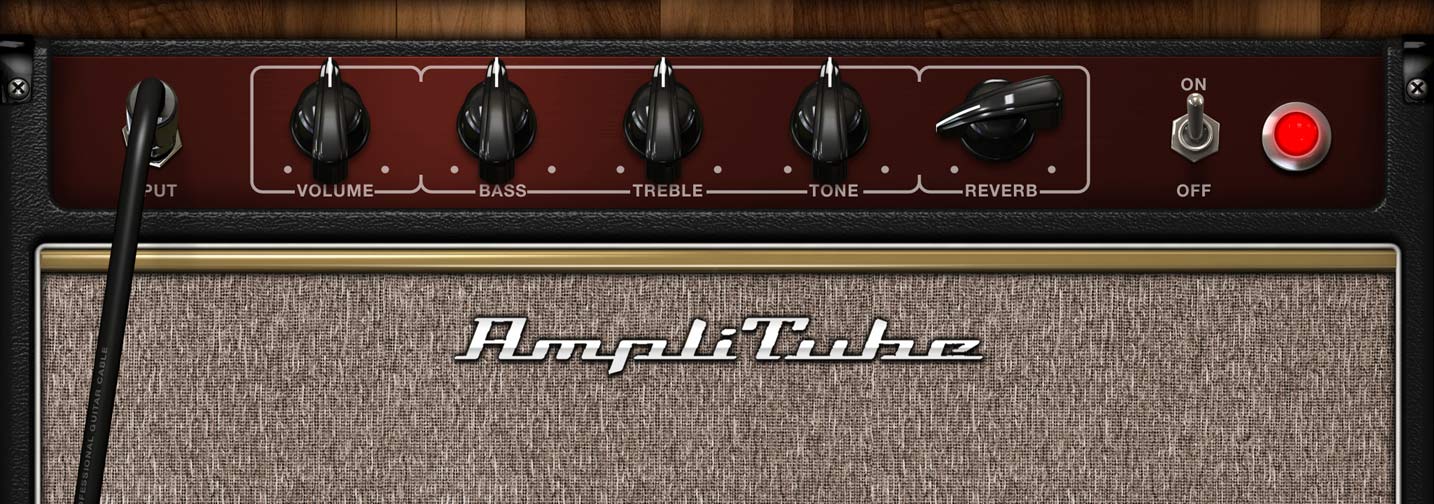
Crunch
Based on Vox® AC30™
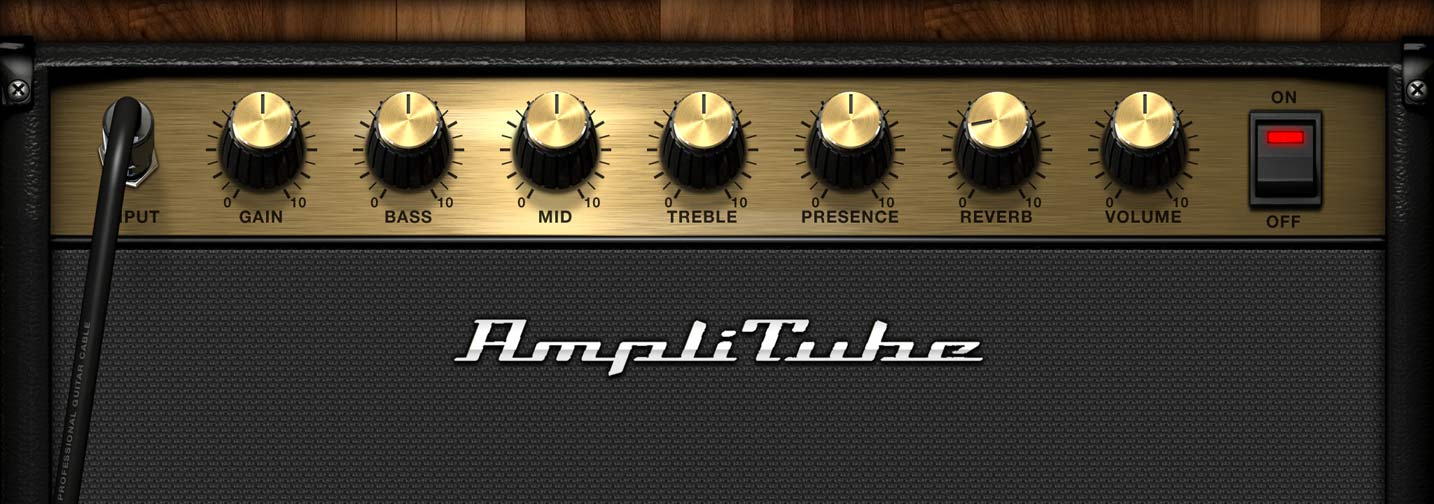
Lead
Based on Marshall® JCM800
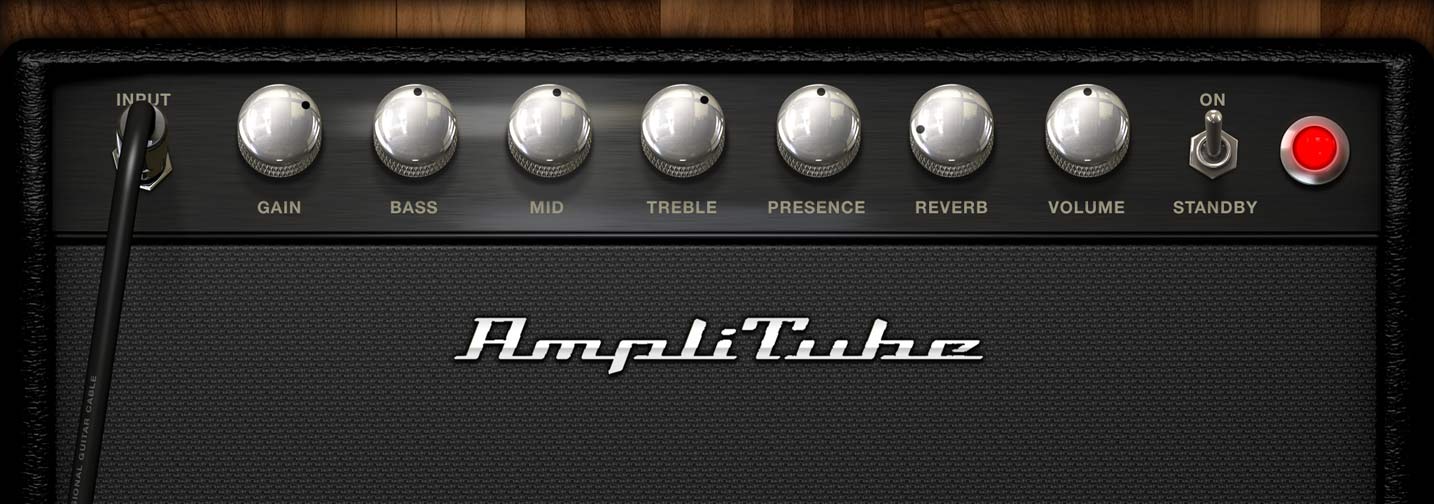
Metal
Based on Mesa/Boogie® Triple Rectifier® (Lead Channel)
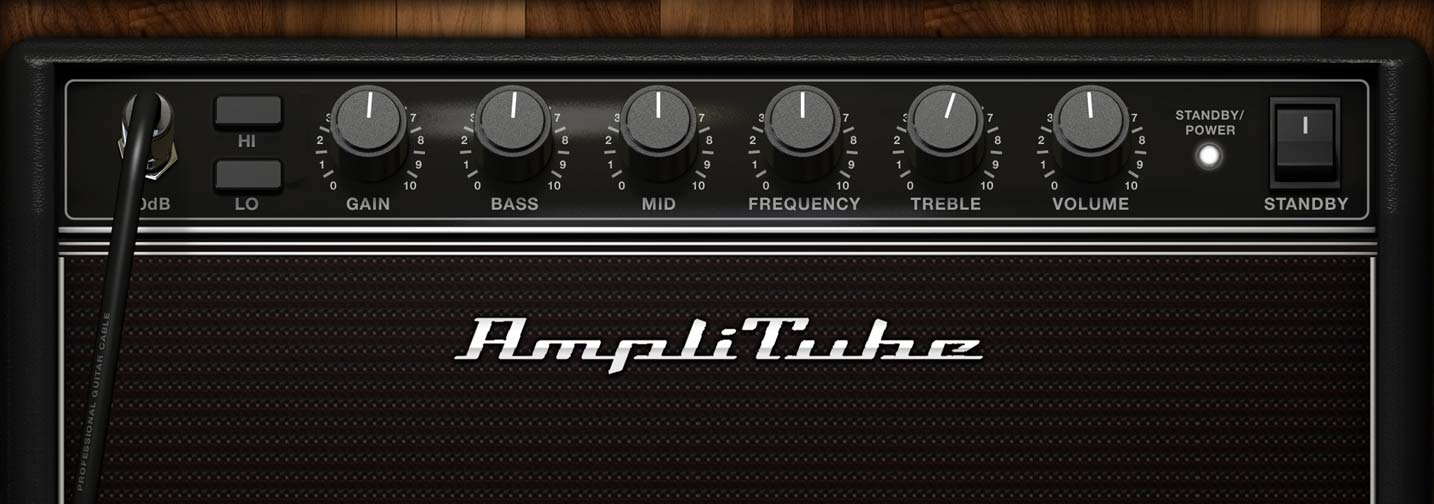
Bass
Based on Ampeg® SVT classic bass head
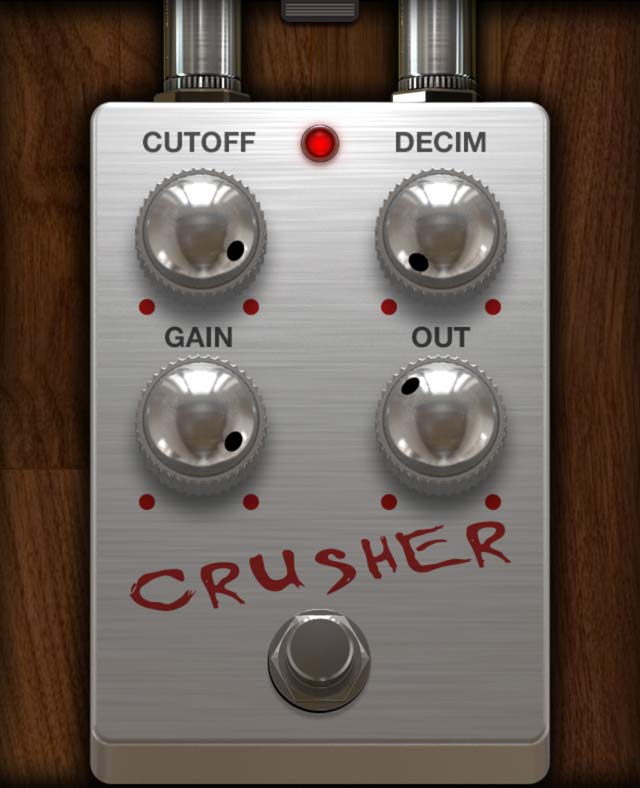
Crusher
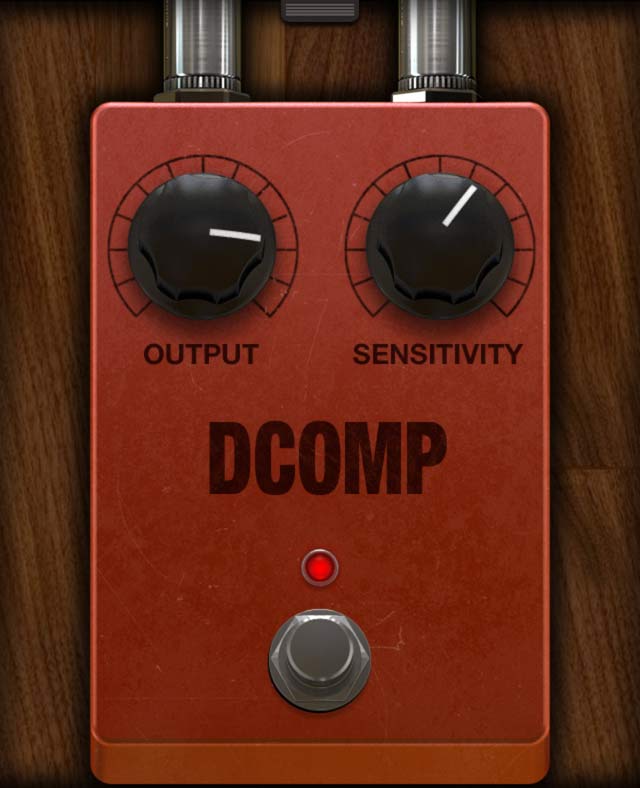
Dcomp
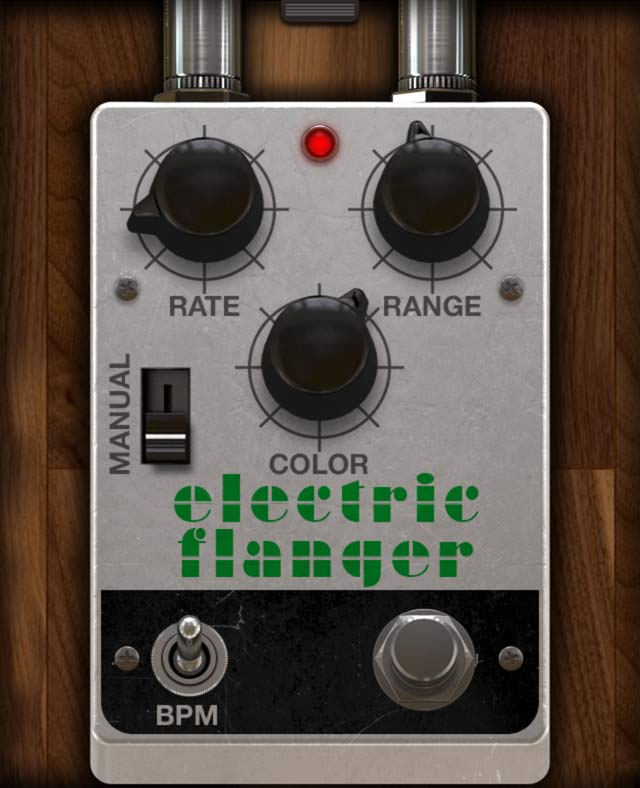
Electric Flanger
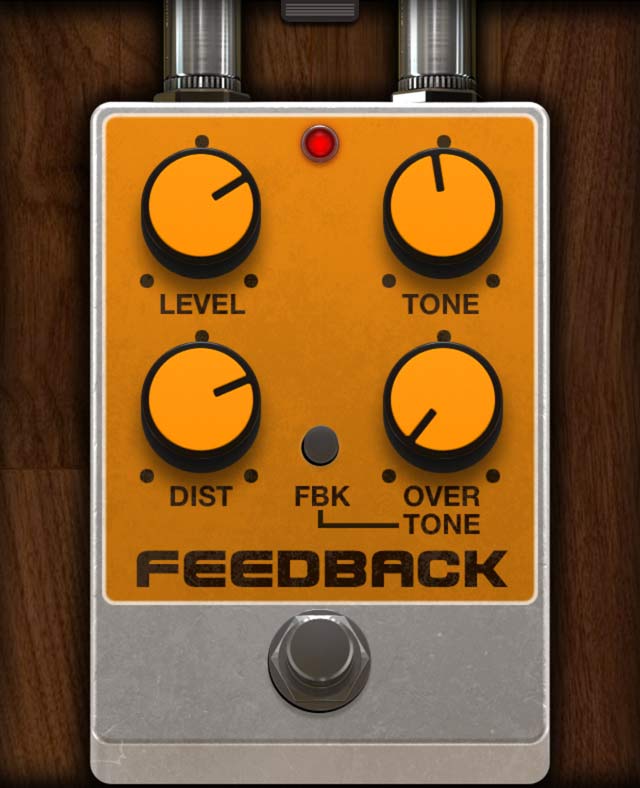
Feedback
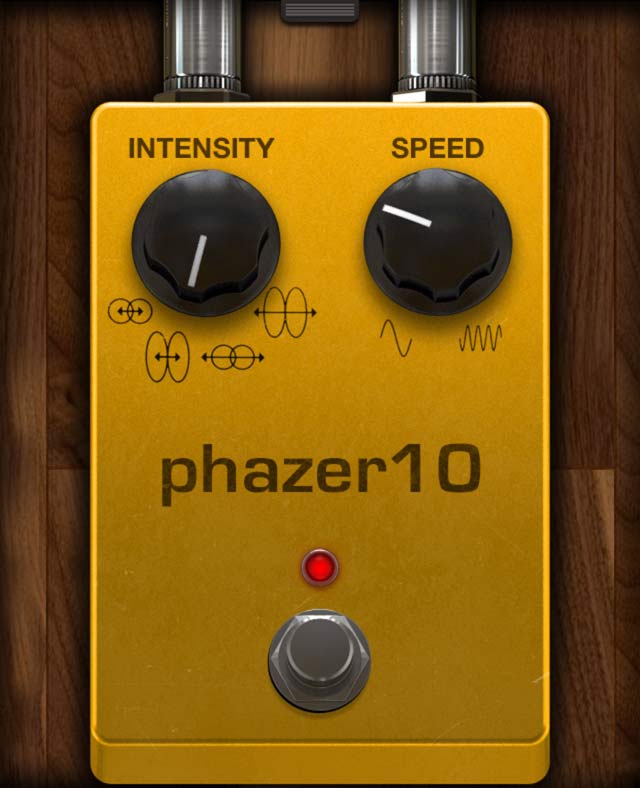
Phazer 10
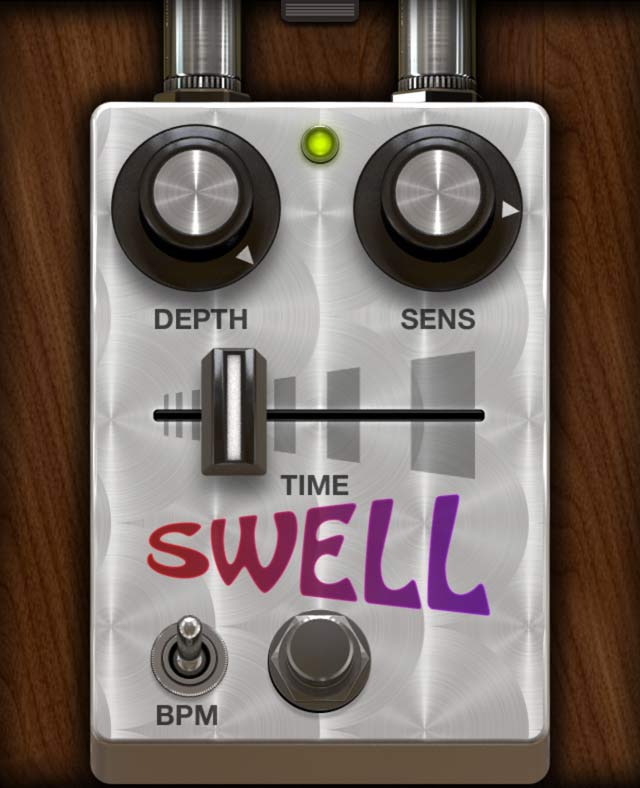
Swell
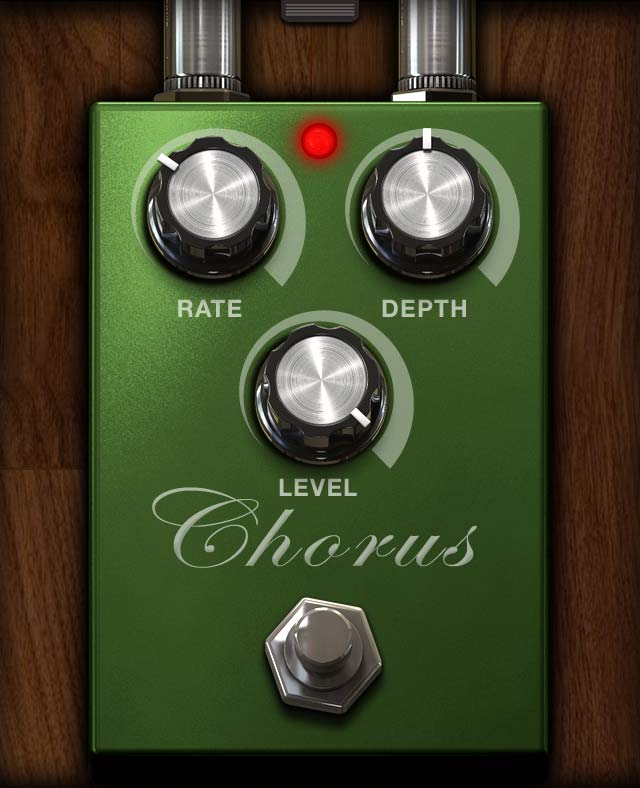
Chorus
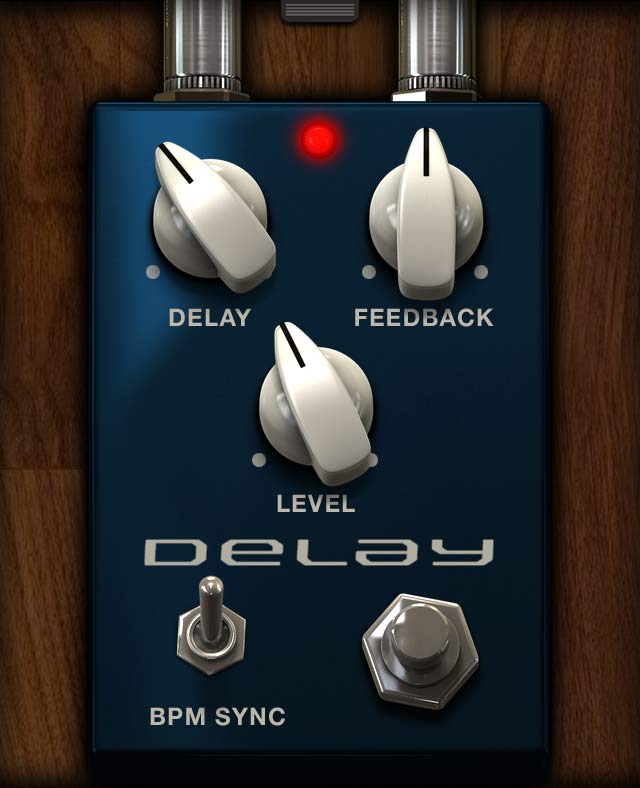
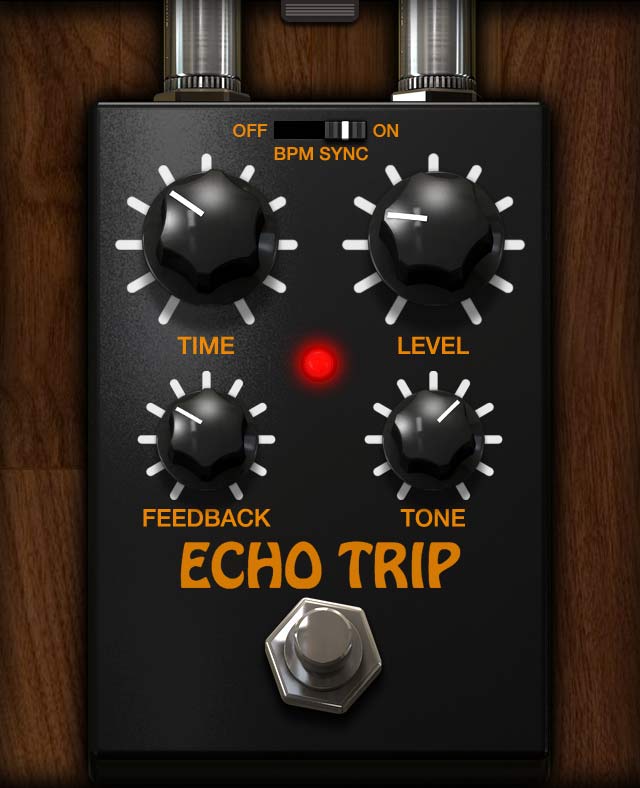
Delay
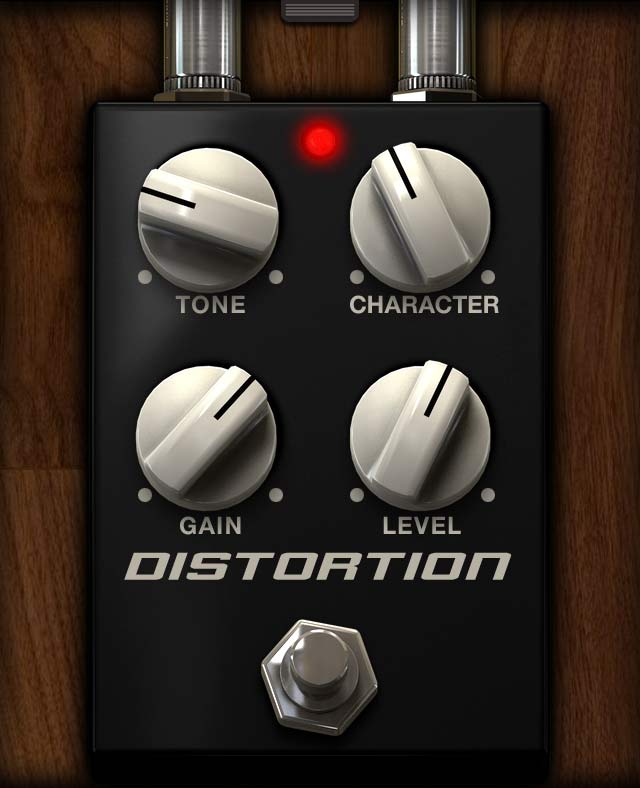
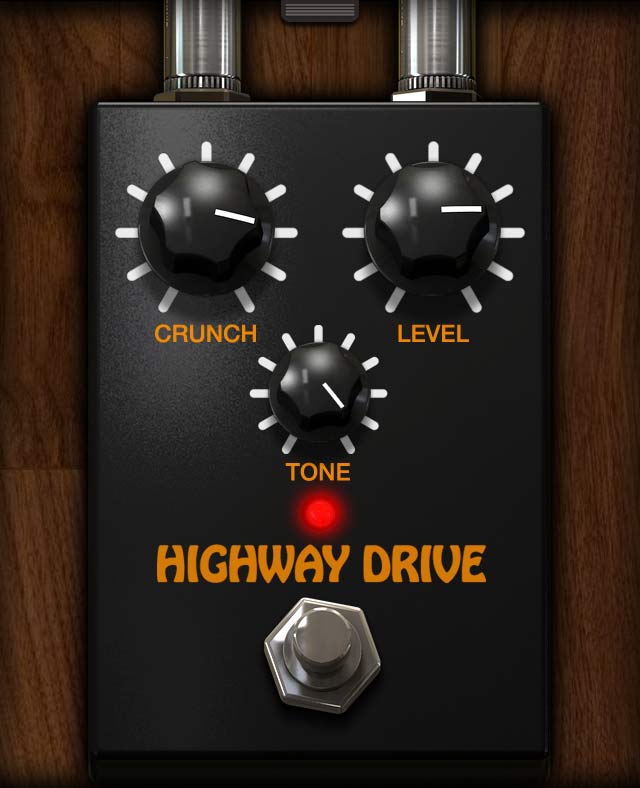
Distortion
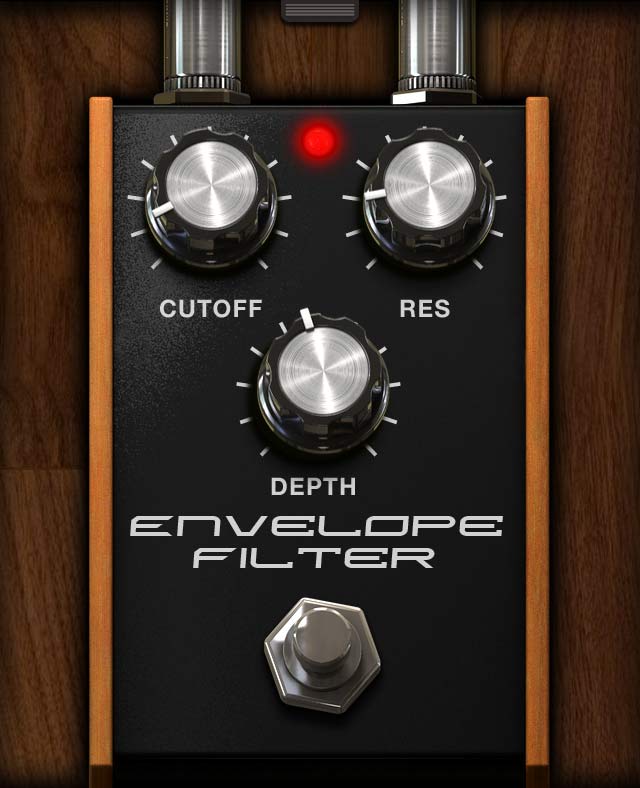
Envelope Filter
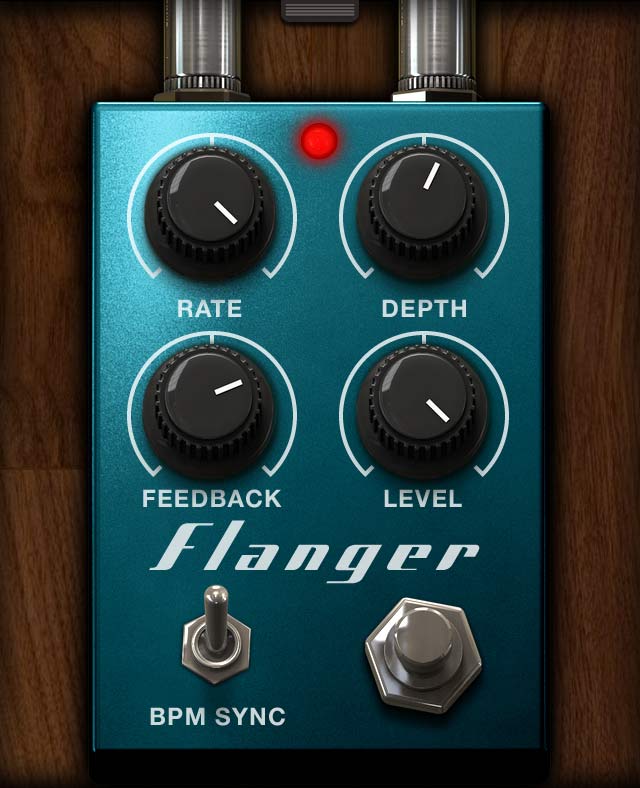
Flanger
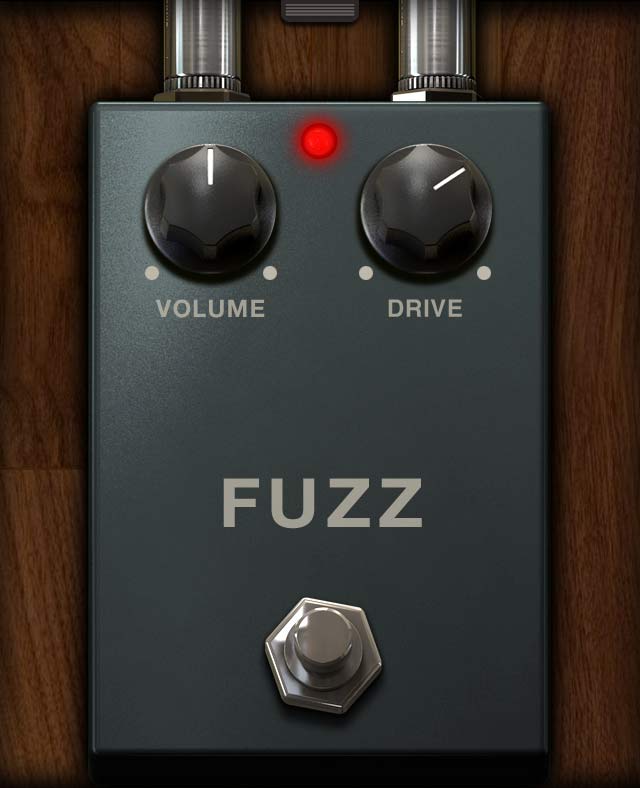
Fuzz
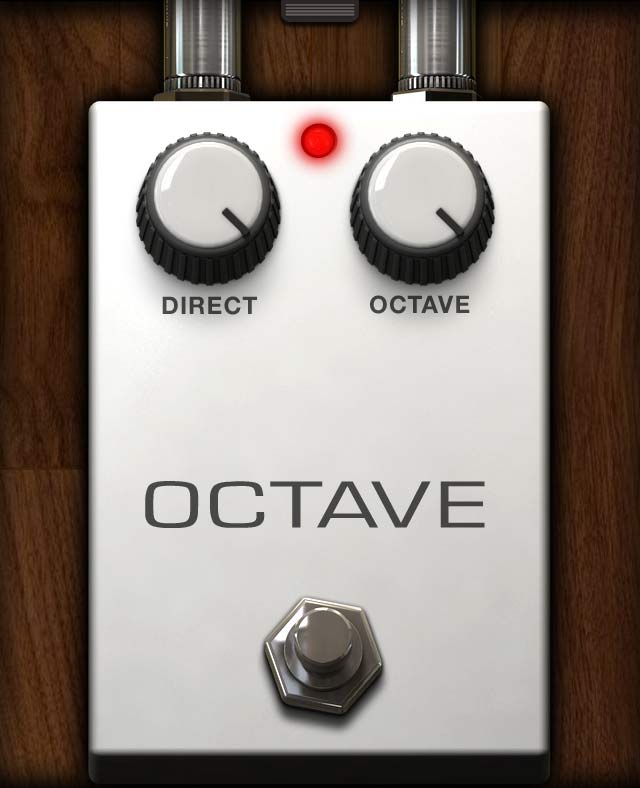
Octave
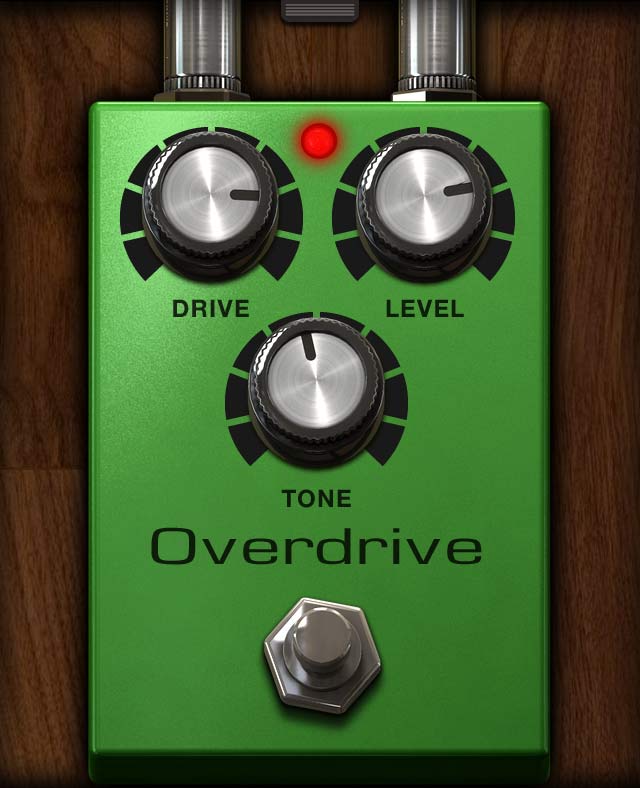
Overdrive
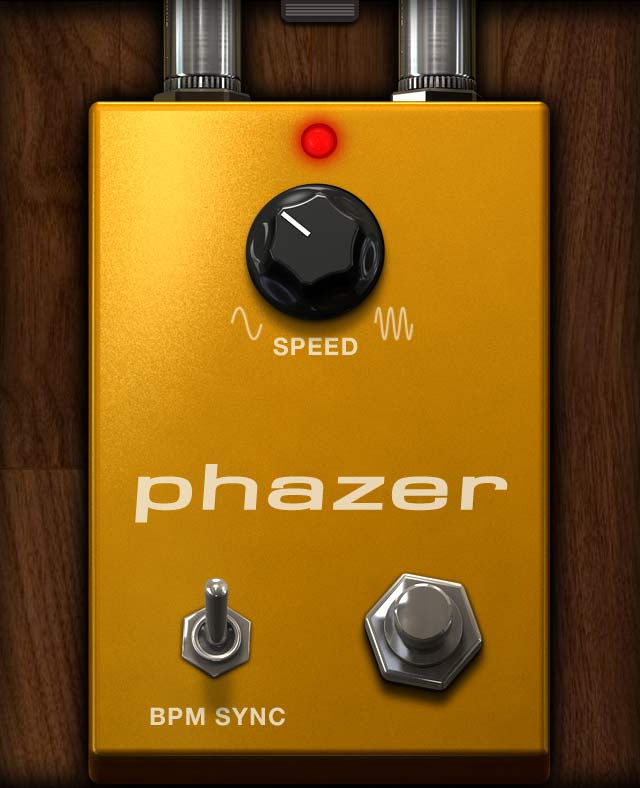
Phazer
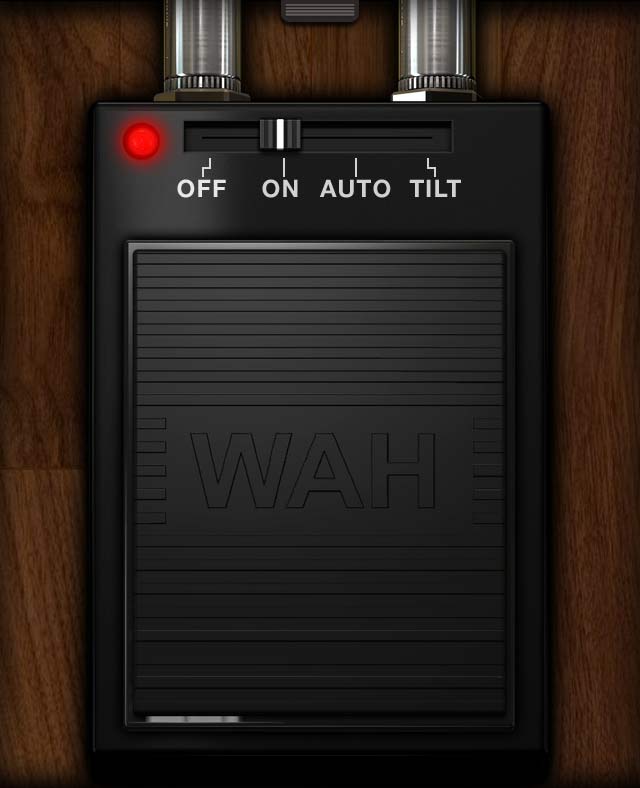
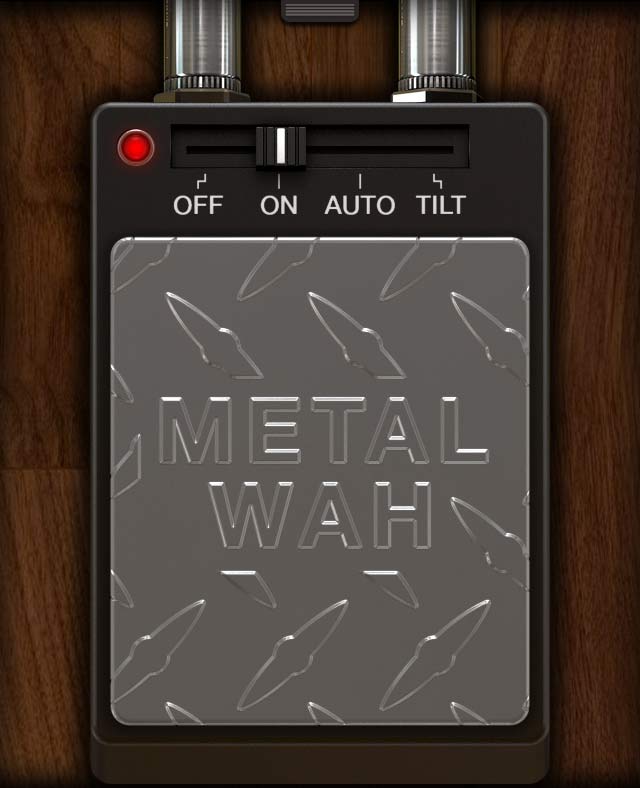
Wah
Il gear di default ti offre un ottimo punto di partenza, ma non dimenticare che potrai sempre estendere il tuo rig scegliendo tra moltissimi modelli acquistabili come acquisti in-app.
I modelli disponibili sono nati da collaborazioni con i brand più importanti ed iconici dell’industria musicale, come MESA/Boogie®, Orange®, Fender®, ENGL® e molti altri. Puoi scegliere anche tra le Artist Collections, come Joe Satriani Collection, Brian May Collection e Dimebag Darrell CFH Collection. Non ti resta che scegliere, proprio come faresti nel tuo negozio di strumenti musicali preferito. Vuoi suonare come i tuoi idoli? AmpliTube ti offre il gear; il resto “is up to you”.
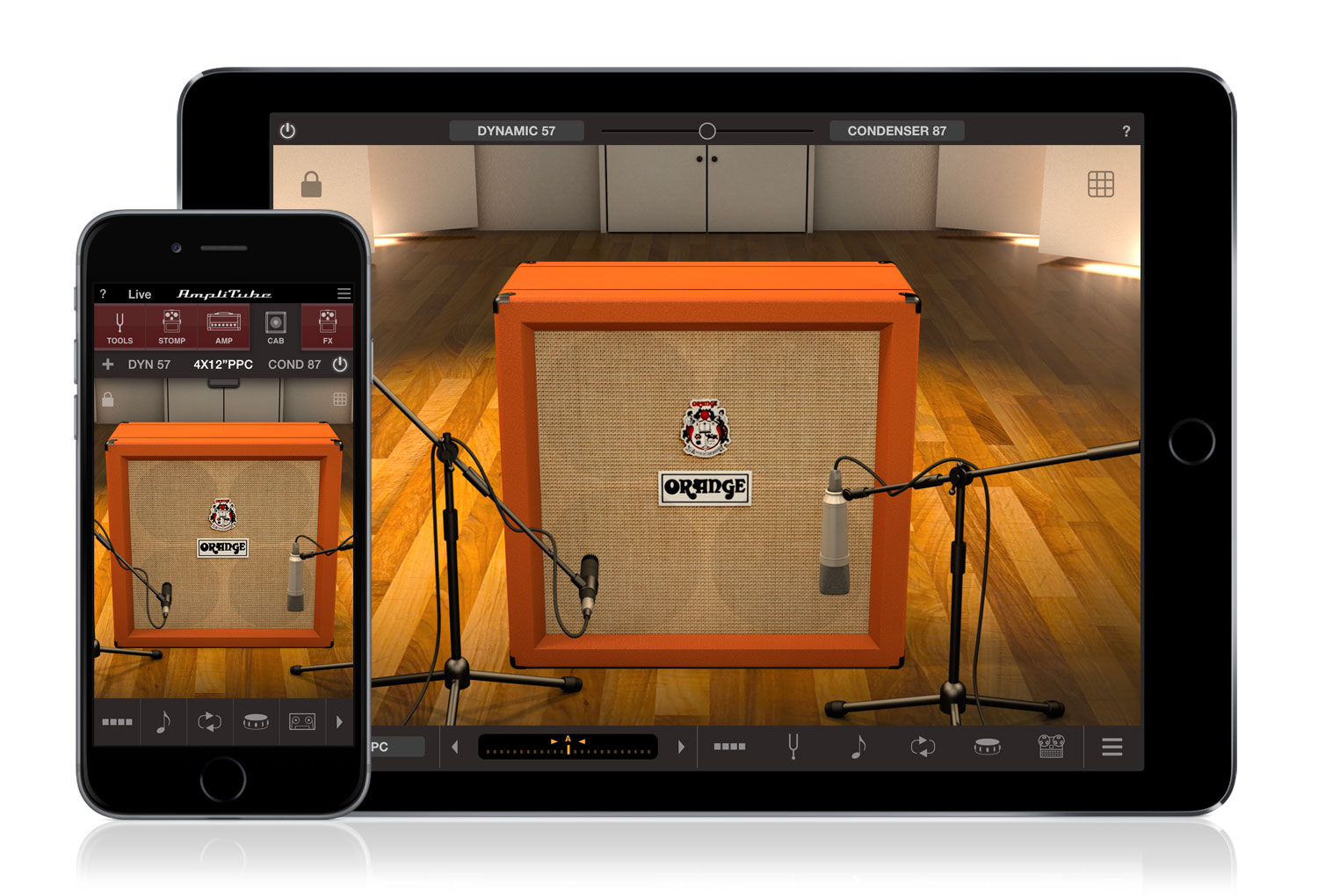
Microfona gli ampli nella Cab Room
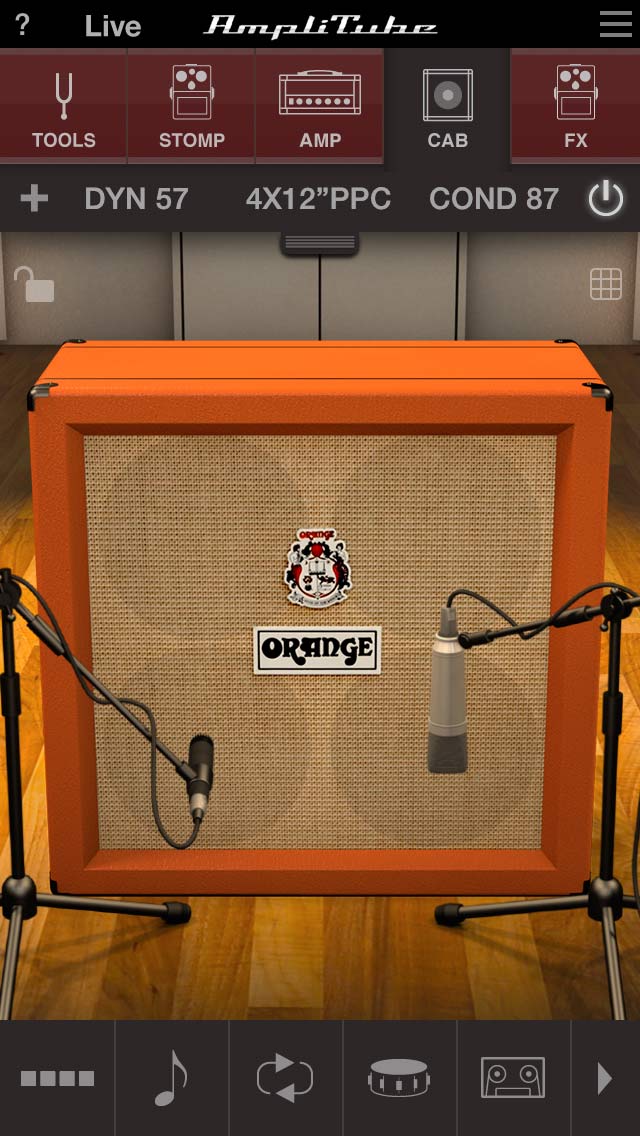
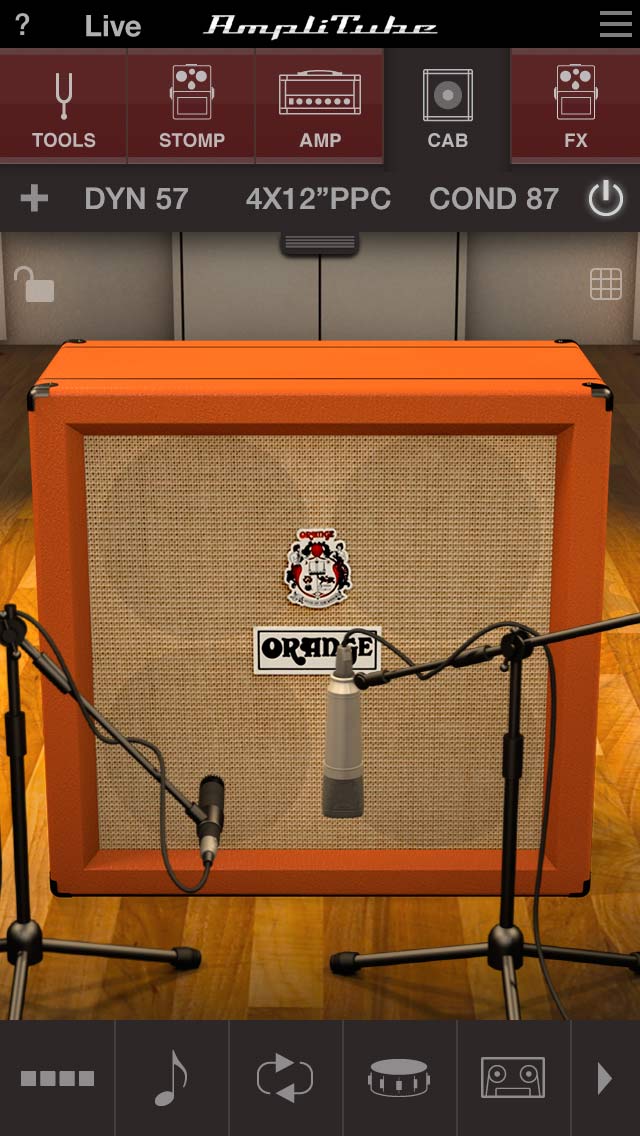
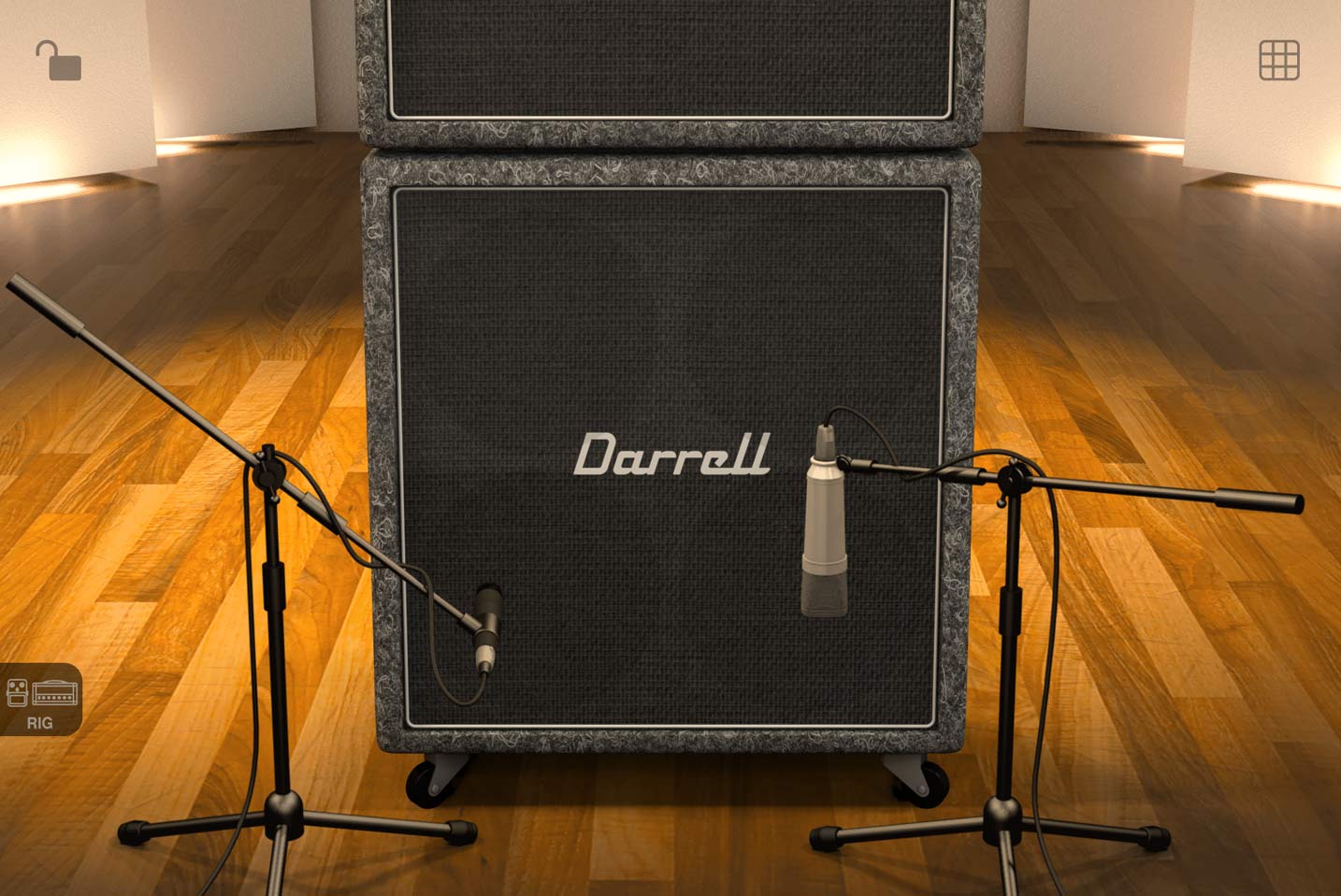
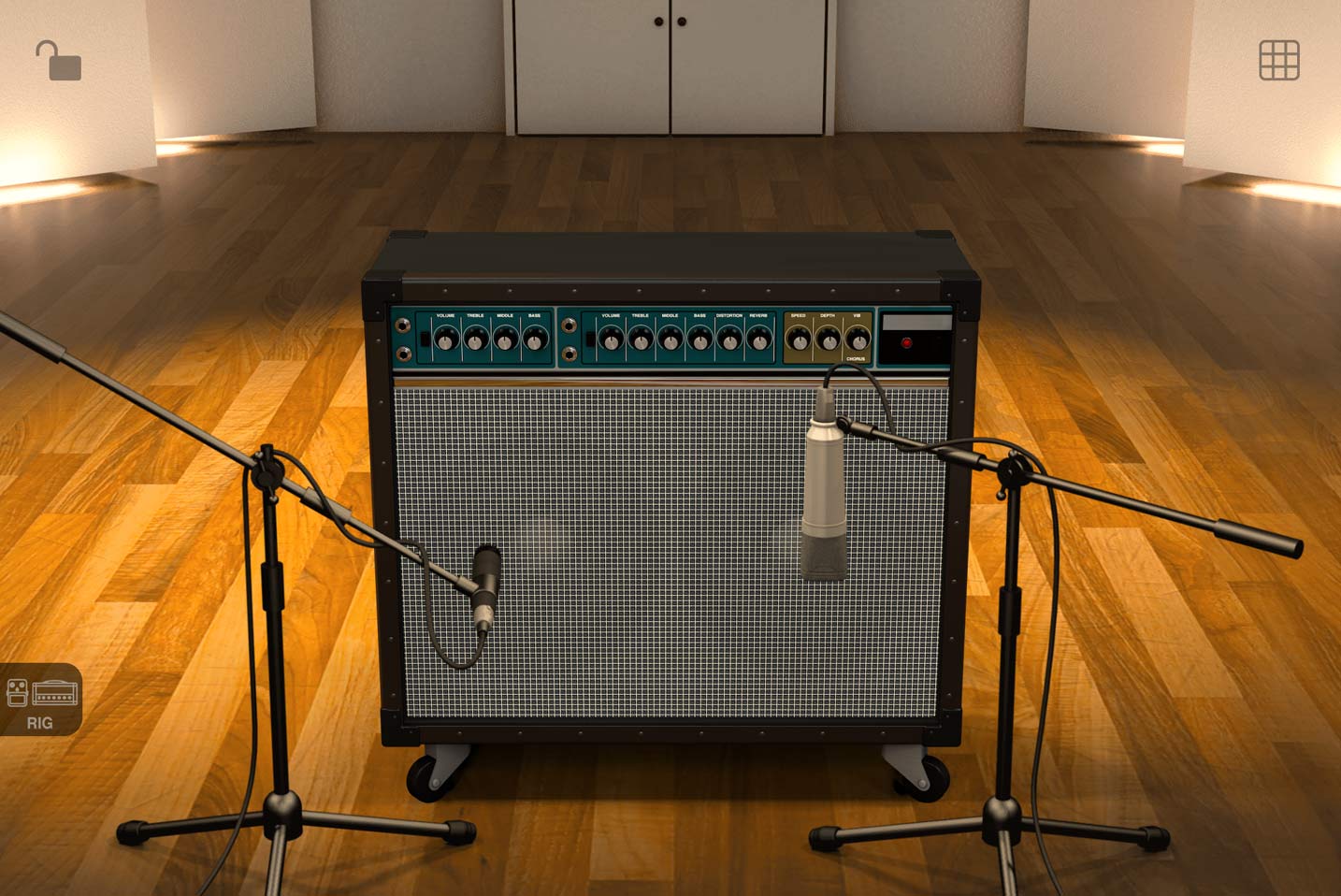
Sperimenta ed esplora nuove sonorità con AmpliTube. Accedi alla “Cab Room” per scegliere la cassa desiderata e microfonarla con un massimo di 2 microfoni diversi.
Da qui puoi trovare facilmente la posizione ideale per microfonare il tuo amplificatore o provare nuove combinazioni creative per creare nuovi sound personalizzati.
Lo studio di registrazione professionale portatile
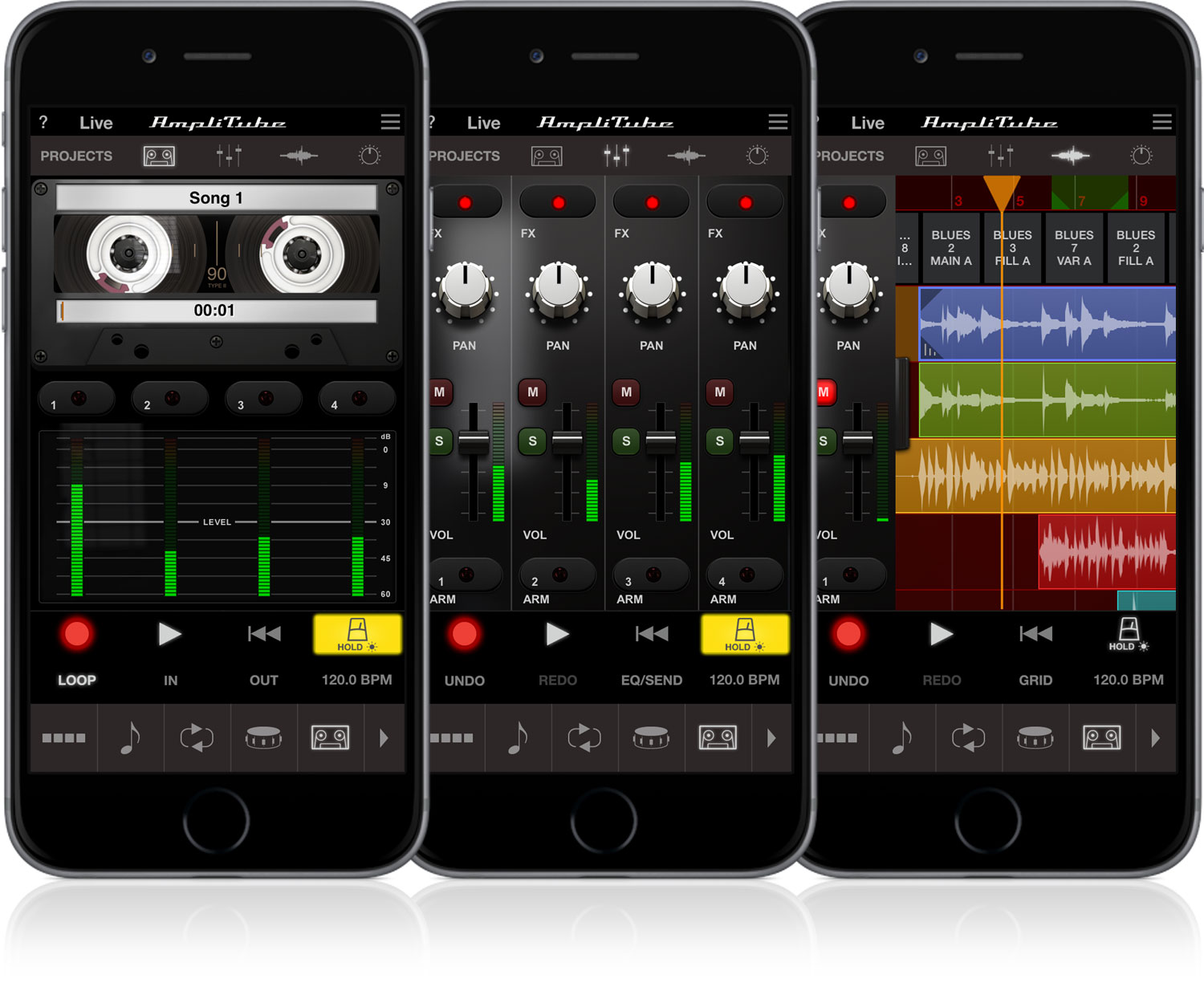
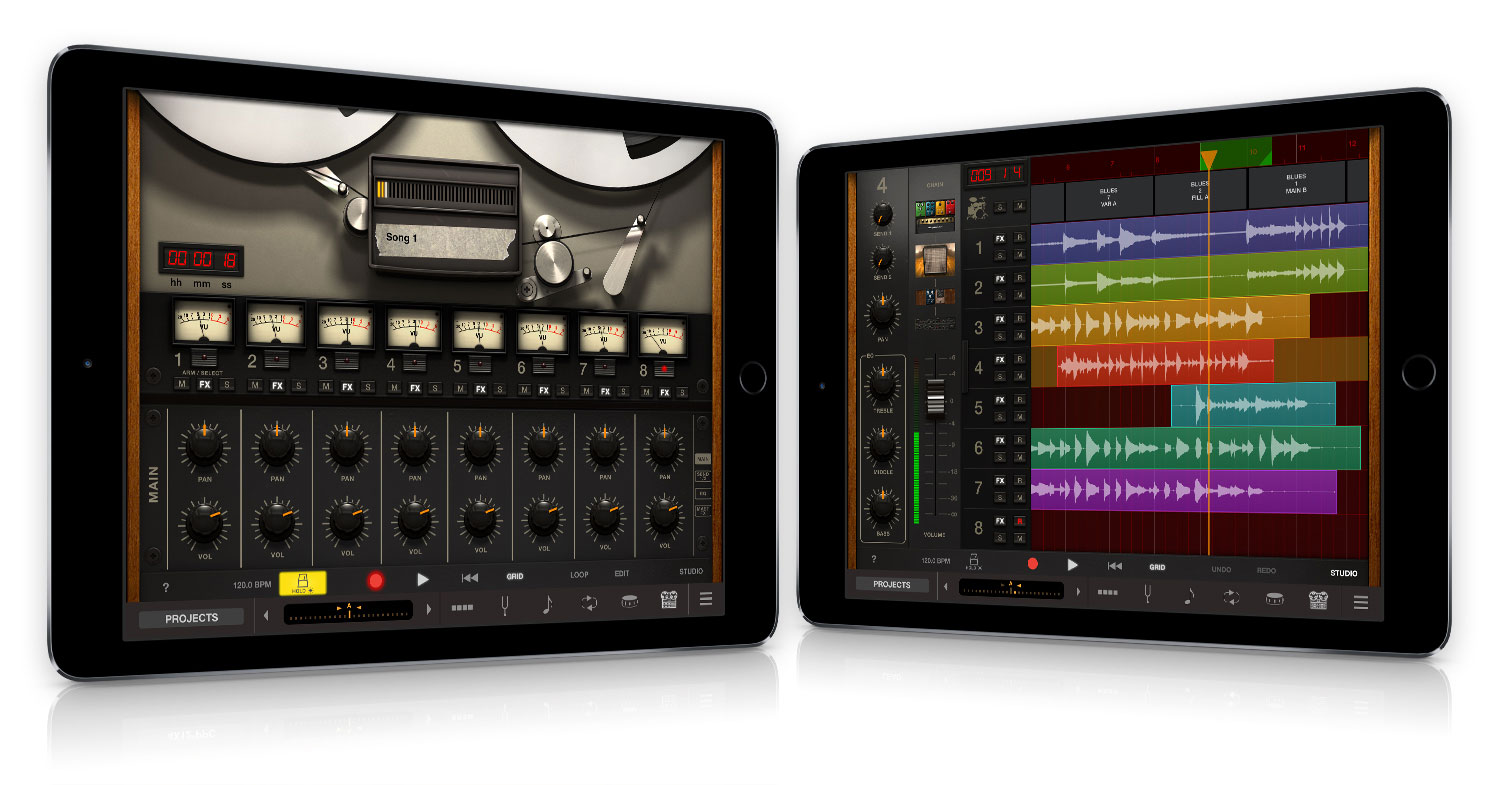
Potrai registrare tutti i riff che ti vengono in mente e trasformarli in autentici brani grazie alle feature per il recording di AmpliTube. L’app include un sistema di editing, mixing e recording che può essere esteso a un massimo di 8 tracce registrate simultaneamente. Il mixer ti mette a disposizione vari controlli per personalizzare le tue tracce: mute, solo, pan, level, mandate per ogni canale e molto altro.
E, come se non bastasse, la sezione Studio di AmpliTube ti permette di sfruttare il notevole potenziale del timeline editing, disegnato come una DAW professionale. Questo significa che puoi comporre, riarrangiare, re-mixare, editare e produrre brani da zero, ovunque ti trovi. Terminato il lavoro, puoi esportare e condividere i tuoi successi in formato WAV o m4A.
Groove man!
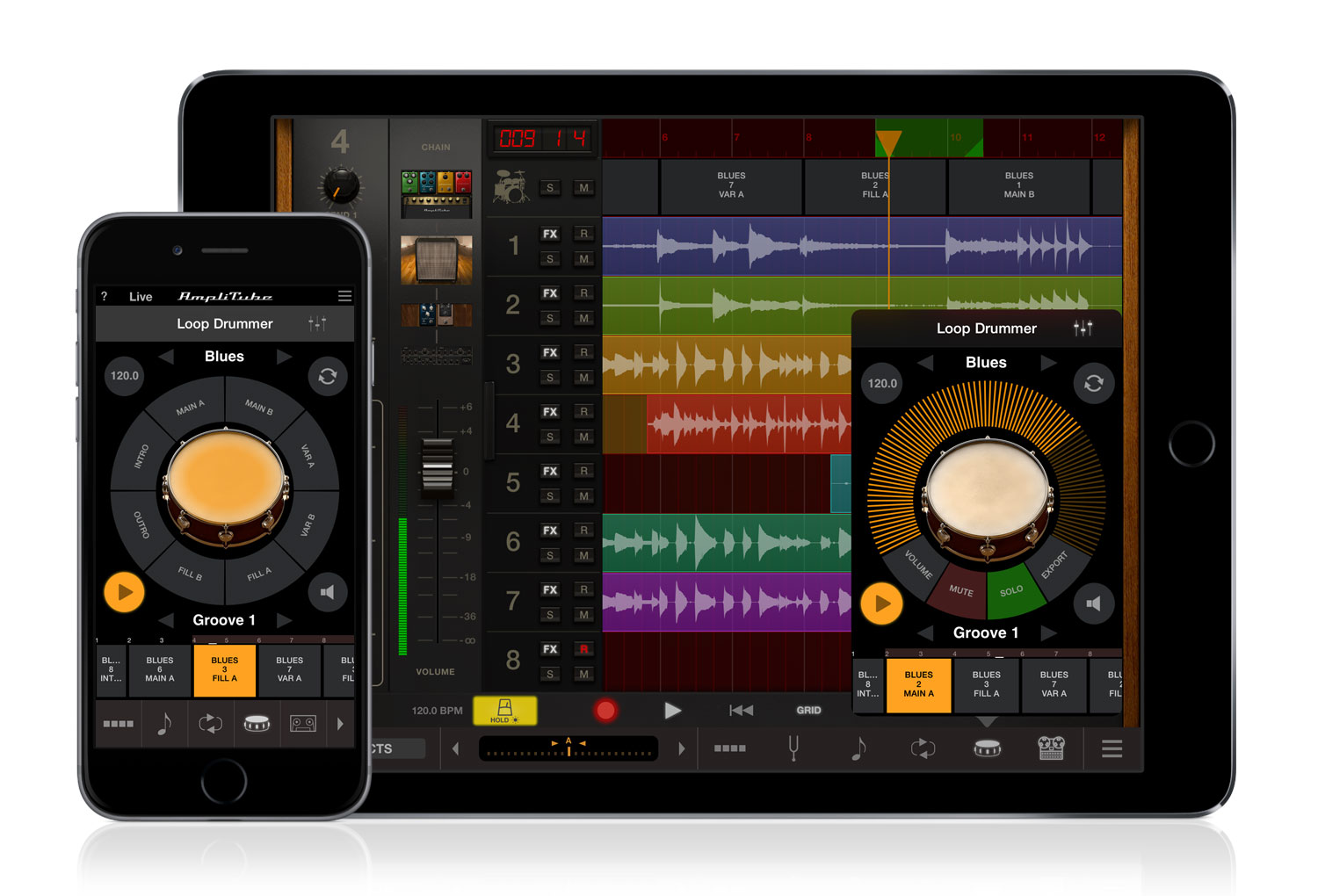
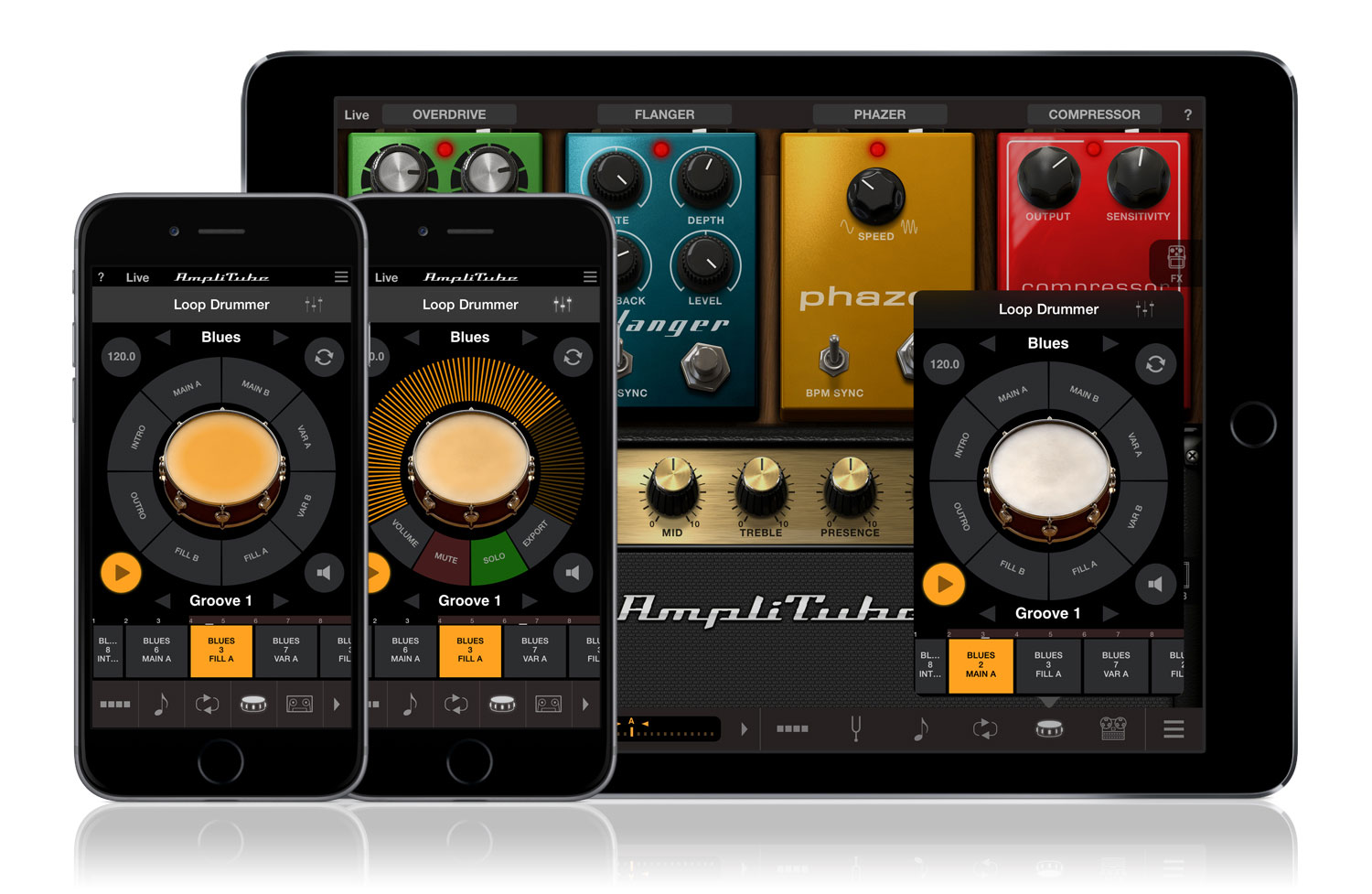
AmpliTube ha un’arma segreta: si chiama Loop Drummer. In pratica, una drum machine basata su dei loop che offre la possibilità di creare tracce di batteria con cui registrare, jammare o fare pratica.
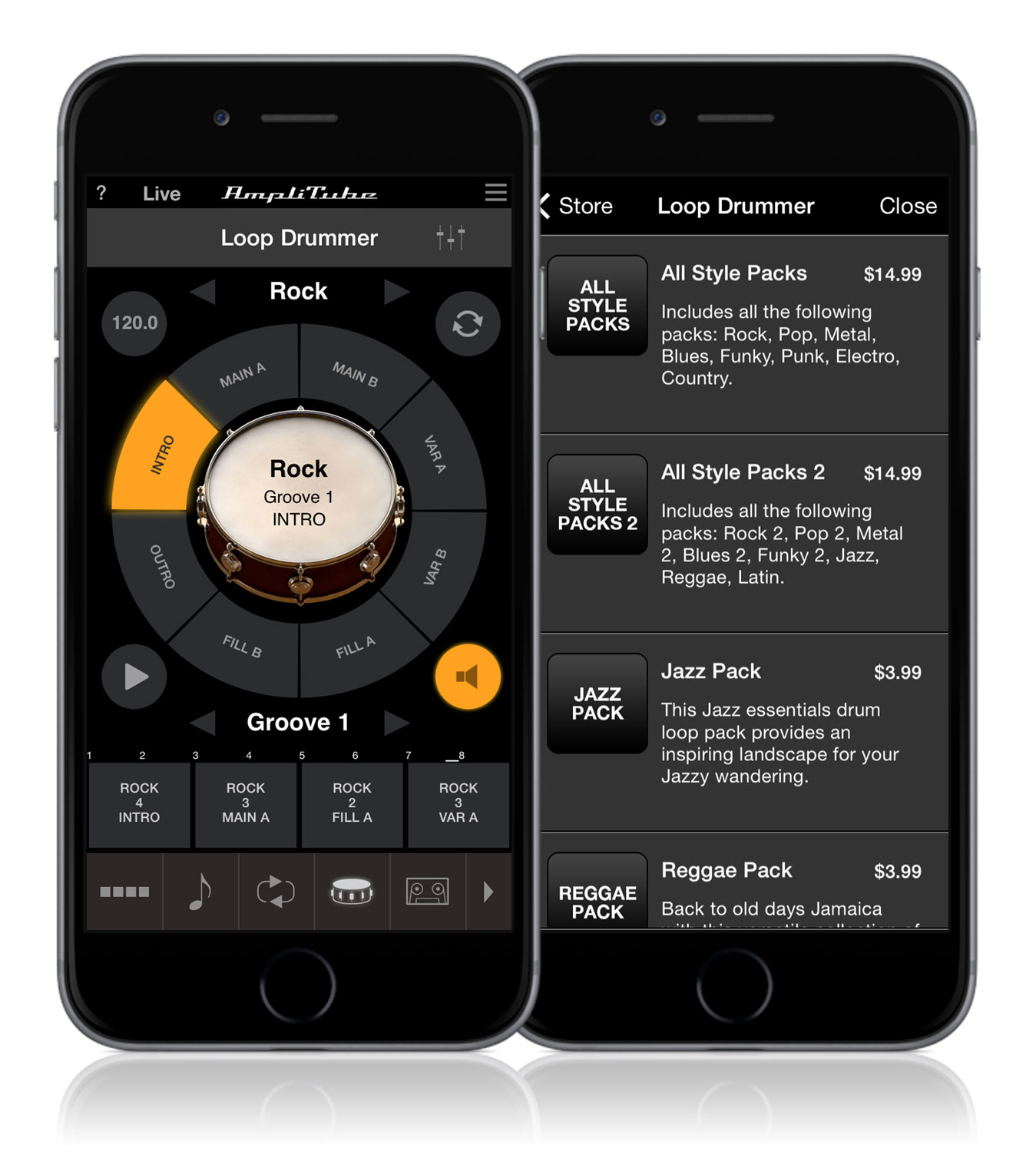
Loop Drummer comprende una selezione di loop rock, espandibile grazie ad una vasta libreria di Style Packs aggiuntivi (composti da 64 loop in ognuno) che coprono ogni genere musicale: Rock, Blues, Country, Pop, Funk, Punk, Metal, Elettronica e molto altro. Puoi scegliere tra un totale di 500 loop!
Un looper…super!
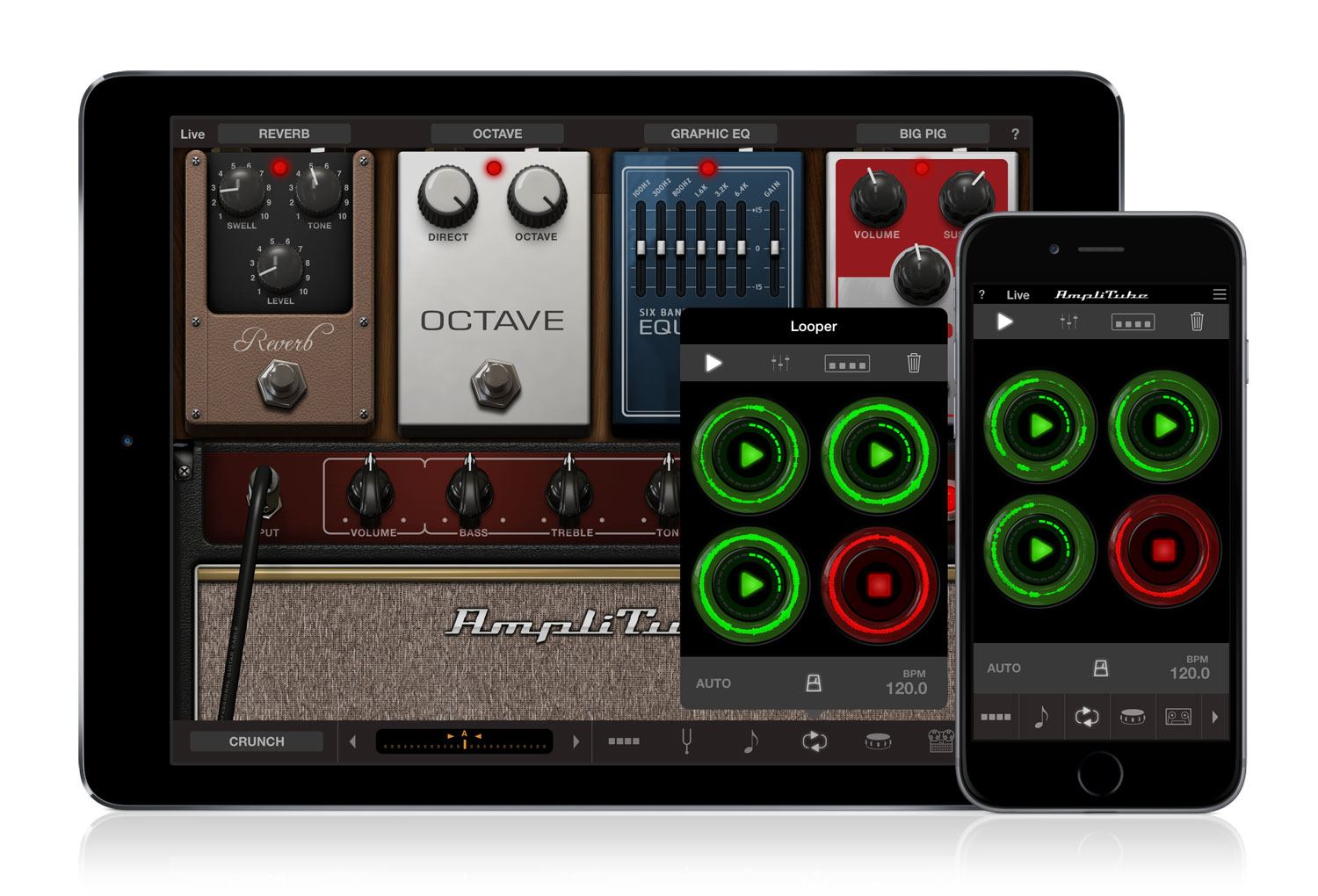
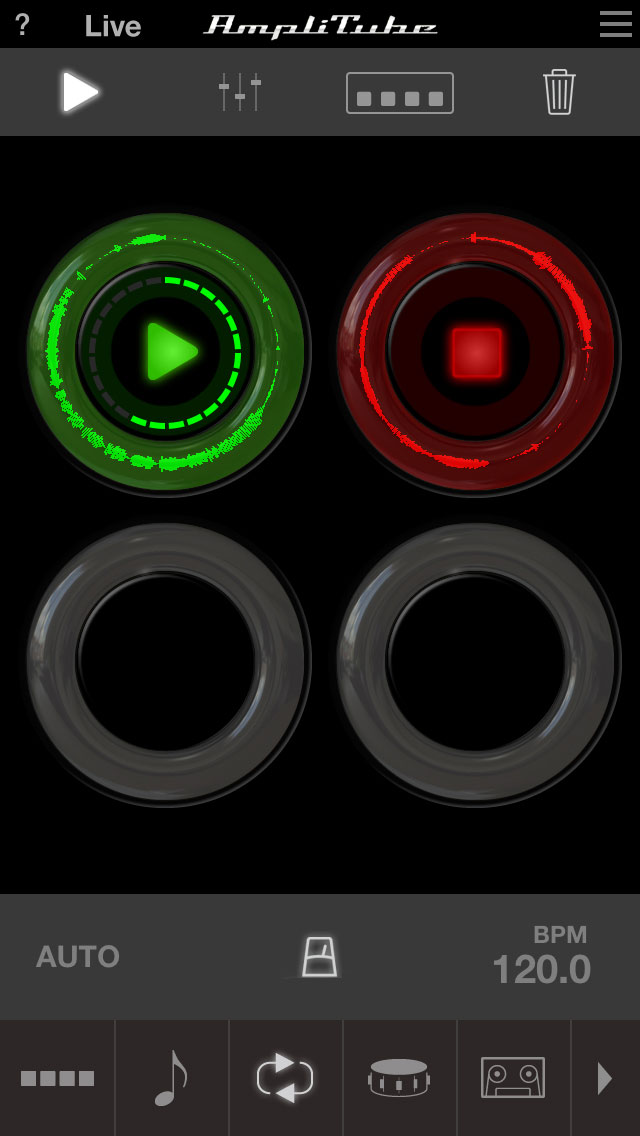
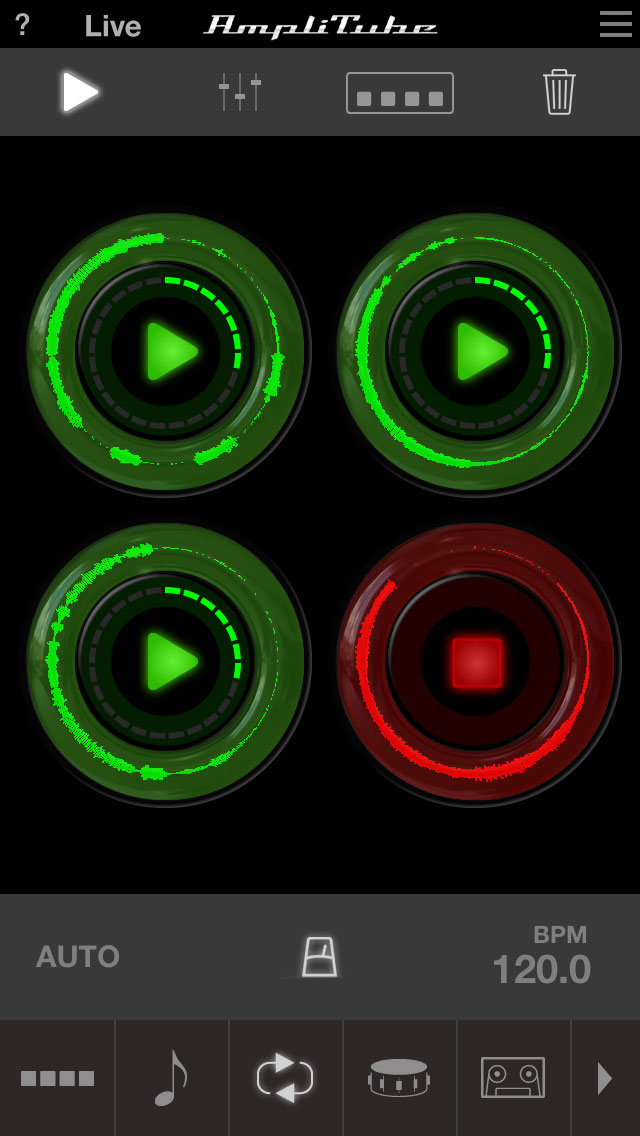
L’opzione Looper di AmpliTube ti permette di registrare e riprodurre fino a 4 loop alla volta. È il tool perfetto per stimolare la creatività: crea l’accompagnamento e sperimenta melodie diverse, lead e chord progressions “on the fly”, basta schiacciare un bottone. Inoltre è possibile salvare ed esportare le tue composizioni tramite la pratica funzione di esportazione brani.
Il tuner per iOS più preciso che esista
AmpliTube include un tuner e un metronomo precisissimi, ma puoi avere di più con UltraTuner, il tuner per iOS più accurato che ci sia.
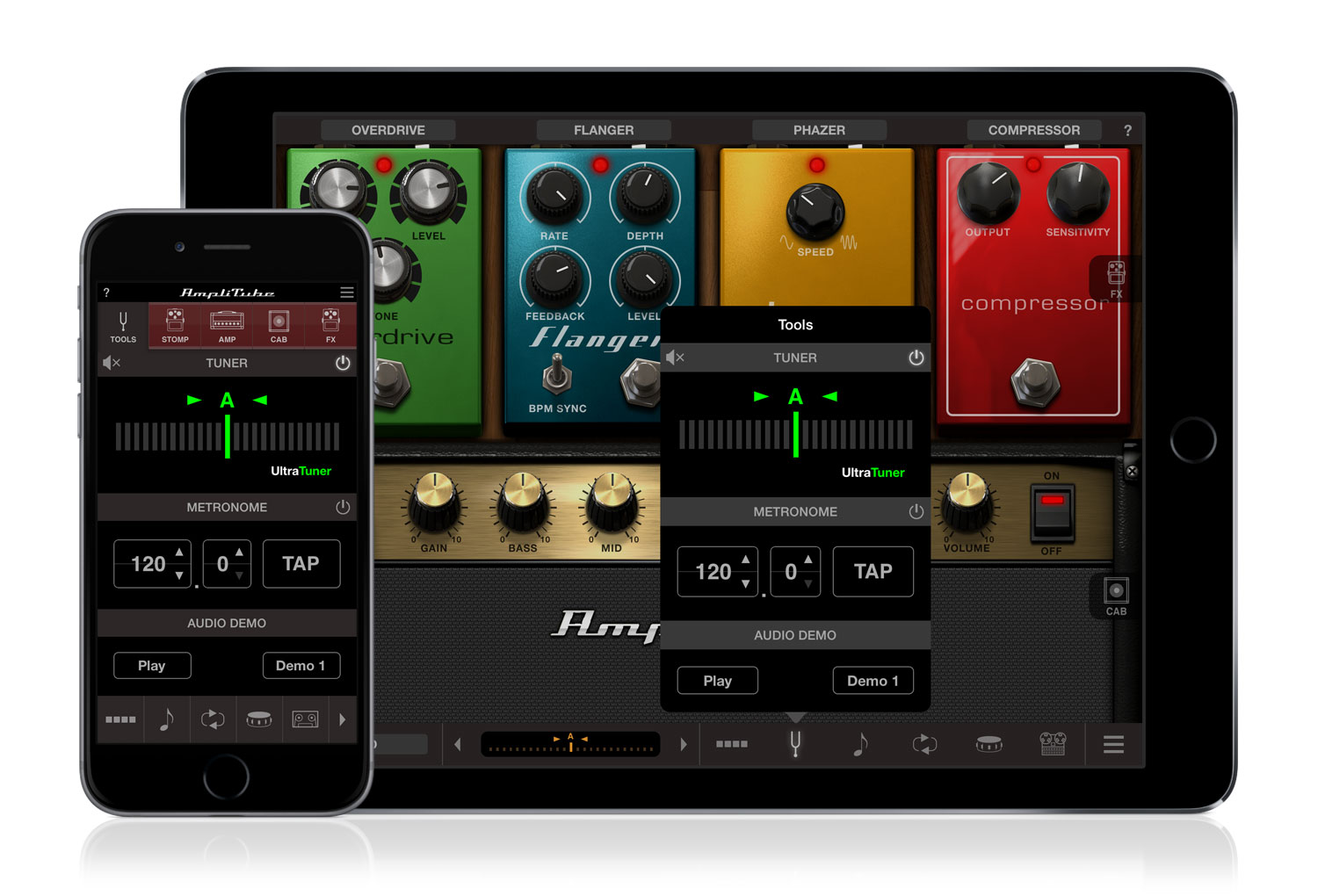
La sua precisione è dieci volte superiore rispetto agli accordatori stroboscopici meccanici - l’equivalente hardware “gold standard”. UltraTuner include due modalità: Stage e Studio. La modalità Stage è utile per chi ha bisogno di un tuner ben visibile, adatto a palchi poco illuminati. La modalità Studio invece offre un display iper-accurato per contesti di accordatura più complessi (è ideale per accodare qualsiasi strumento e perfino per fare pratica con il pitch sia strumentale che vocale).


Resta collegato
Puoi connettere Amplitube ad Inter-App Audio per gestire e aggiungere effetti al sound di tutte le tue app di music creation preferite. Questo significa che gli amplificatori, gli effetti e gli altri gear di Amplitube possono essere integrati ad app come GarageBand.
Amplitube è anche compatibile con Audiobus (app di terze parti, disponibile separatamente). Questo permette di collegare creativamente l’audio di tre app diverse. In questo scenario, Amplitube può processare l’audio proveniente da un’altra app o, in alternativa, può essere utilizzato come registratore.
Impara i tuoi riff preferiti
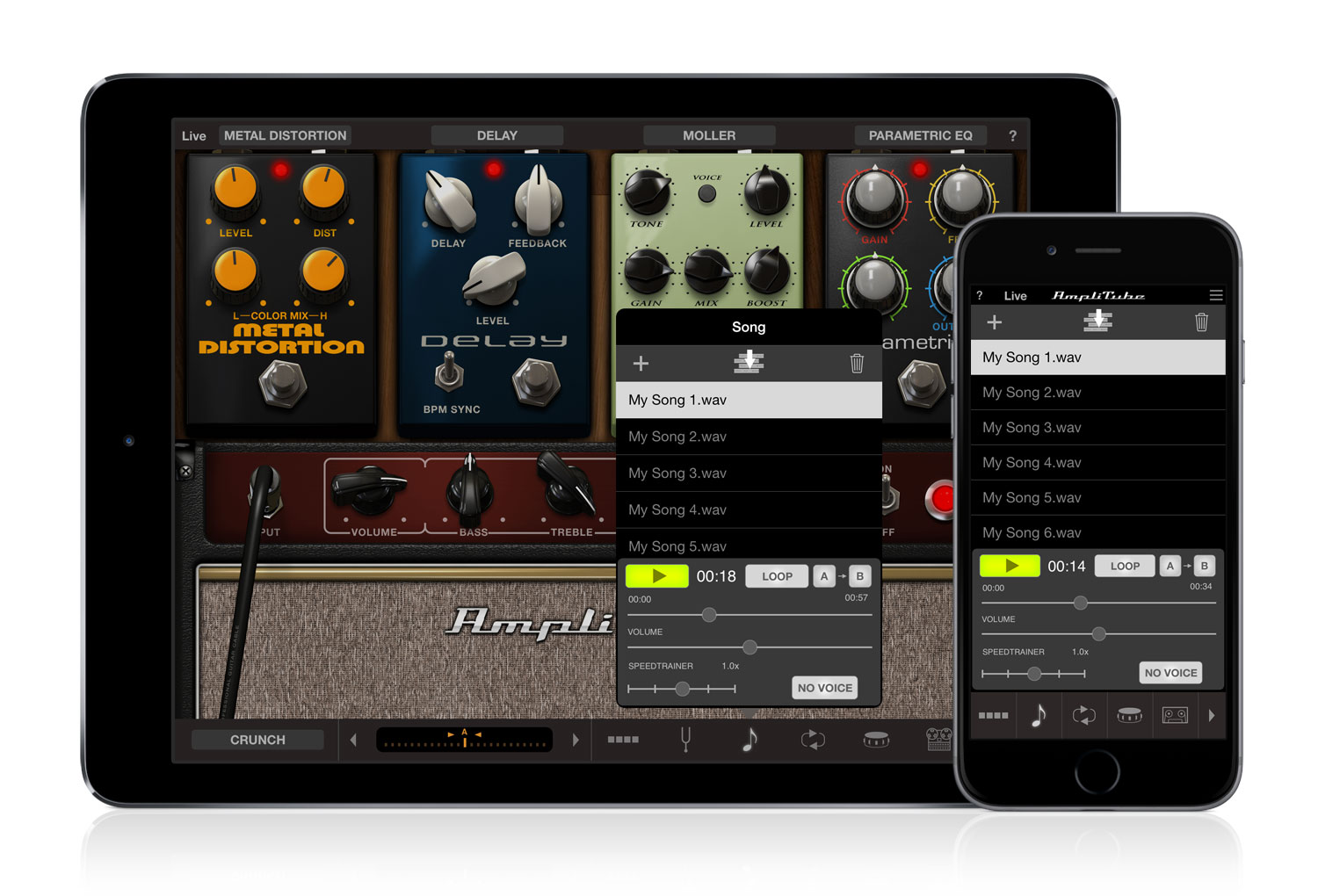
AmpliTube è un tool sensazionale anche per fare pratica: dispone di un pratico player che ti permette di importare canzoni e backing tracks. Avrai pieno controllo sulle tracce, con la possibilità di accelerarle o rallentarle, tutto senza dover cambiare il pitch. AmpliTube include anche una funzione denominata “NO VOICE” che permette di mutare la voce o gli assoli dal brano caricato.
Caratteristiche
- Costruisci il rig dei tuoi sogni a partire da 6 effetti stompbox (4 pre-amp e 2 post), 1 amplificatore, 1 cabinet e 2 microfoni posizionabili
- Include 18 stompbox, 8 ampli, 10 cabinet e 2 microfoni – la collection più ampia disponibile per iOS
- Sfrutta la prestigiosa qualità DSP identica ad AmpliTube Custom Shop per Mac e PC
- “Cab Room” integrata per il microfonaggio 3D delle cab per ottenere il massimo del realismo
- Vanta di oltre 100 gear al suo interno: da brand iconici come MESA/Boogie®, Orange®, Fender®, ENGL® e molti altri, ed altre celebri artist collections tra cui Joe Satriani, Brian May e Dimebag Darrell
- La sezione Live Mode ti mostra il tuo intero rig a colpo d’occhio, con tutto ciò di cui hai bisogno sul palco, accessibile con estrema facilità.
- Recorder integrato (espandibile fino a 8 tracce con possibilità di recording multi-traccia simultaneo, tramite acquisto in-app)
- Editing avanzato in stile DAW (tramite acquisto in-app)
- Modulo di batteria programmabile Loop Drummer (Style Packs aggiuntivi disponibili tramite acquisti in-app)
- Effetti posizionabili liberamente – 4 pre-amp e 2 post-amp
- UltraTuner, l’accordatore più preciso per iOS (normalmente in versione standalone), può essere integrato tramite acquisto in-app
- Dotato di un potentissimo Looper a 4 tracce (disponibile tramite acquisto in-app)
- Possibilità di esportare audio di alta qualità (in formato WAV/m4A) via e-mail, FTP, iTunes o direttamente su SoundCloud
- Importa e riproduci i brani da utilizzare come basi direttamente dalla tua music library o dal computer
- Funzionalità “NO VOICE” che ti permette di mutare le voci e gli assoli di chitarra
- Potente sistema di navigazione gear, preset ecc
- Include un accordatore e un metronomo
- Compatibile con InterApp Audio e AudioBus
- Stesse caratteristiche e funzionalità per le versioni iPhone e iPad. Possibilità di project sharing tra le diverse versioni.
- Controllabile tramite MIDI
- Si integra perfettamente con iRig Stomp I/O e iRig BlueBoard per un controllo ottimale on-stage
- Disponibile anche la versione GRATUITA
Connettiti a un mondo di suoni
Usa la nostra linea di interfacce per chitarra e basso e di controller MIDI per collegare il tuo strumento al tuo iPhone, iPad, Mac e PC e per controllare AmpliTube.
Over 100 pieces of real gear
Right from the start, you get 18 creative stompbox effects (Crusher, Dcomp, Electric Flanger, Feedback, Phazer 10, Swell, Delay, Fuzz, Overdrive, Wah, Envelope Filter, Chorus, Flanger, Phaser, Octave, Noise Filter, Volume and Distortion), 8 amplifiers (360Bass, British Copper 30 TB, Vintage Metal Lead, Clean, Crunch, Lead, Metal and Bass), 10 speaker cabinets and 2 microphones (Dynamic 57 and Condenser 87).
And did we mention that it sounds amazing? That's because every piece of gear in AmpliTube for iOS uses the same high-definition digital signal processor (DSP) as AmpliTube for Mac and PC. This DSP is so advanced that it's considered an industry benchmark.
This DSP also applies to the massive library of expansion content that you can use to augment your AmpliTube experience. There's an entire world of gear waiting for you inside AmpliTube, all you have to do is dive in. Its intuitive carousel system and ultra-realistic graphics make the whole "checking out new gear" experience as fun and effortless as walking into your local guitar store. The only difference is that you dont have to hear a bunch of jerks mangling their way through "Stairway to Heaven" while you browse. How's that for technological progress?
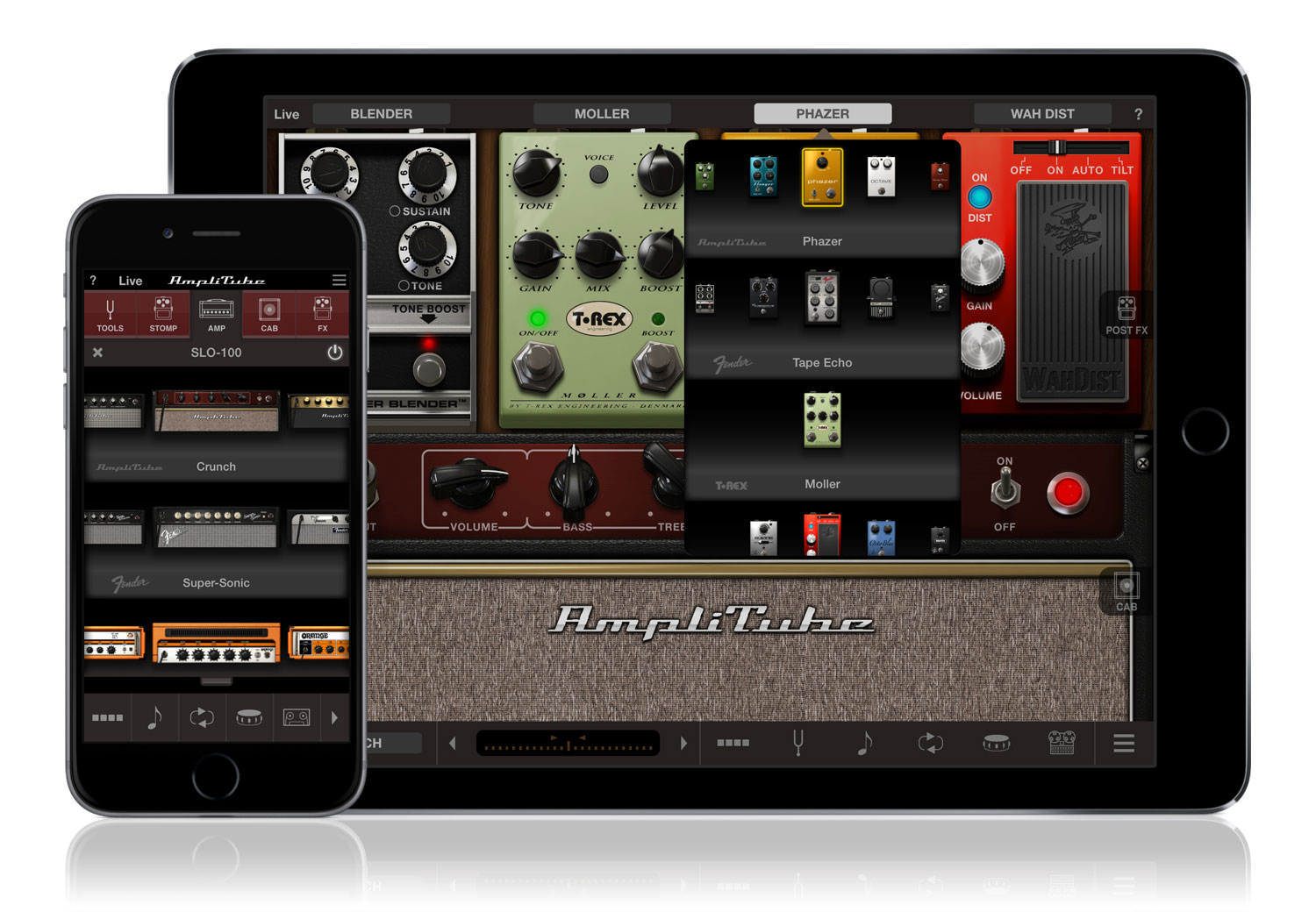
You will be amazed by the comprehensiveness of AmpliTube's expansion content. We've got a selection of droolworthy gear from some of the most respected brands in the business: MESA/Booogie®, Orange®, Fender®, ENGL® — you name it, we've probably got it. And if we don't, you can be sure that we're actively working on adding it soon. We've also got killer artists collections to choose from that let you act out your guitar god fantasies with the exact rigs favored by such legends as Joe Satriani, Brian May and Dimebag Darrell. You can get entire collections or individual models like the MESA/Boogie® Triple Rectifier, ENGL® Powerball, the T Rex Engineering® "Moller" Classic overdrive and more. Wanna shred like the pros? AmpliTube gives you the gear; the rest is up to you.
And once you've purchased a piece of gear, it's yours. You can use iCloud to transfer your purchased gear between versions and devices, such as from AmpliTube CS (FREE) to AmpliTube LE or from your iPad to your iPhone (limited to 10 device transfers per user).
Amplifiers

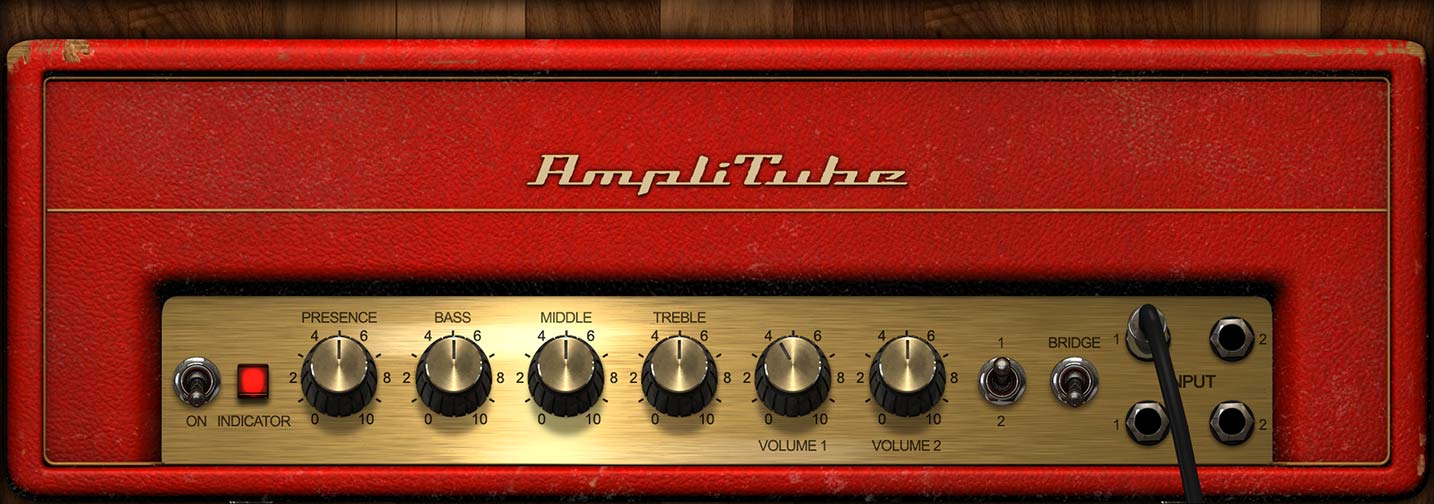
Red Pig
Based on Marshall® Major™ amp head
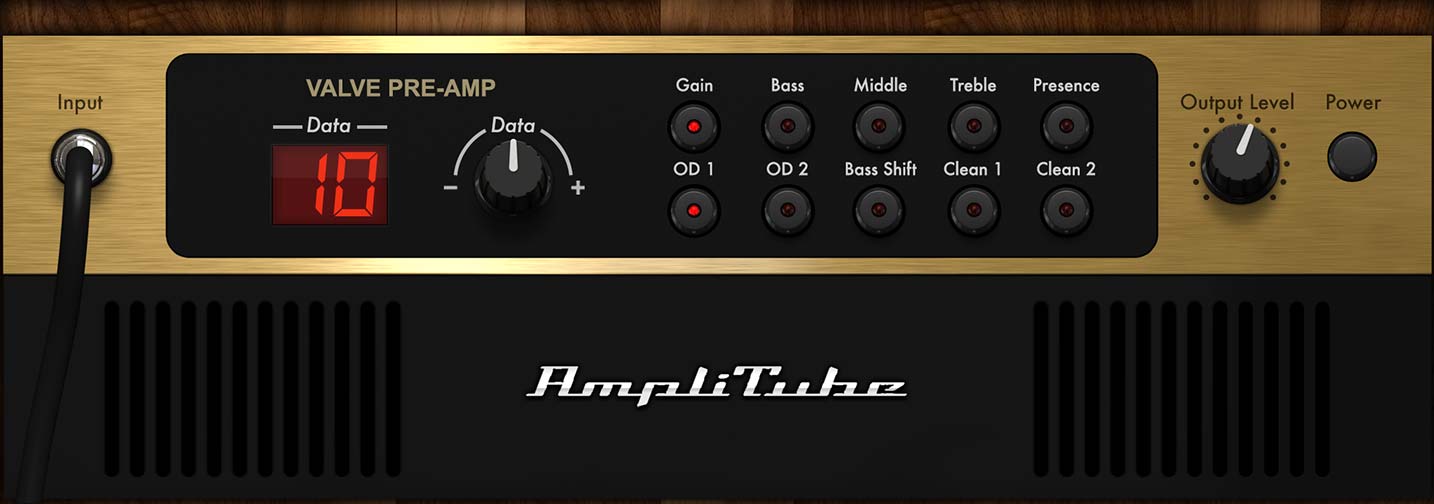
Brit Valve Pre
Based on Marshall® JMP-1™ tube preamp
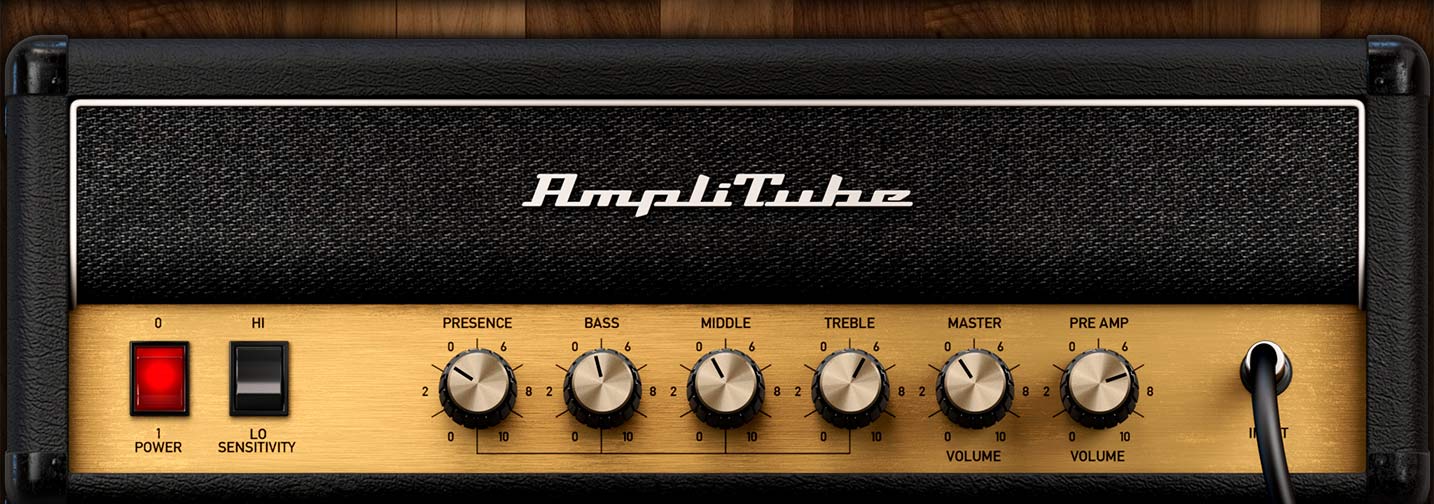
Brit 8000
Based on Marshall® JCM800™ amp head
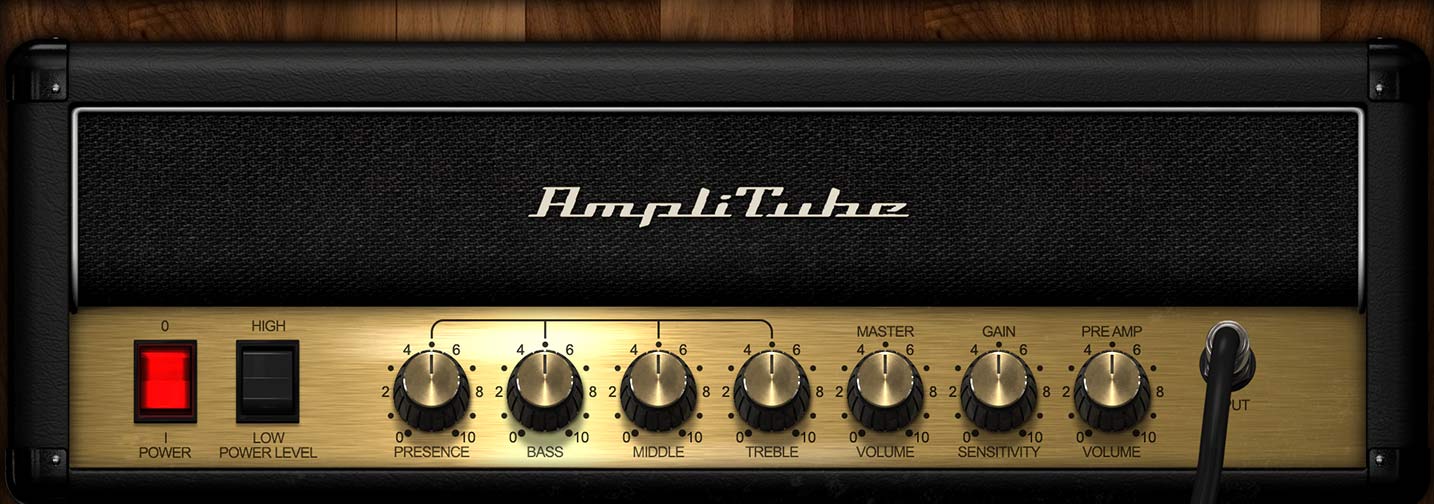
Brit 9000
Based on Marshall® JCM900™ amp head
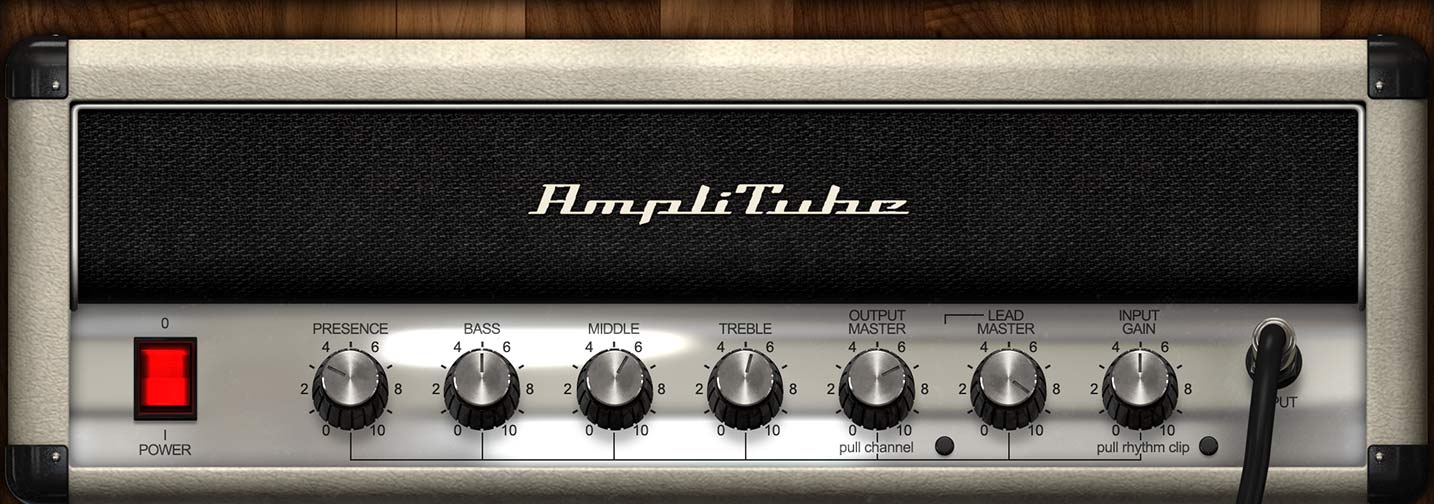
Brit Silver
Based on Marshall® Jubilee™ amp head
British Copper 30 TB
Based on Vox® AC30™ - copper panel
Vintage Metal Lead
Based on Marshall® JMP100™ head
Clean
Based on Fender® blackface Deluxe Reverb®
Crunch
Based on Vox® AC30™
Lead
Based on Marshall® JCM800
Metal
Based on Mesa/Boogie® Triple Rectifier® (Lead Channel)
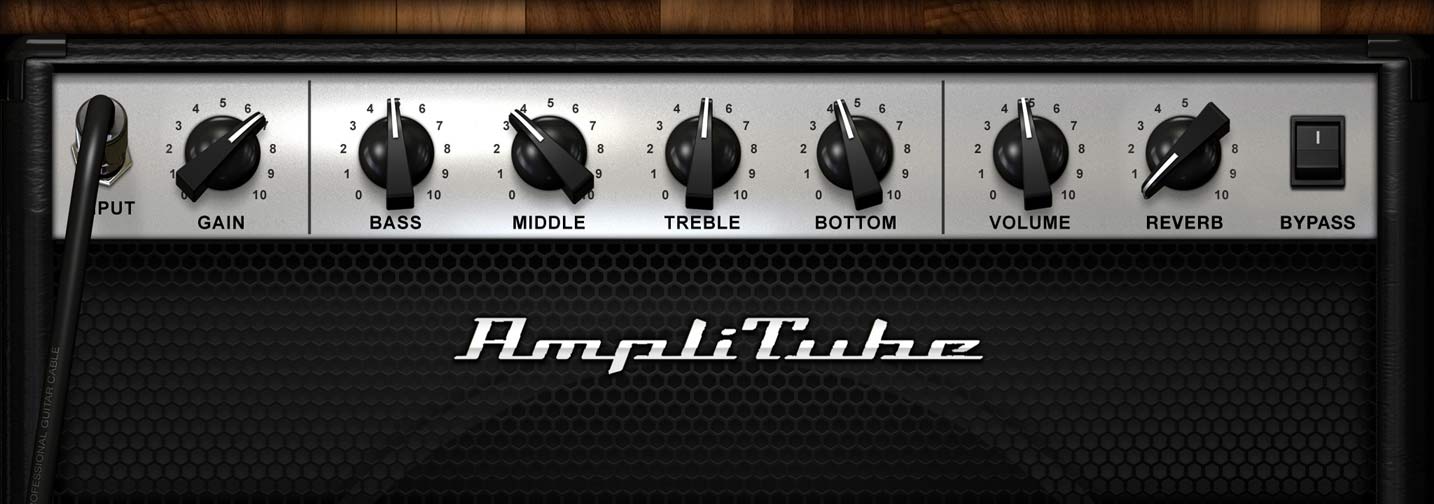
Metal 150
Based on Peavey® 5150™ head
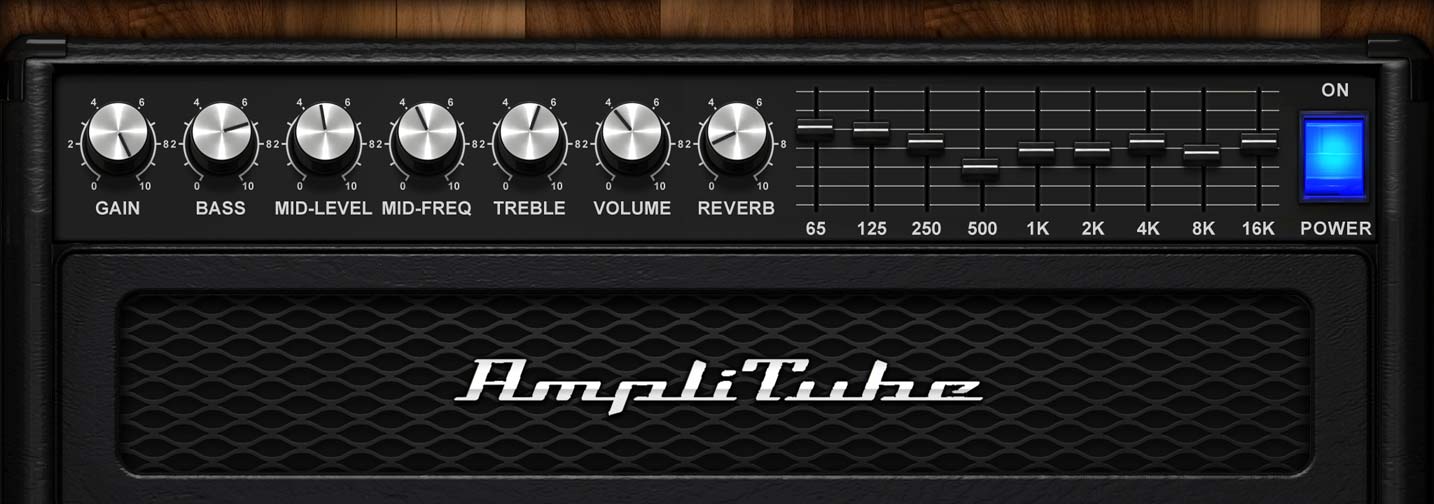
Metal W
Based on Randall® Warhead 300™
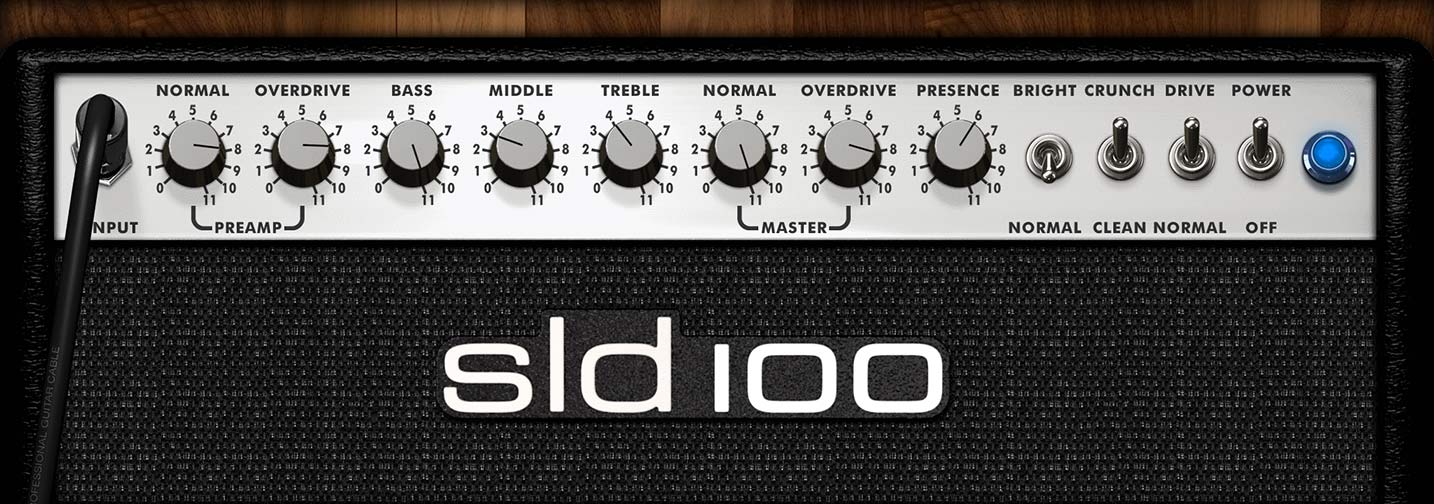
sld 100
Based on Soldano® SLO-100 head
360Bass
Based on Acoustic® 360™ bass preamp
Bass
Based on Ampeg® SVT classic bass head
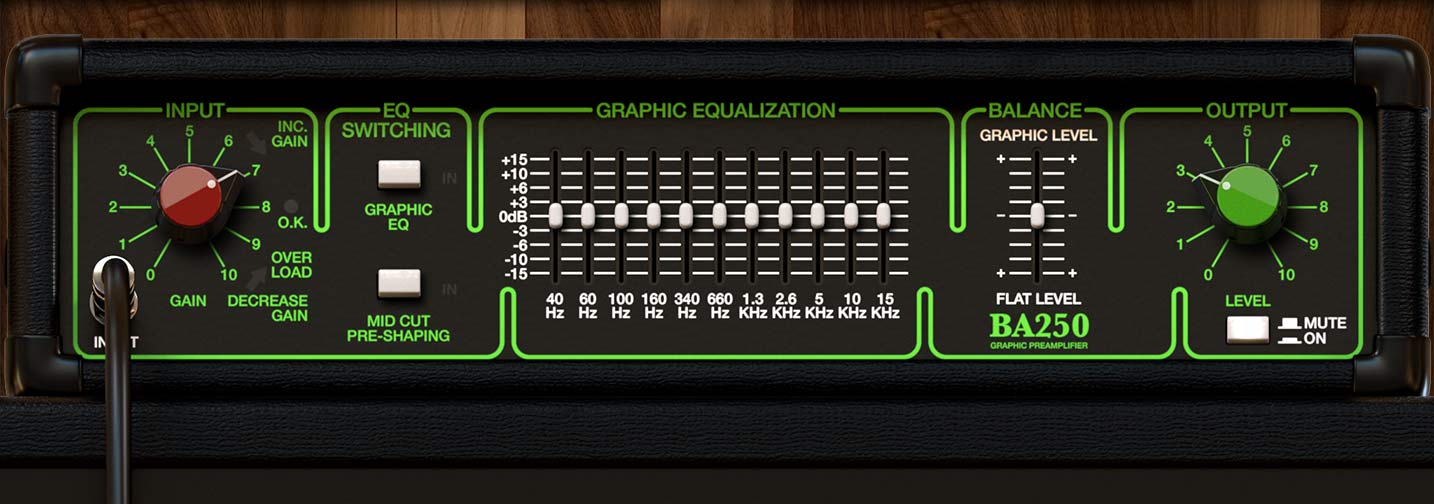
Green BA250
Based on Trace Elliot® AH250™ Head
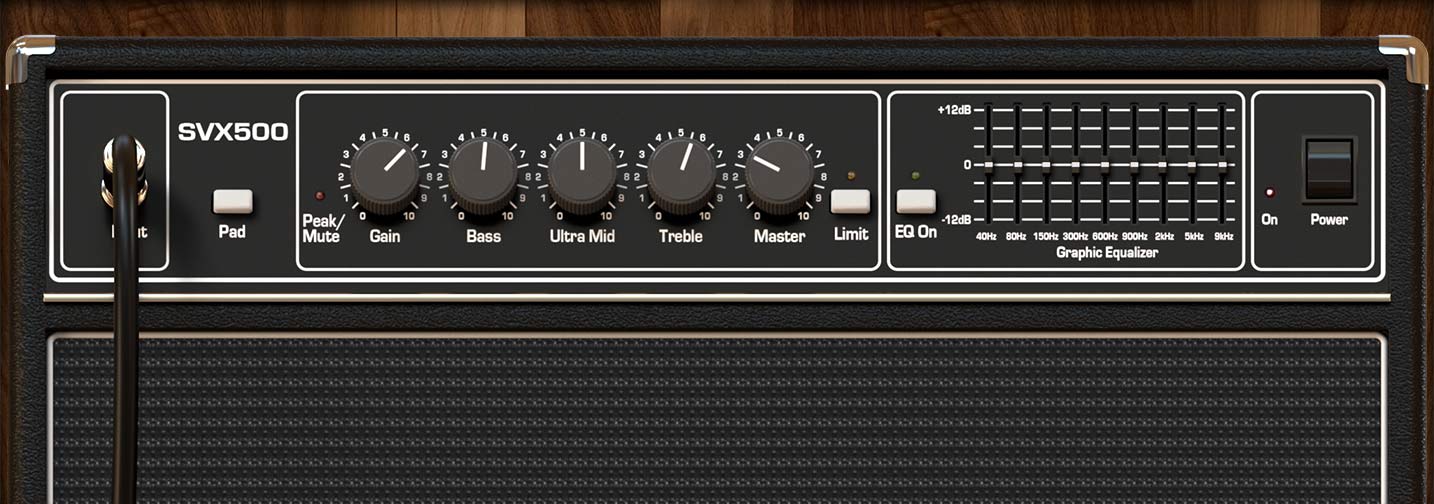
SVX-500
Based on Ampeg® BA500® Model
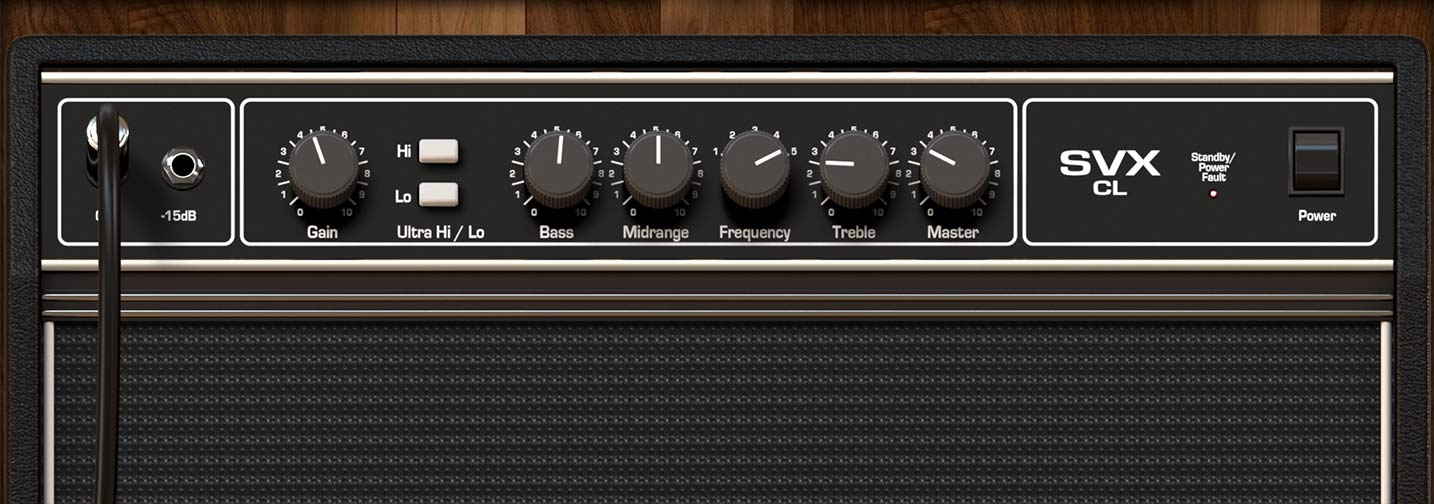
SVX-CL
Based on Ampeg® SVT-CLASSIC® Model
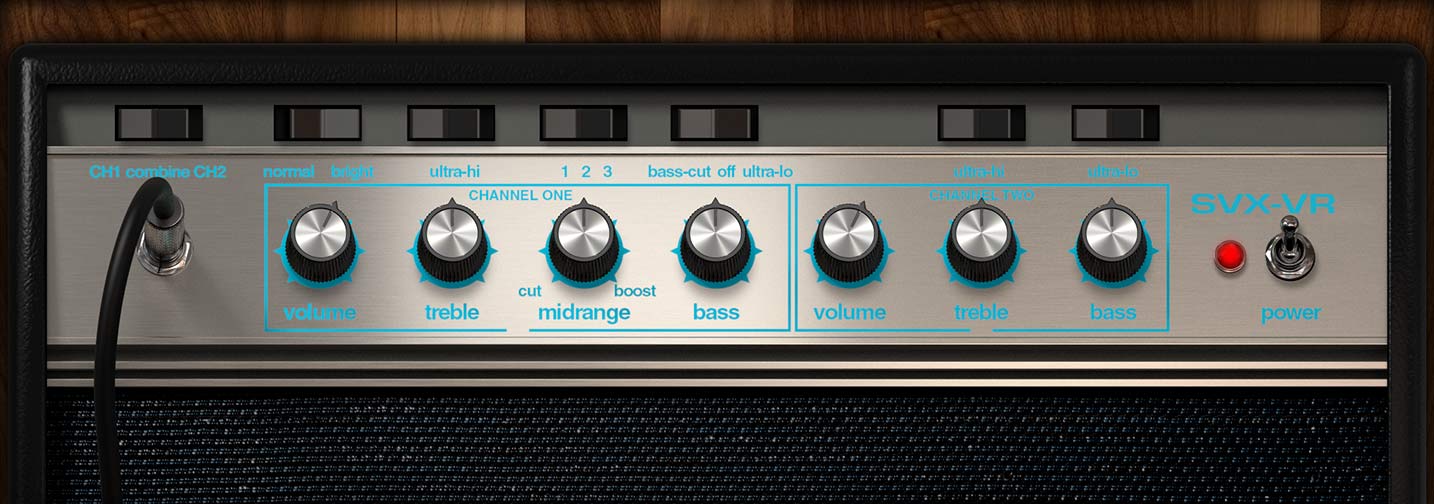
SVX-VR
Based on Ampeg® SVT-VR® Model
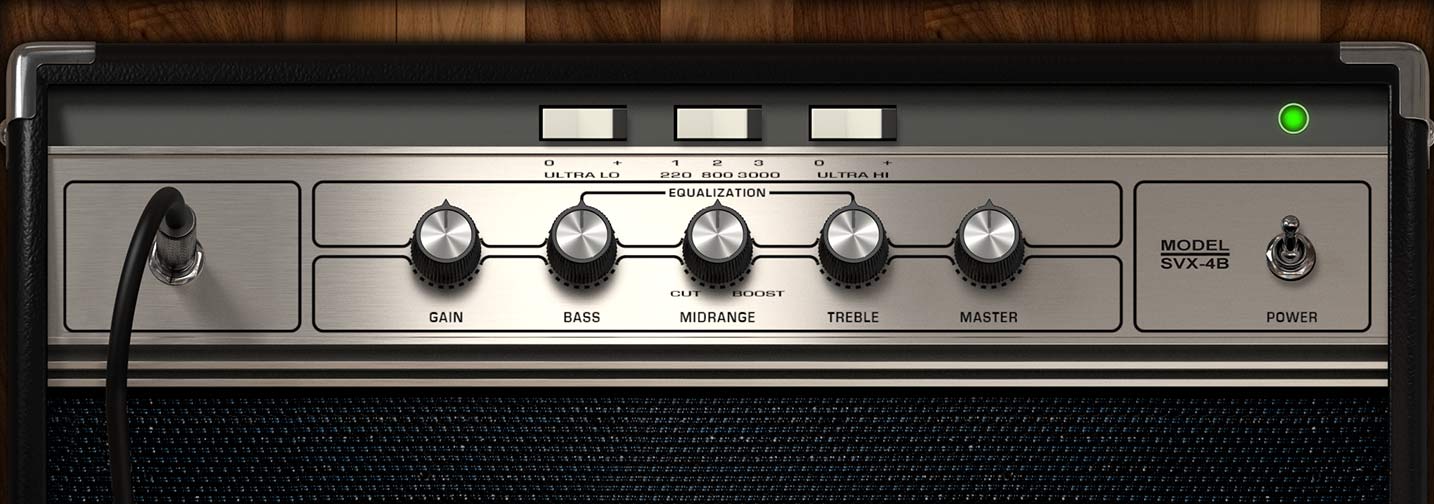
SVX-4B
Based on Ampeg® V-4B® Model
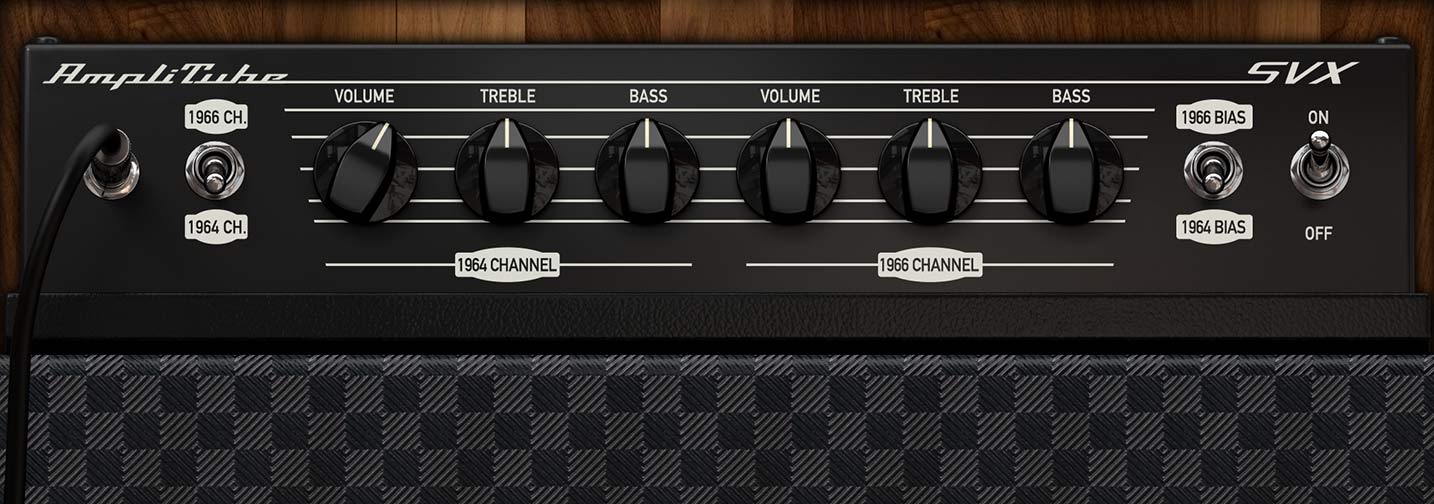
SVX-15N
Based on Ampeg® HERITAGE B-15N® Model
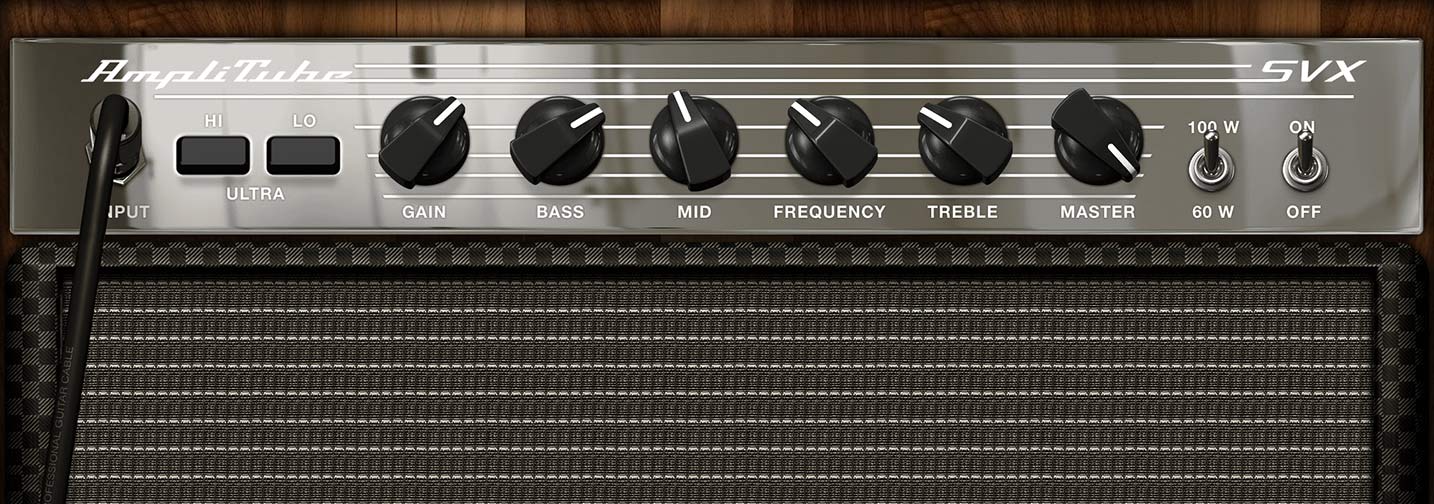
SVX-15R
Based on Ampeg® B-15R® Portaflex “Flip Top” Model
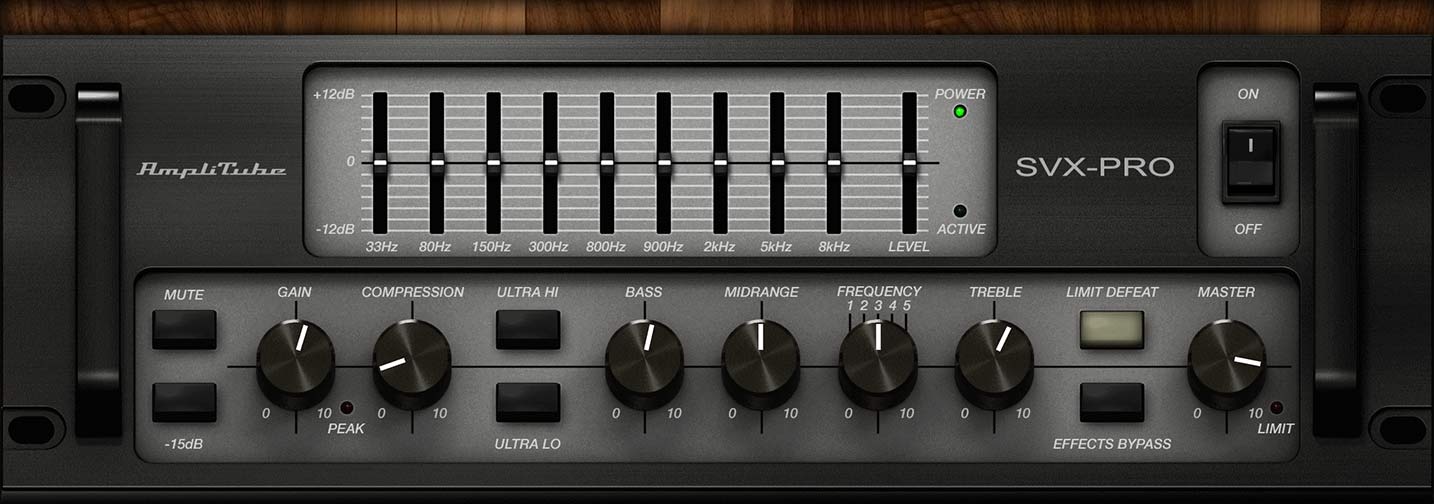
SVX-PRO
Based on Ampeg® SVT-4 PRO® Model
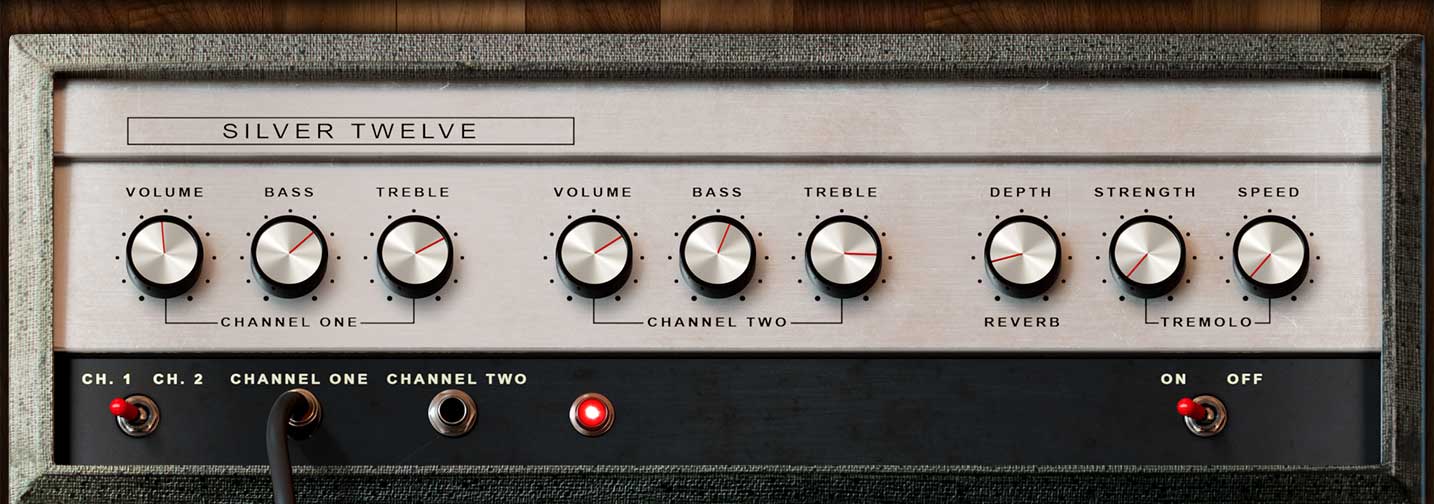
SilverTwelve
Based on Silvertone® Twin Twelve 1484
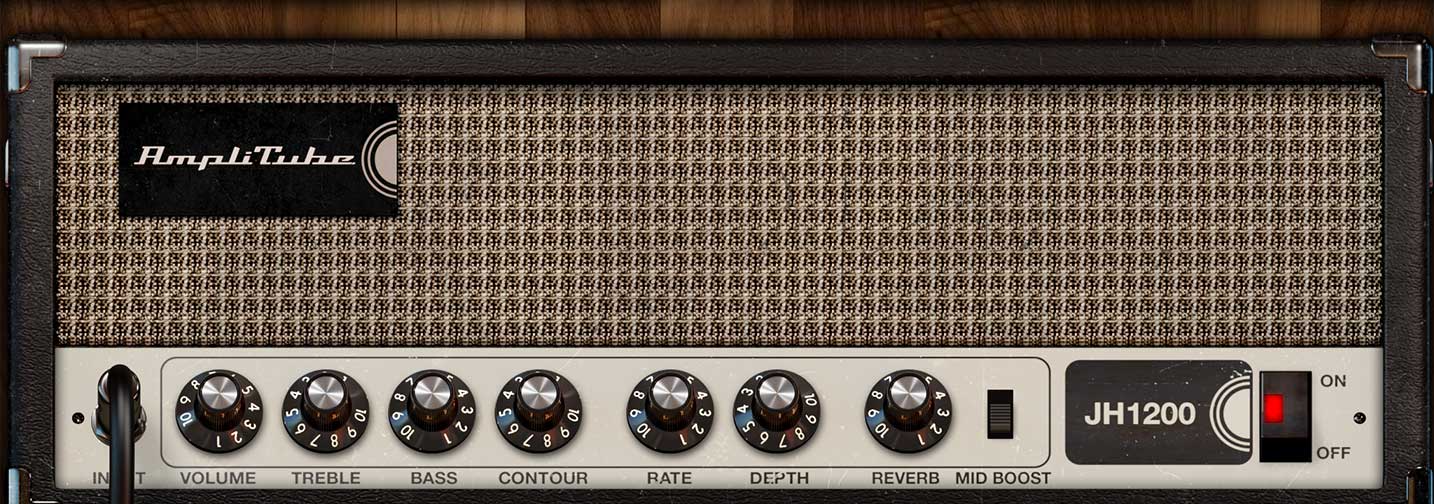
JH 1200
Based on the Sunn® 1200S
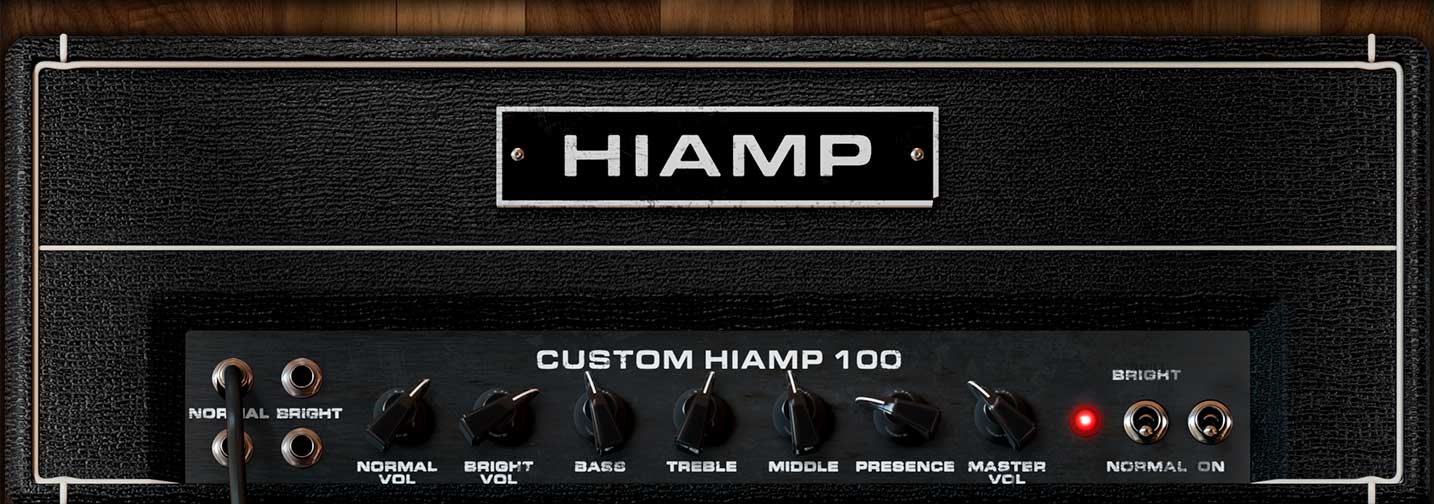
HiAmp
Based on Hiwatt® DR103™ Amp
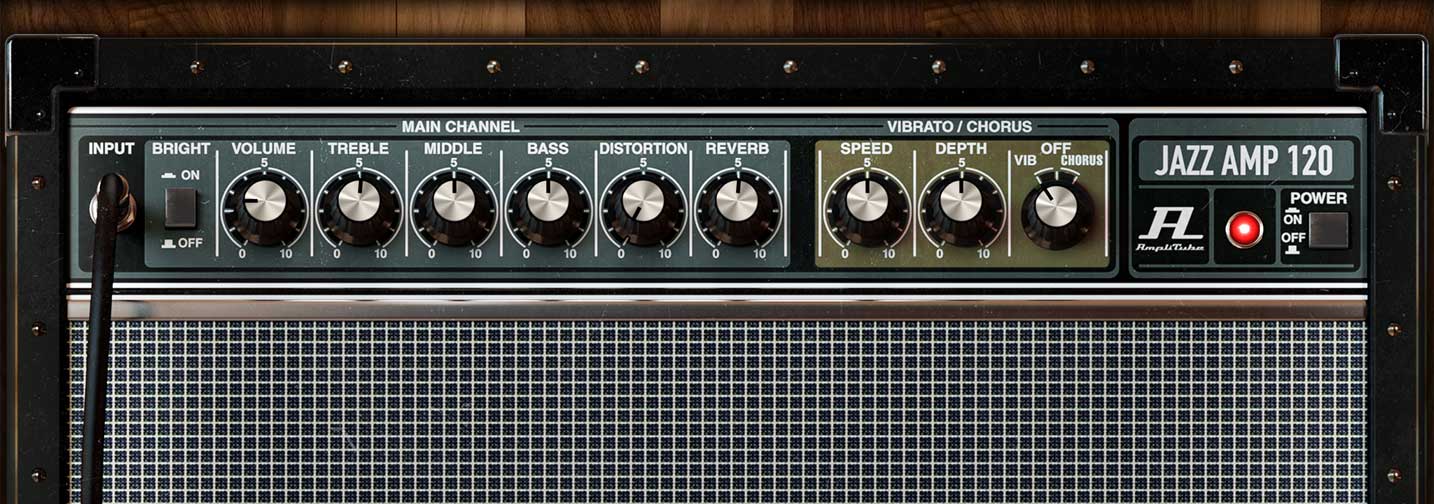
Jazz Amp 120
Based on Roland® JC-120™

JH Dual
Based on Fender® Dual-Showman™

JH Gold
Based on Marshall® JTM 45™
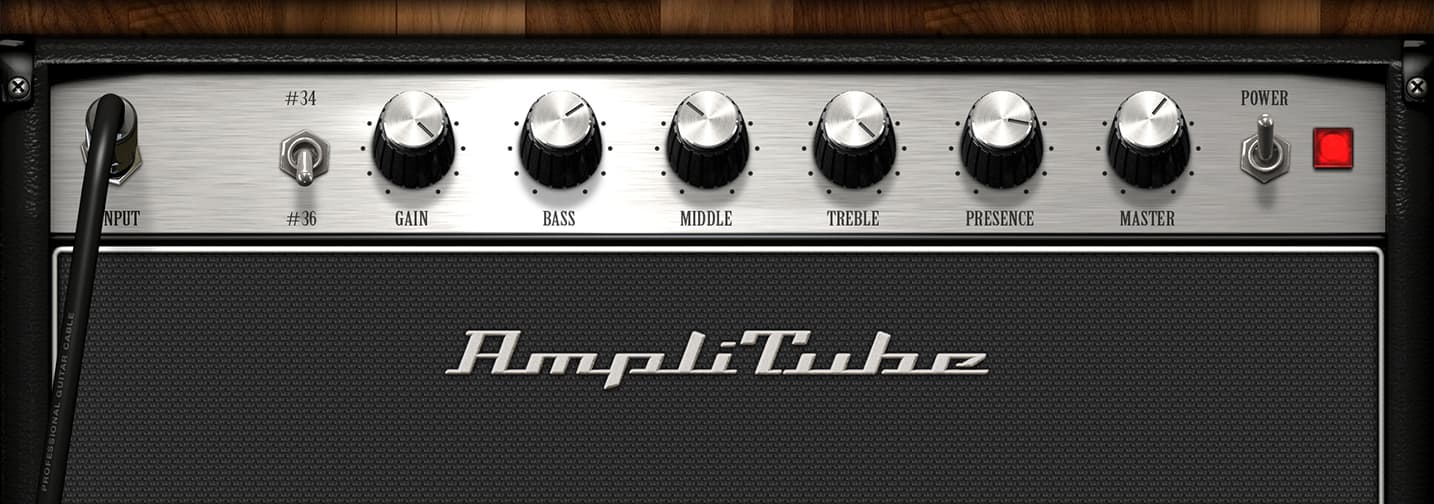
Brit 100 Mod 34/36
Based on Marshall® AFD100 amplifier
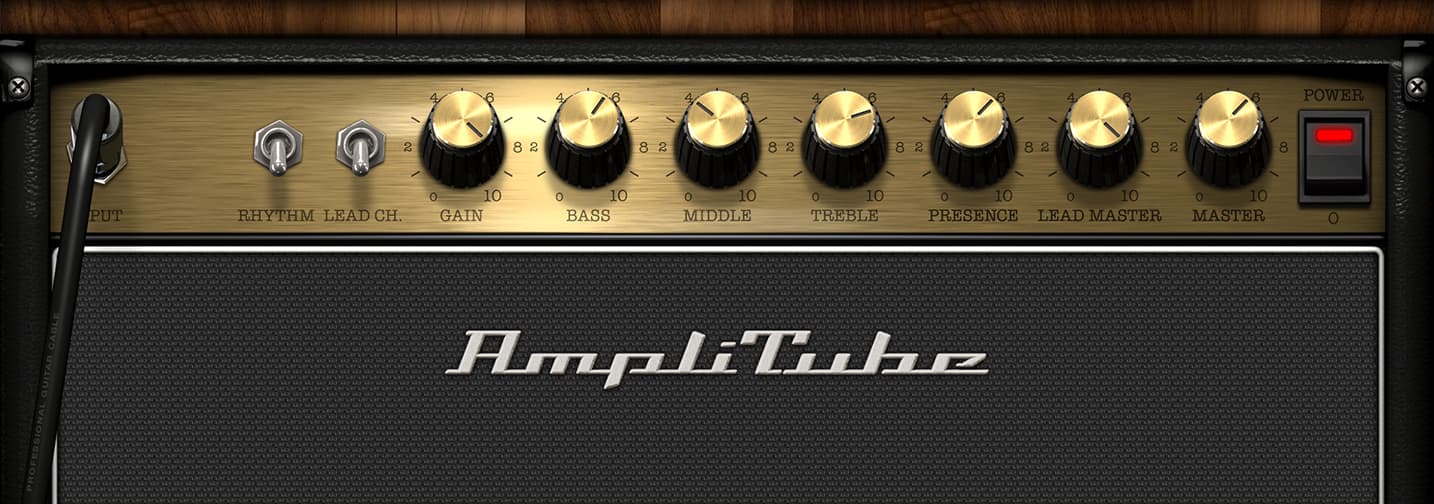
Brit L.A. Gold
Based on 1987 Marshall® Jubilee 2555 amplifier

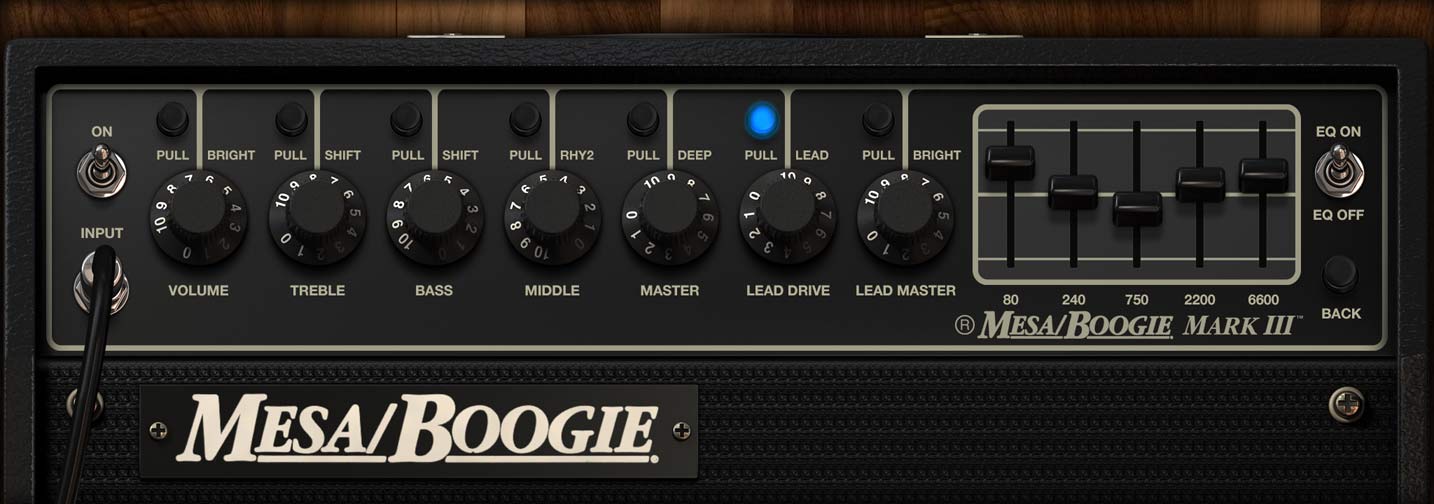
Mark III
Officially Certified
Mesa Boogie® Mark III™ Combo Model
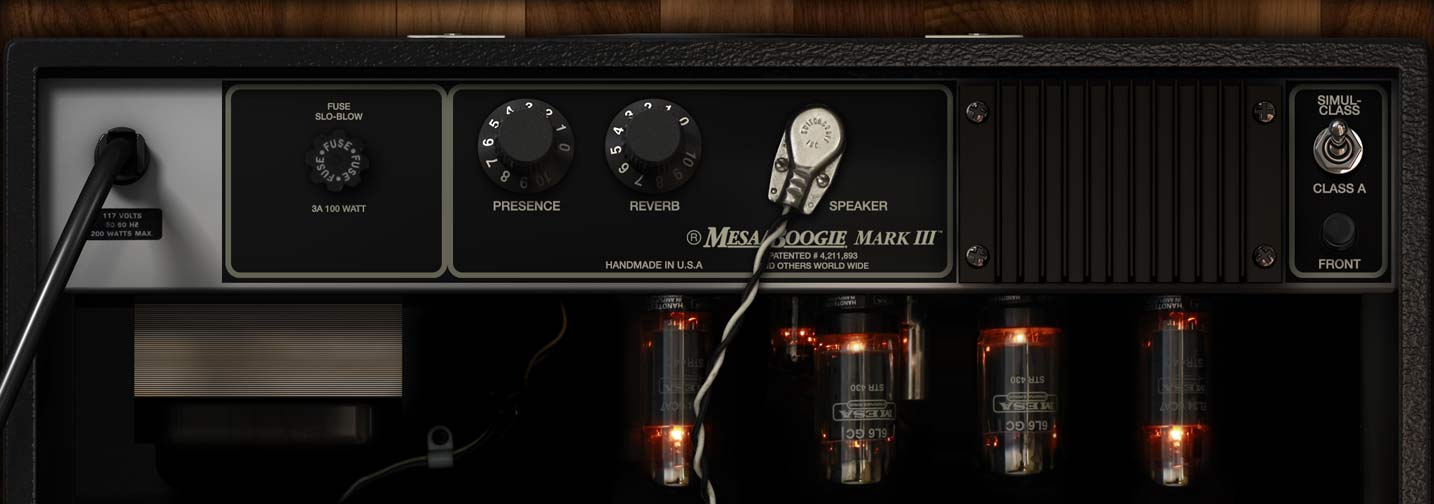
Mark III - back side
Officially Certified
Mesa Boogie® Mark III™ Combo Model - back side
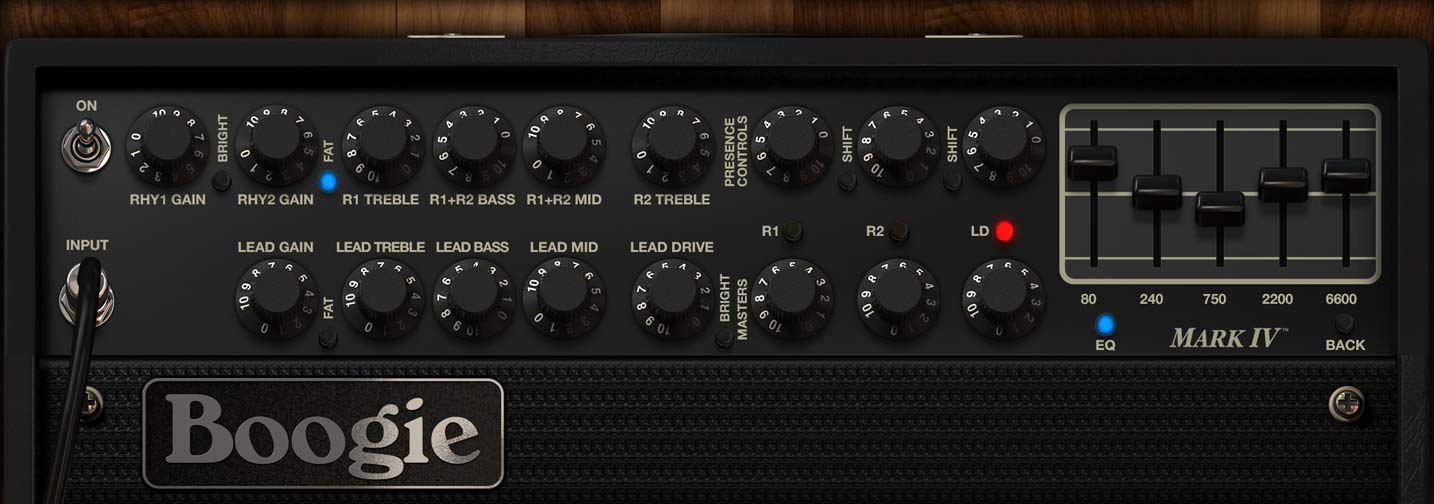
Mark IV
Officially Certified
Mesa Boogie® Mark IV™ Combo Model
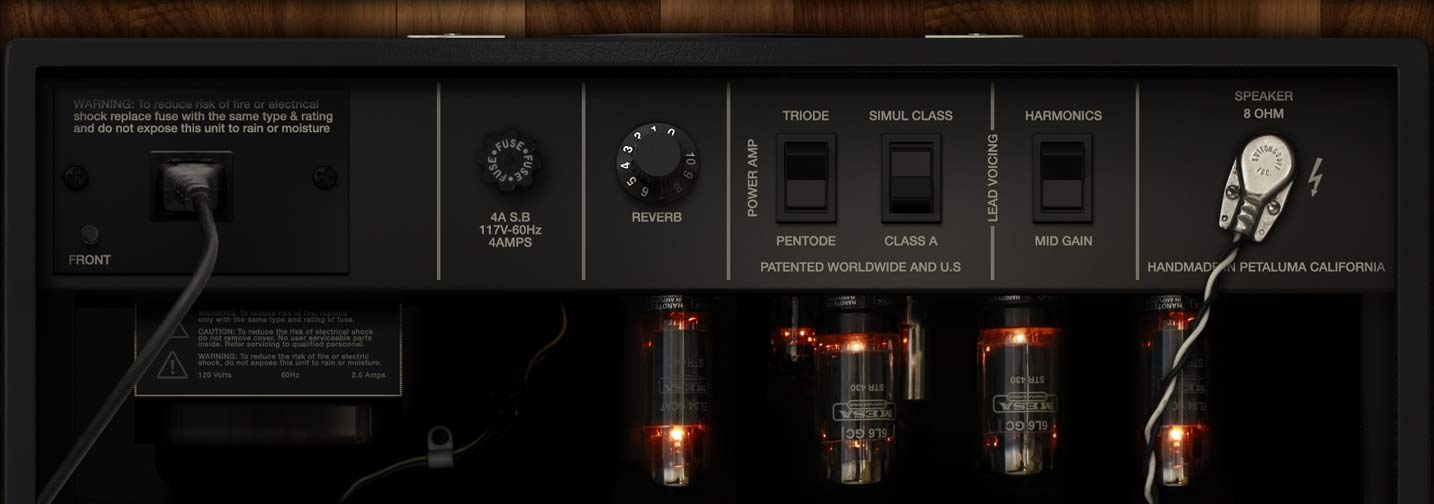
Mark IV - back side
Officially Certified
Mesa Boogie® Mark IV™ Combo Model - back side
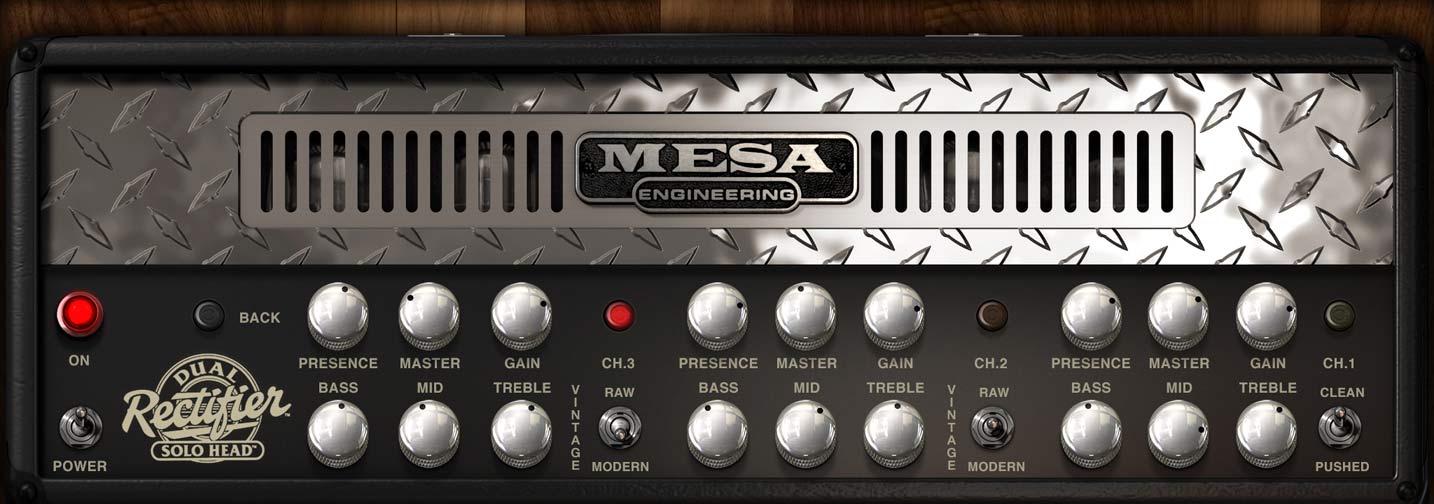
Dual Rectifier
Officially Certified
Mesa Boogie® Dual Rectifier® Head Model
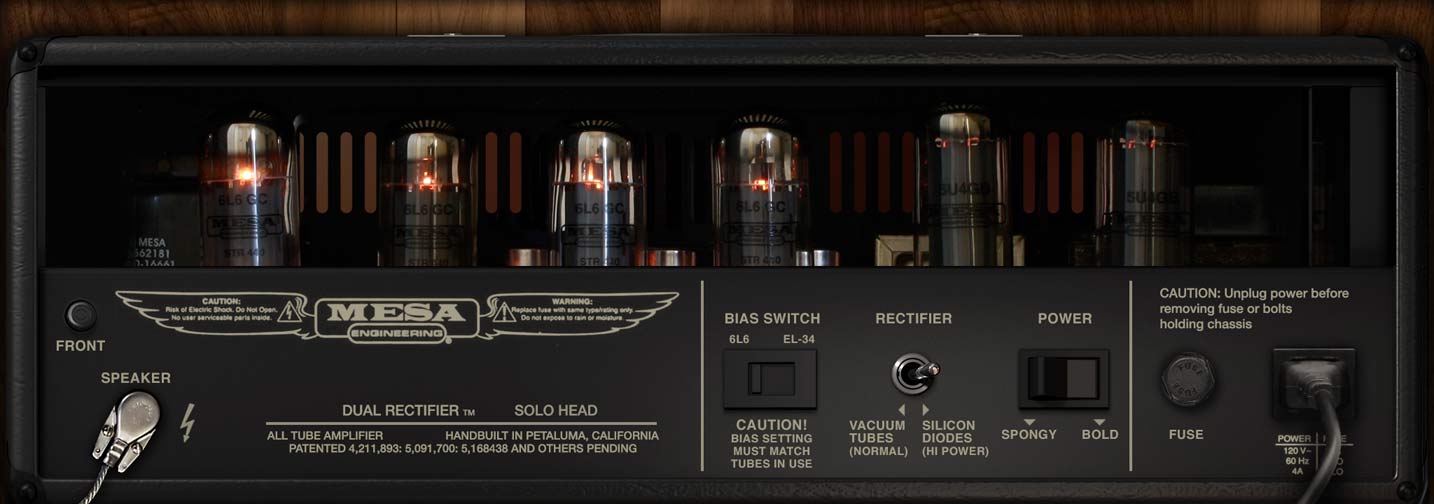
Dual Rectifier - back side
Officially Certified
Mesa Boogie® Dual Rectifier® Head Model - back side
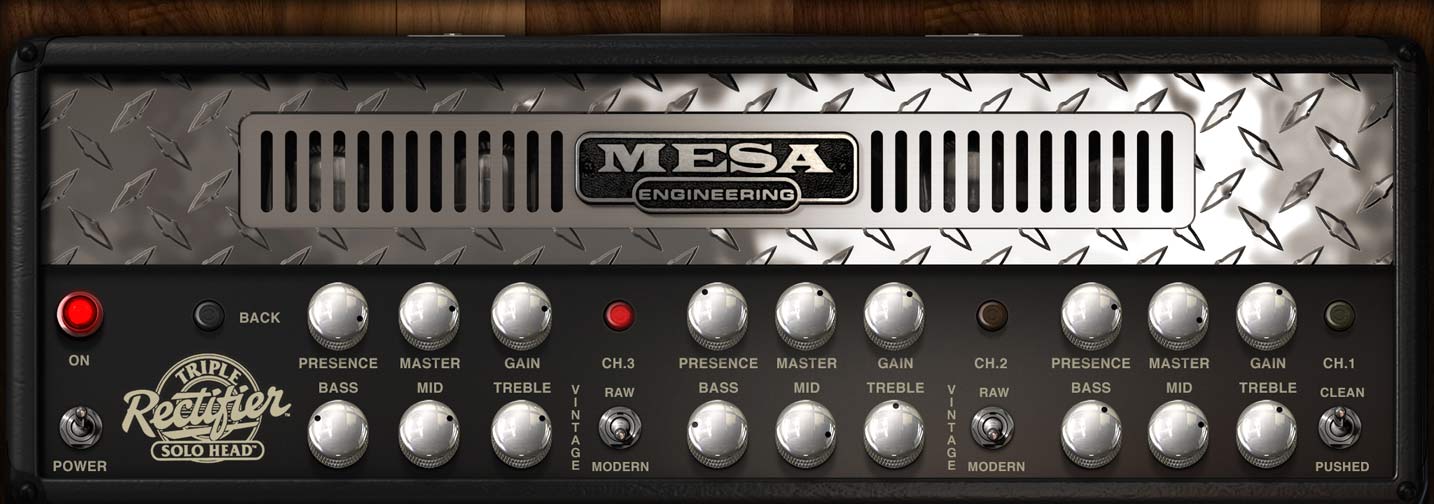
Triple Rectifier
Officially Certified
Mesa Boogie® Triple Rectifier® Head Model
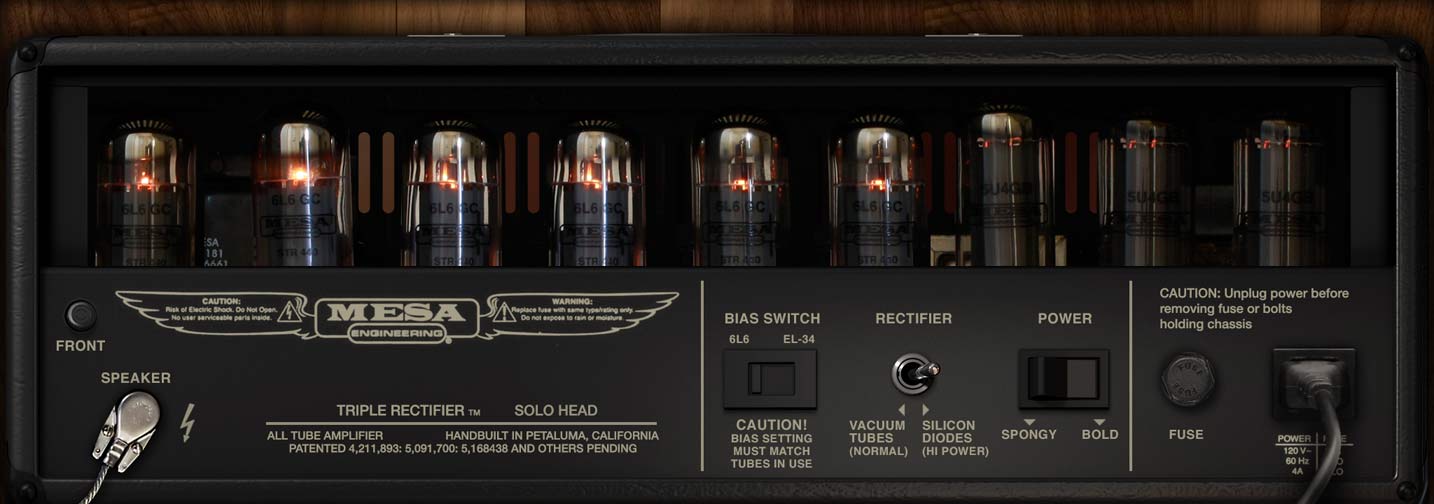
Triple Rectifier - back side
Officially Certified
Mesa Boogie® Triple Rectifier® Head Model - back side
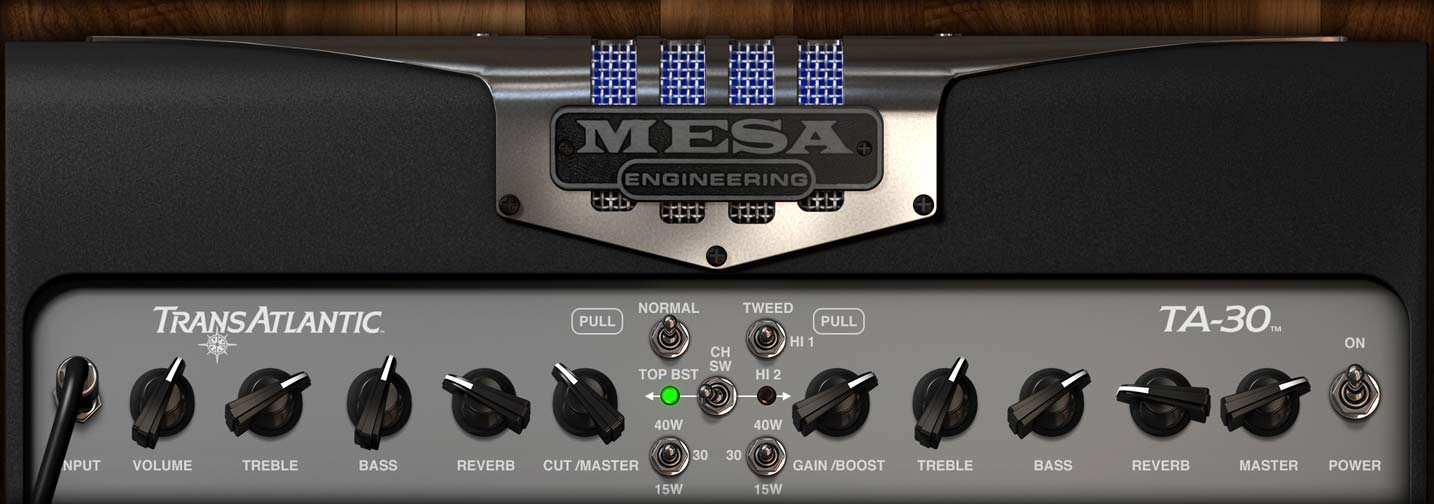
TransAtlantic TA-30
Officially Certified
Mesa Boogie® TransAtlantic® TA-30 Combo Model

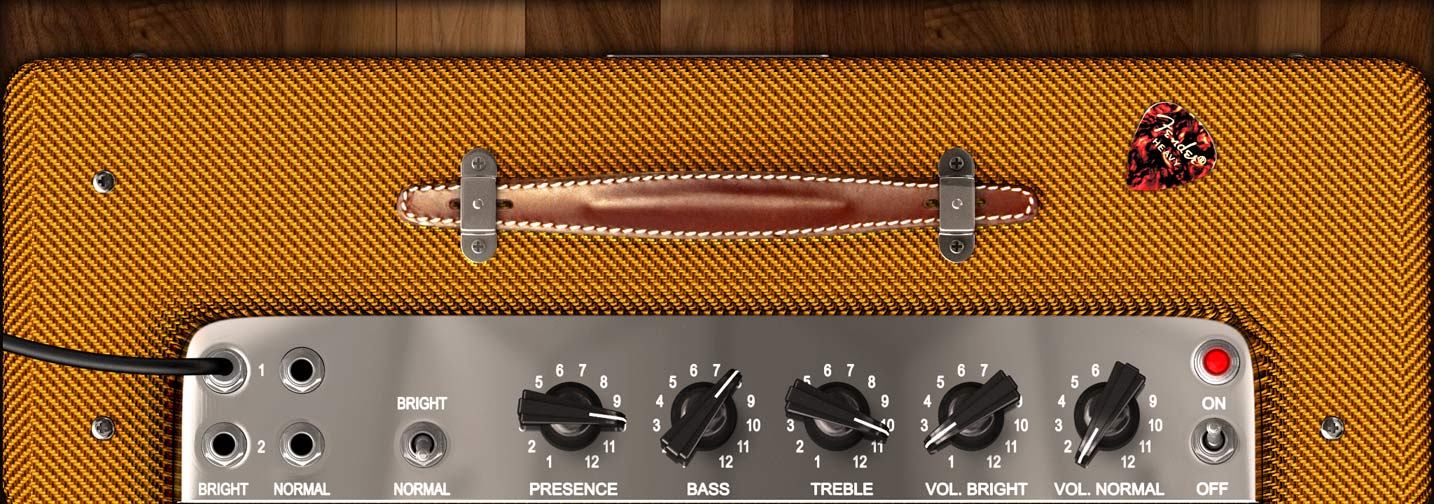
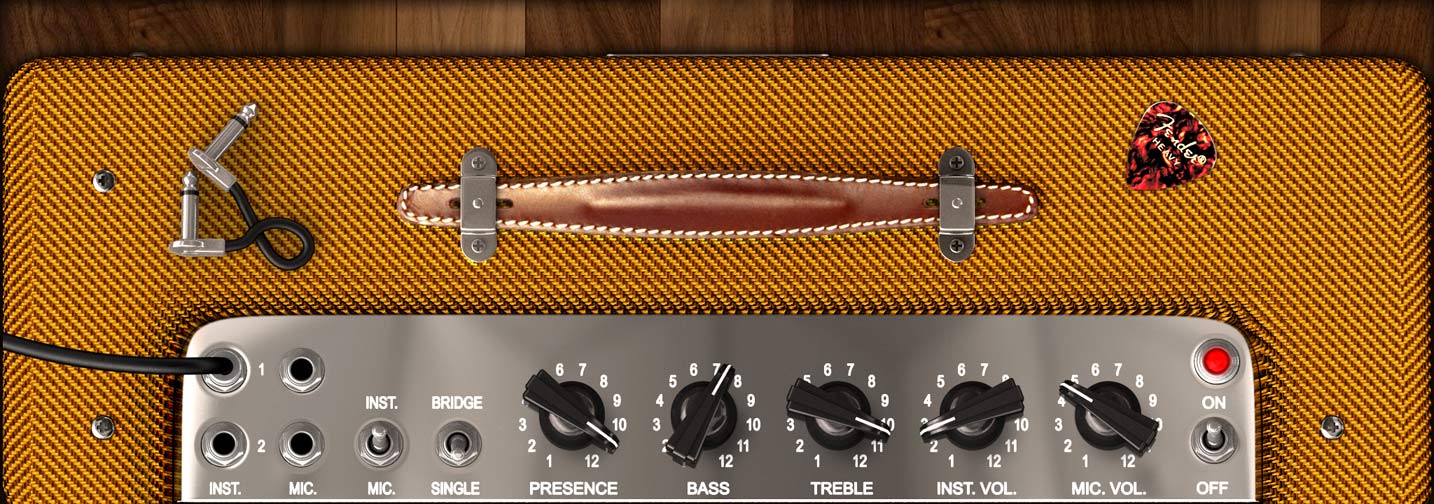
’57 Custom Twin-Amp™
Officially Licensed '57 Custom Twin-Amp™ Model
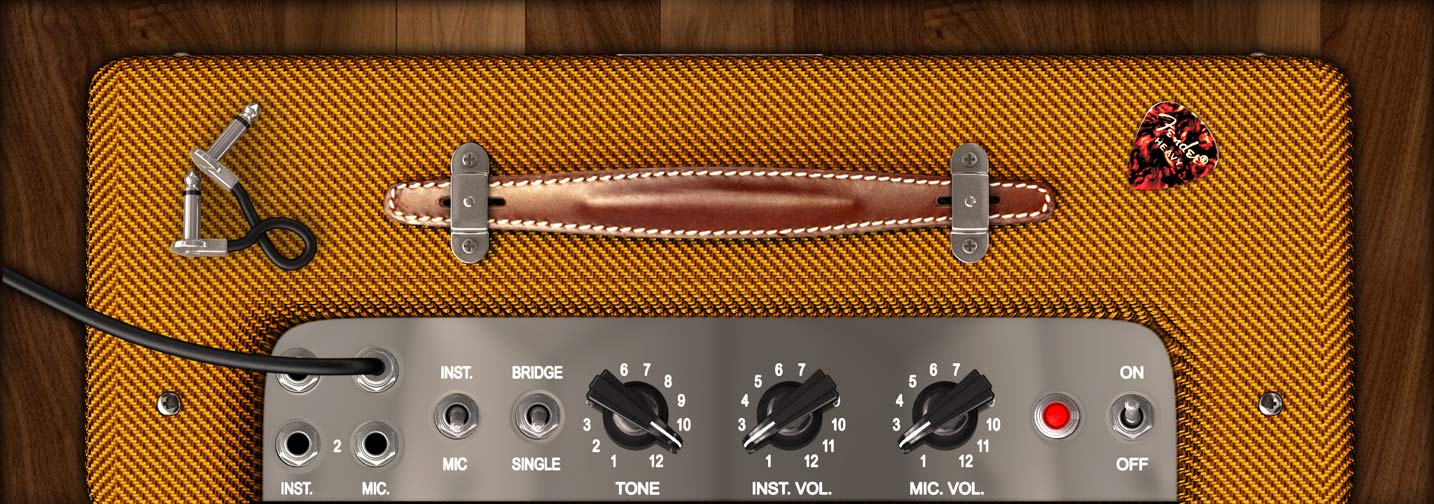
’57 Custom Pro-Amp
Officially Licensed '57 Custom Pro-Amp Model
’57 Custom Deluxe™
Officially Licensed '57 Custom Deluxe™ Amp Model
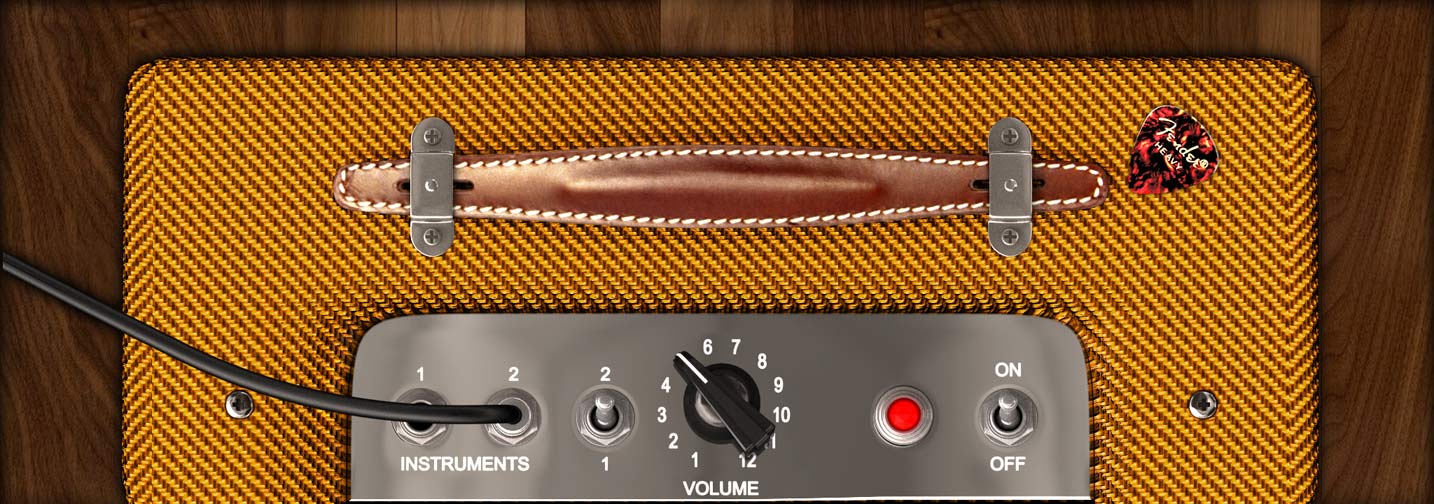
’57 Custom Champ®
Officially Licensed '57 Custom Champ® Amp Model
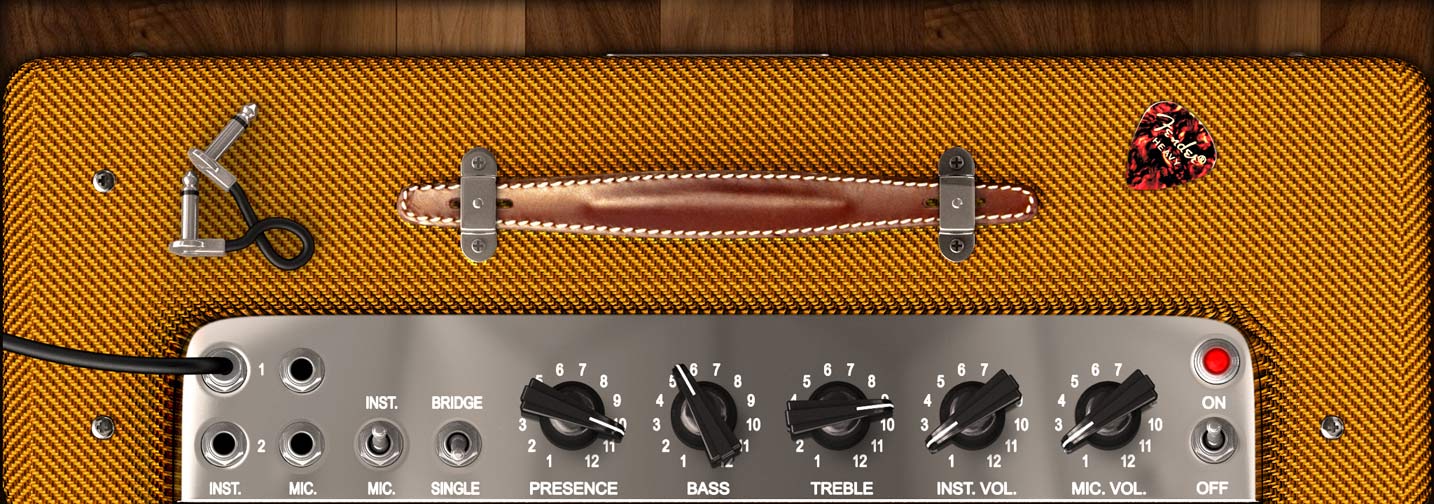
’57 Bandmaster™
Officially Licensed '57 Bandmaster™ Amp Model
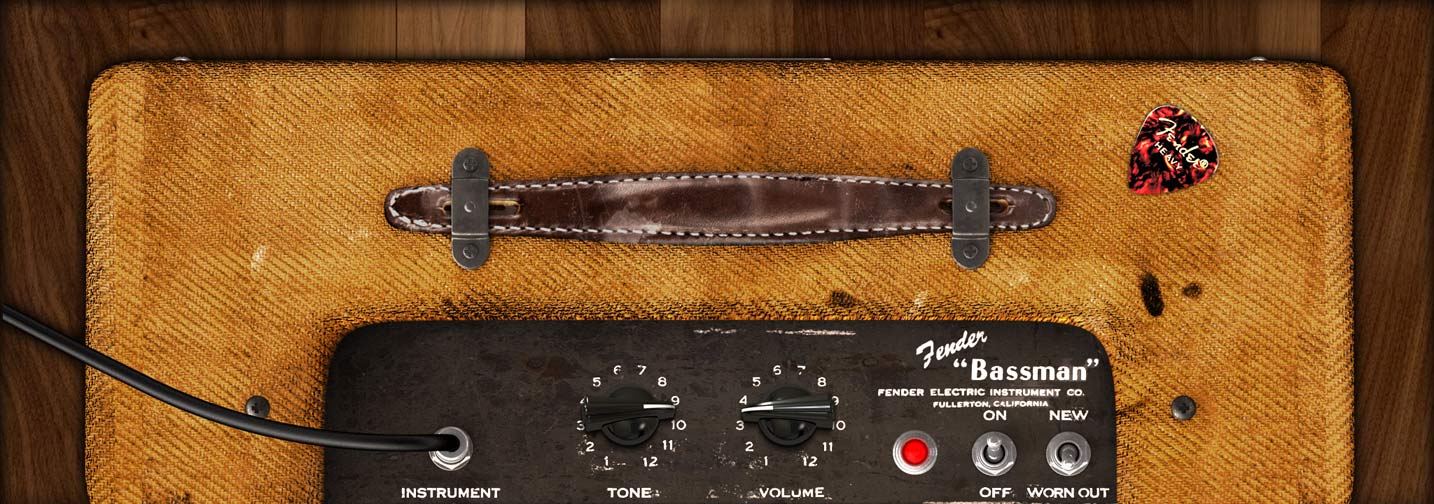
’53 Bassman®
Officially Licensed '53 Bassman® Amp Model
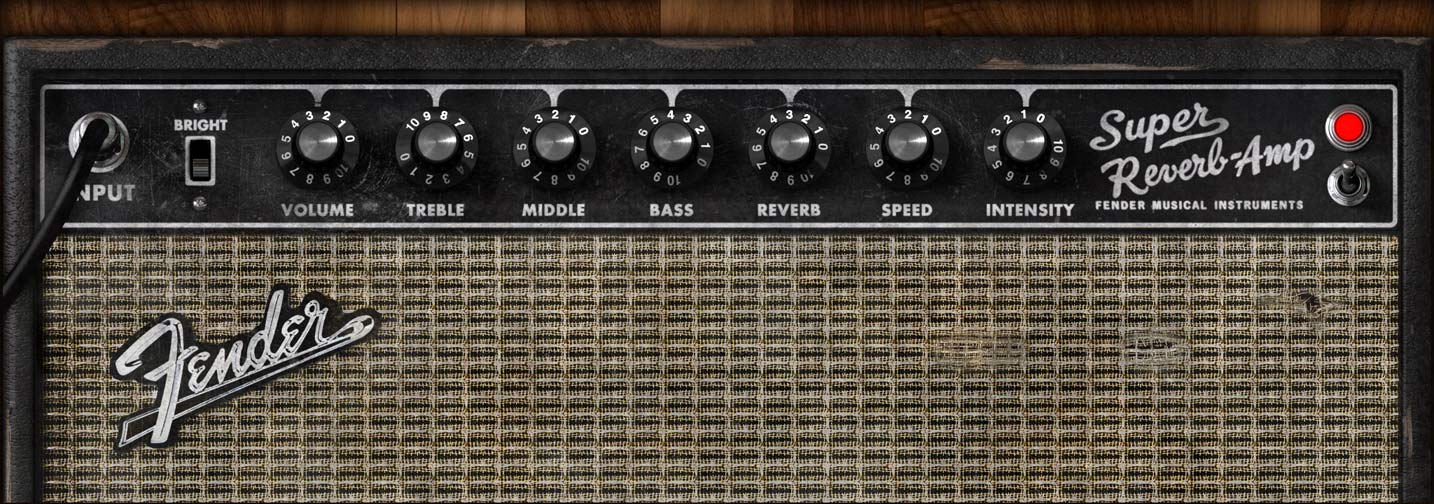
’65 Super Reverb®
Officially Licensed '65 Super Reverb® Amp Model
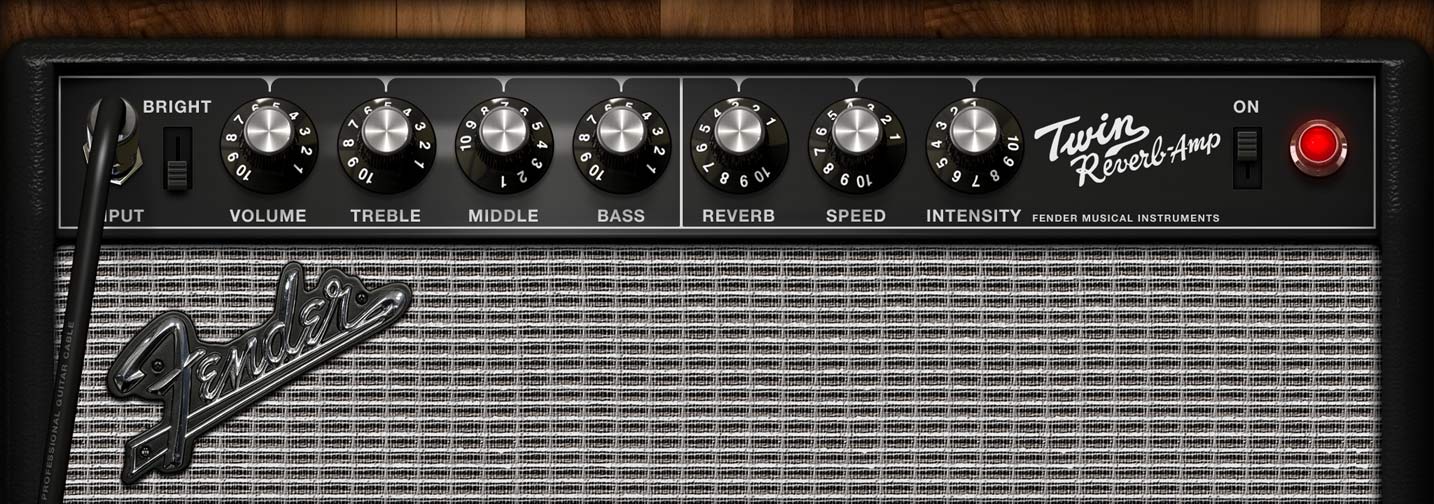
Twin Reverb
Officially Licensed '65 Twin Reverb™ Amp Model
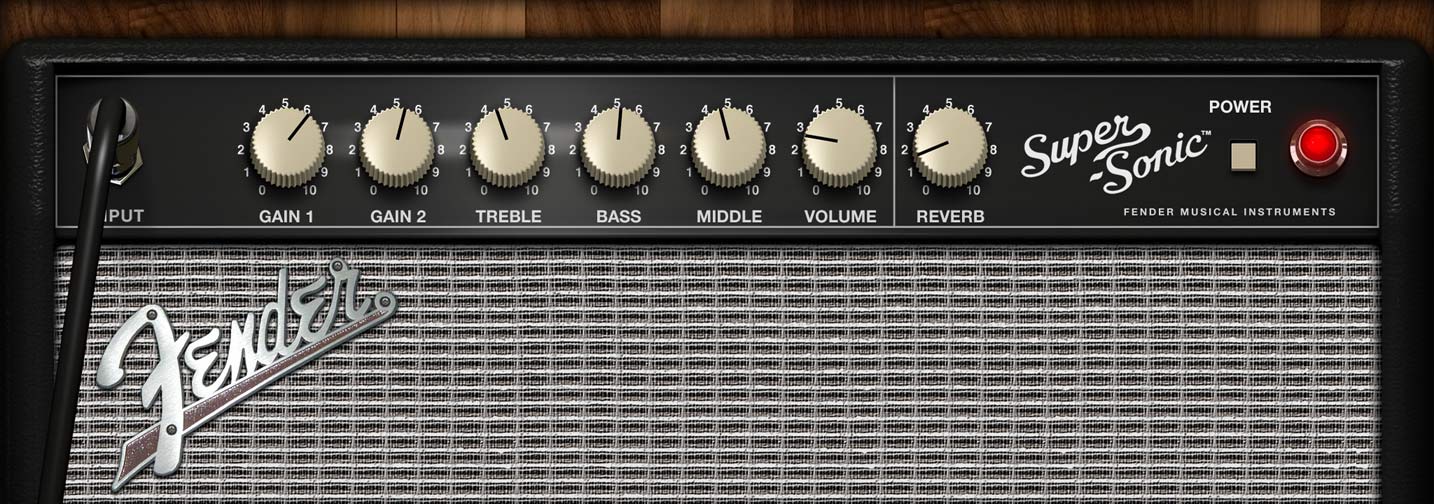
Super-Sonic
Officially Licensed Super-Sonic™ Amp Model
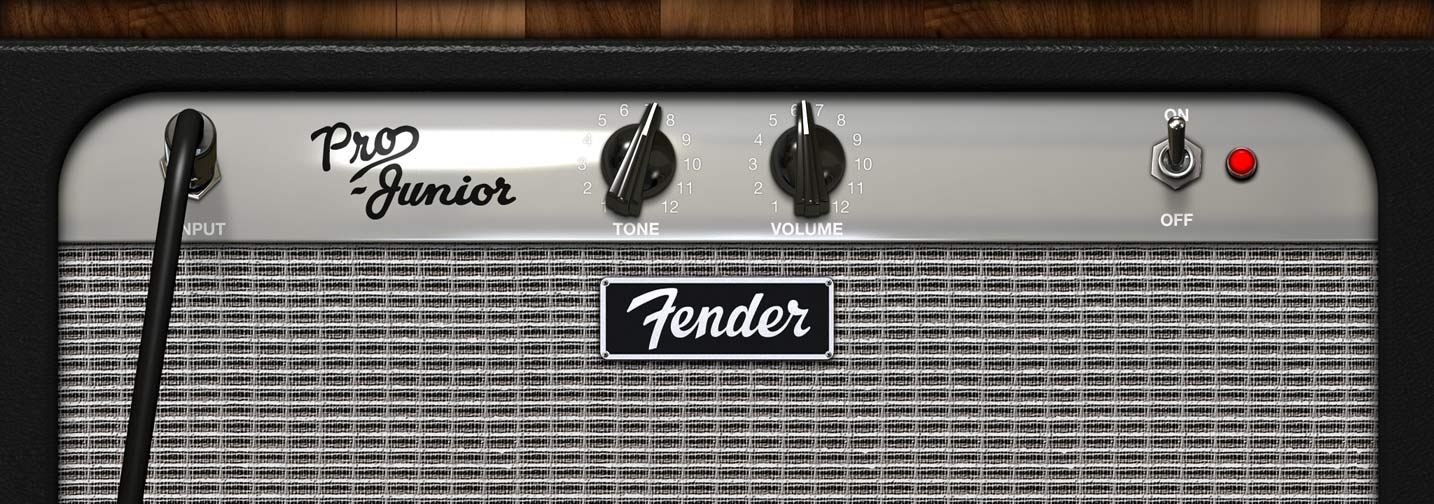
Pro Junior
Officially Licensed Pro Junior™ Amp Model
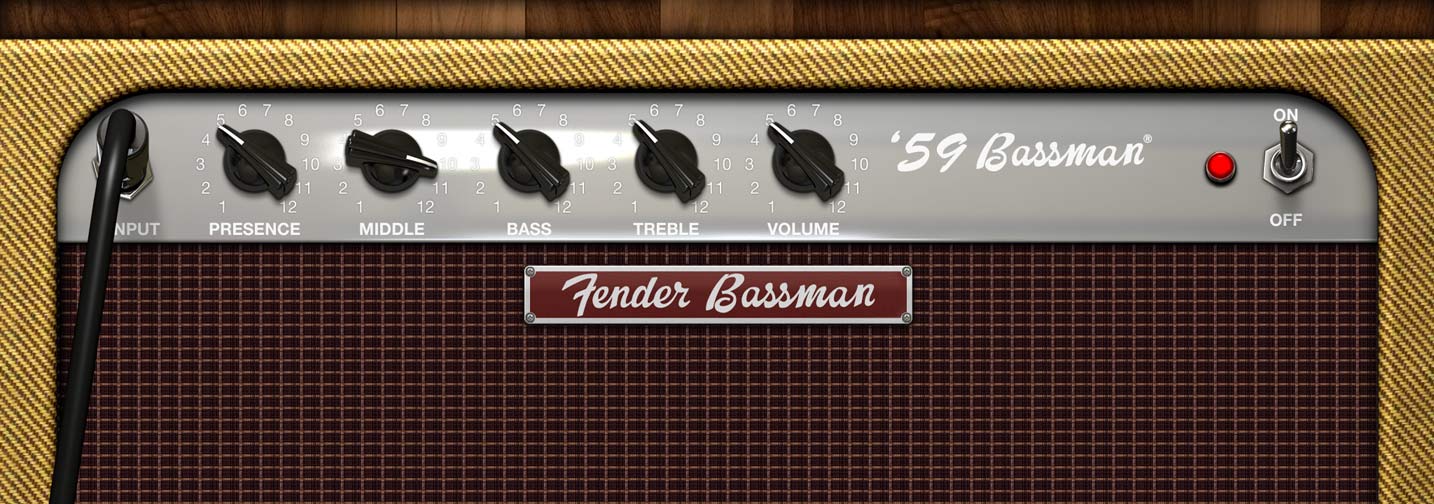
Bassman
Officially Licensed '59 Bassman™ LTD Amp Model
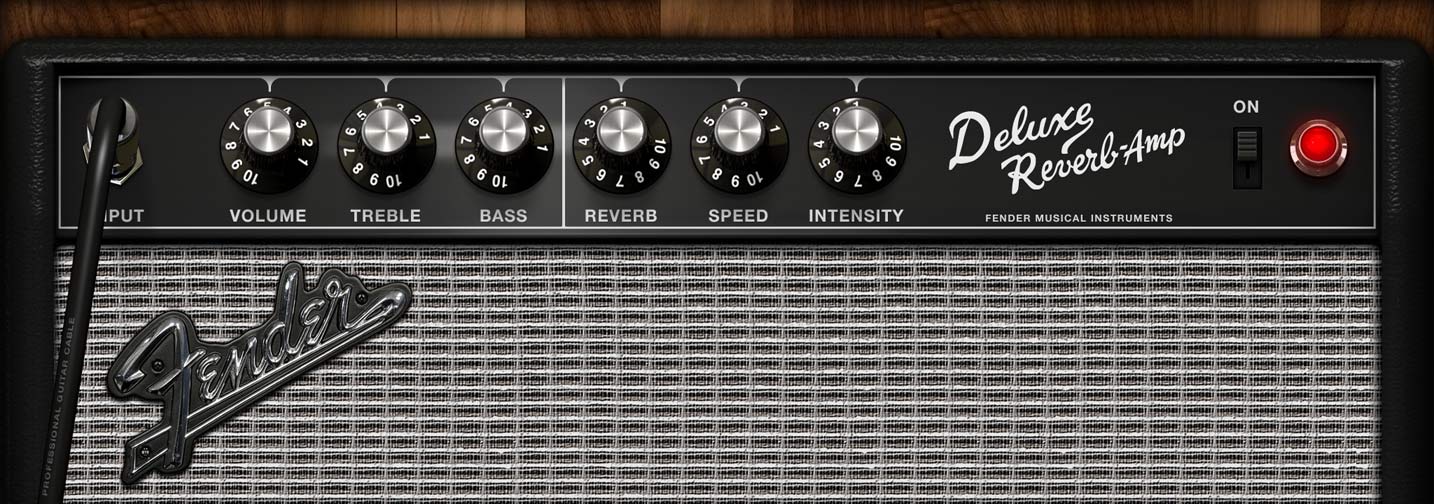
Deluxe Reverb
Officially Licensed '65 Deluxe Reverb™ Amp Model
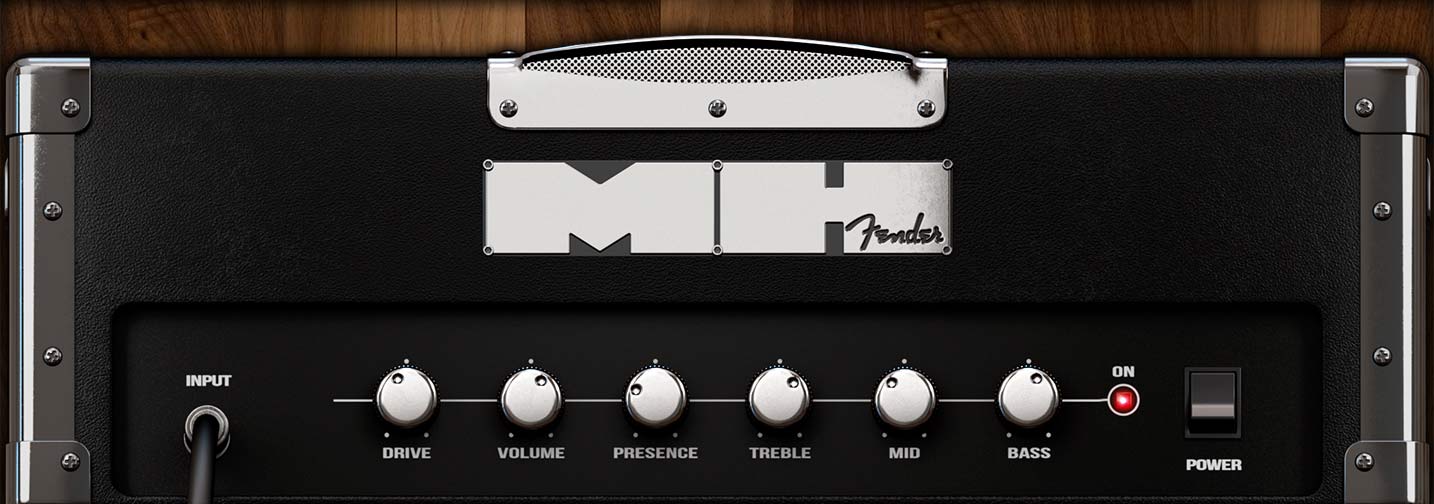
MH-500 Metalhead
Officially Certified MH-500 Metalhead™ Amp Model

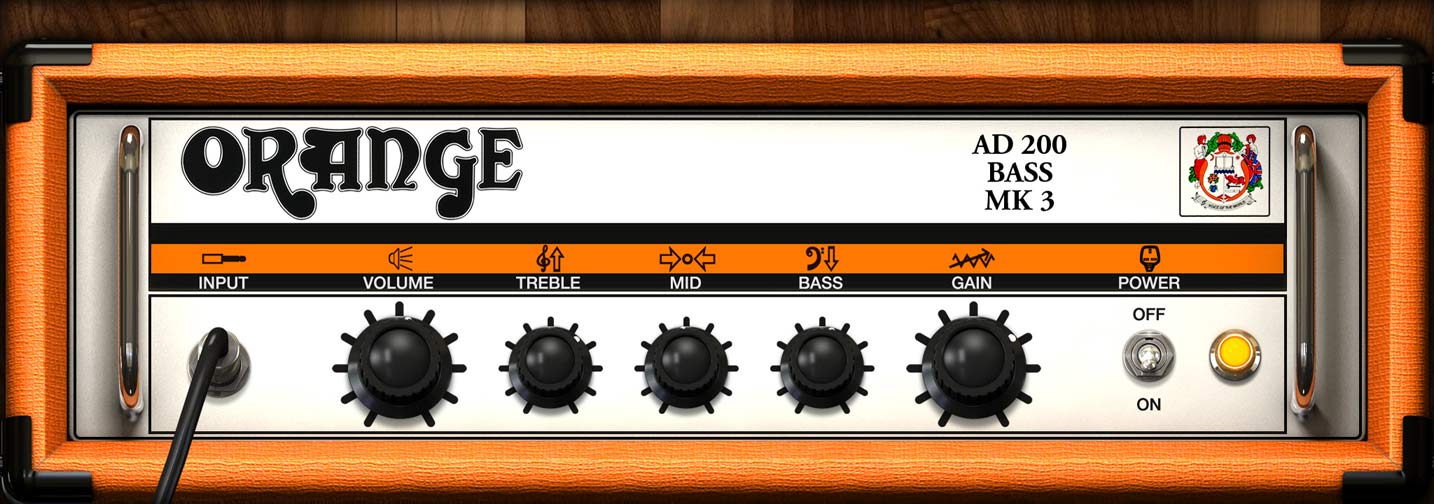
AD200
Officially Certified Orange® AD200B MK 3™ Head Model
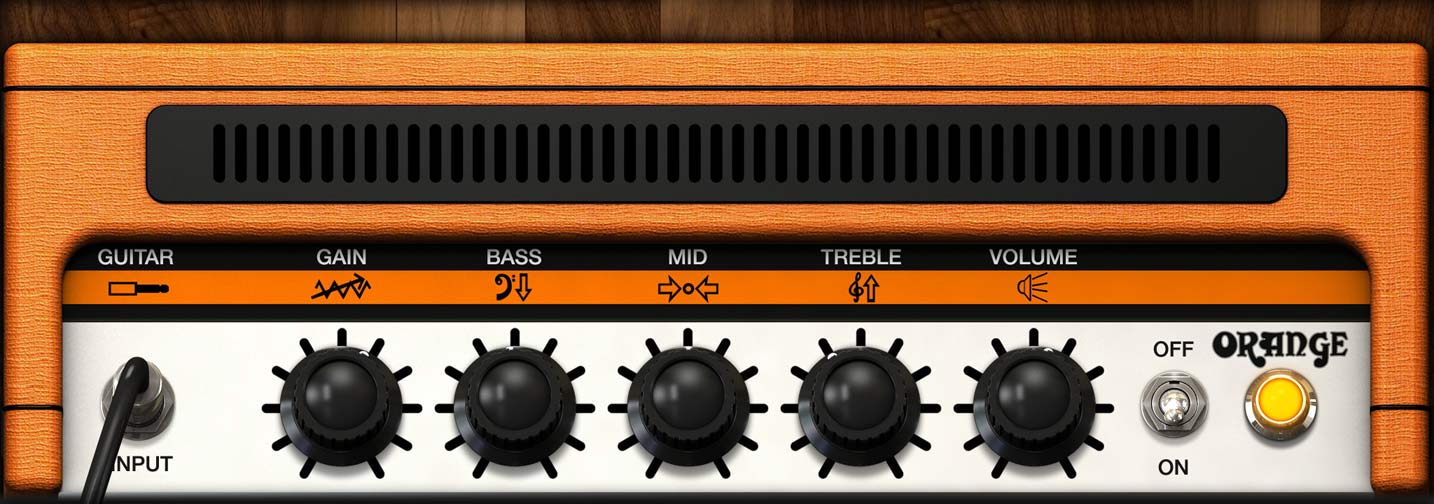
AD30
Officially Certified Orange® AD30TC™ Combo Model
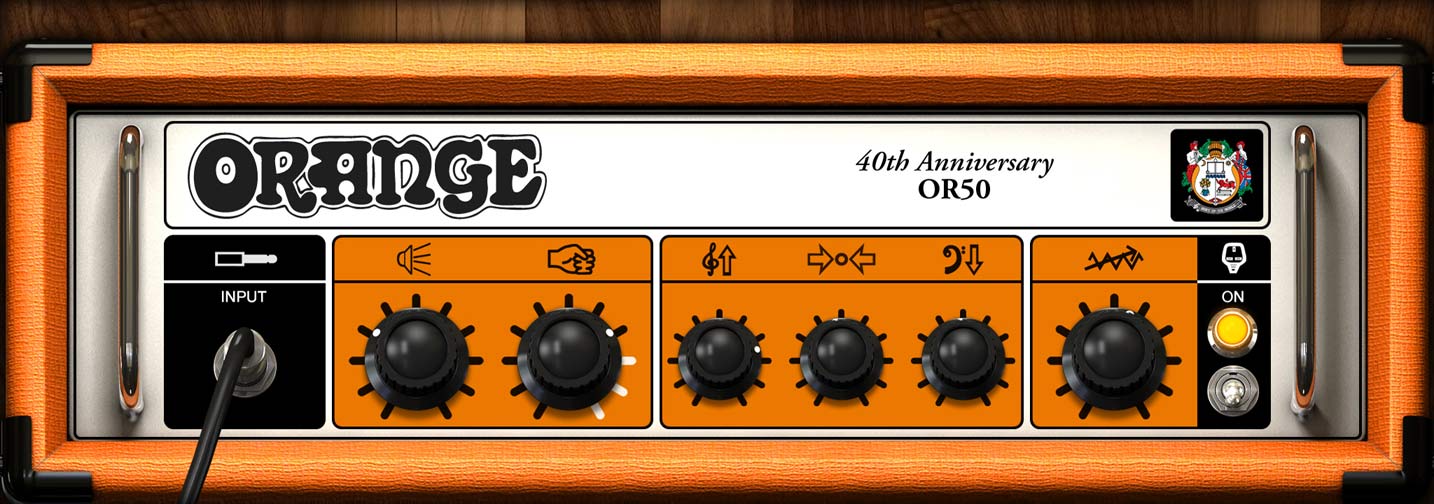
OR50
Officially Certified Orange® OR50H™ Head Model
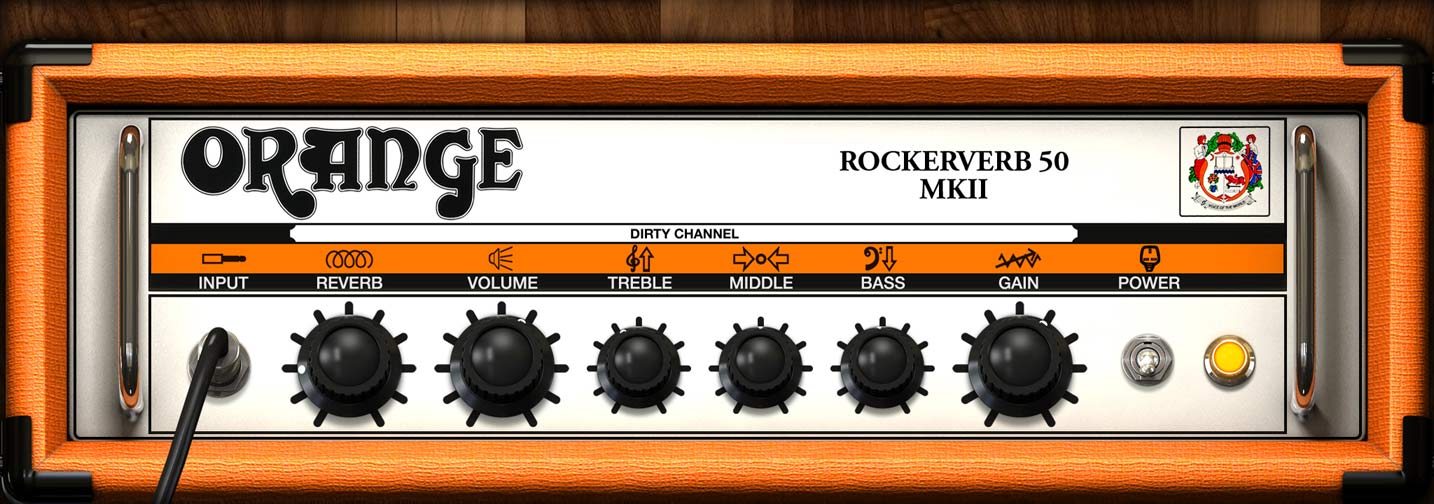
Rockerverb 50
Officially Certified Orange® RockerVerb 50 MKII™ Head Model
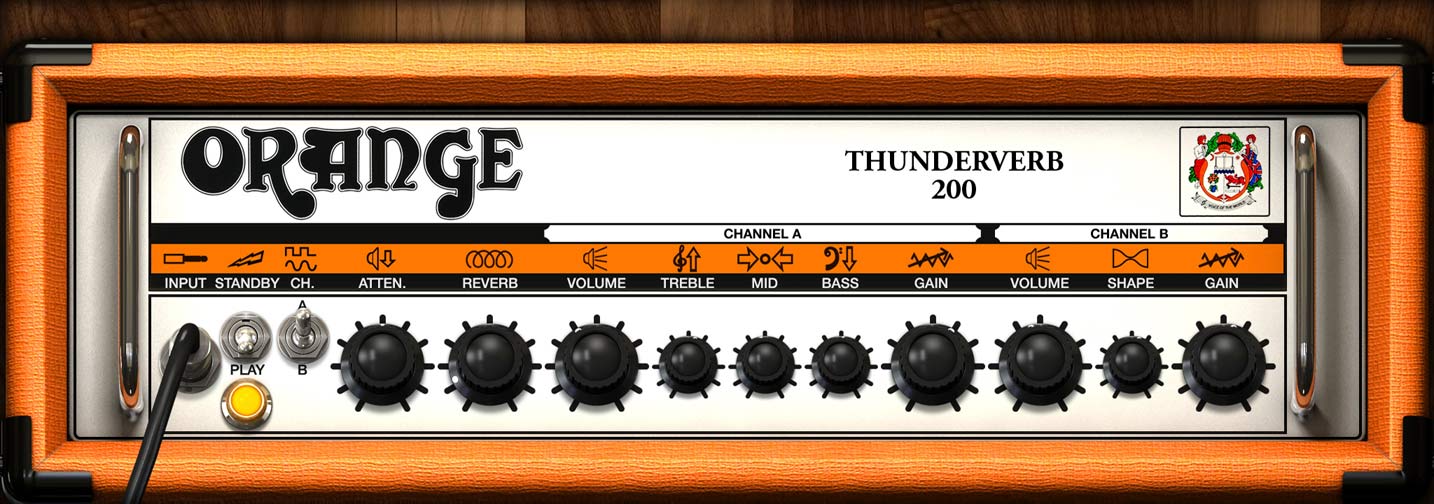
Thunderverb 200
Officially Certified Orange® Thunderverb™ 200 Head Model
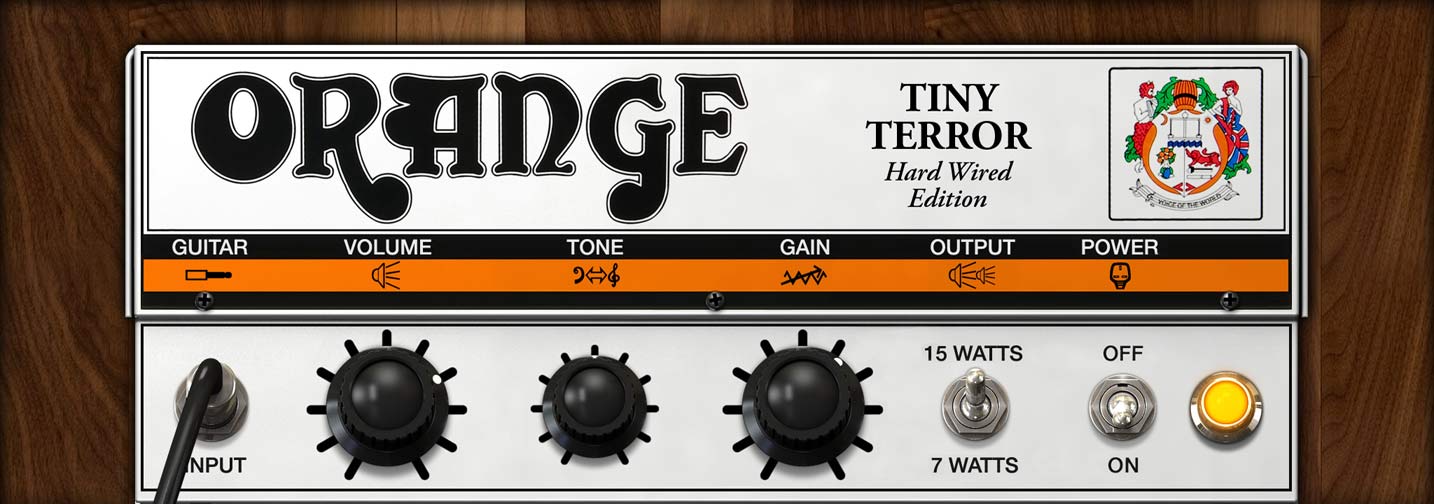
Tiny Terror
Officially Certified Orange® Tiny Terror™ Head Model
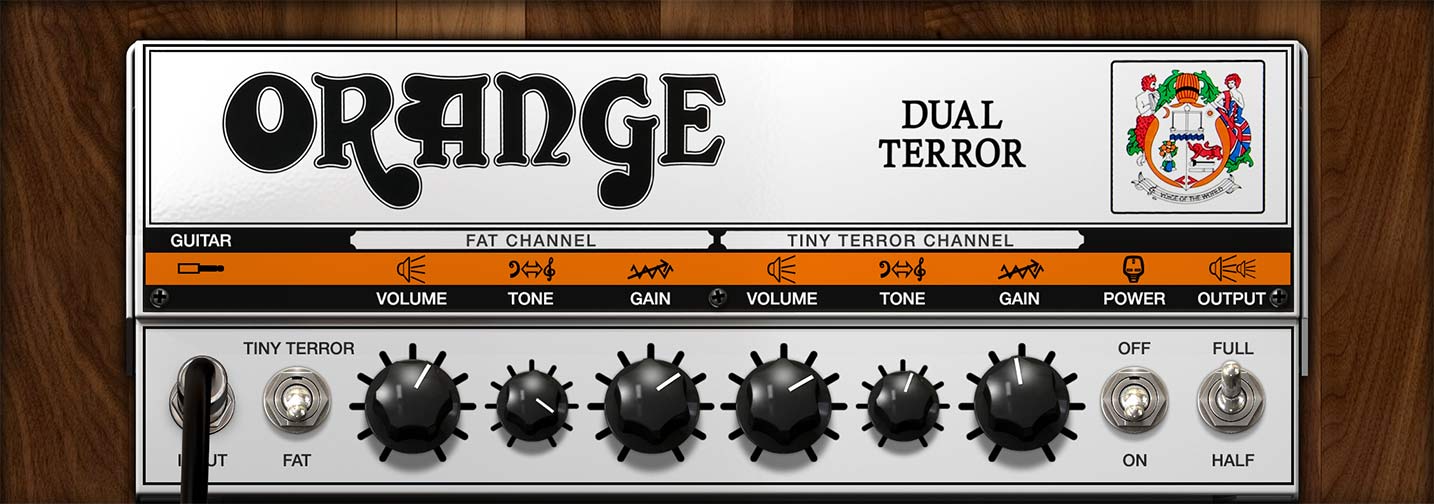
Dual Terror
Officially Certified Orange® Dual Terror™ Head Model

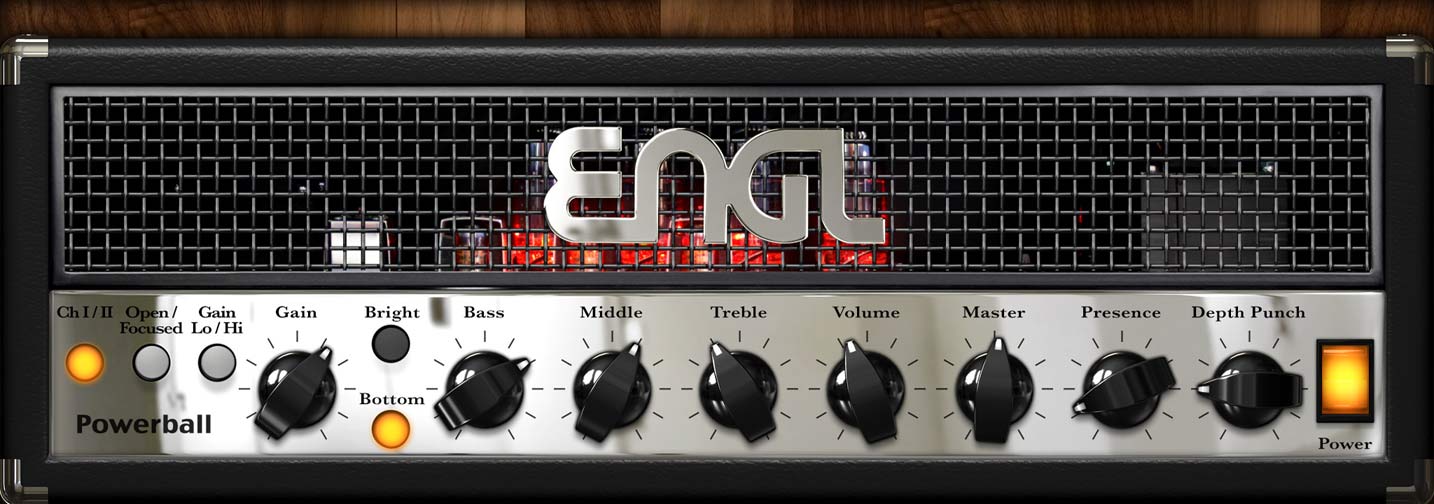
Powerball
Officially Certified Engl® Powerball Head Model
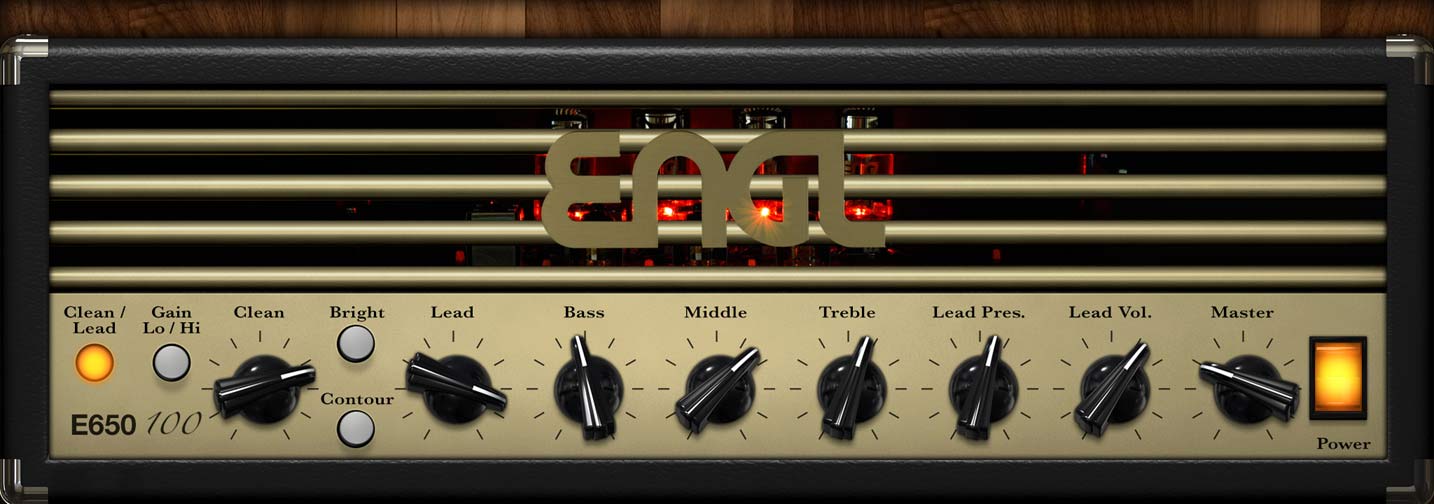
E650
Officially Certified Engl® E650 Head Model

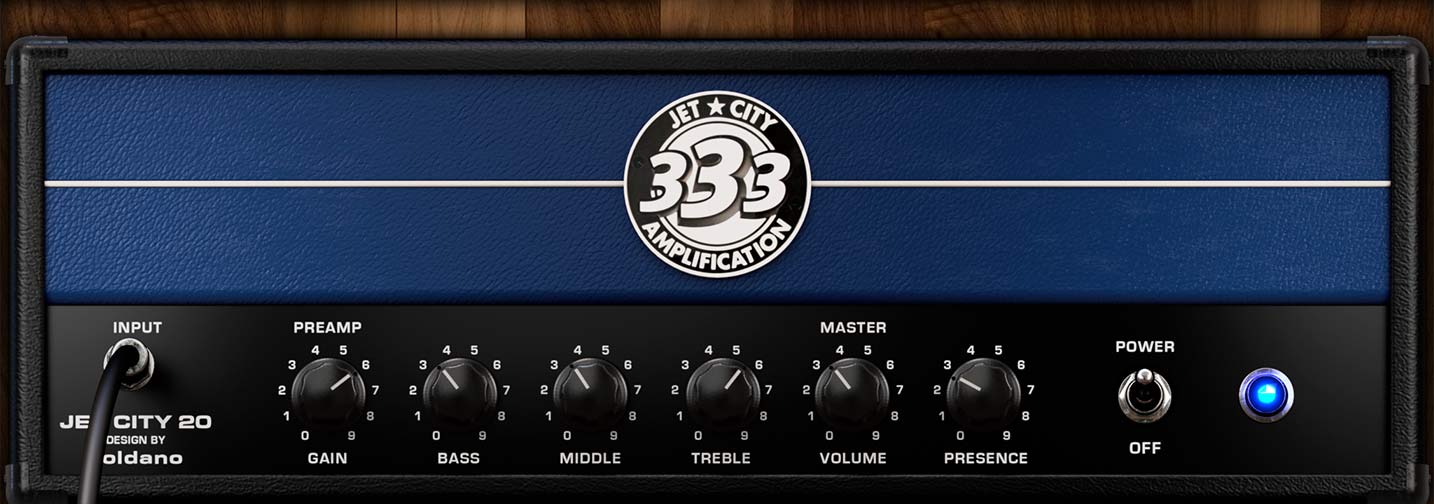
JCA20H
Officially Certified Jet City Amplification 333® JCA20H™ Head Model
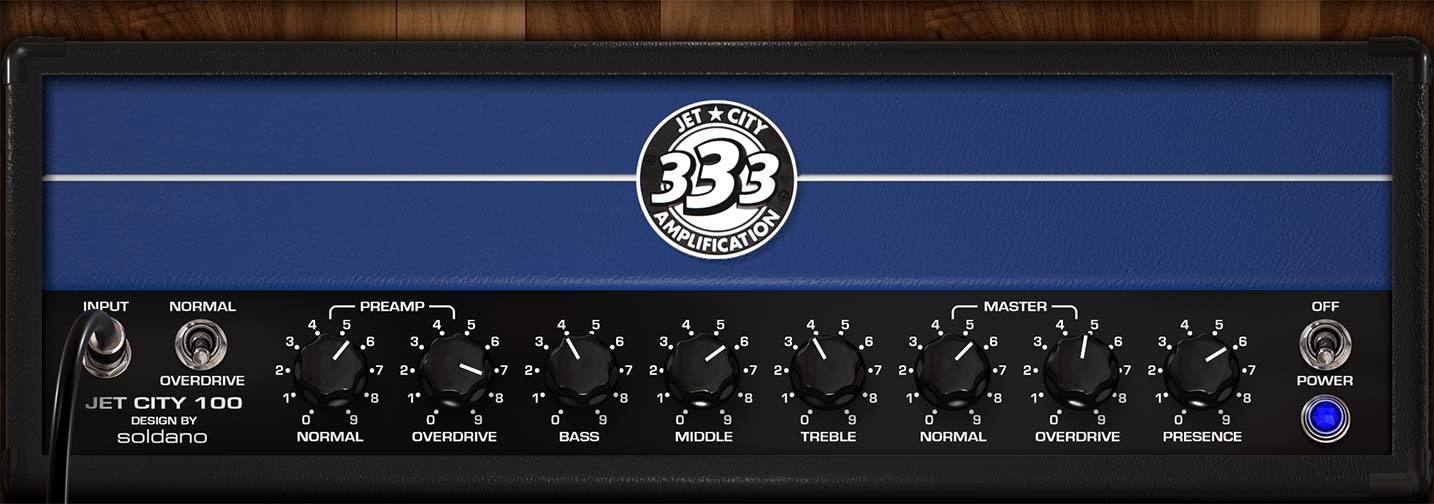
JCA100H
Officially Certified Jet City Amplification 333® JCA100H™ Head Model

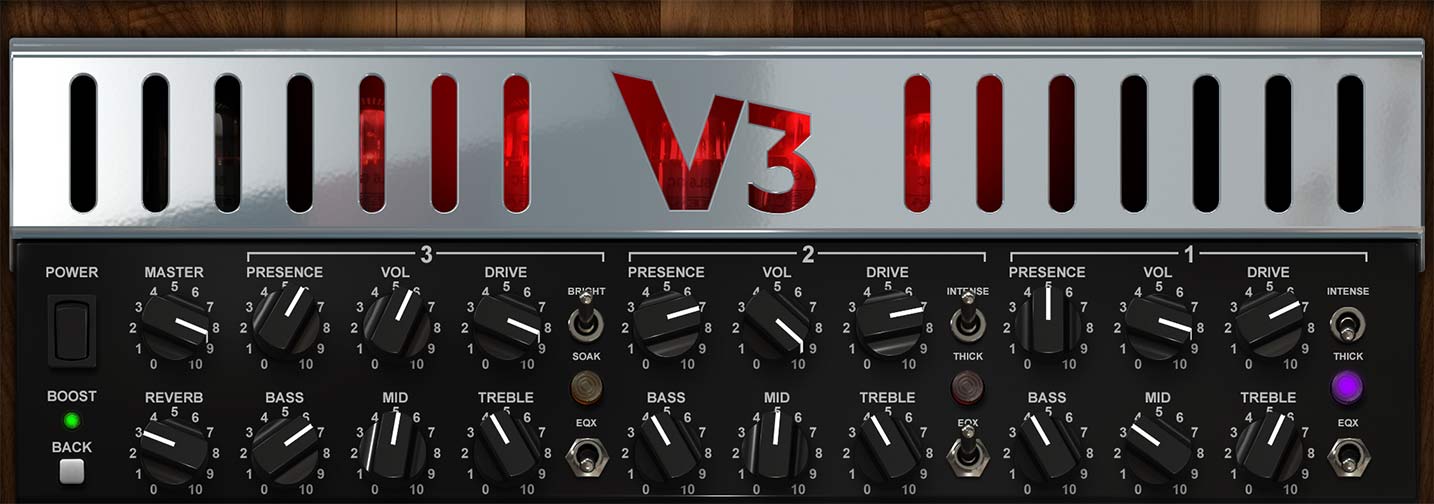



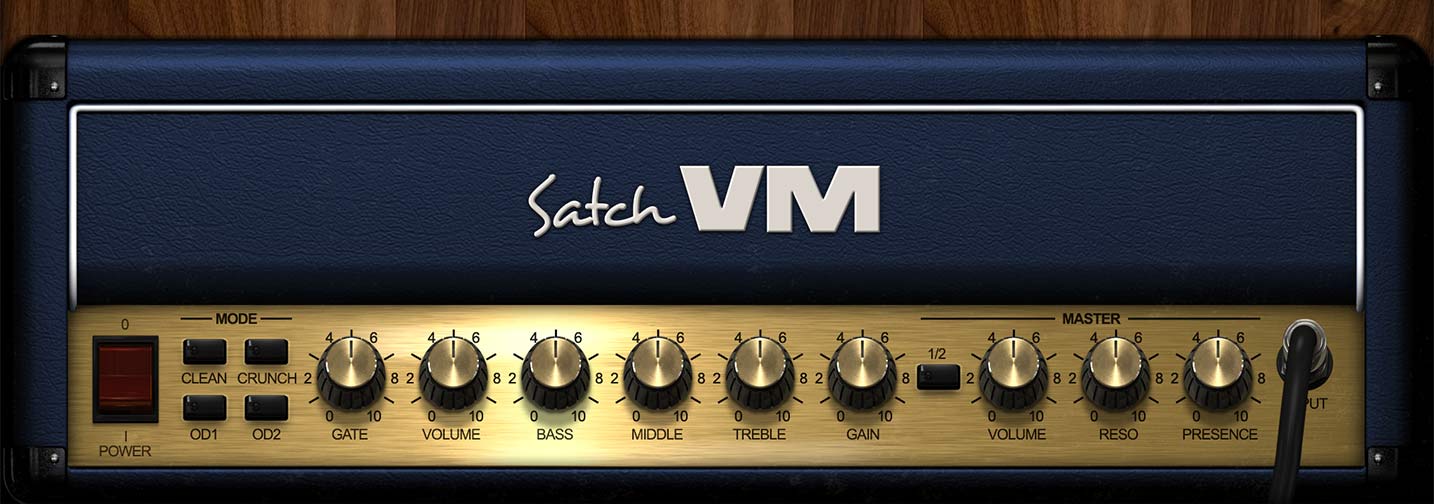
Satch VM
Based on the Marshall® JVM410HJS
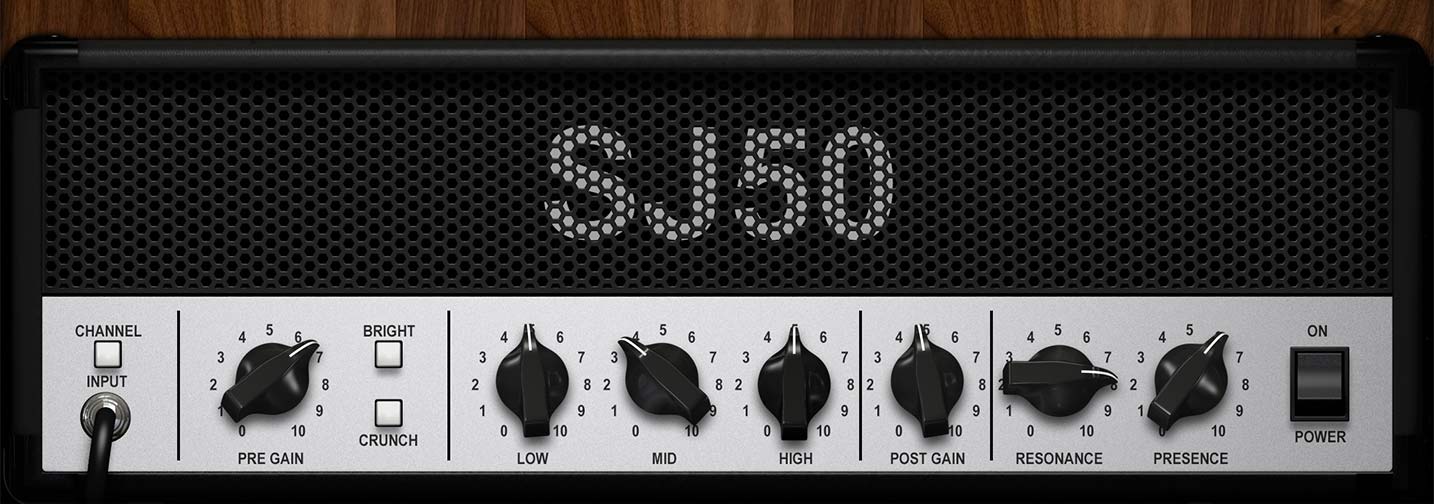
SJ50
Based on the Peavey® 5150
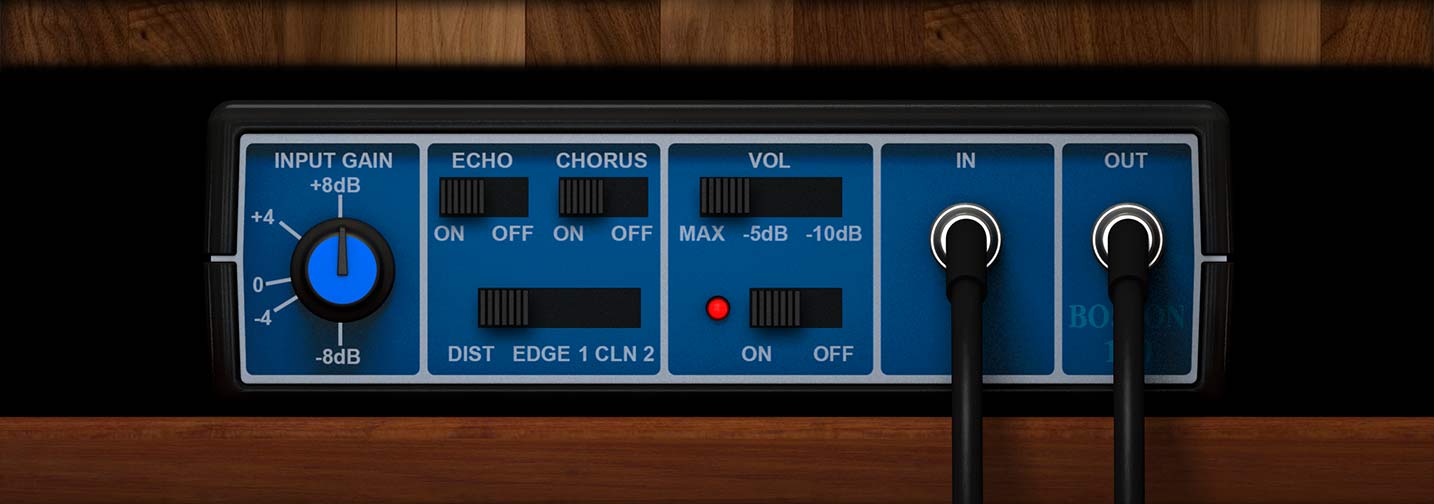
Boston 100
Based on the Tom Scholz Rockman® X100
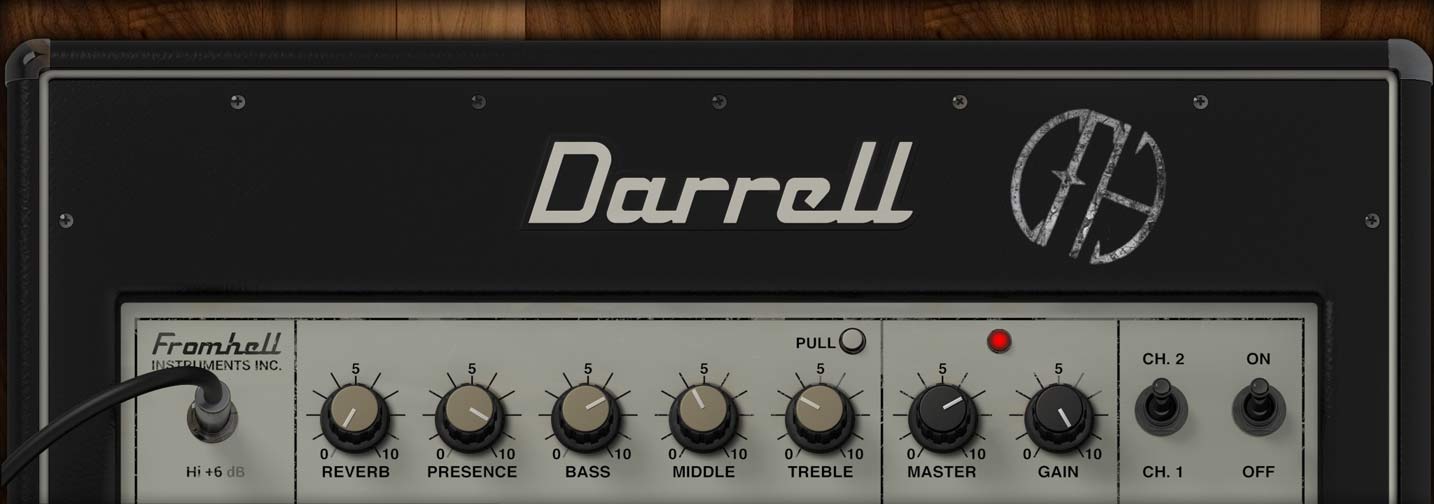
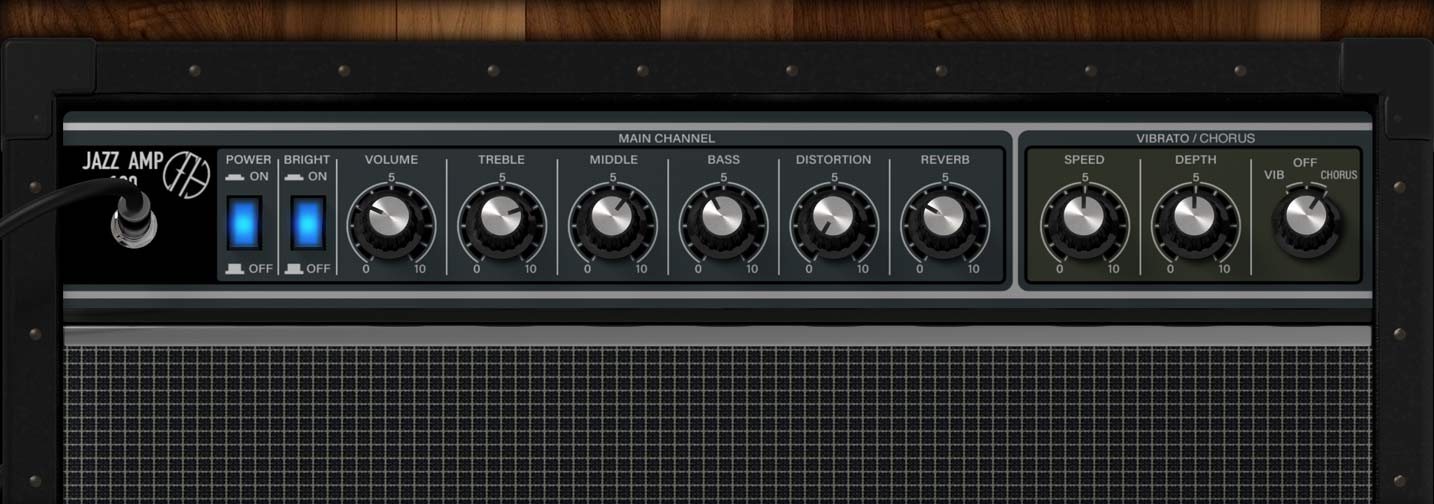
Stomp Effects
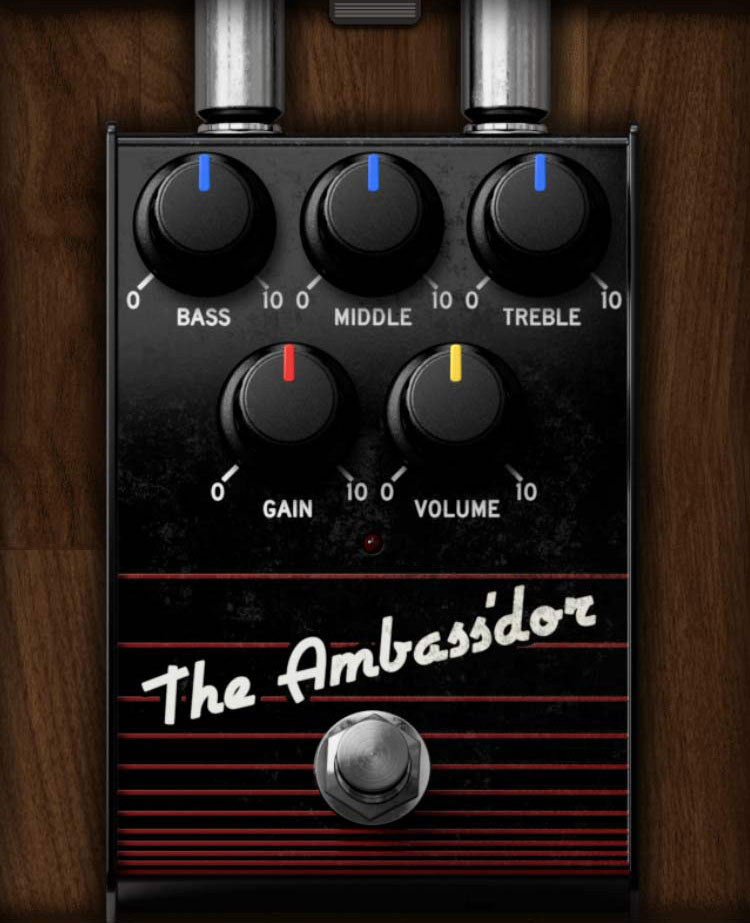
The Ambass'dor
Crusher
Dcomp
Electric Flanger
Feedback
Phazer 10
Swell
Chorus
Delay
Distortion
Envelope Filter
Flanger
Fuzz
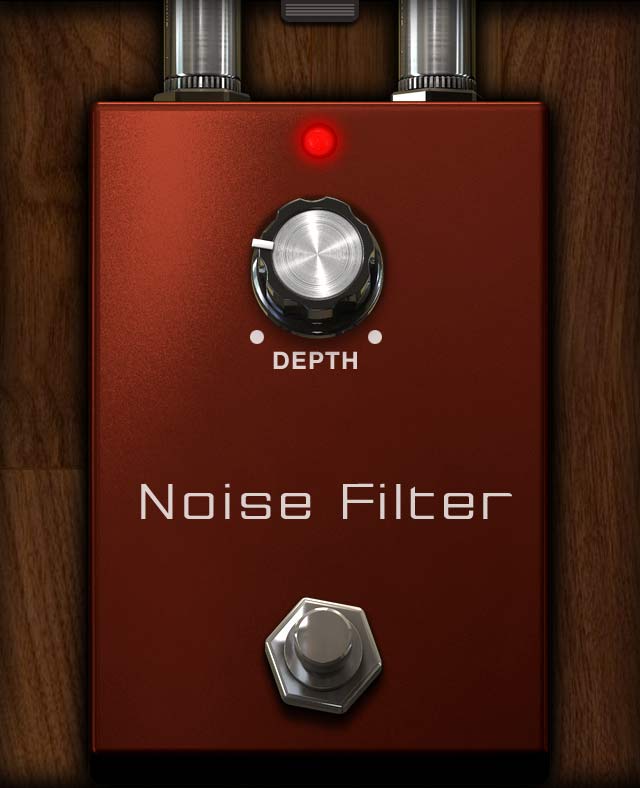
Noise Filter
Octave
Overdrive
Phazer
Wah
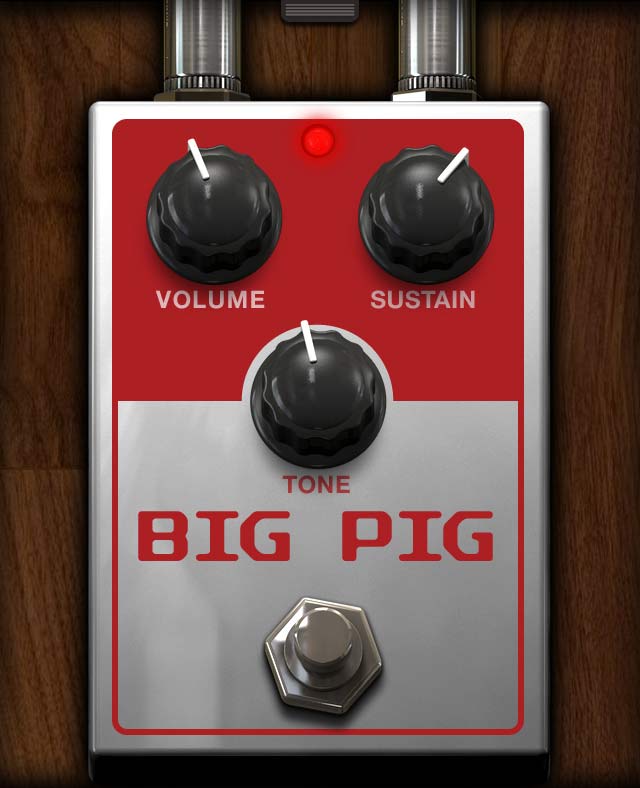
Big Pig
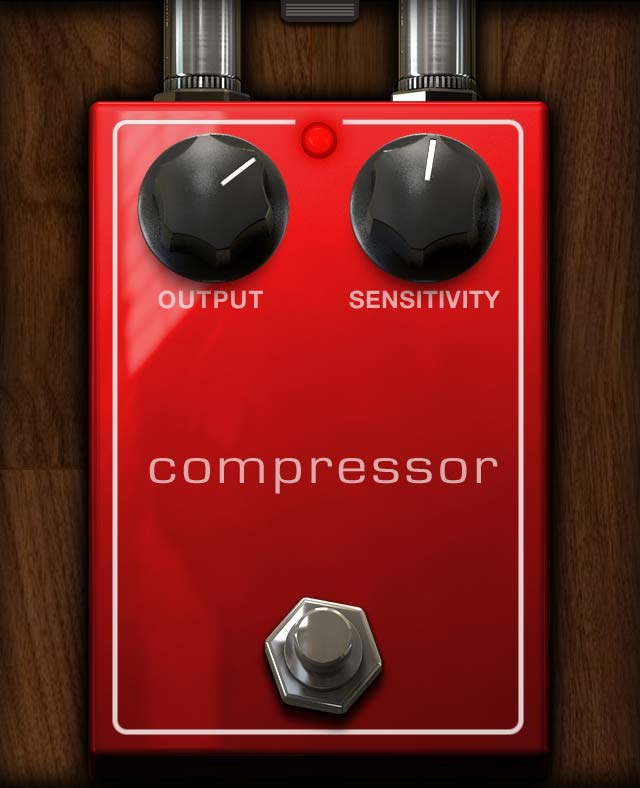
Compressor
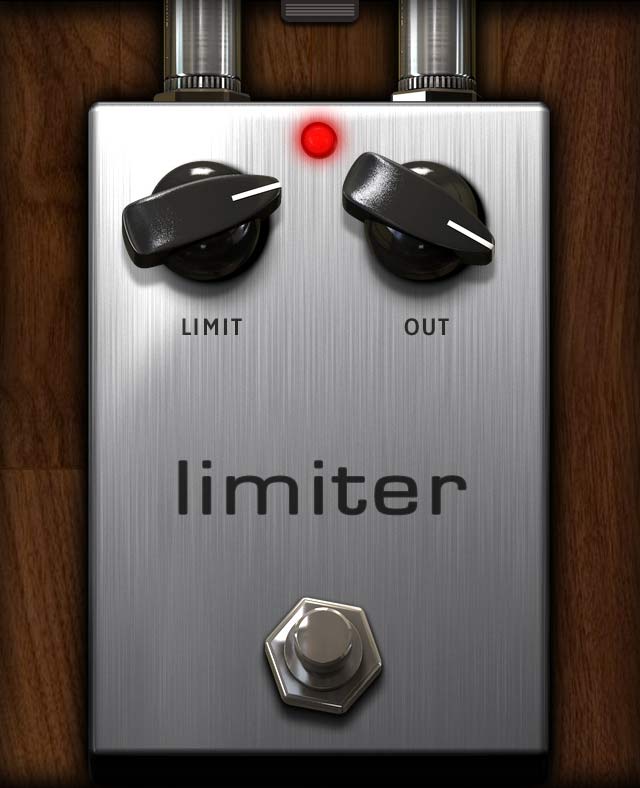
Limiter
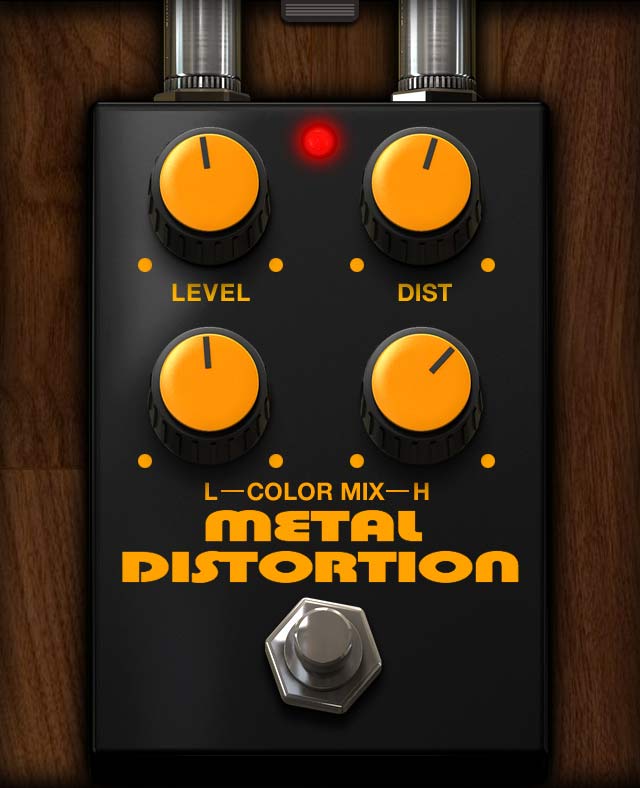
Metal Distortion
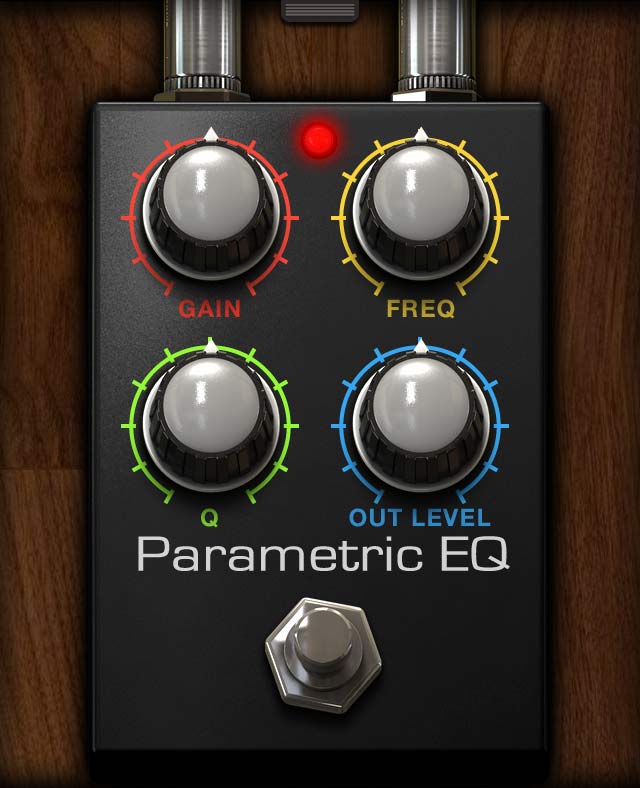
Parametric EQ
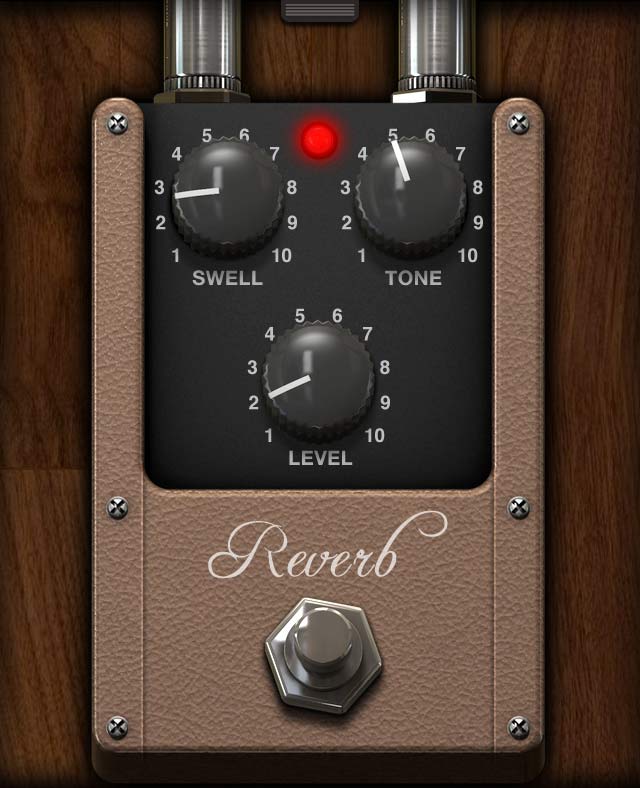
Reverb
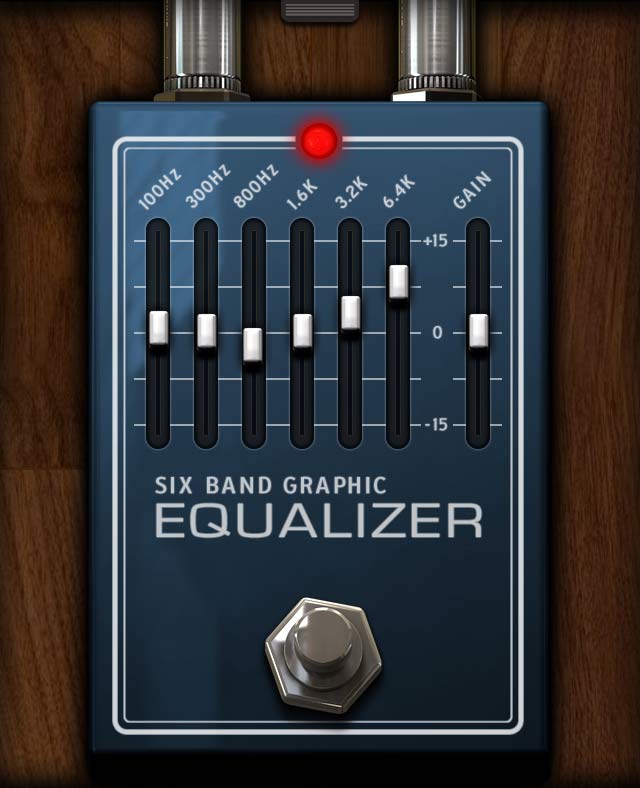
Six Band Graphic_EQ
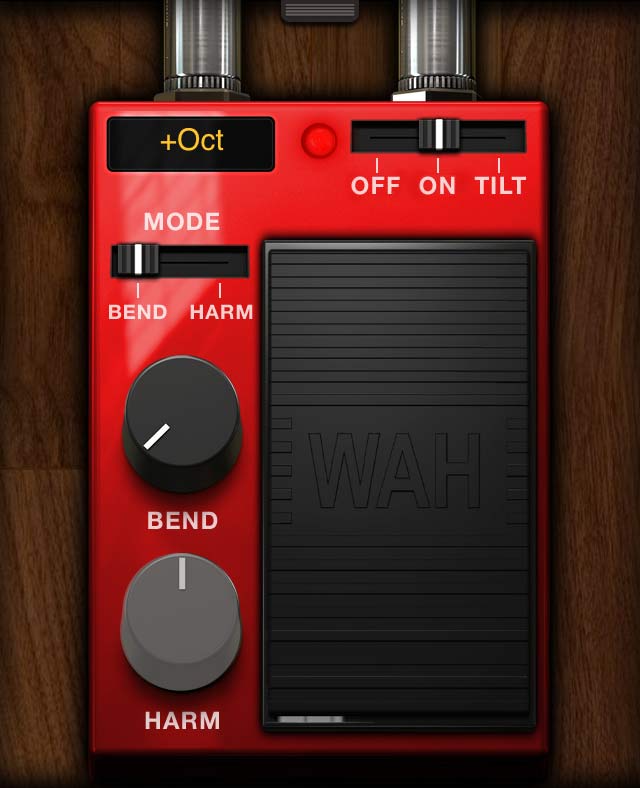
Wharmonator
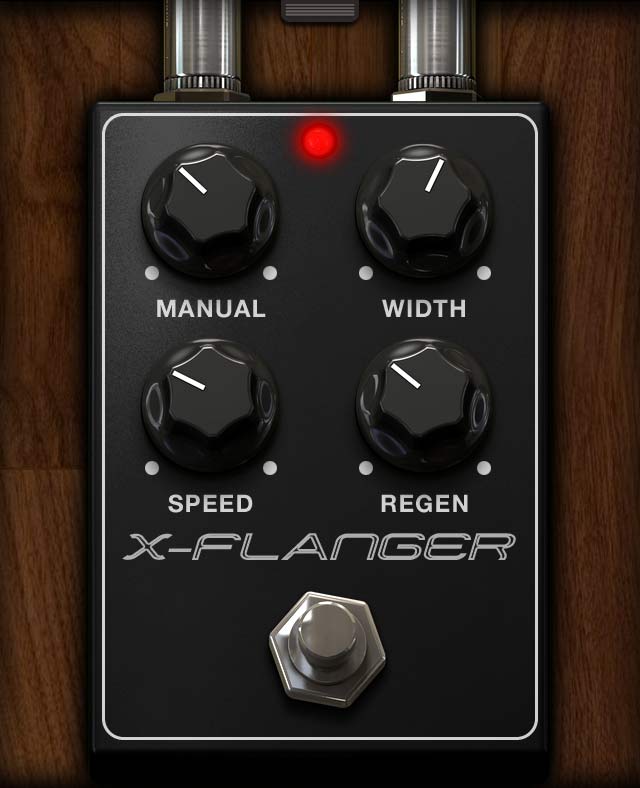
X-Flanger
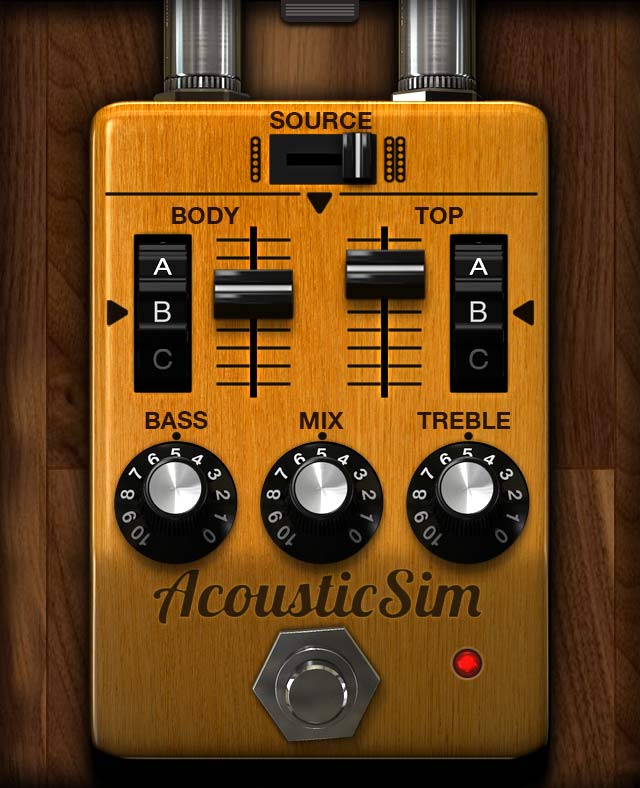
Acoustic Sim
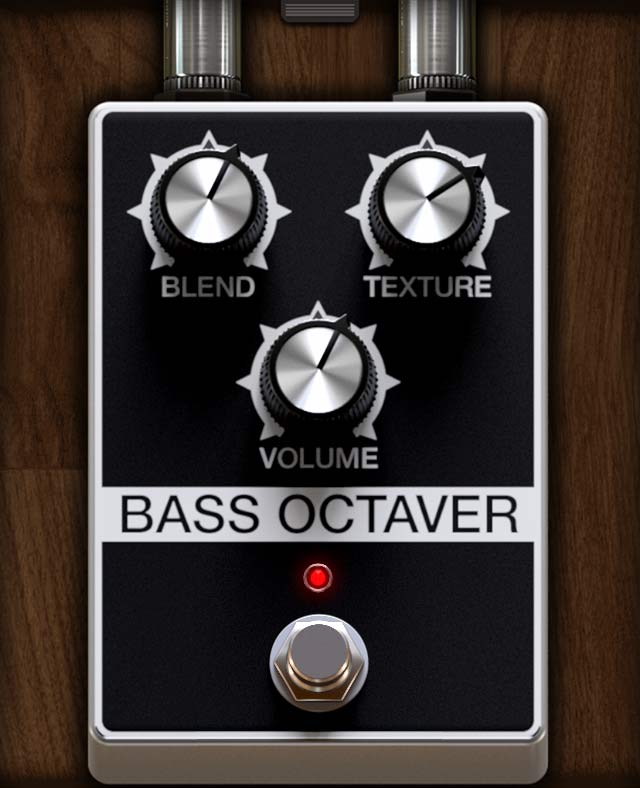
Bass Octaver
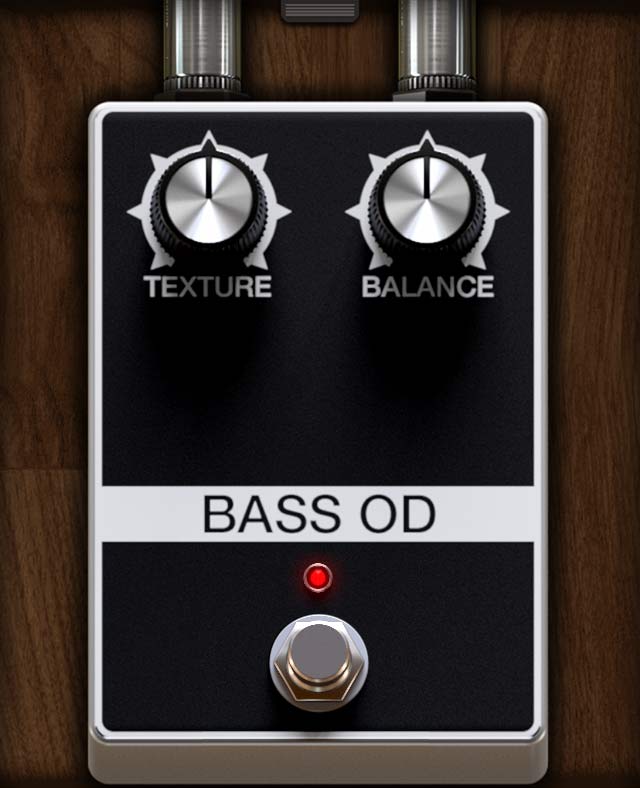
Bass OD
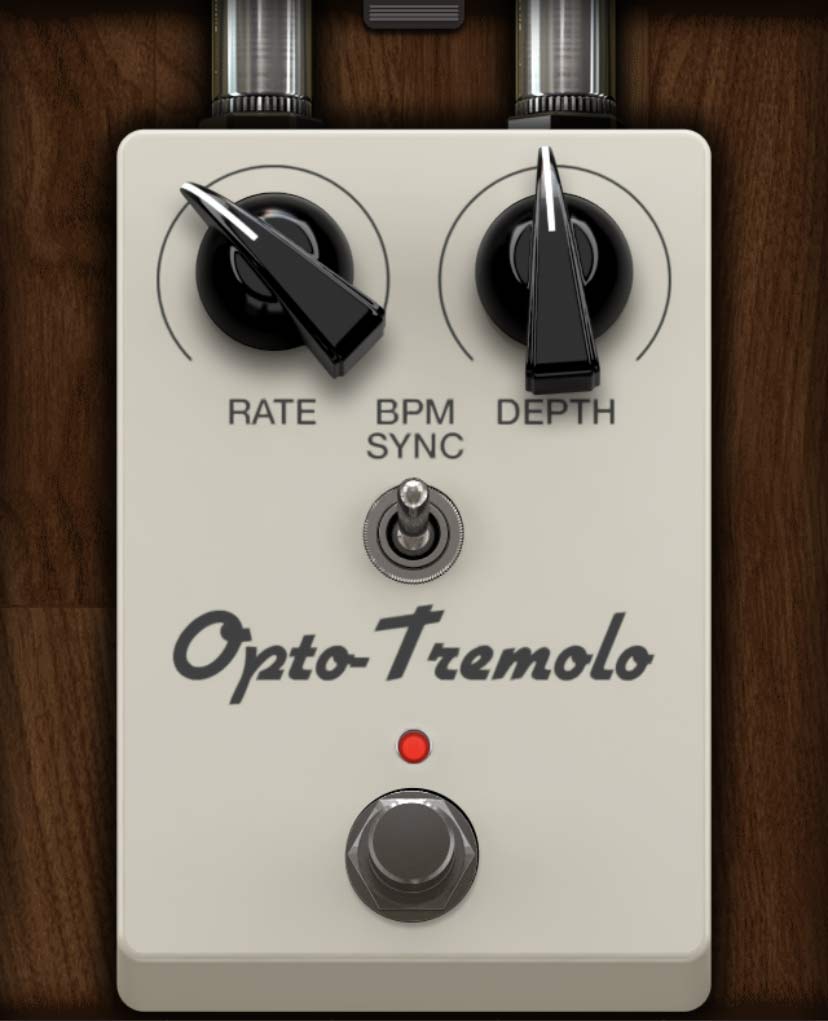
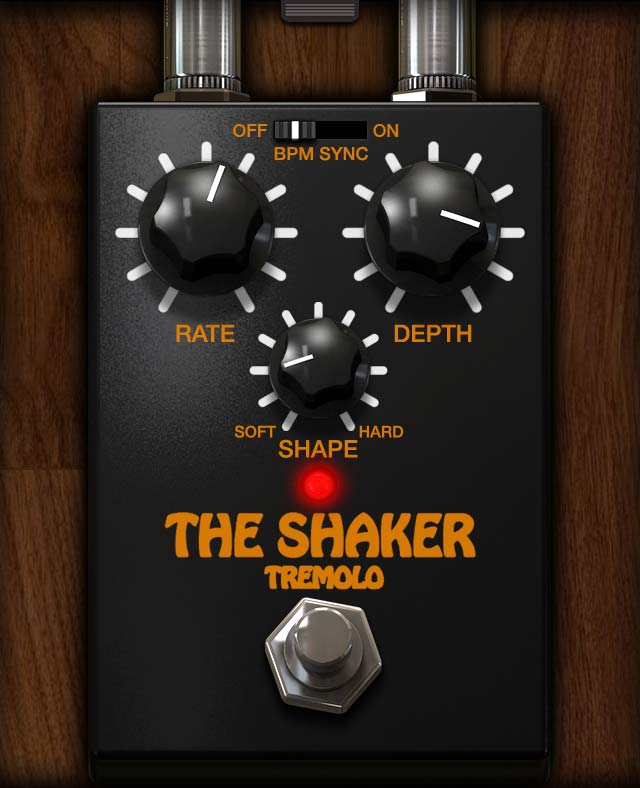
Opto Tremolo
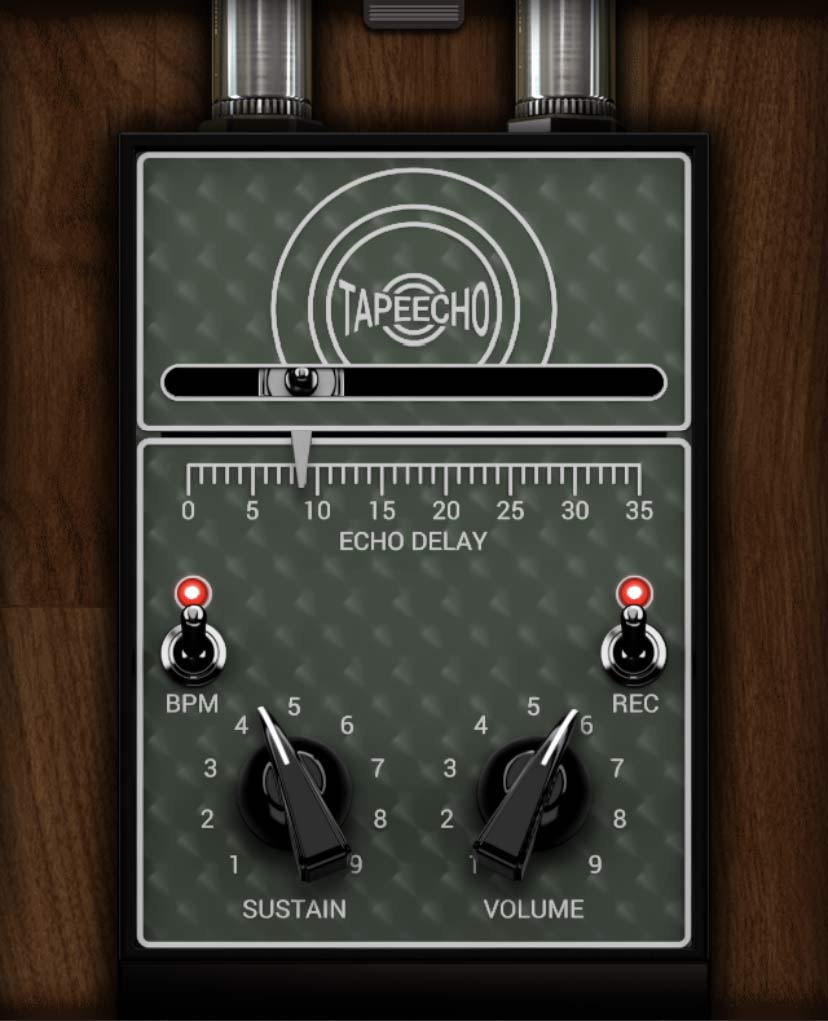
EP Tape Echo
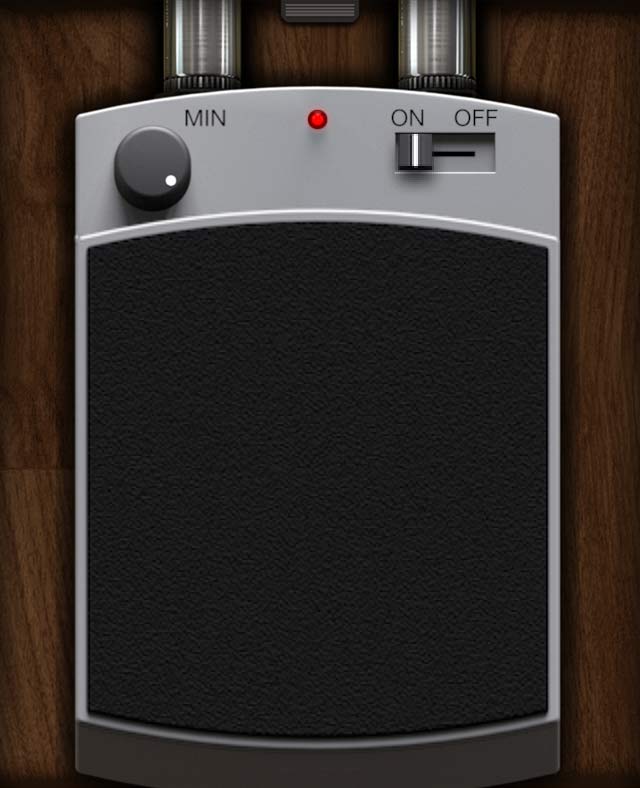
Volume

Fuzz Age

Octa-V

Uni-V

Wah 46
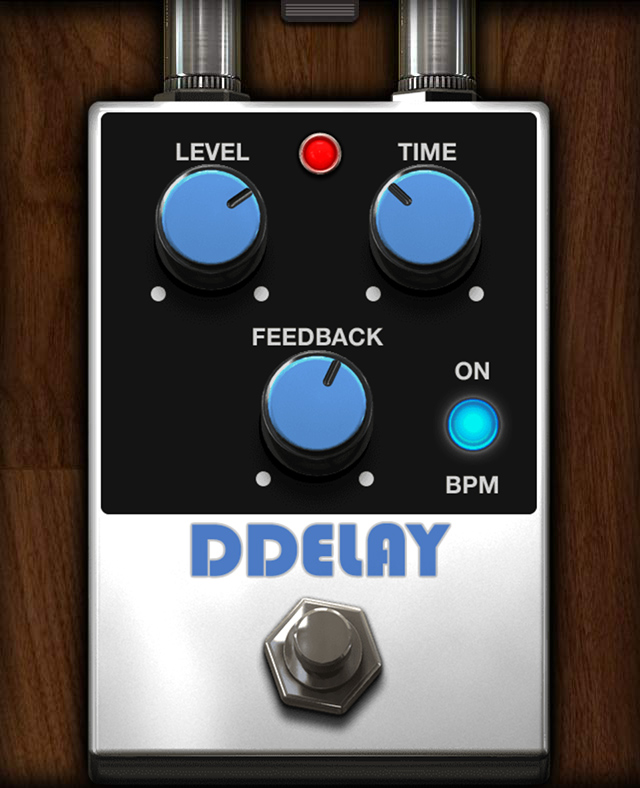
DDelay
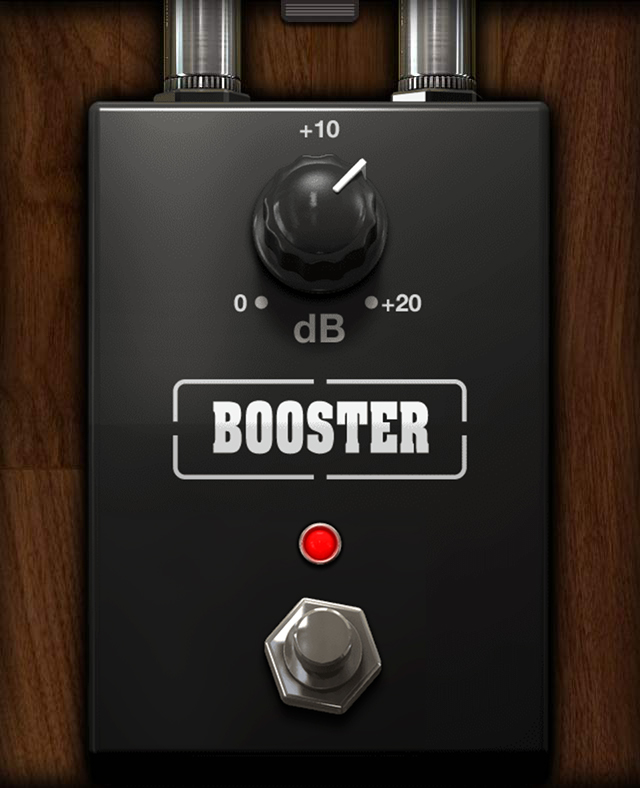
Booster
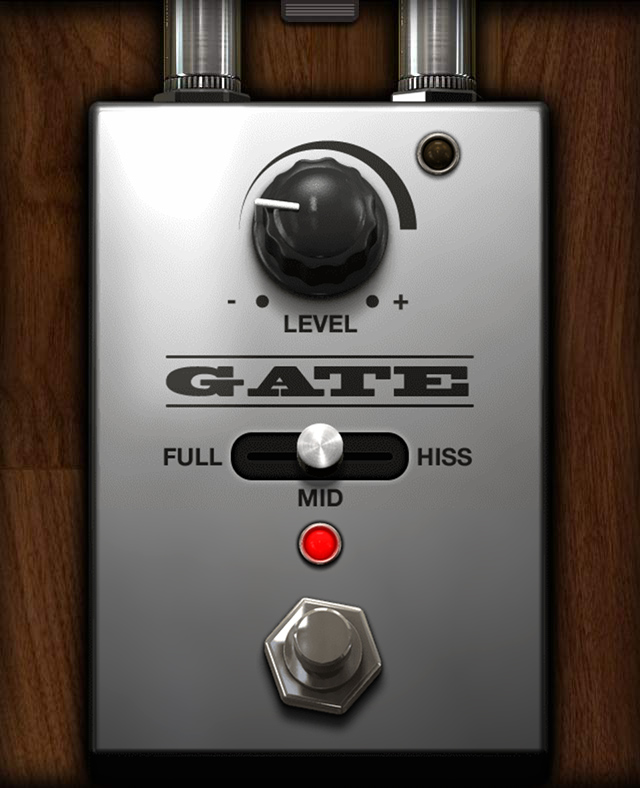
Gate
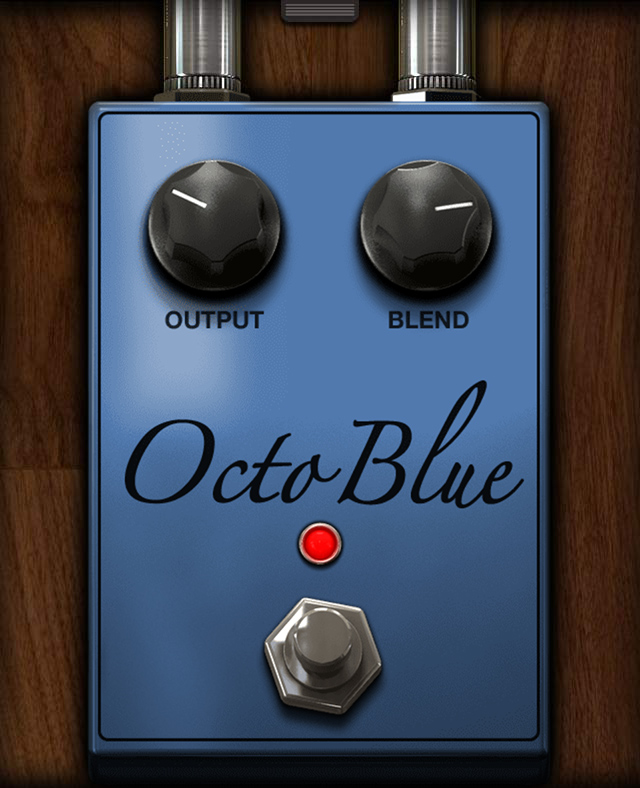
Octo Blue
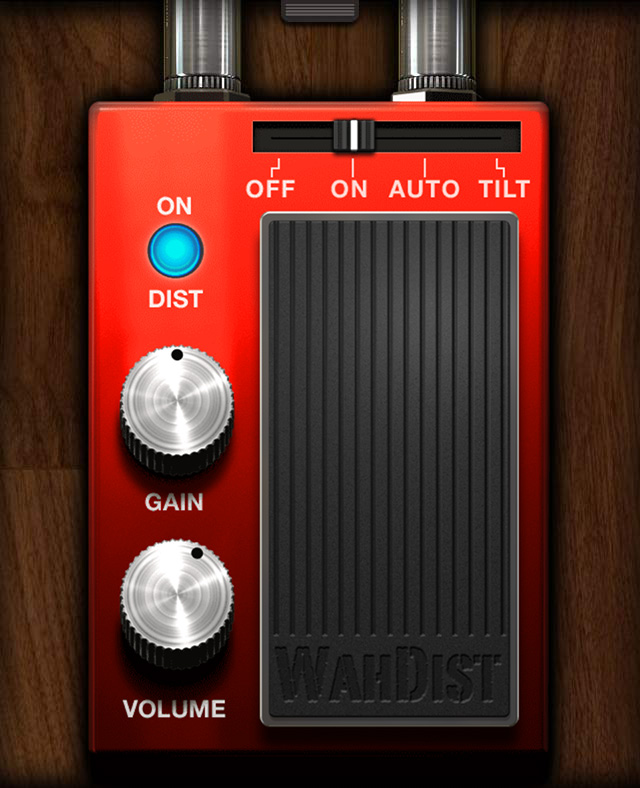
Wah Dist
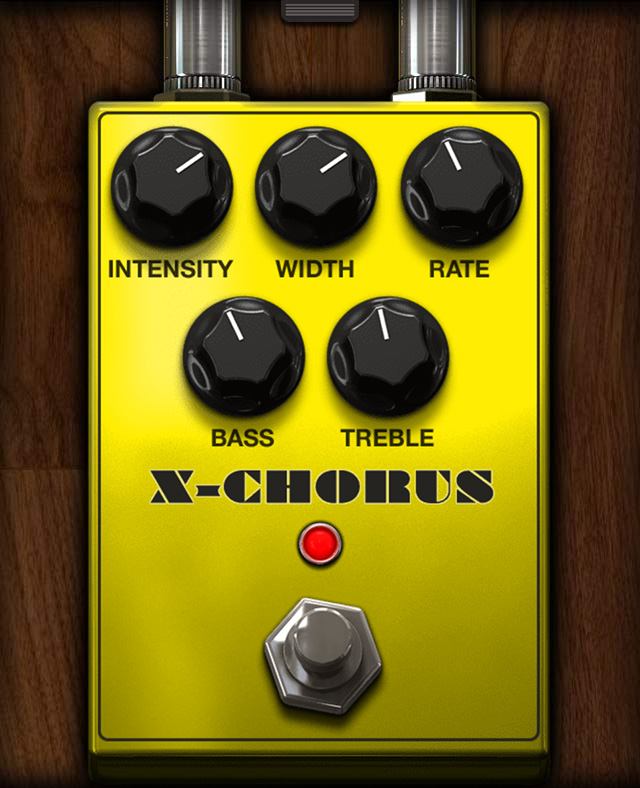
X-Chorus
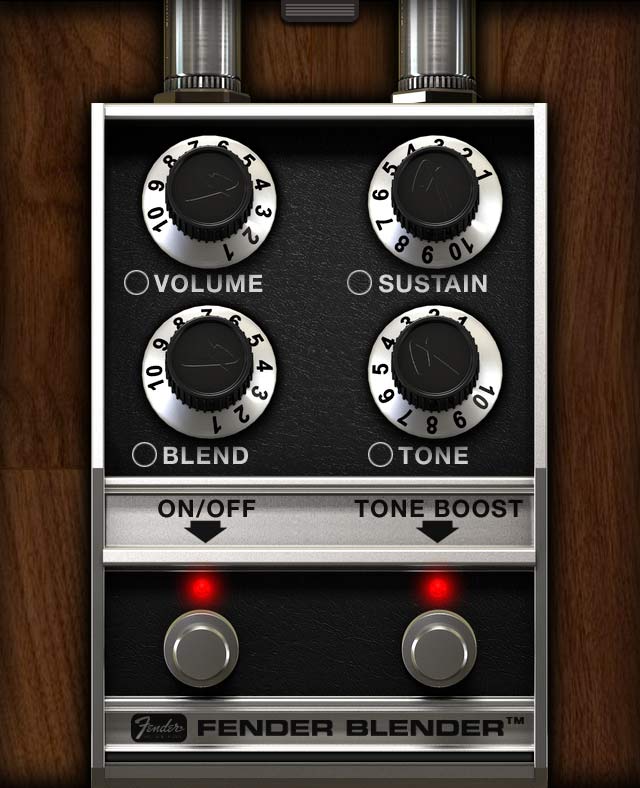
Fender Blender™
Officially Licensed
Fender Blender™ Model
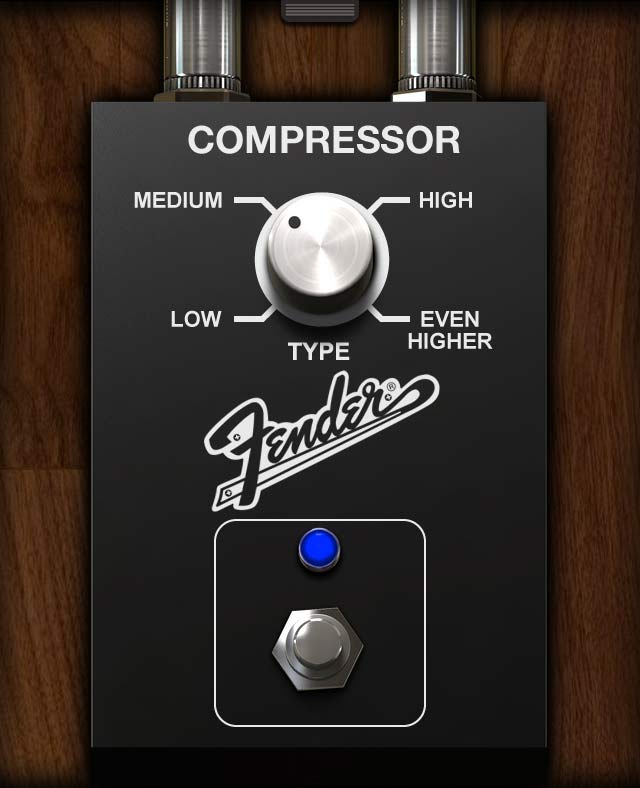
Fender Compressor
Based on Fender
Cyber-Twin™ SE Compressor
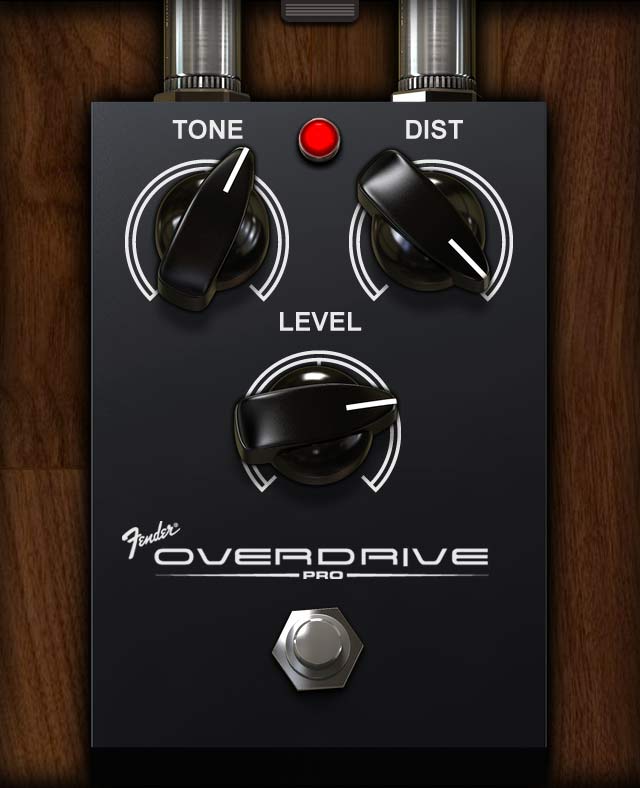
Fender Overdrive
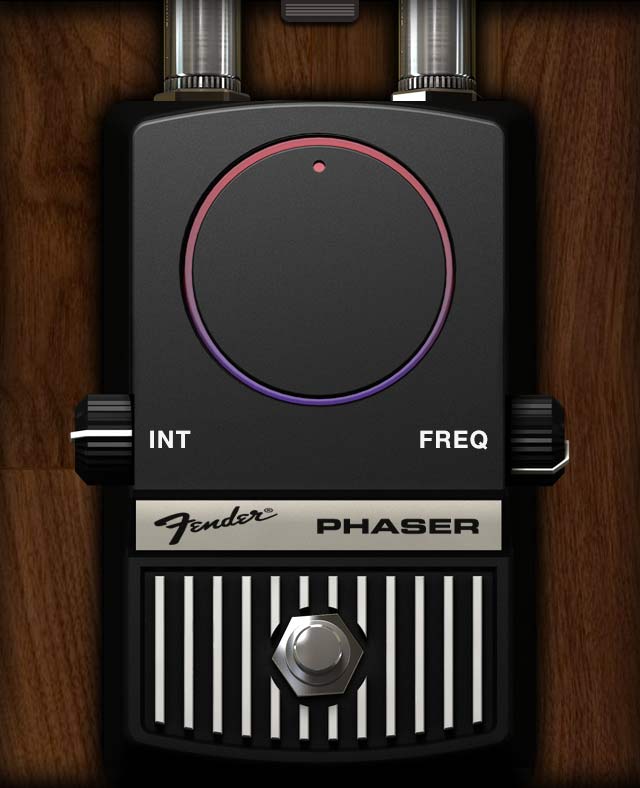
Fender Phaser
Officially Licensed
Fender Phaser Model
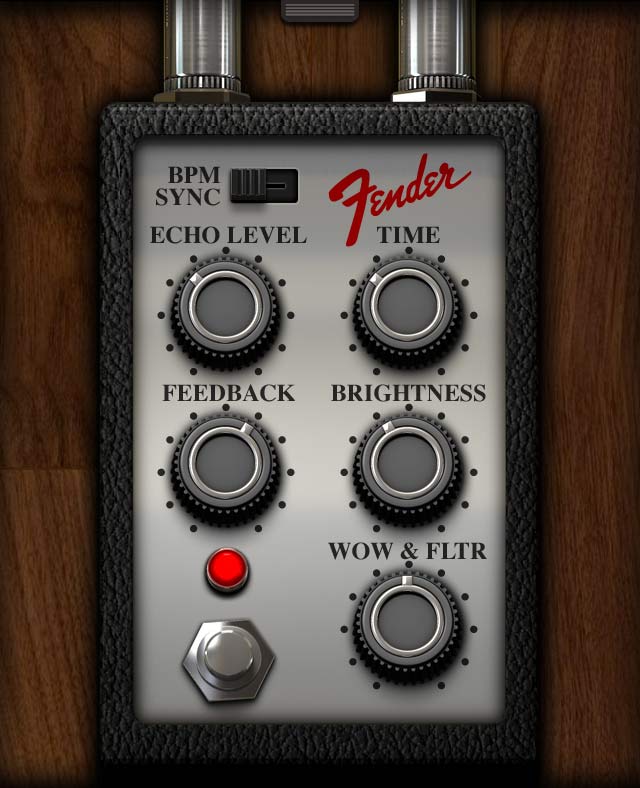
Fender Tape Echo
Based on Fender
Cyber-Twin™ SE Tape Echo

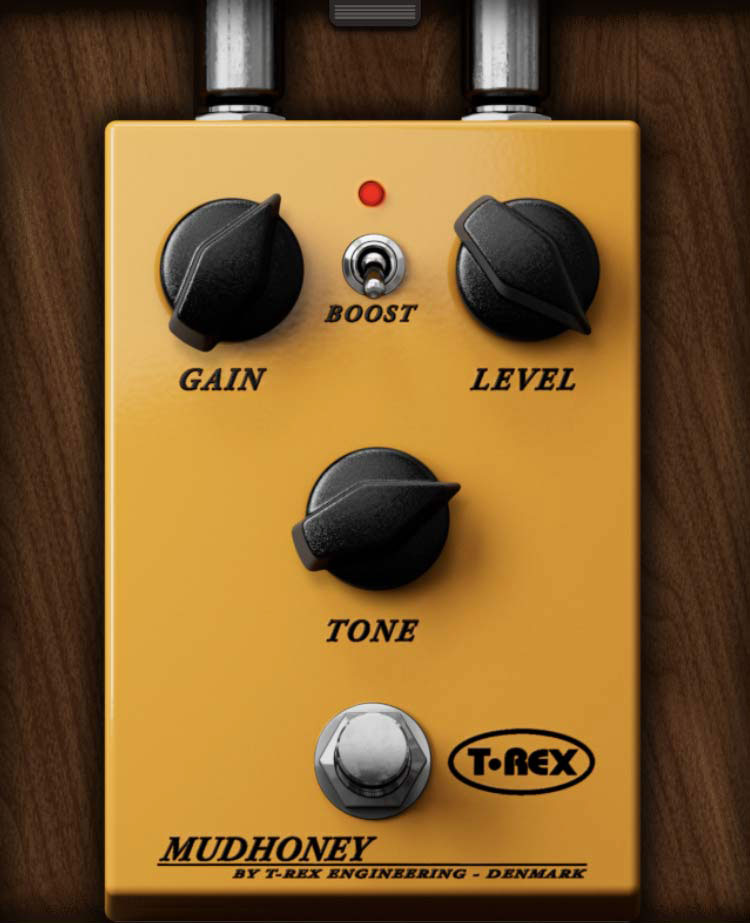
Moller
Officially Certified
T-Rex® Mudhoney Model
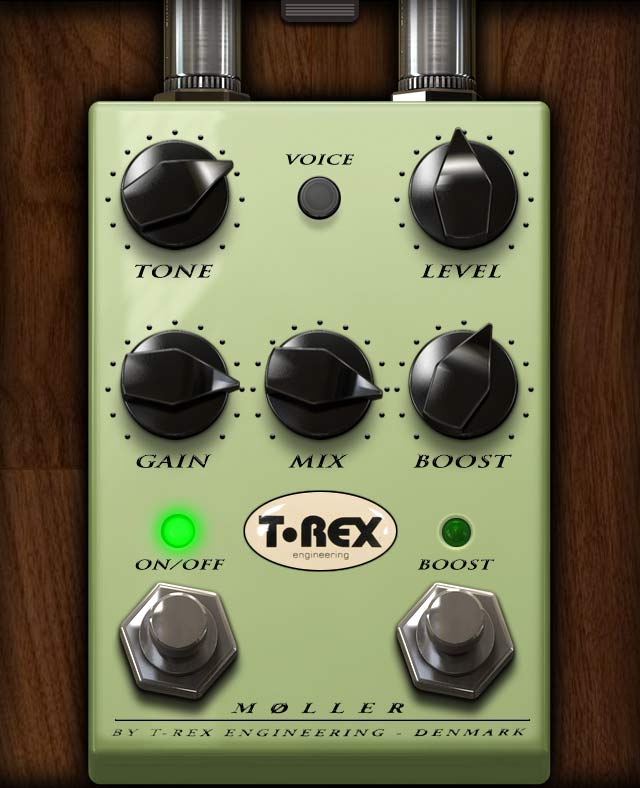
Moller
Officially Certified
T-Rex® Møller Model
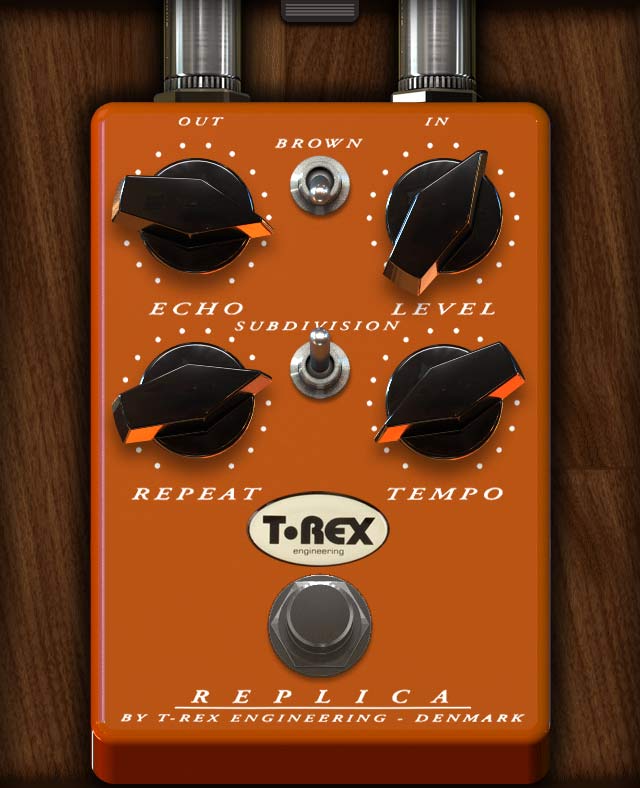
Replica
Officially Certified
T-Rex® Replica Model

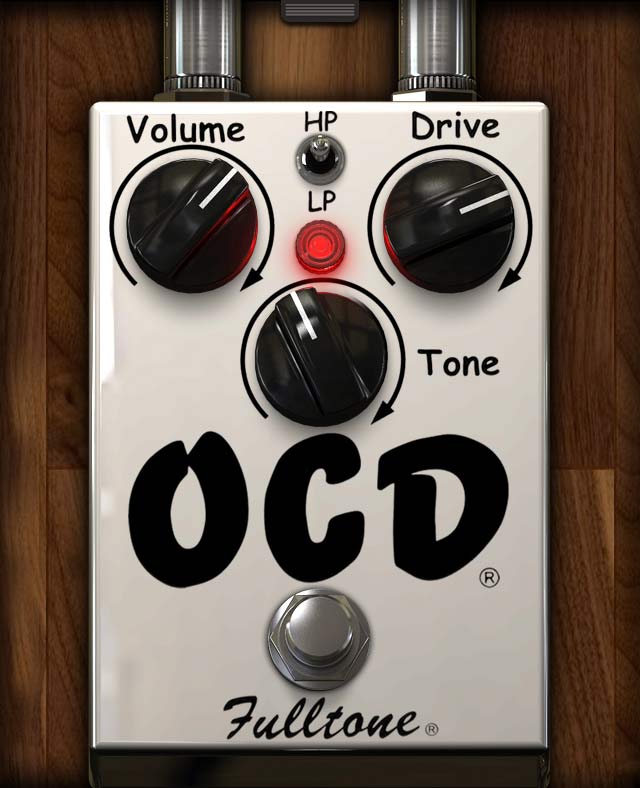

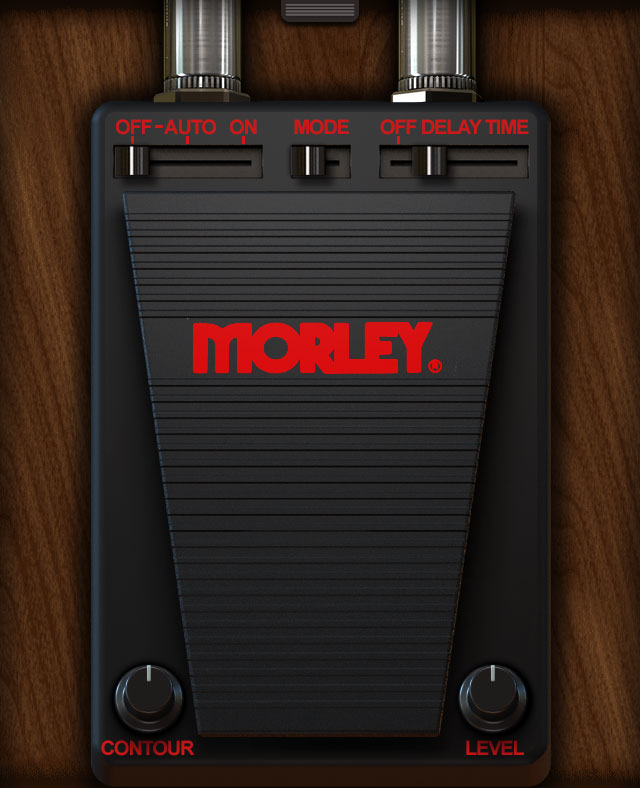

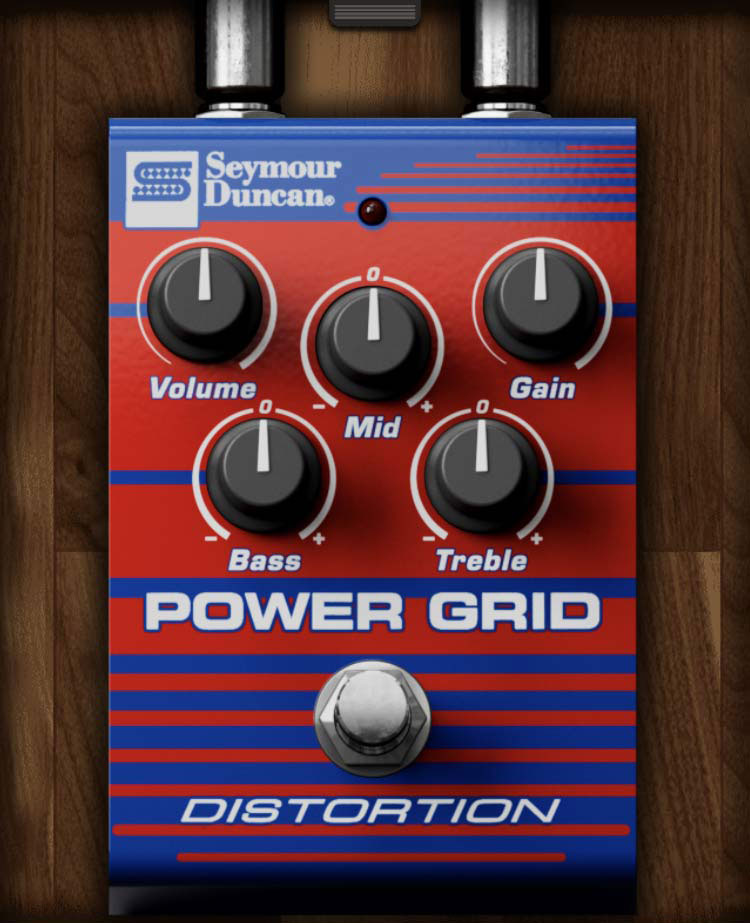
Power Grid
Officially Certified
Seymour Duncan® Power Grid Model
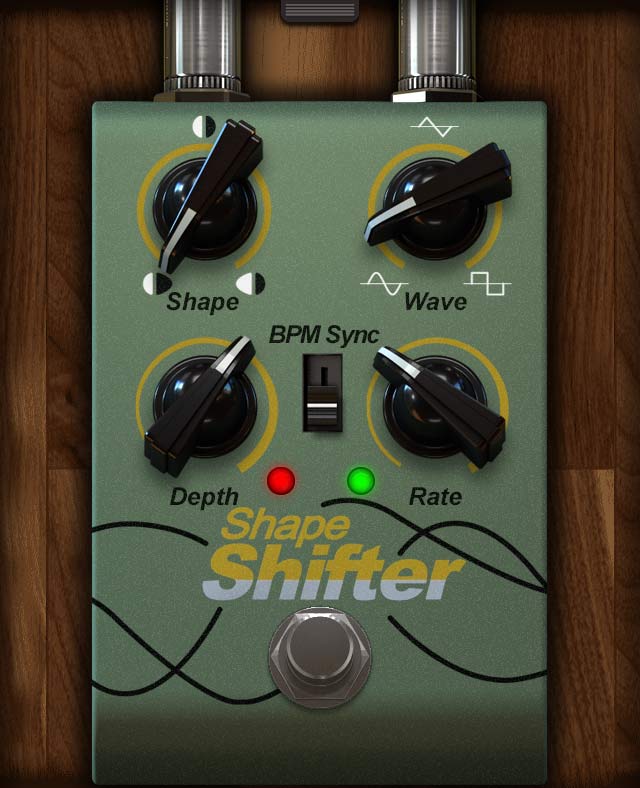
Shape Shifter
Officially Certified
Seymour Duncan® Shape Shifter Model

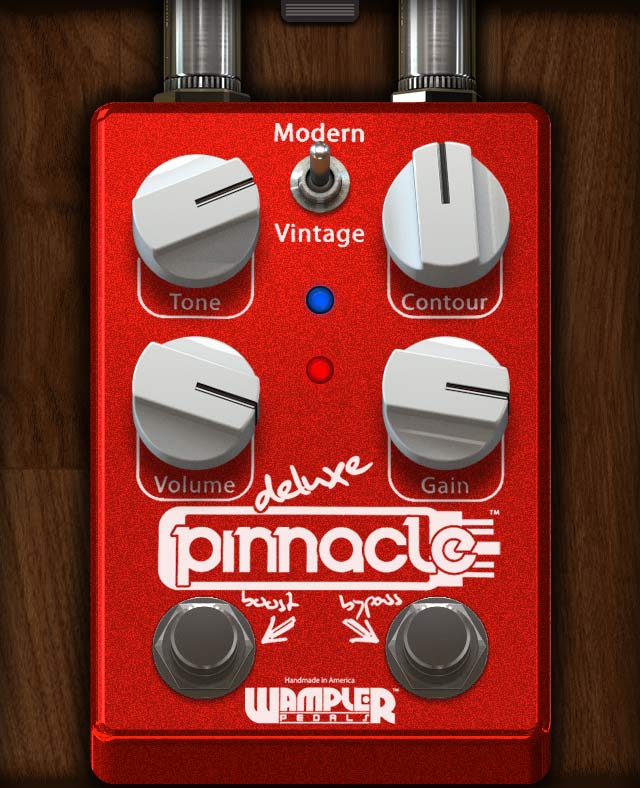
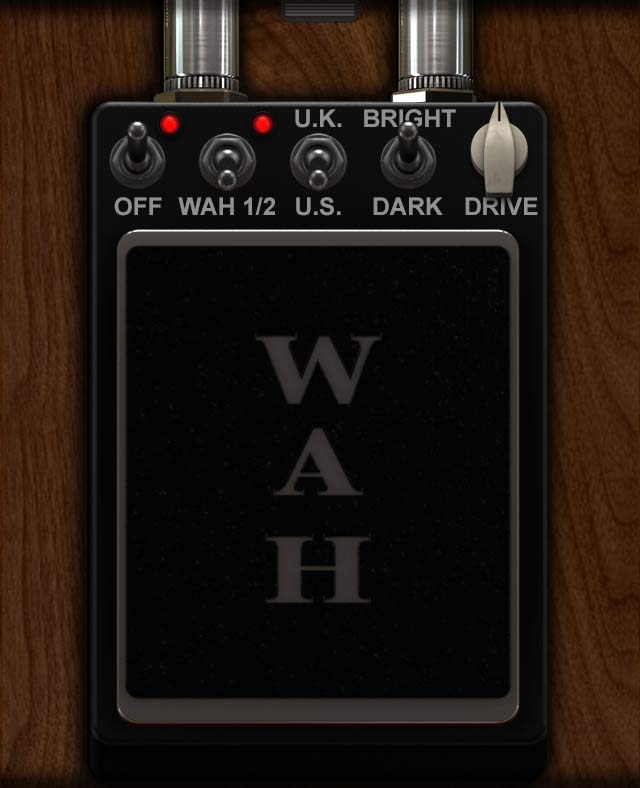
Satch Wah
Based on
Vox® Big Bad Wah
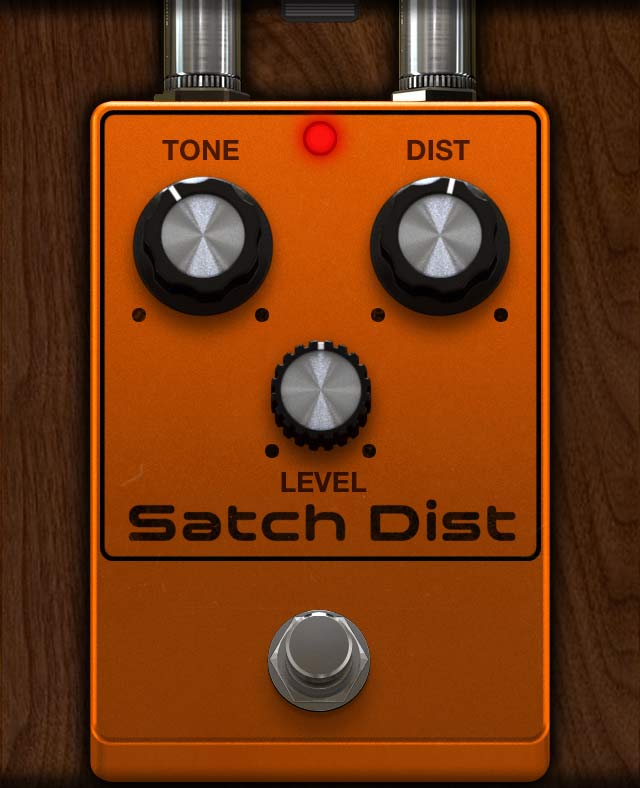
Satch Distortion
Based on Joe’s personal
BOSS® DS-1
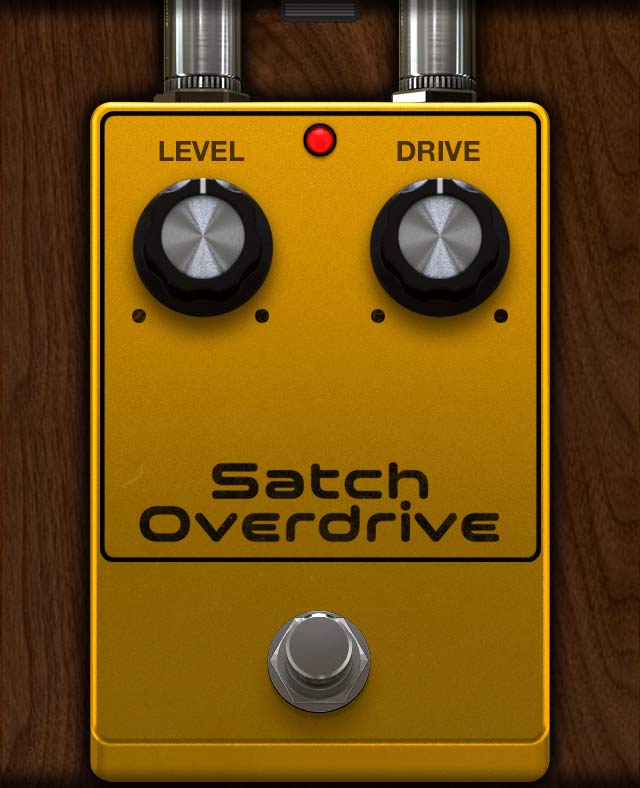
Satch Overdirve
Based on early ‘80s
Japanese-made BOSS® OD-1
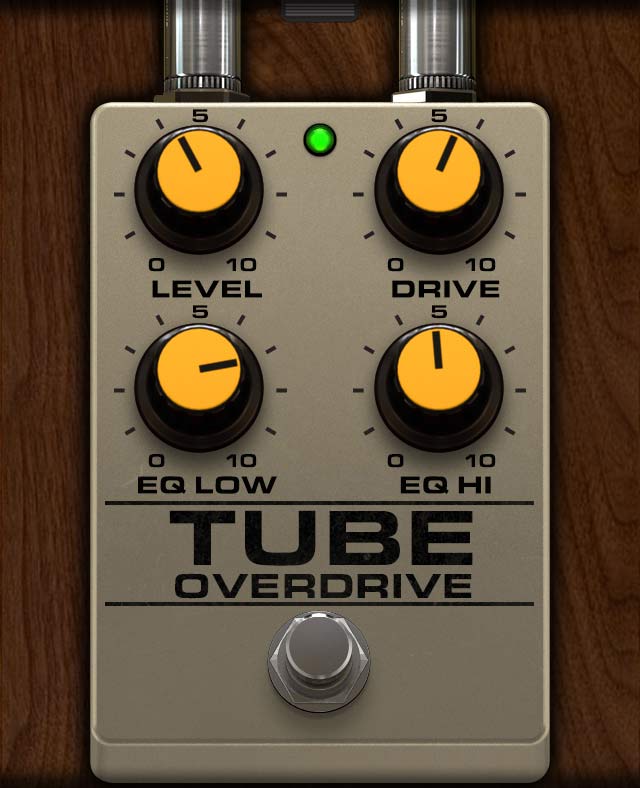
Tube Overdrive
Based on Joe’s personal
Chandler® Tube Driver
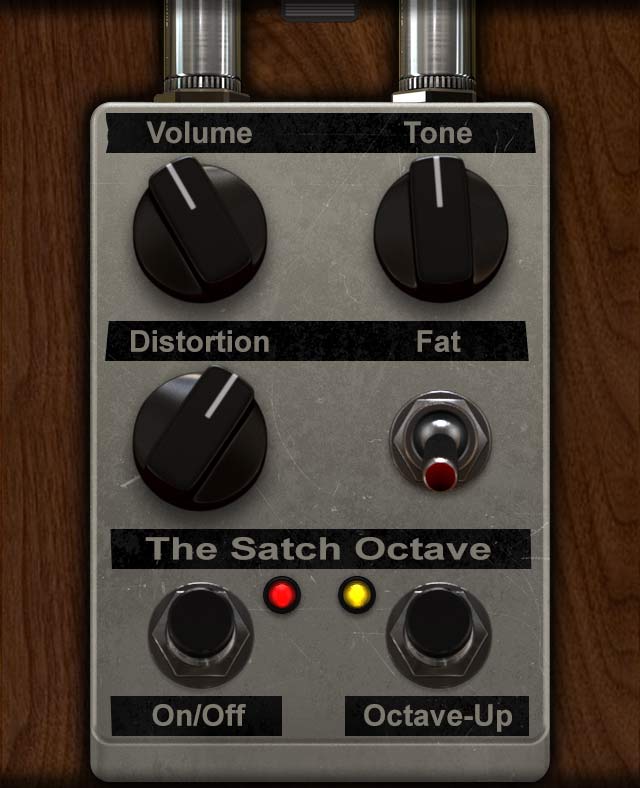
Satch Octave
Based on a traditional
Fulltone® Ultimate Octave
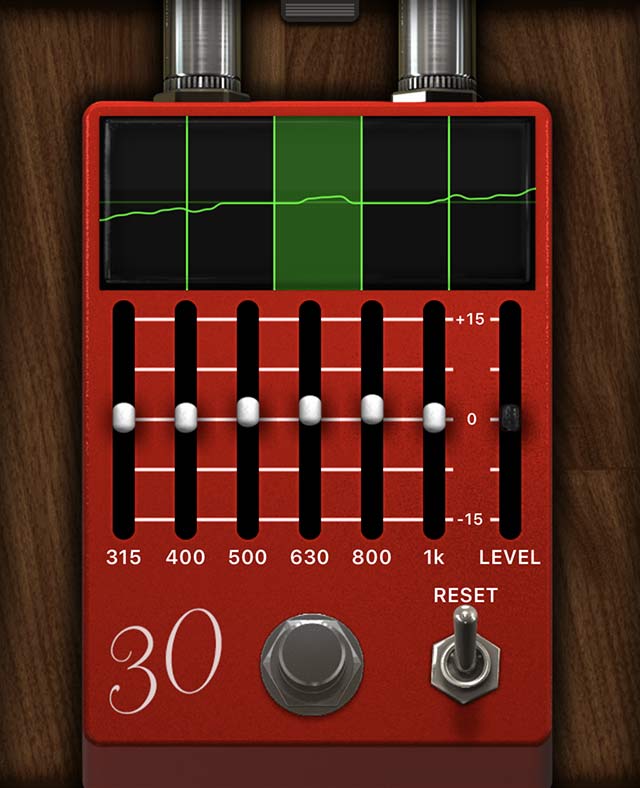
30
Based on a traditional
analog 30-band Graphic EQ
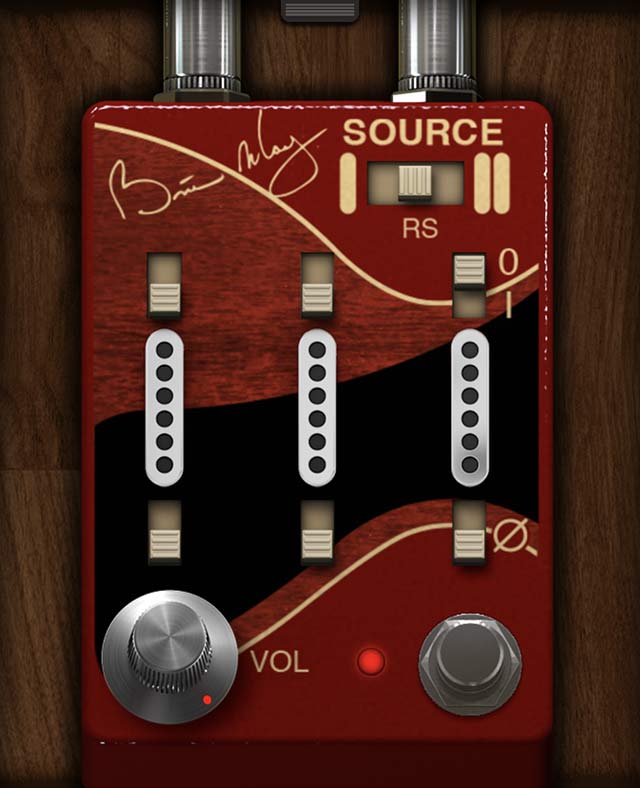
Red Special
Based on
Brian May’s guitar
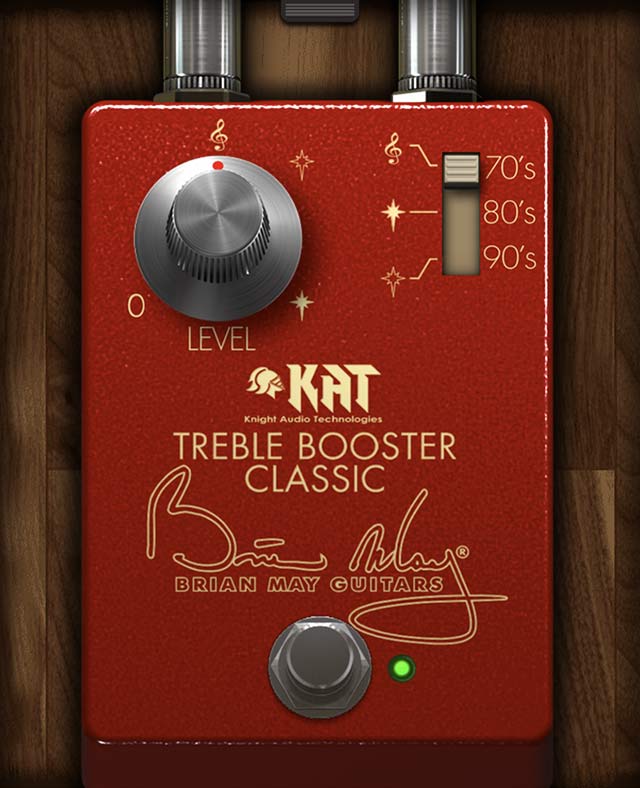
Treble Booster
Based on
KAT® Treble Booster
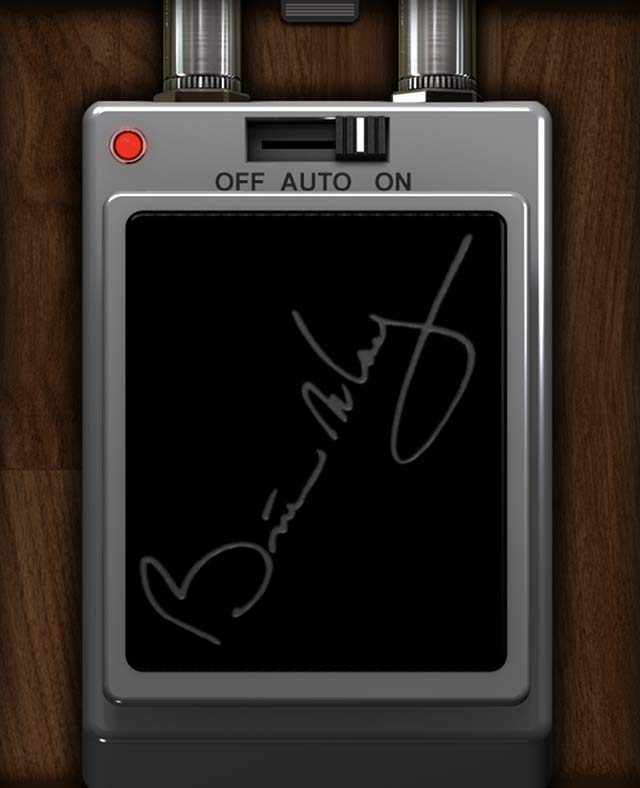
May Wah
Based on a rackmount
Dunlop® Cry Baby
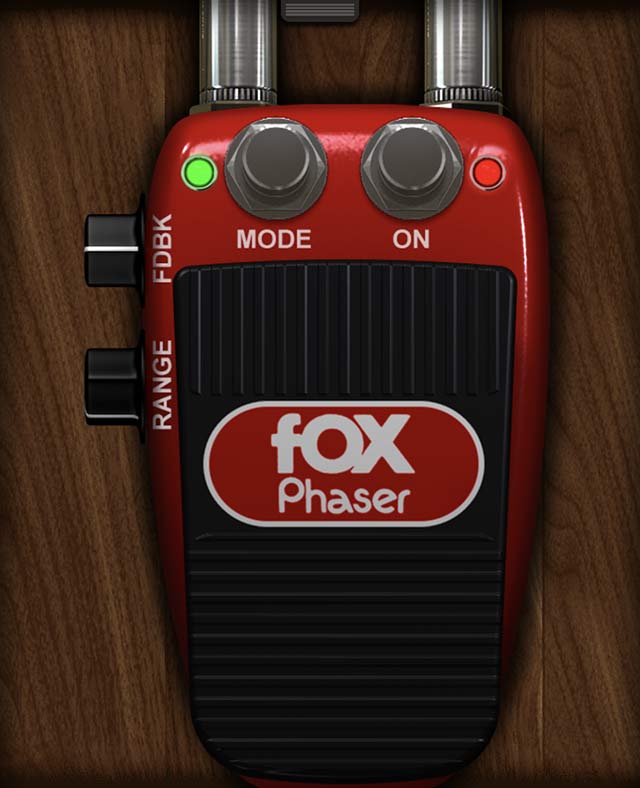
FOX Phaser
Based on
fOXX® Foot Phaser
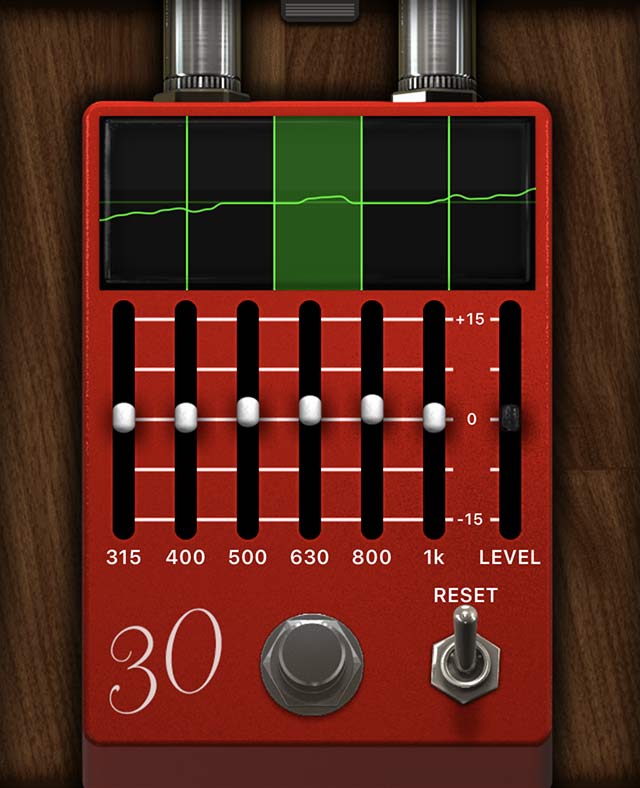
30
Based on a traditional
analog 30-band Graphic EQ
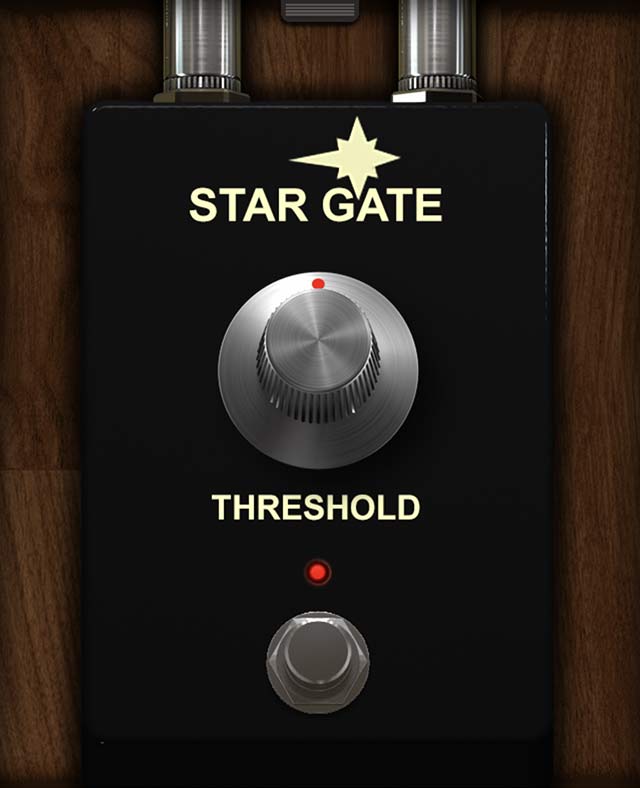
Star Gate
Based on a
classic Noise Gate
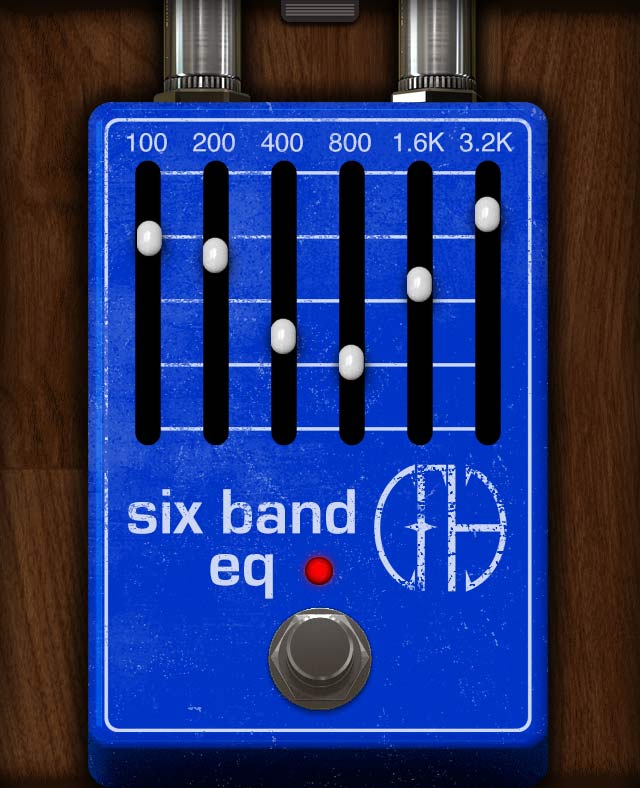
6 Band EQ
Based on
MXR® 6 band EQ
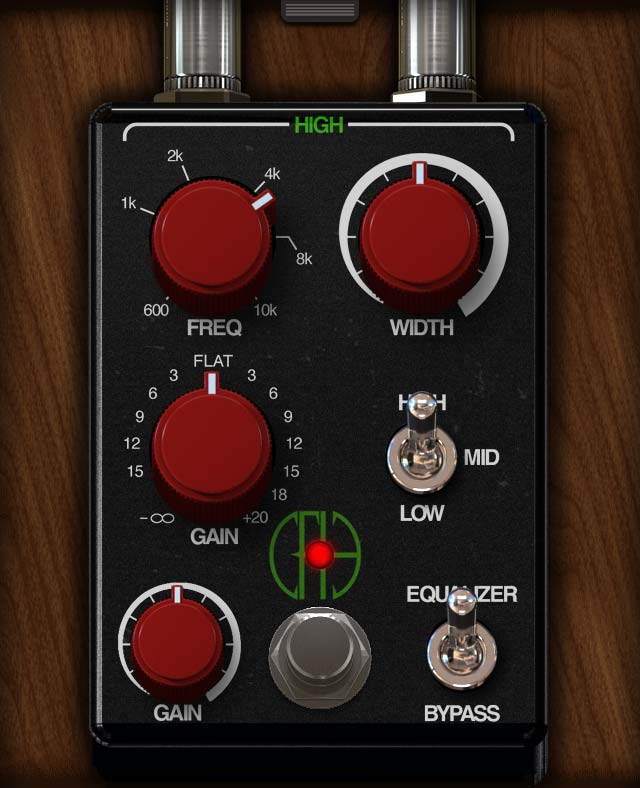
Pre EQ 3
Based on
Furman® PQ-3
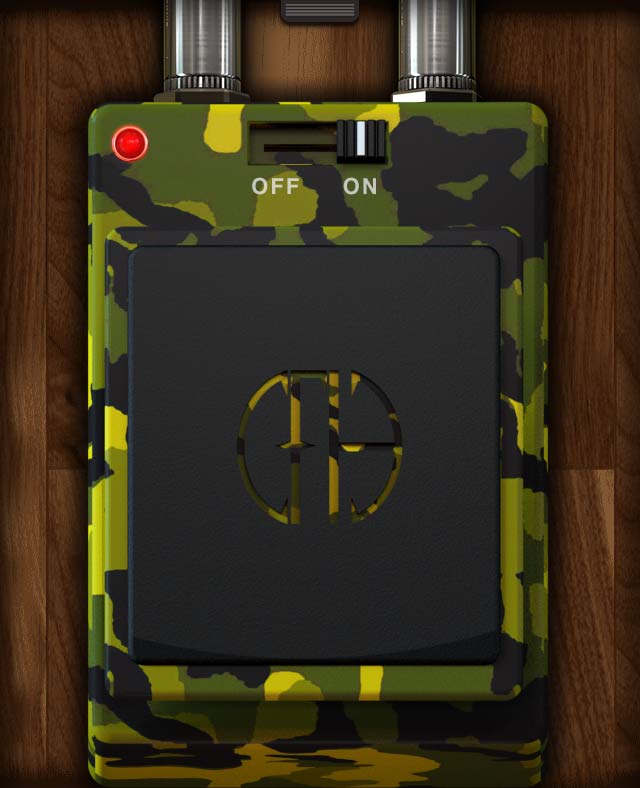
Dime Wah
Based on Dunlop®
Cry Baby® GCB95
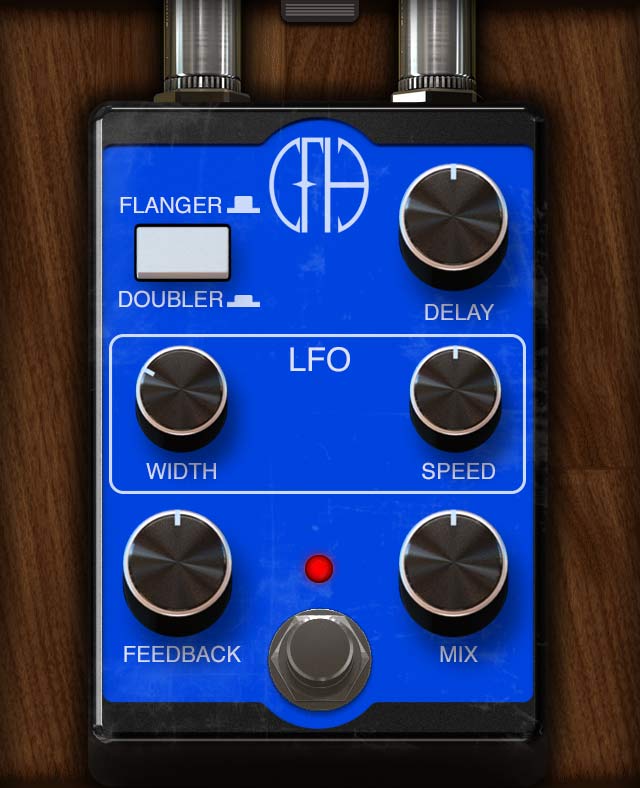
Flanger Doubler
Based on
MXR® Flanger Doubler
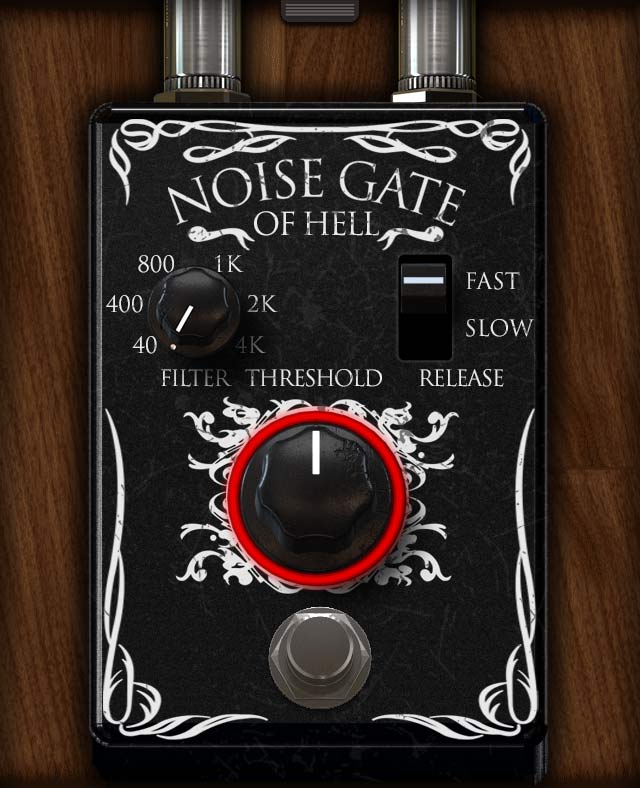
Dime Noise Gate
Based on
Rocktron® Hush IIB

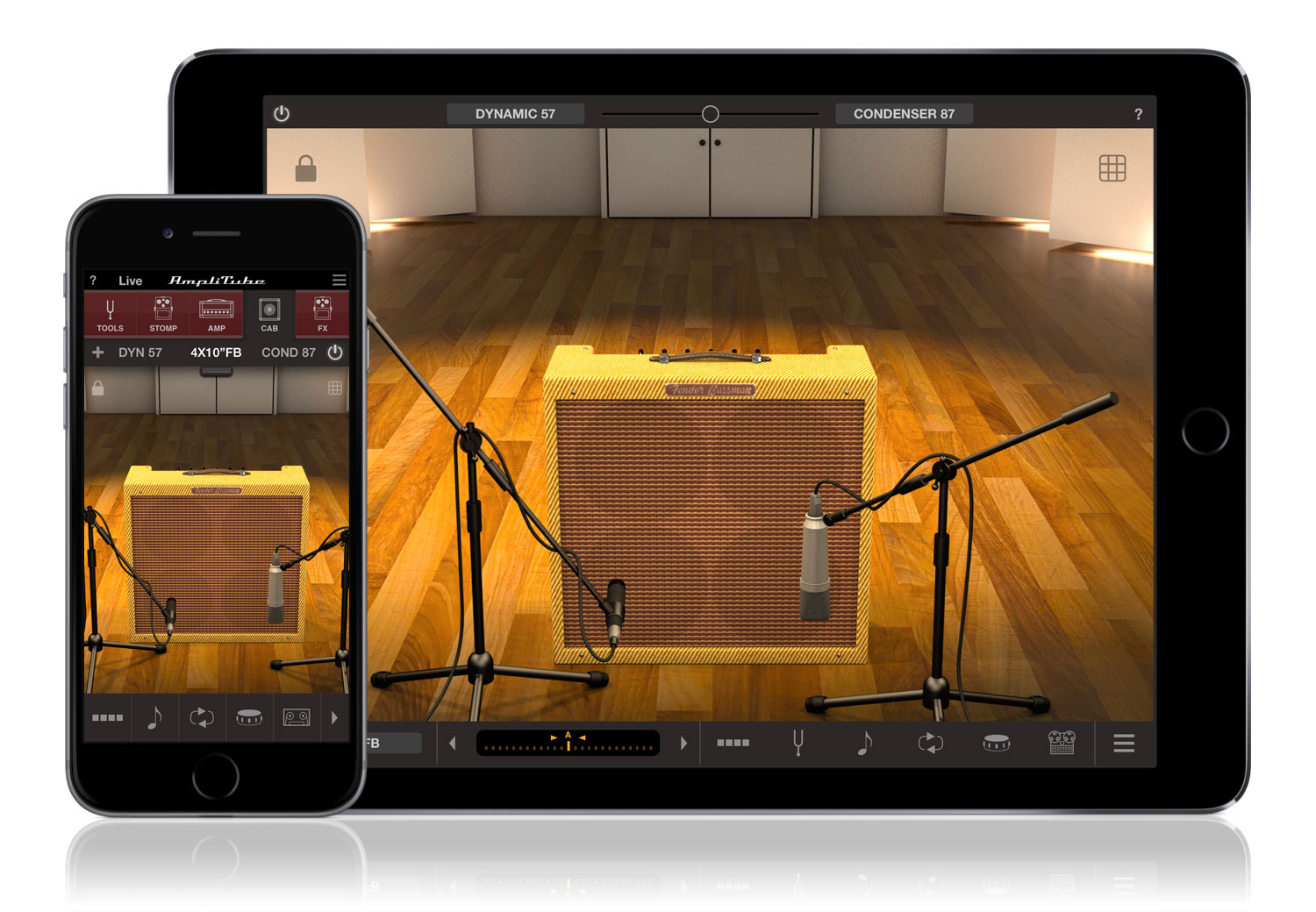
Mic it in the Cab Room
Imagine yourself walking into a store containing every speaker cabinet from every amp you’ve ever played though. Now imagine swapping out the cabinets — even from the combos — without the use of stagehand labor or a chain saw. You’ve just entered the new AmpliTube “Cab Room” and you’re going to love what it can do for your tone.
Cabinets galore
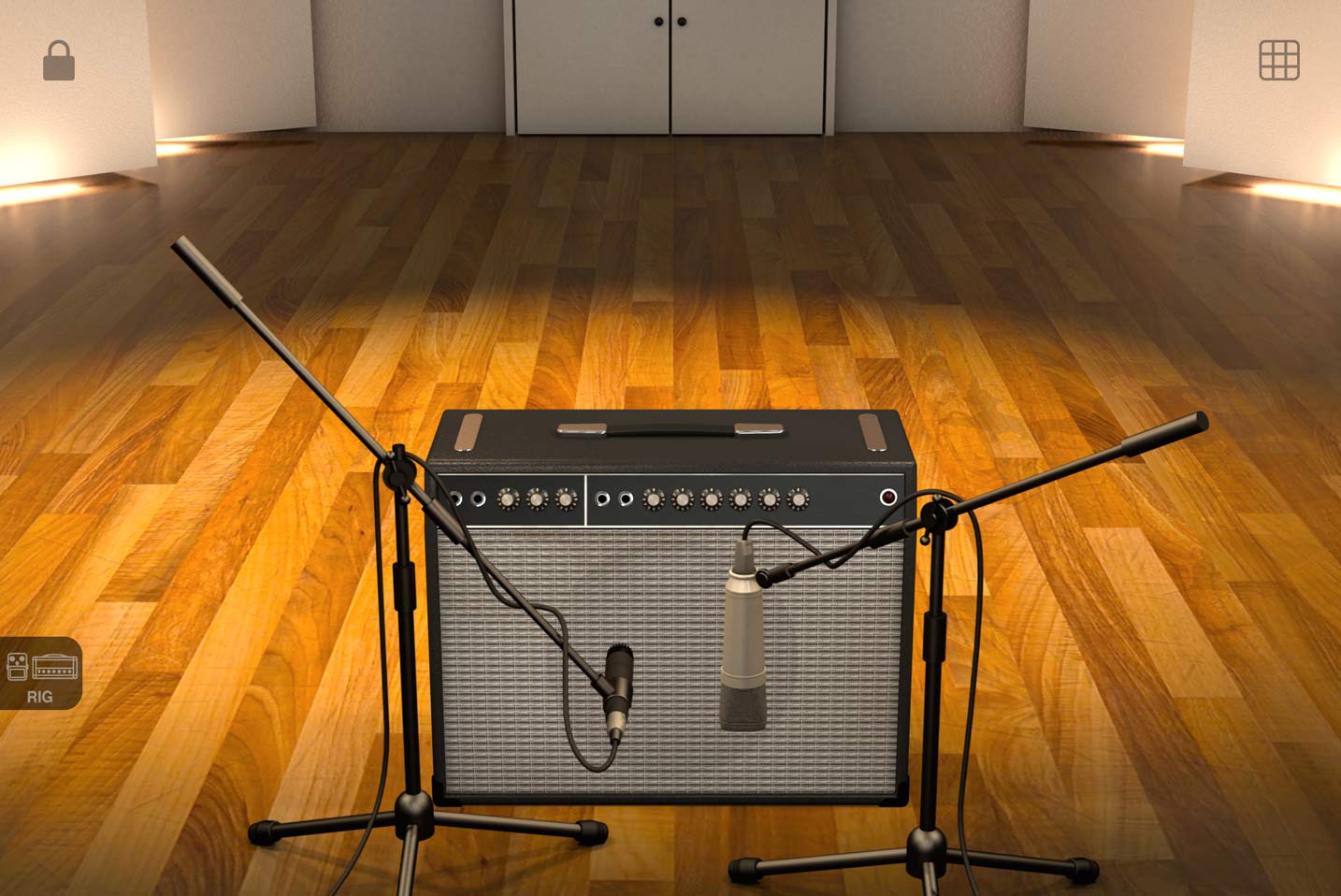
First, you will notice that we’ve already mic’d the matching cabinet for you.
You can use that cabinet, after all it’s what the manufacturer wanted you to do, or you can select a completely different cab from a wide range of installed amps.
Want to hear what MESA/Boogie head sounds like with a Fender Deluxe Reverb single 12”? No problem! Mix and match until your ears and tone pleasure center rejoice! The combinations of what you can do are endless.
3D mic placement
Walk into any recording studio and what do you see in front of the guitar cabinet? That’s right — microphones. Engineers and players are constantly tweaking mic selection and placement trying to find that “sweet spot” that really makes the difference between good sound and great sound.
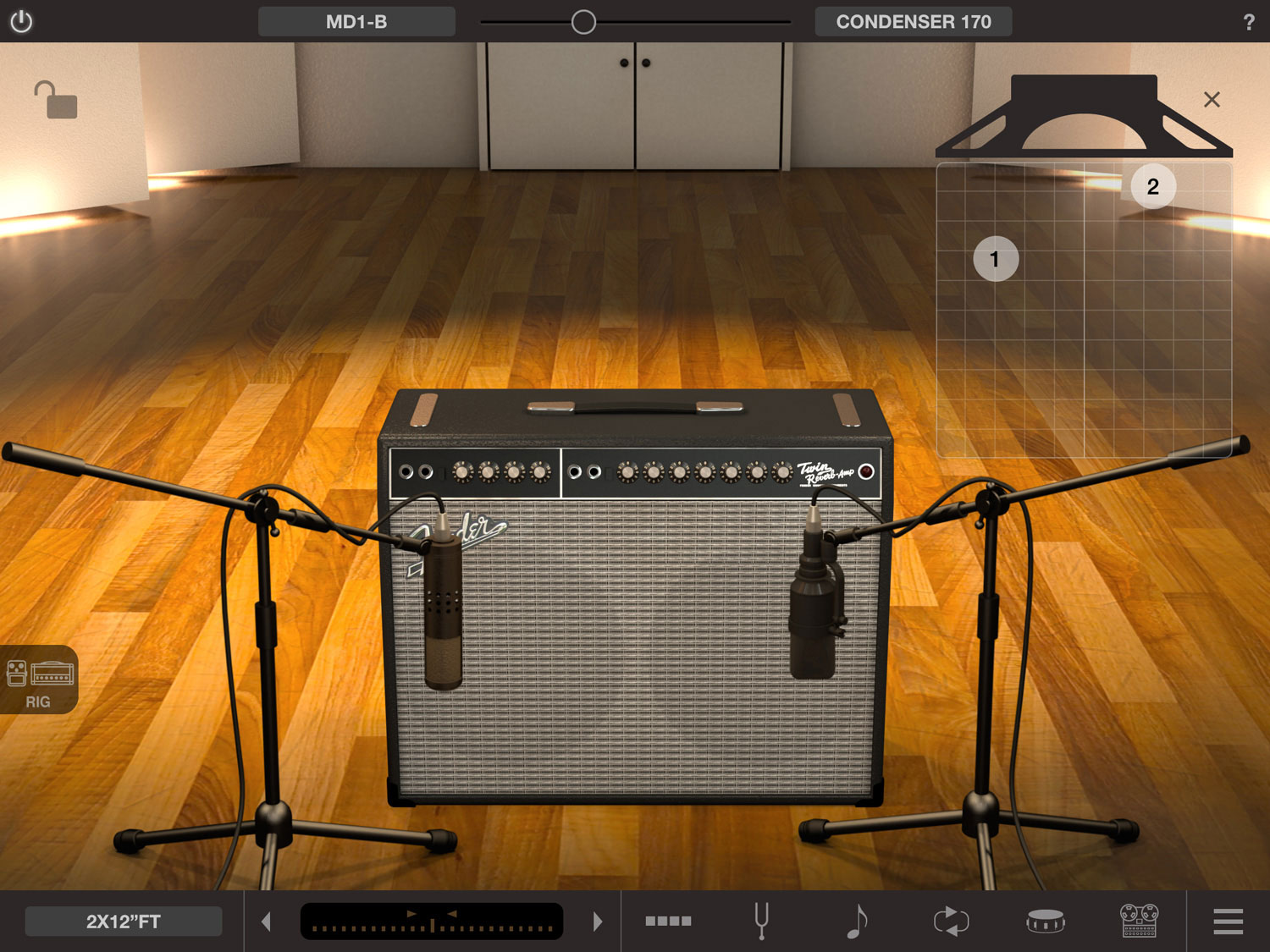
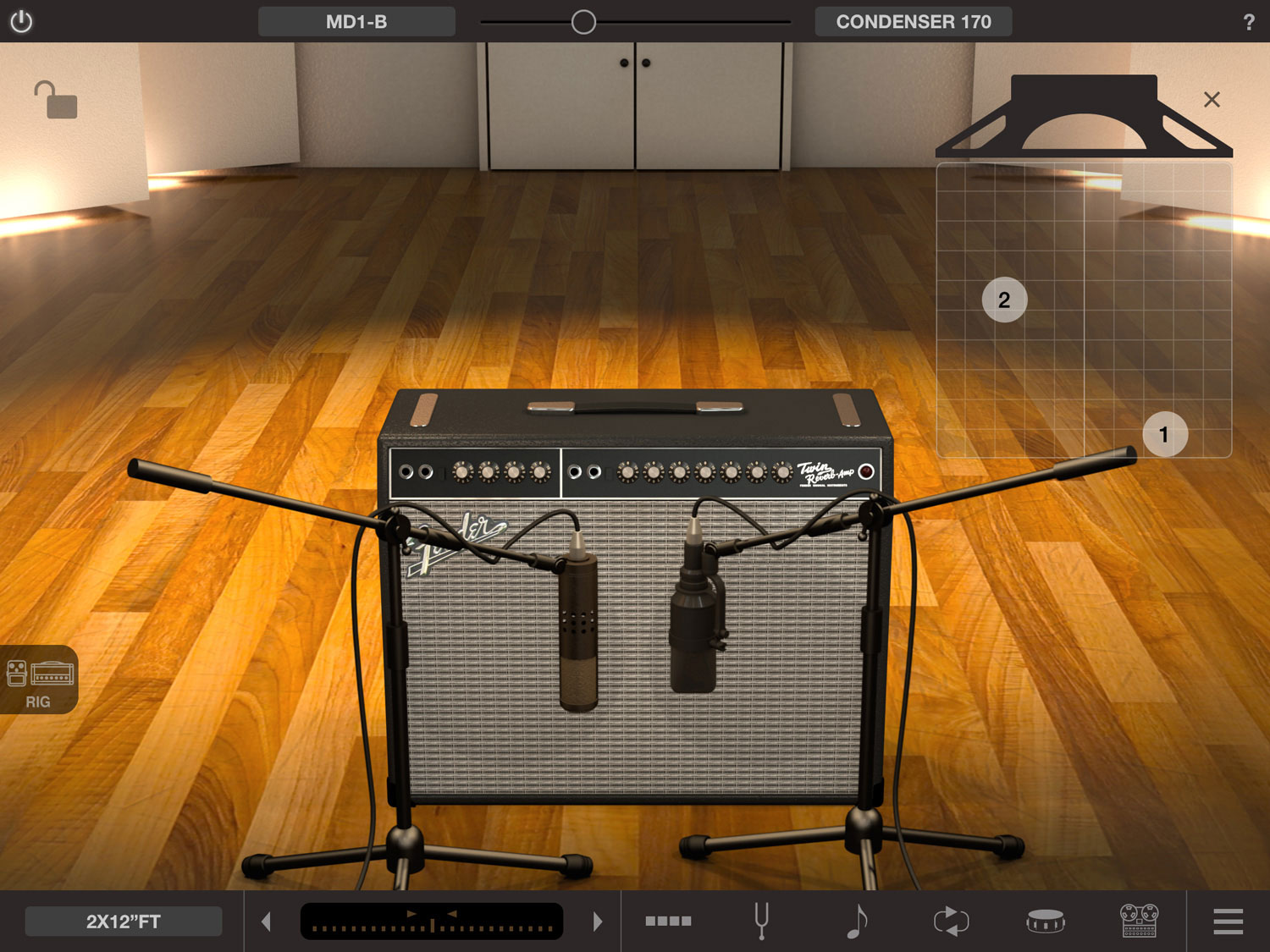
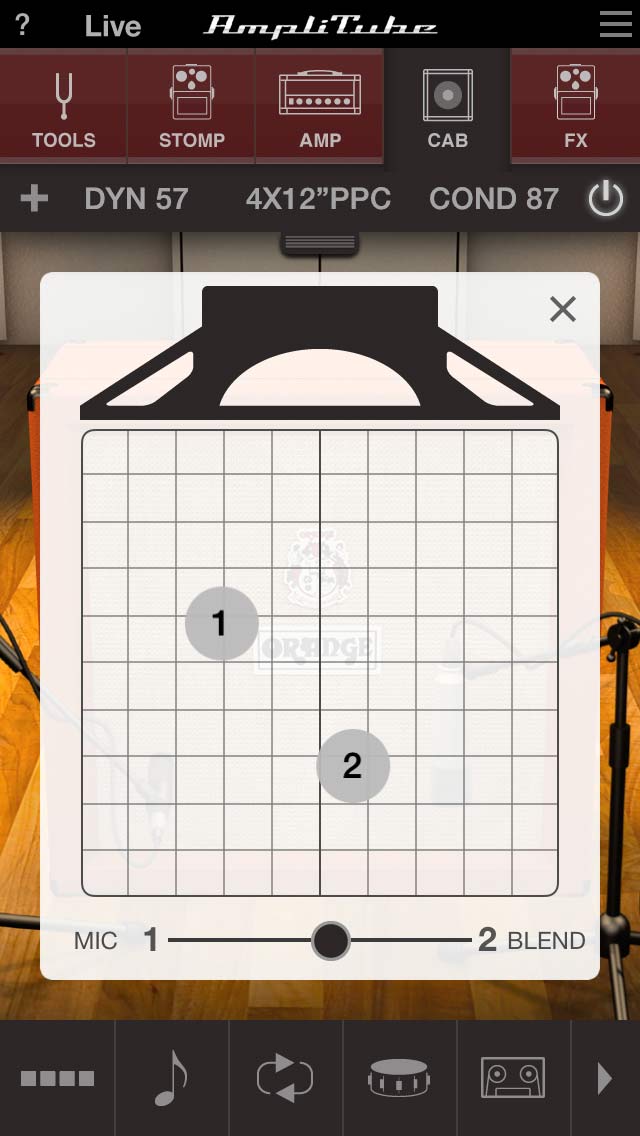
Here’s where the magic comes in: In the new Cab room, we’ve replicated that process allowing you to play around with microphone placement in a three dimensional space, just like in the studio. You can freely move microphones from the dust cap to the edge of the speaker, and experiment with placing microphones at varying distances from the cabinet. You can mix the amount of sound from each mic with an intuitive slider, plus you can choose from 18* total available high-end studio mics.
Pure tonal nirvana
Go ahead and mix it up. You’ll be amazed at the different sounds you can get with just a few tweaks of a mic stand, the right cab for the job and the perfect mic selection.
Get the speaker tight, then mic it right. That’s the name of the “sweet spot” platinum tone game.
Cabinets
1x12"
Based on Fender® blackface Deluxe Reverb® Cabinet
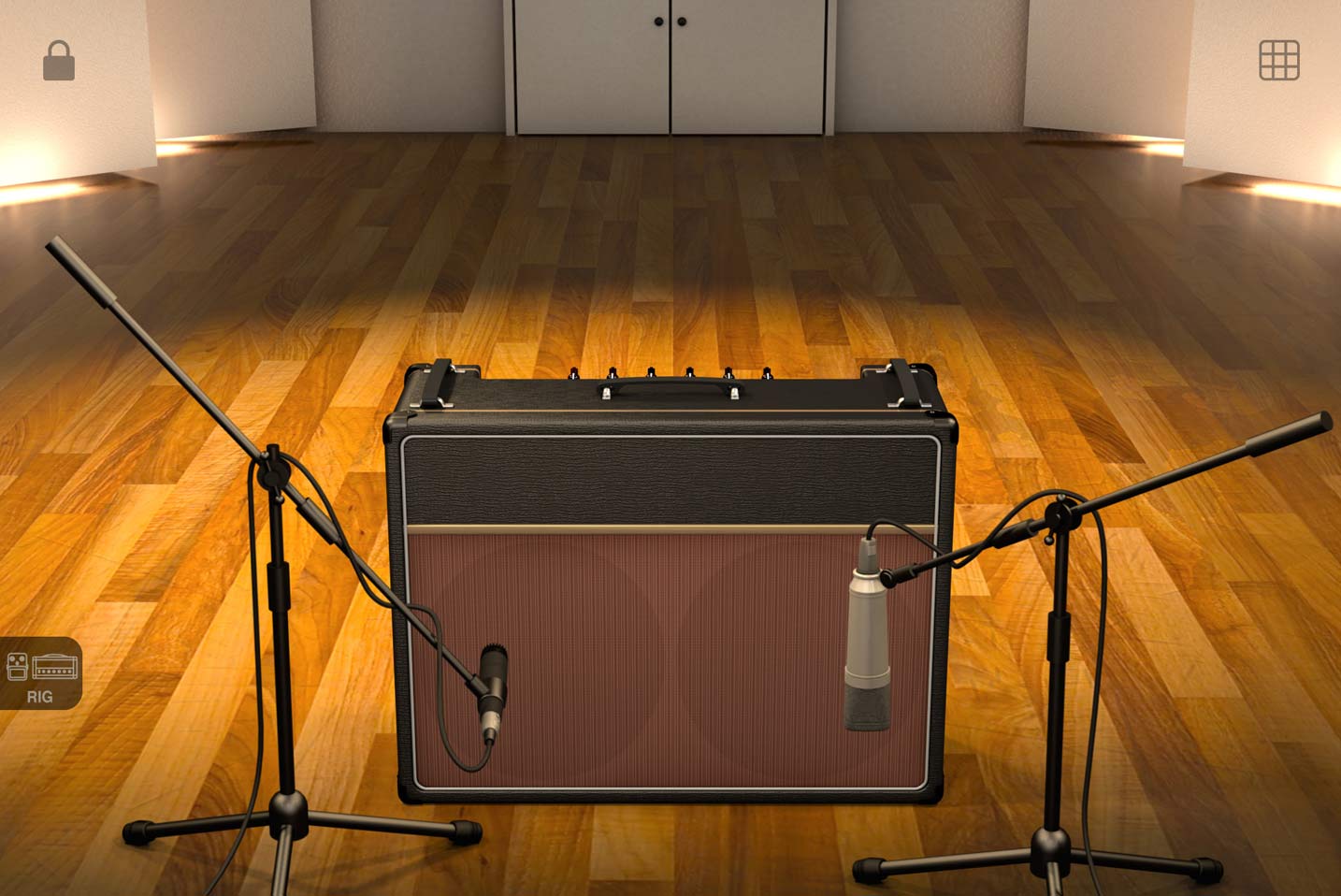
2x12"
Based on Vox® AC30™ Cabinet
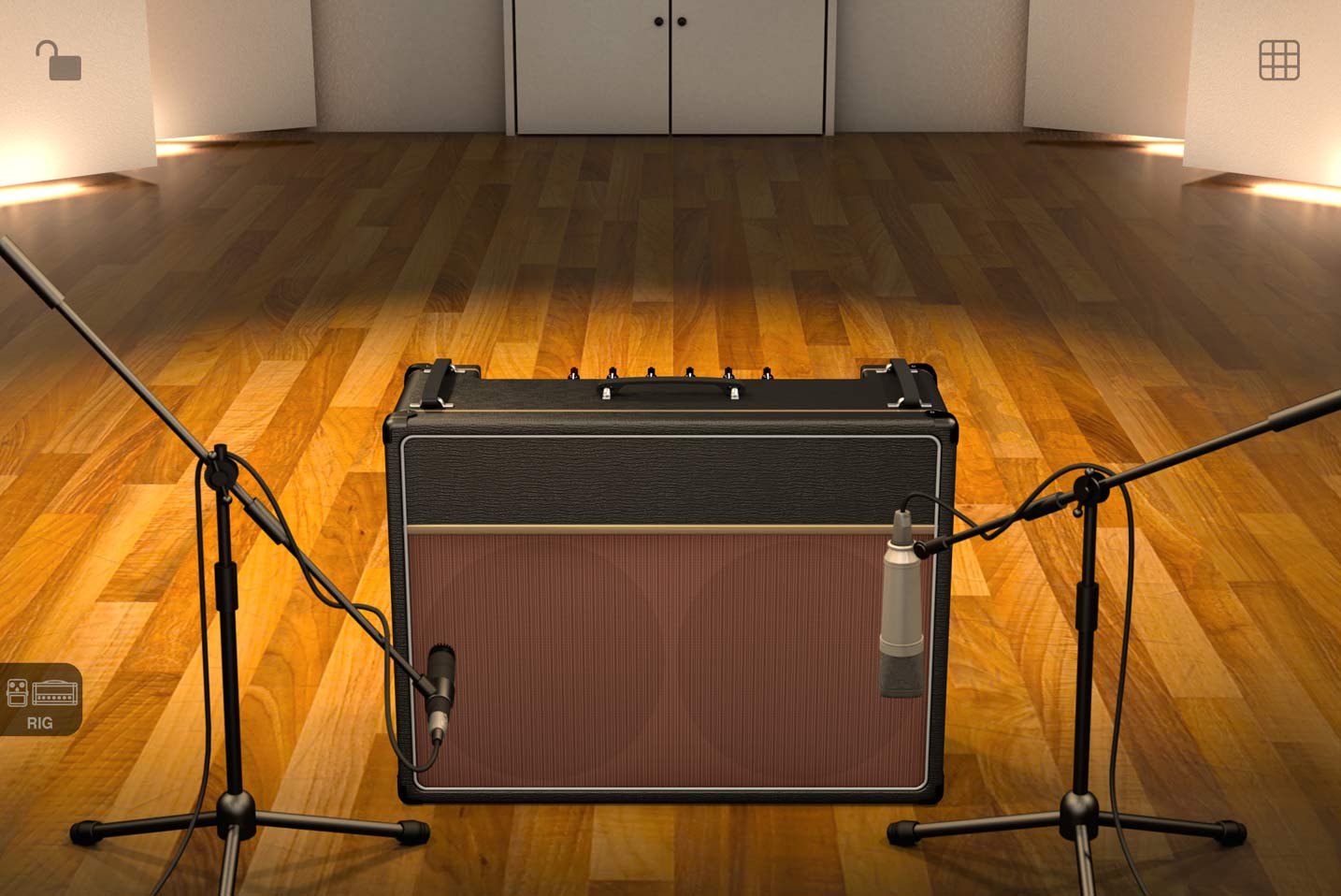
2x12" GBV
Based on Vox® AC30™ Cabinet
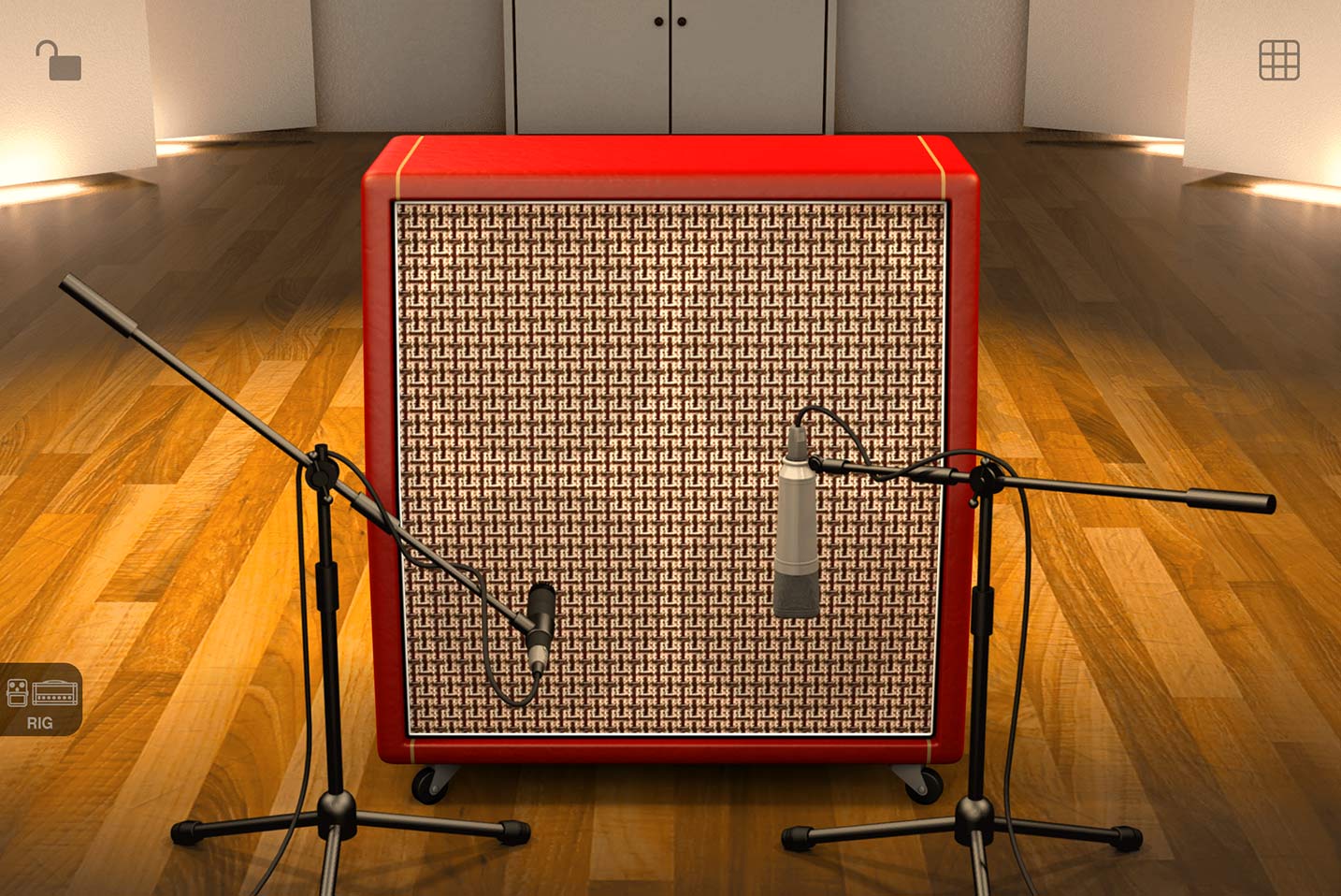
4x12" RED
Based on Marshall® Major 4x12” slanted cabinet loaded with T75 speakers
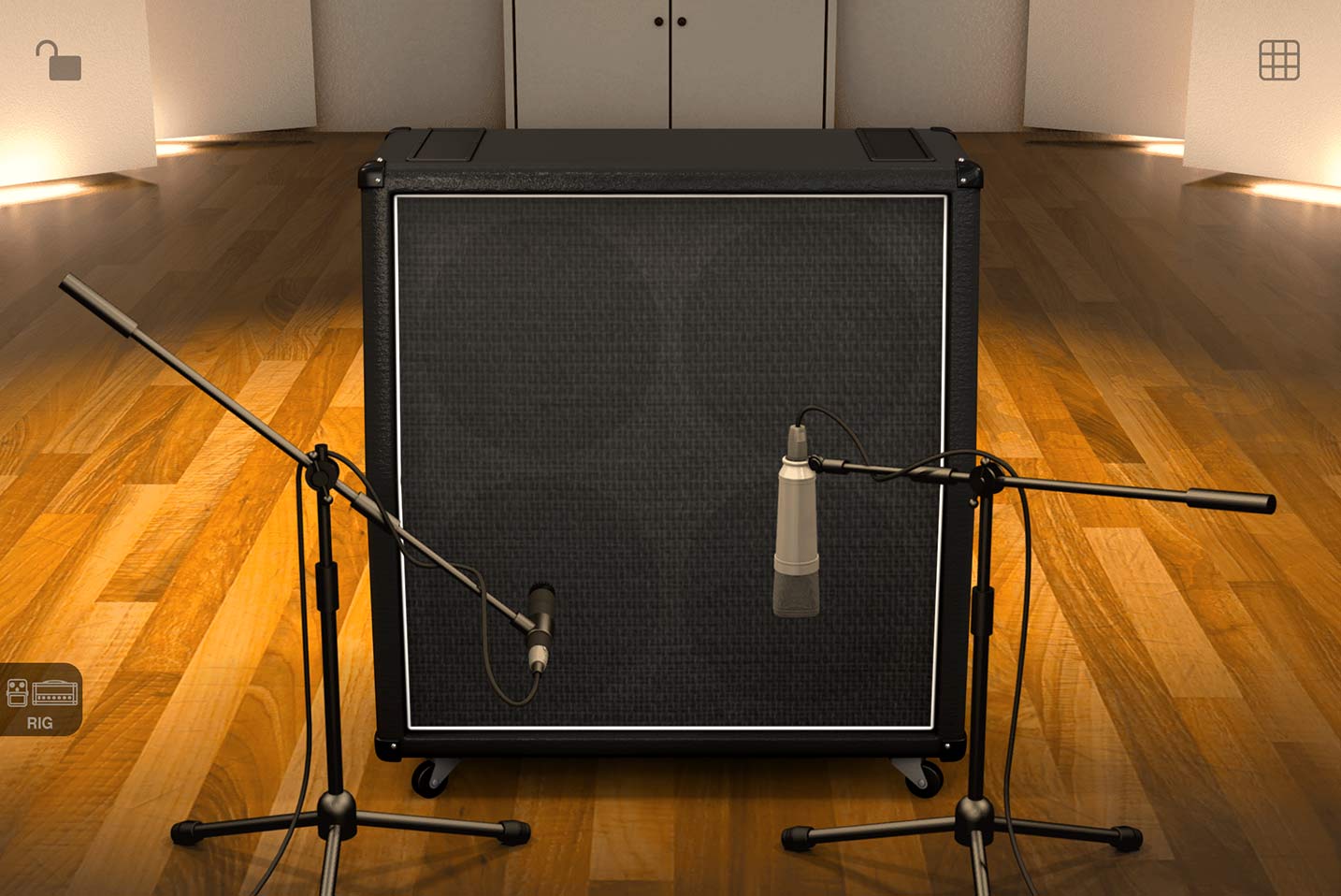
4x12" B30
Based on Marshall® 1960A Lead Vintage 4x12” slanted cabinet loaded with V30 speakers
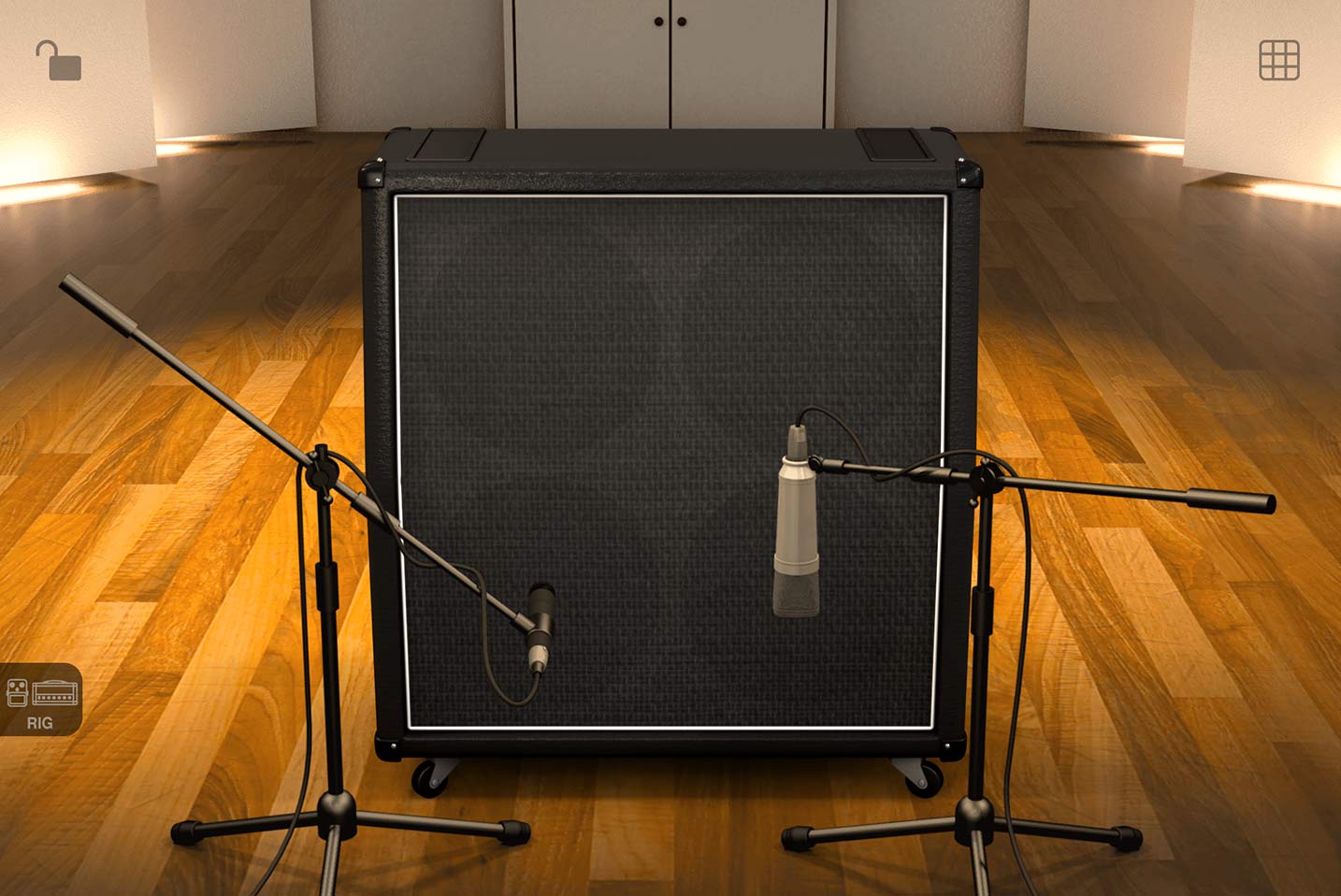
4x12" B90
Based on Marshall® 1960 Lead Vintage 4x12” slanted cabinet loaded with T75 speakers
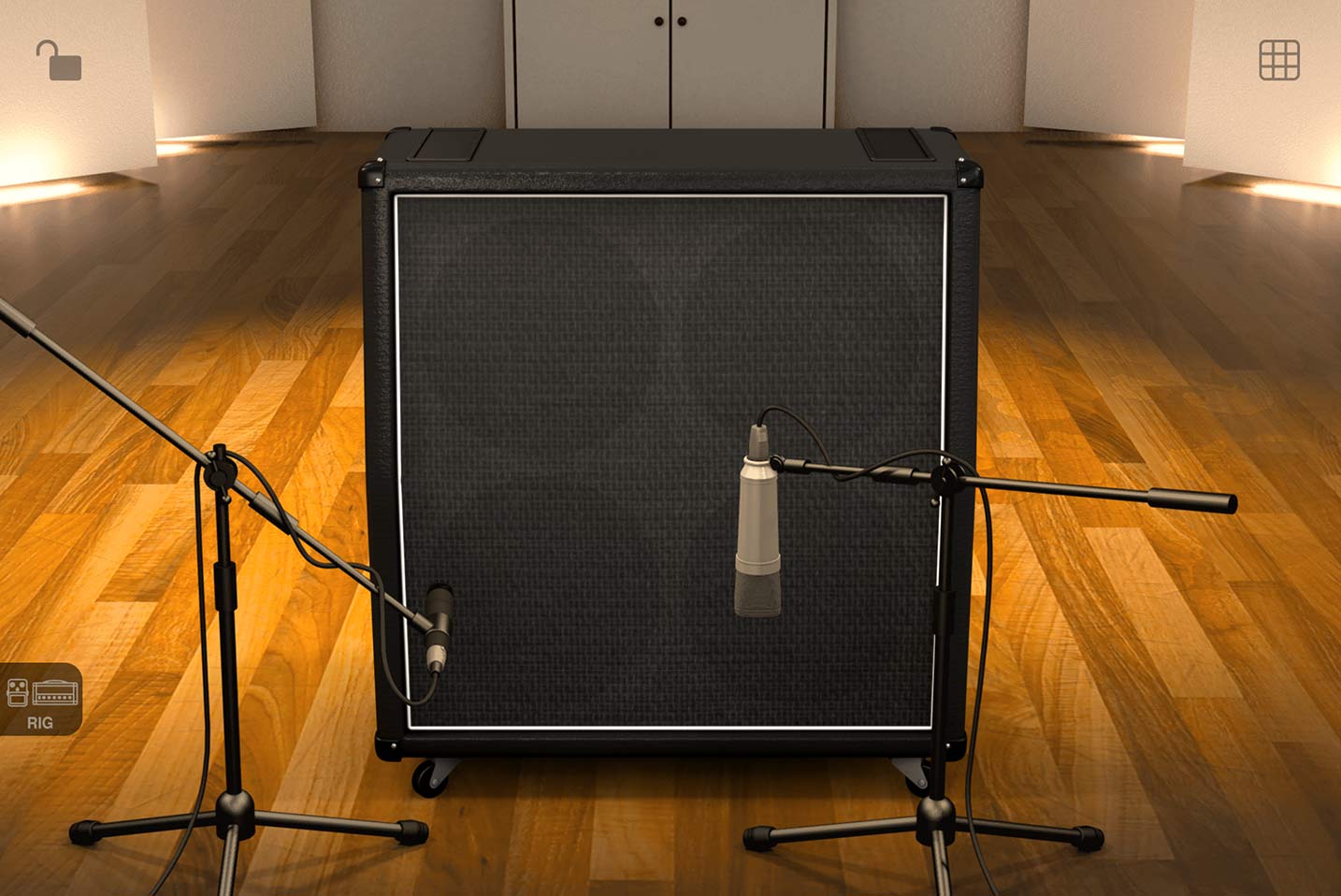
4x12" Brit 8000
Based on the Marshall® 1960 Lead Vintage Slanted 4x12” Cabinet equipped with G12-80 speakers
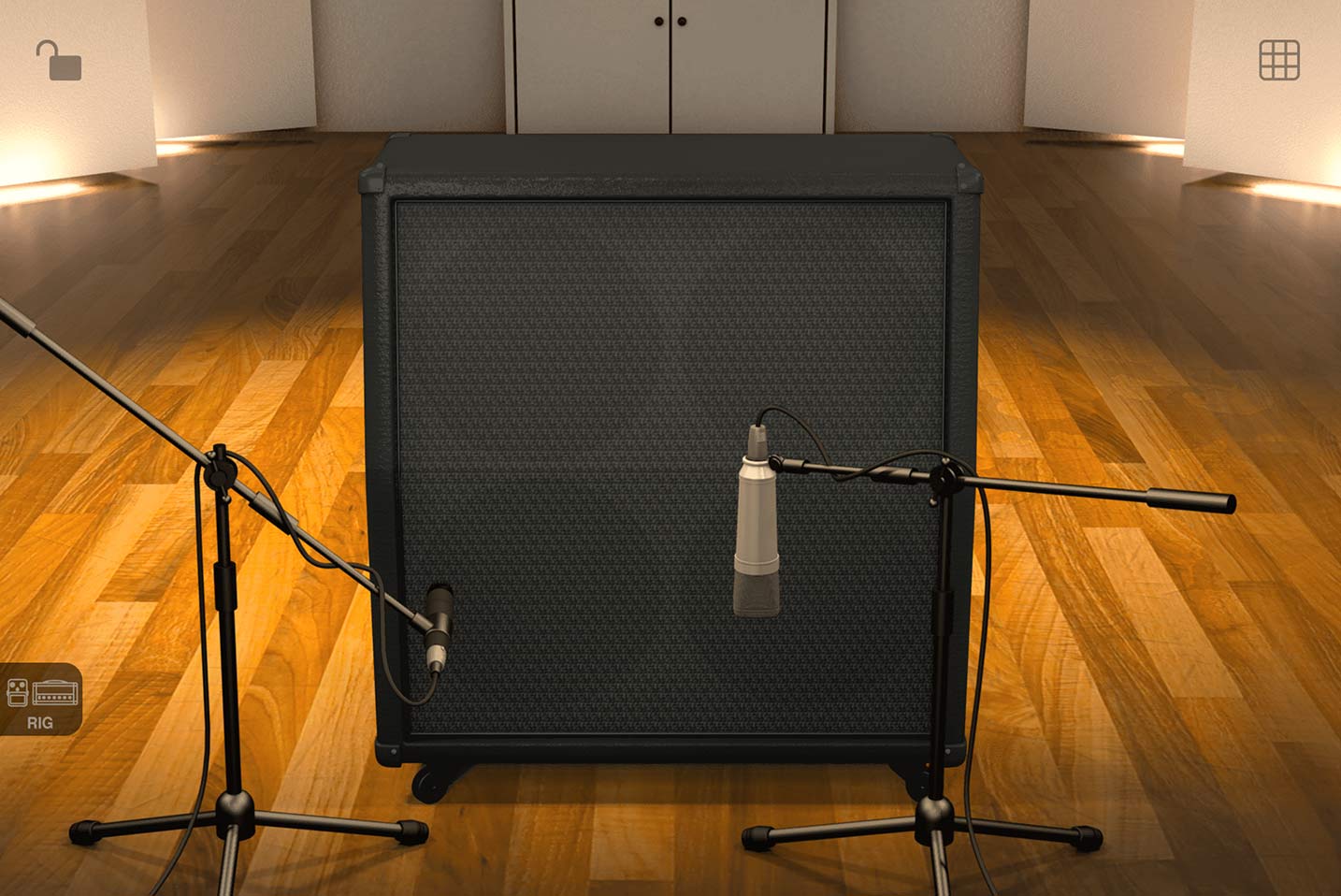
4x12" Closed Modern
Based on the Marshall® 4x12” Cabinet
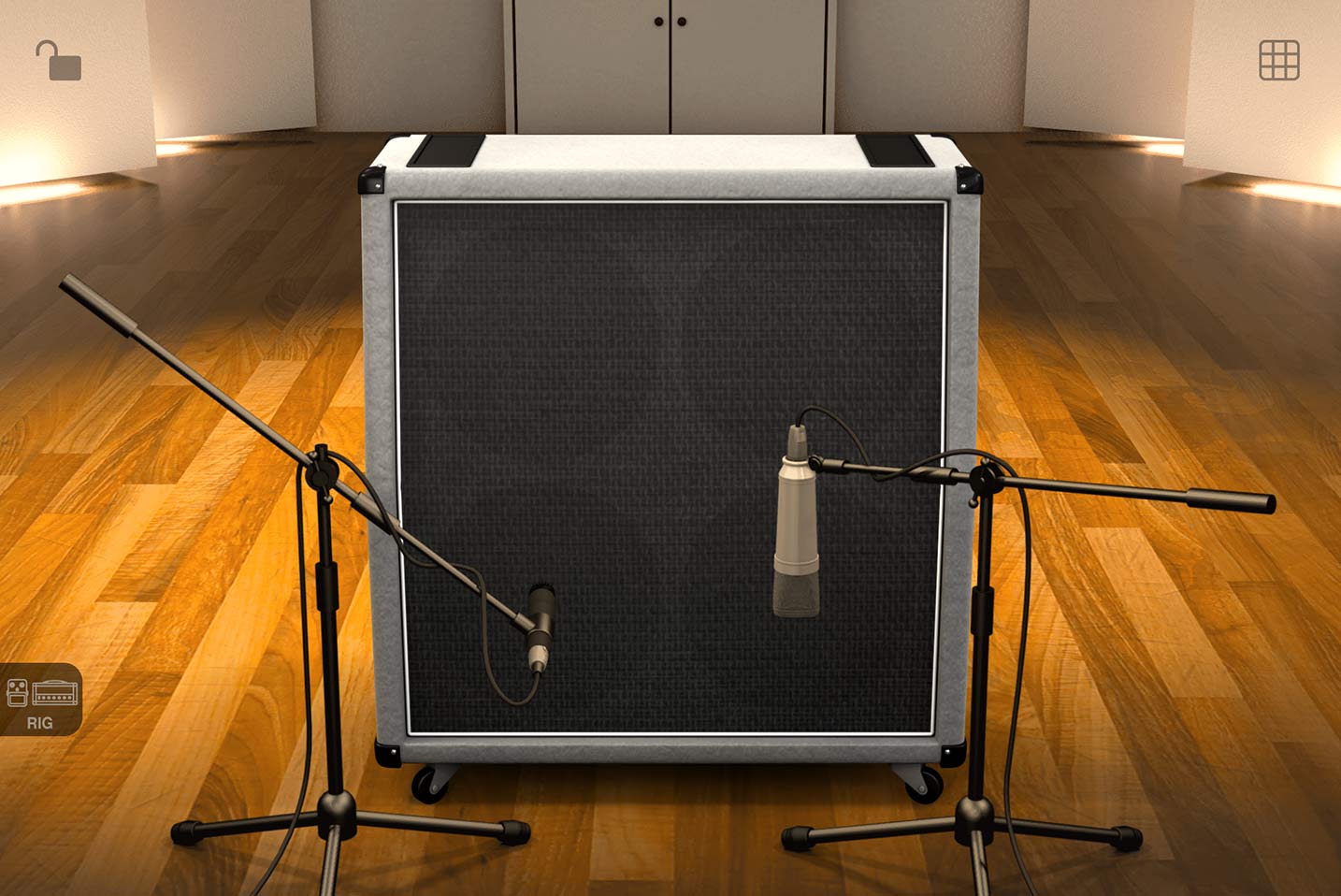
4x12" SLV
Based on Marshall® 2551A 4x12” slanted cabinet loaded with T75 speakers
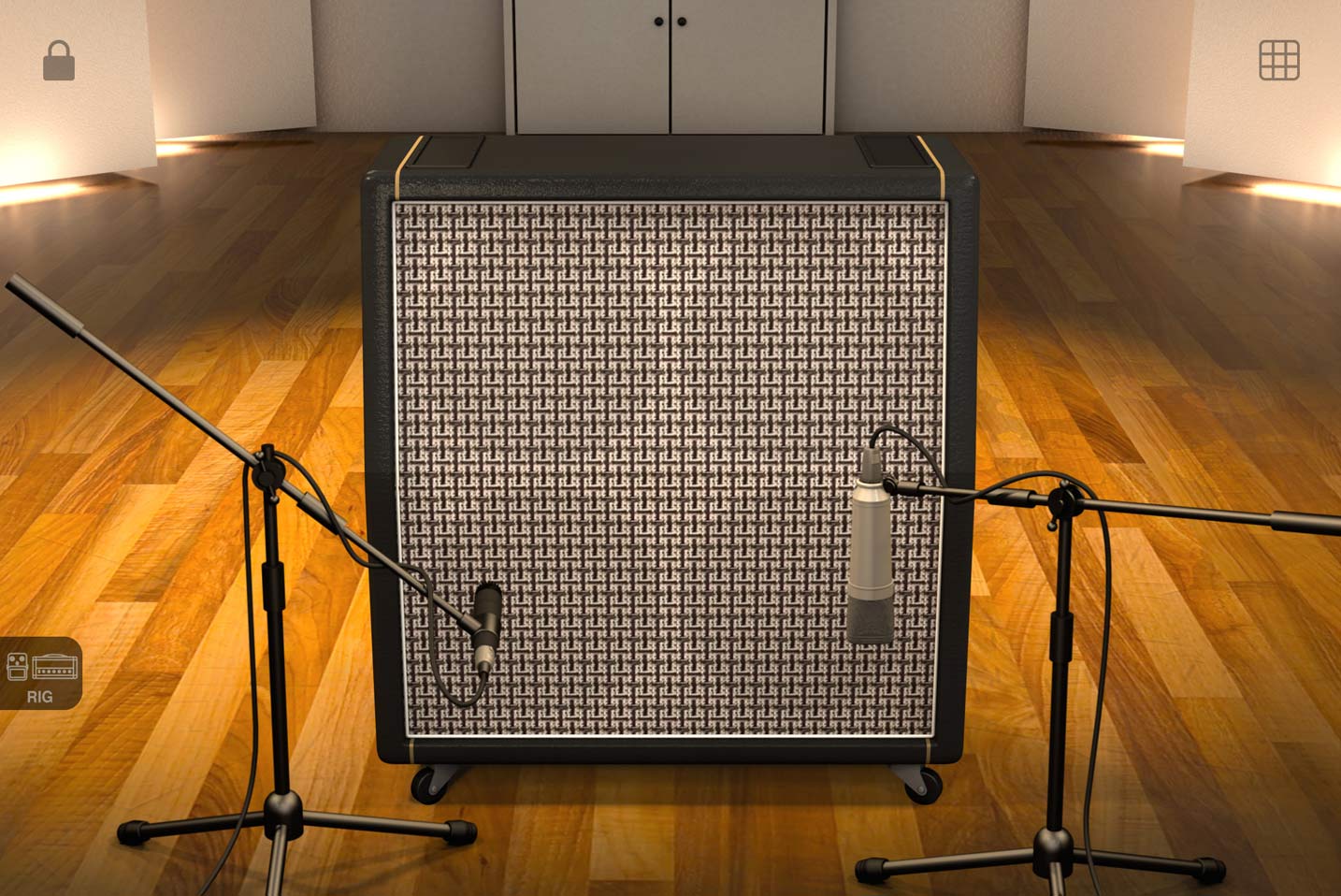
4x12" A
Based on Marshall® 4x12" Cabinet with "Greenback" speakers
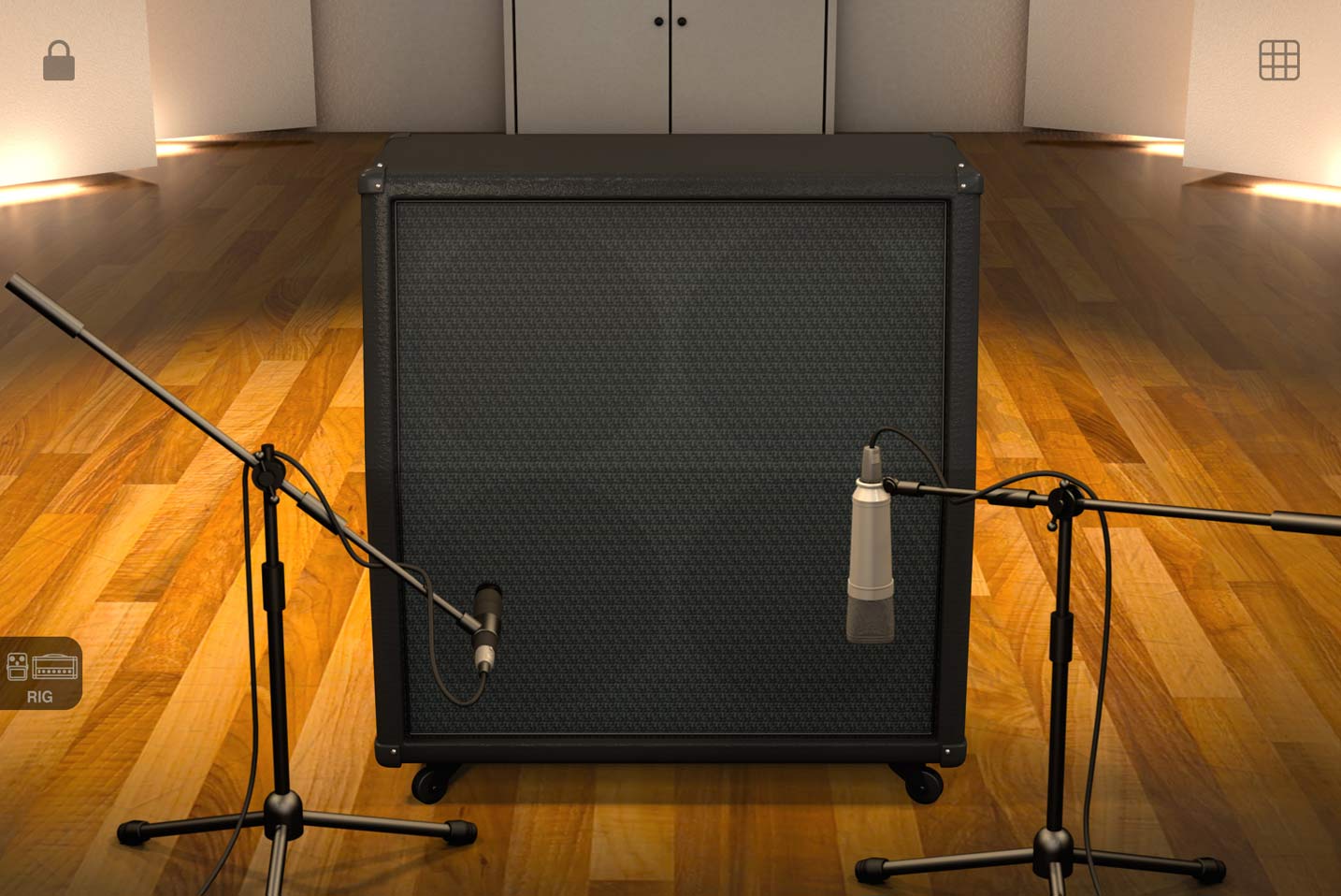
4x12" B
Based on Mesa/Boogie® 4x12" Rectifier® Cabinet
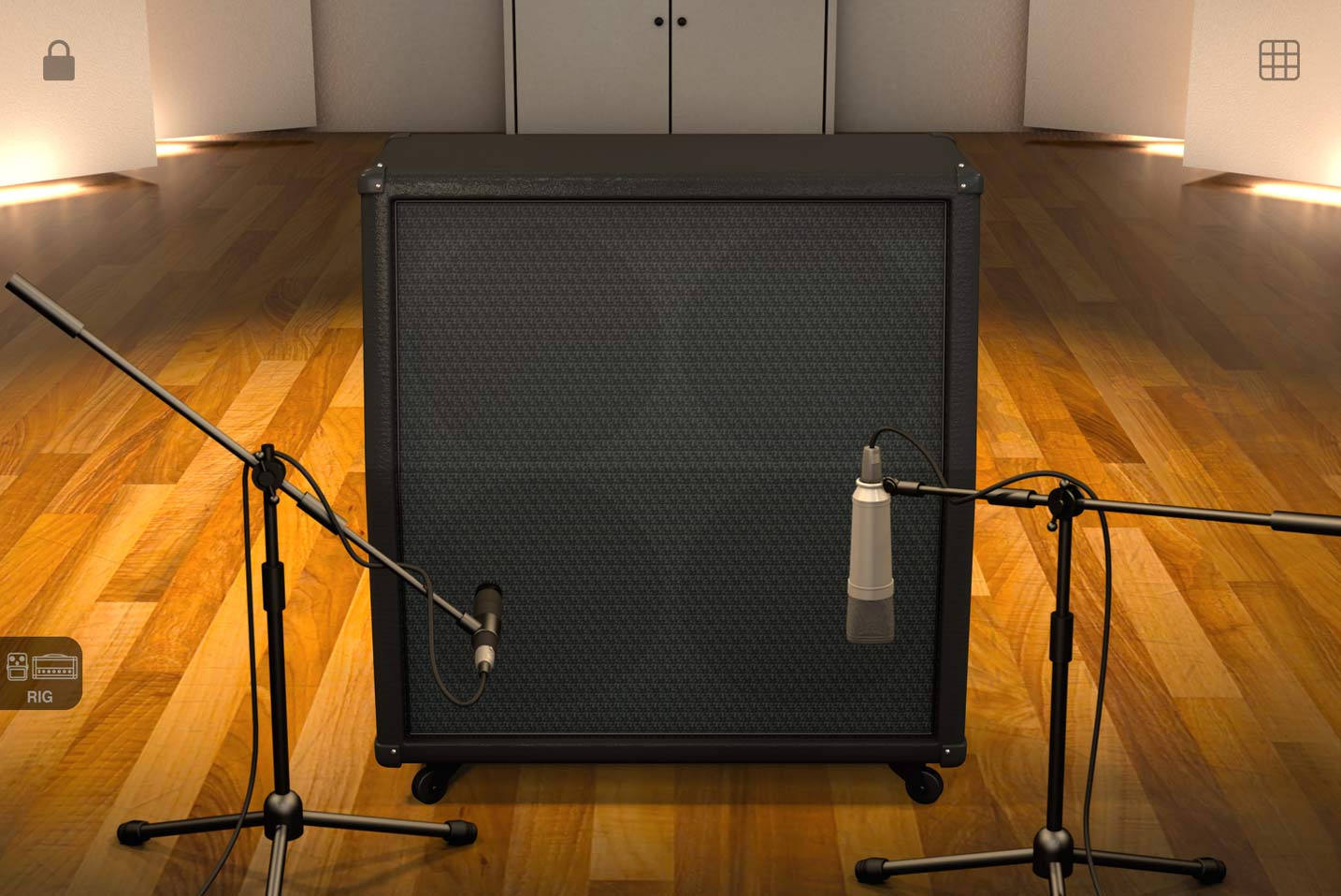
4x12" T1
Based on Mesa/Boogie® 4x12" Cabinet
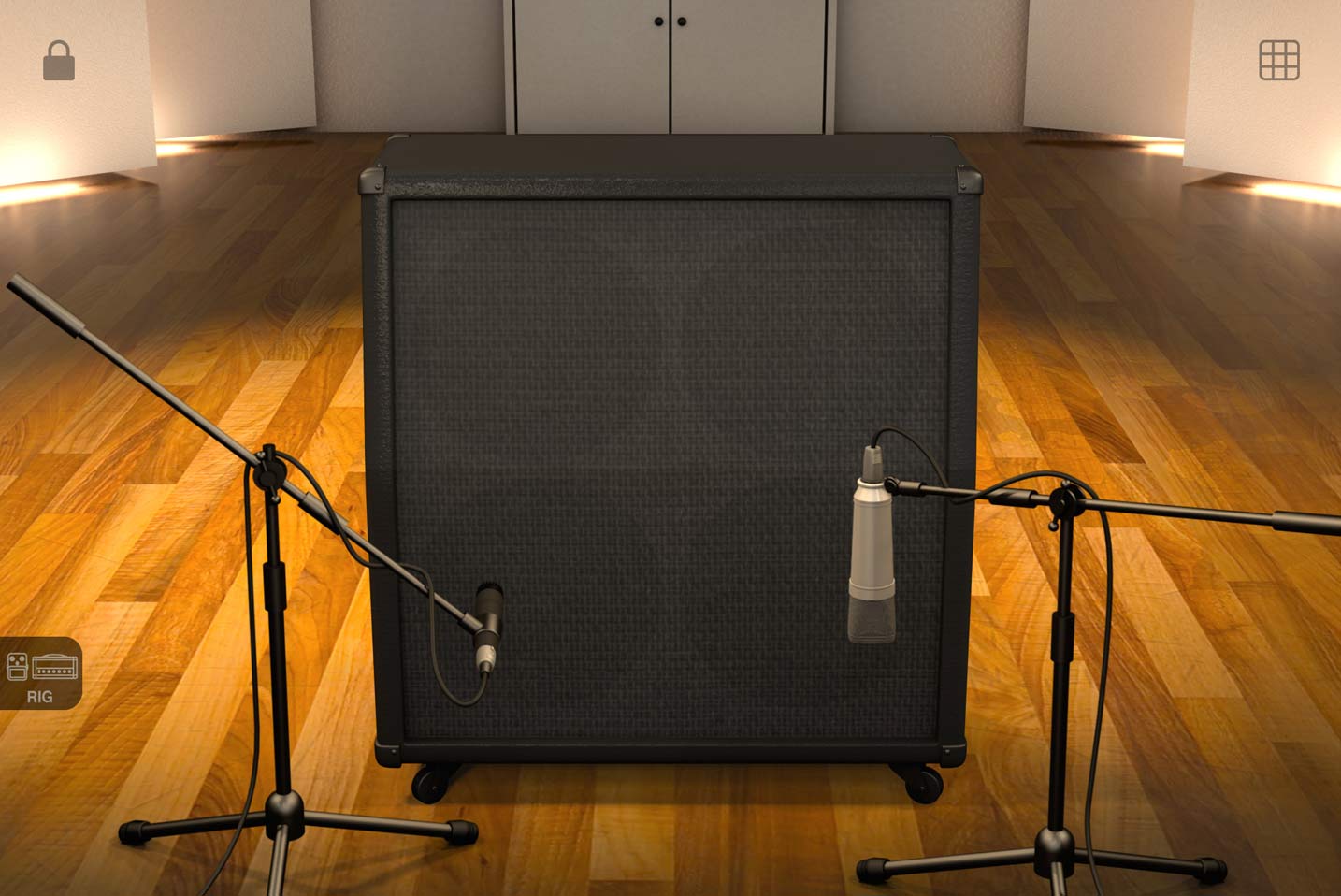
4x12" PV
Based on Peavey® 5150™ 4x12" Cabinet
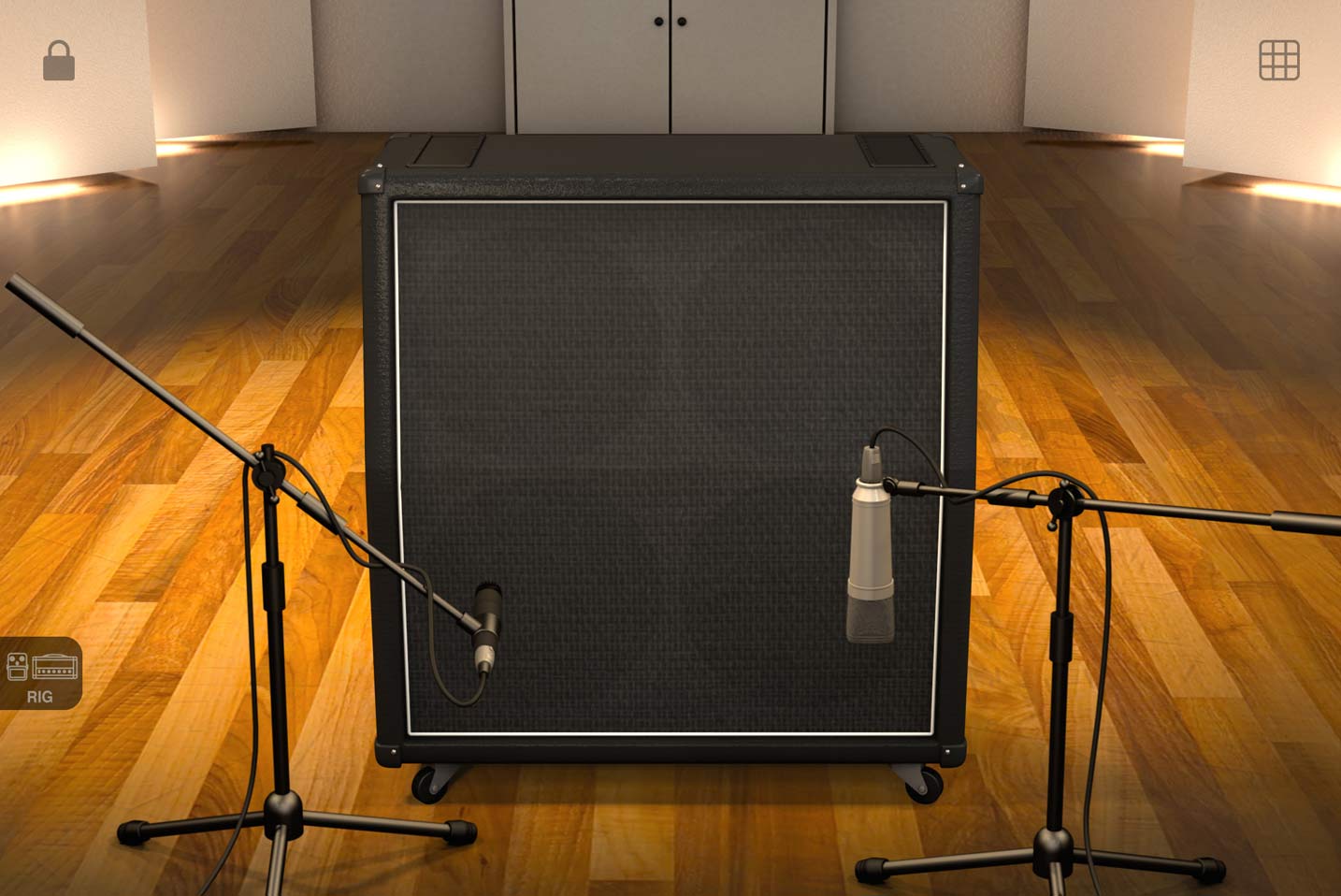
4x12" MM1
Based on Marshall® JCM800™ 4x12" Cabinet
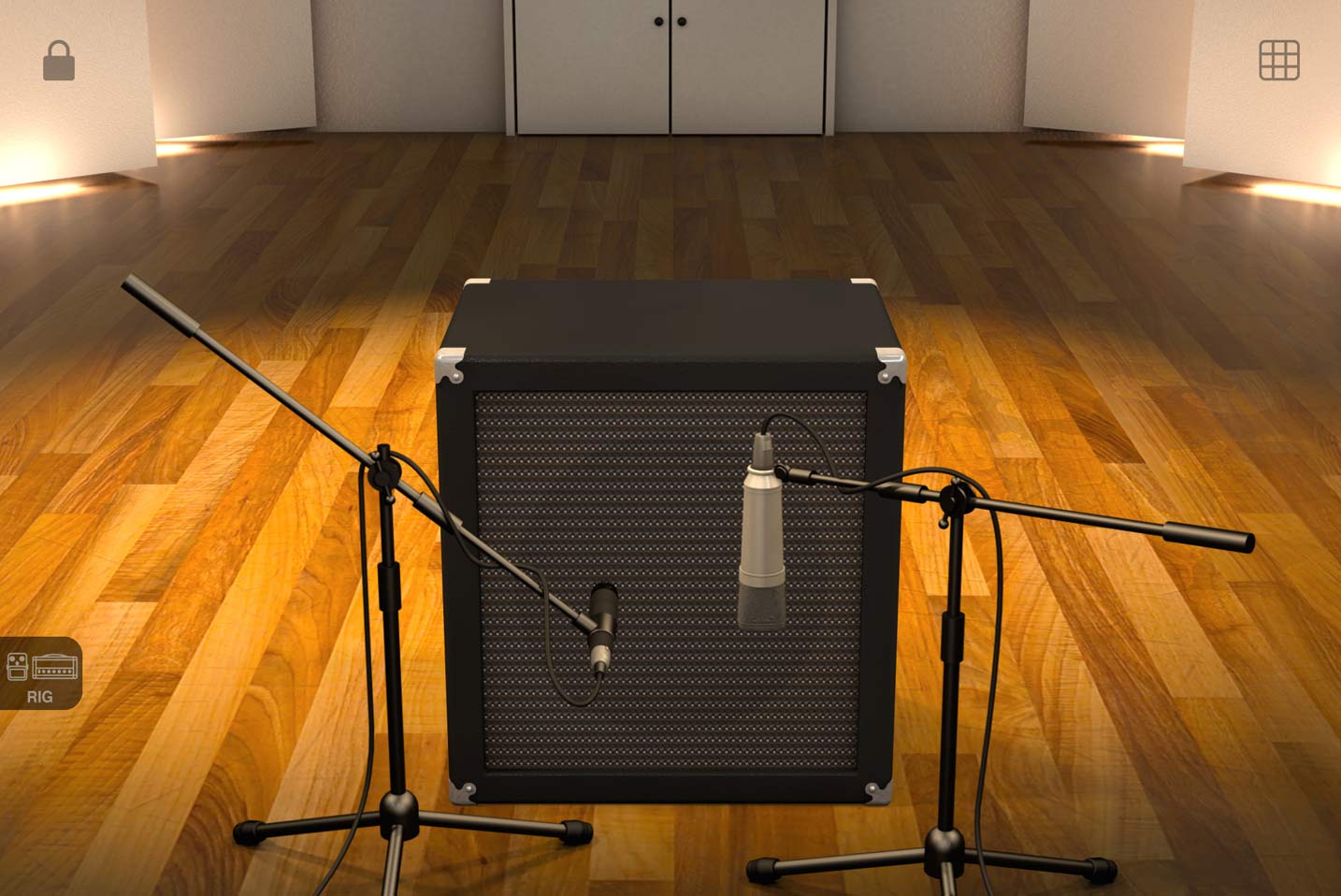
1x15"
Based on Ampeg B15R™ 1x15" Cabinet
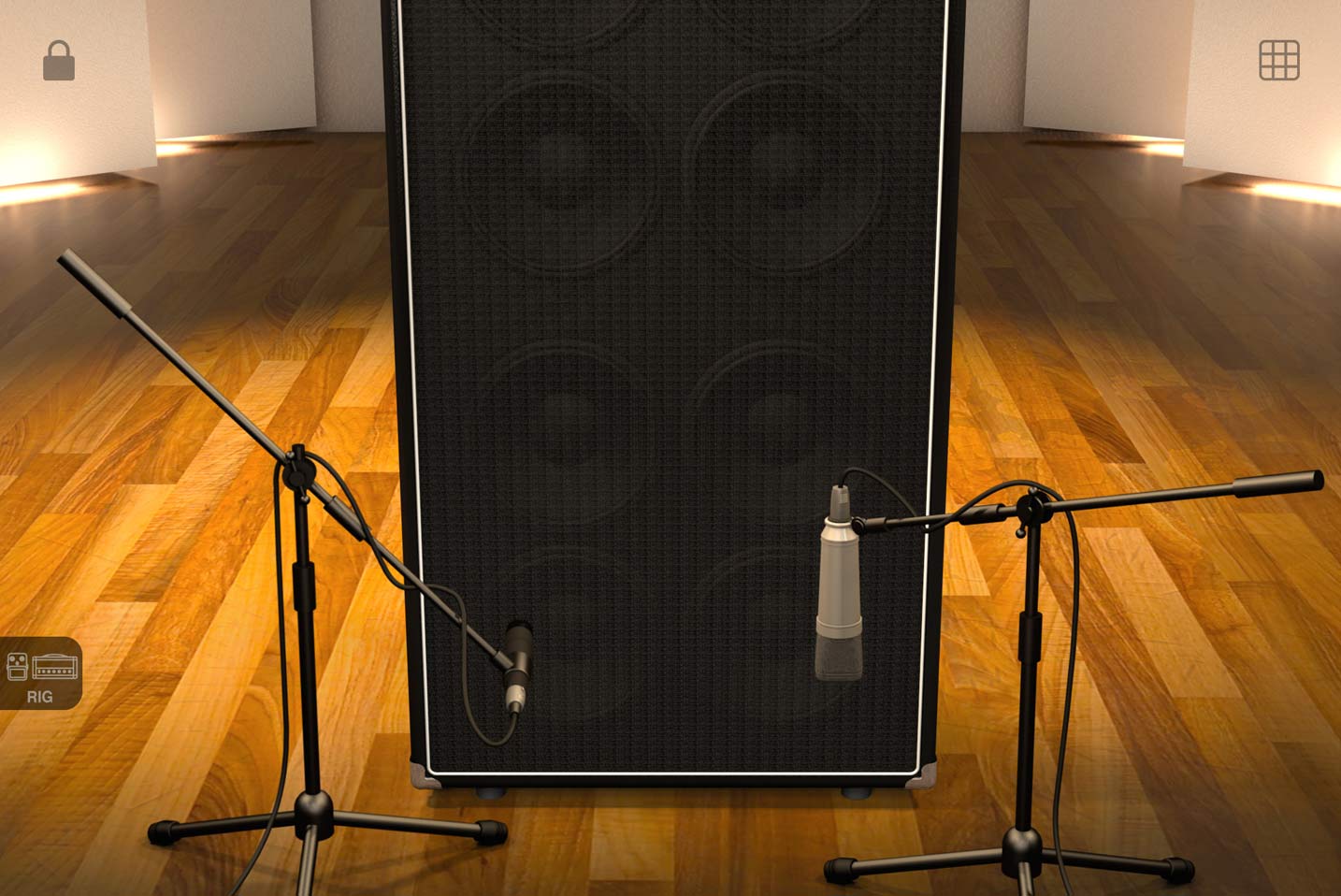
8x10" E
Based on Ampeg® SV-T810E® 8x10" Cabinet
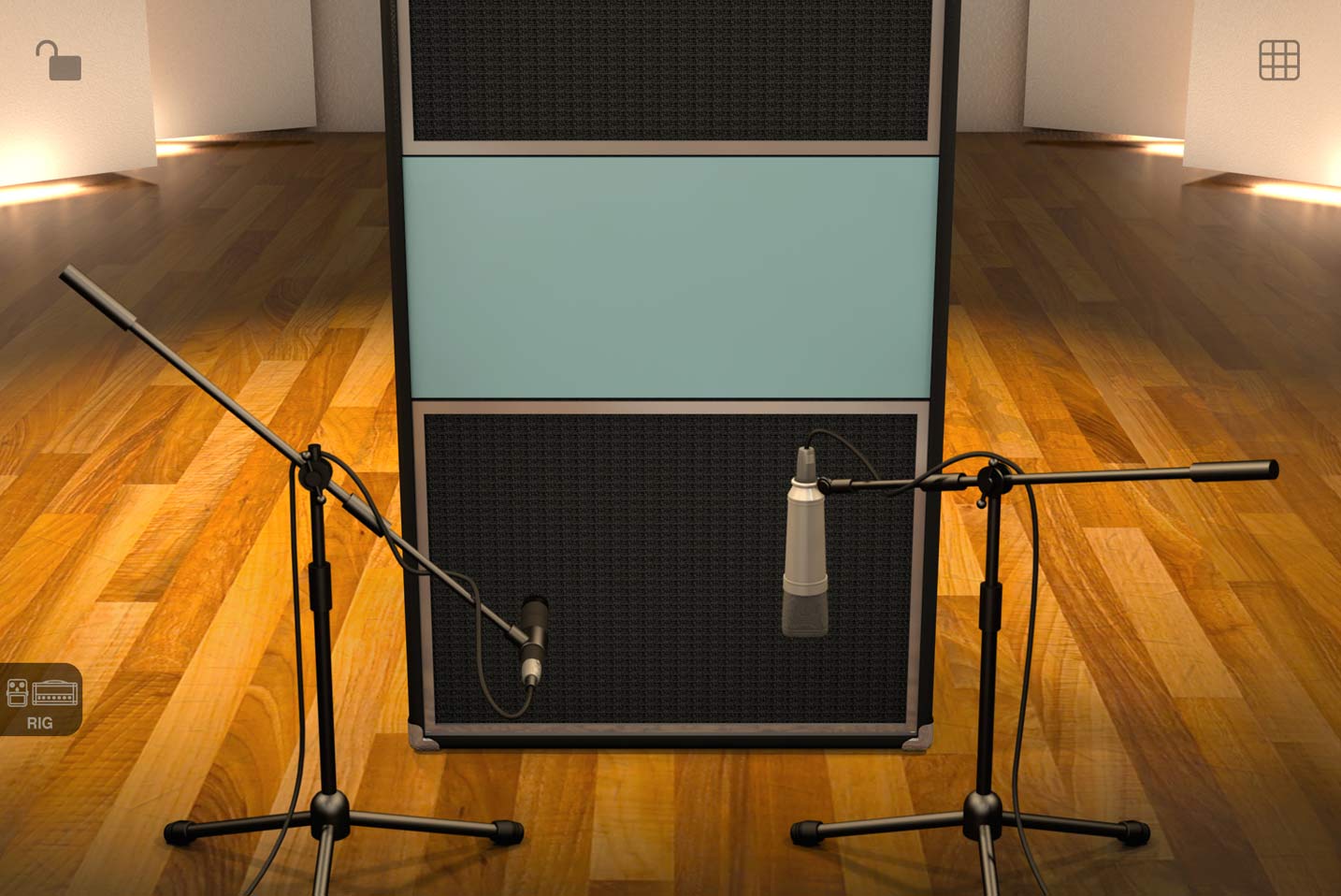
1x18" HB
Based on Acoustic® 360 Horn Bass Cabinet
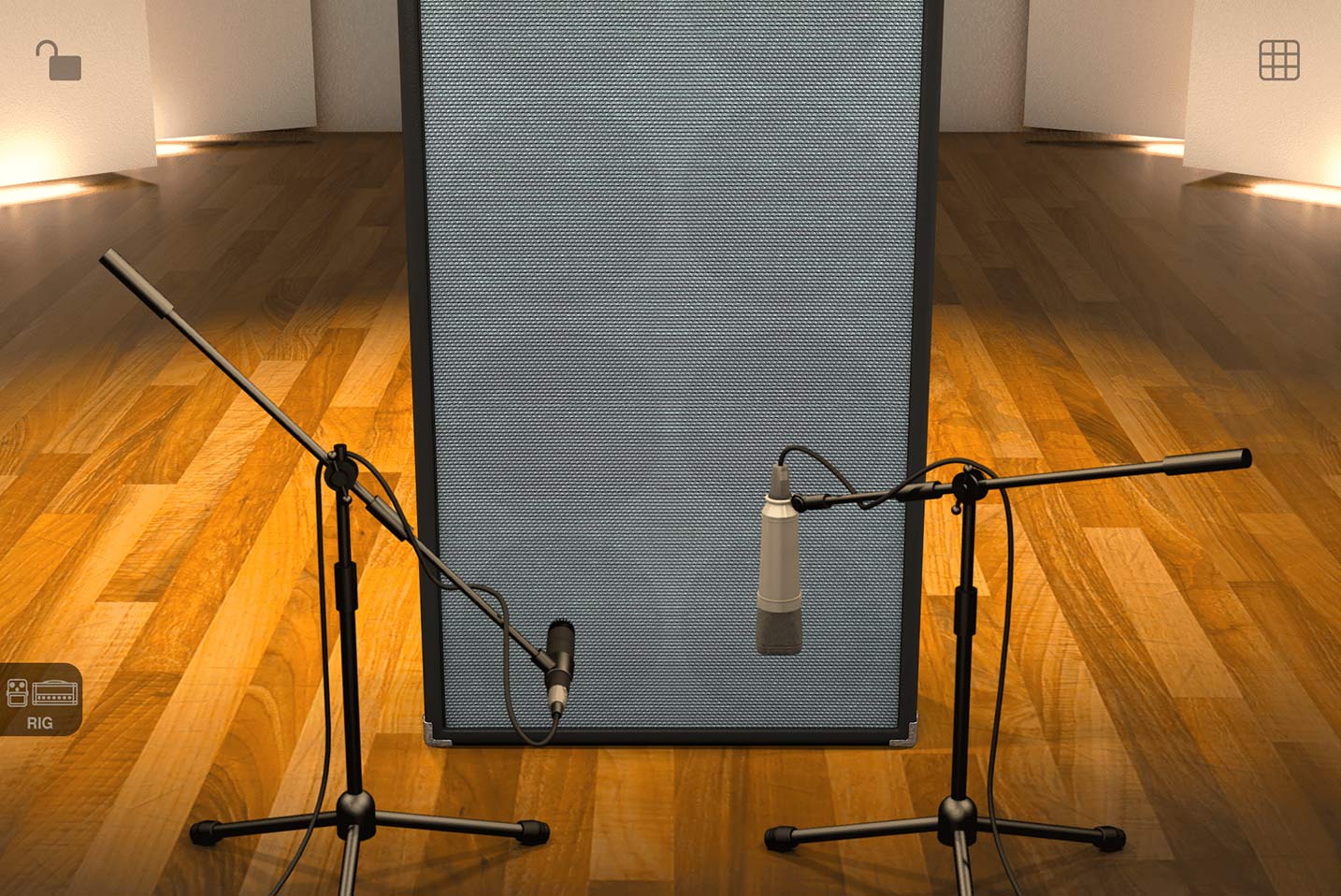
8x10" SVX
Based on Ampeg® SVT-810 AV® 8x10" Cabinet
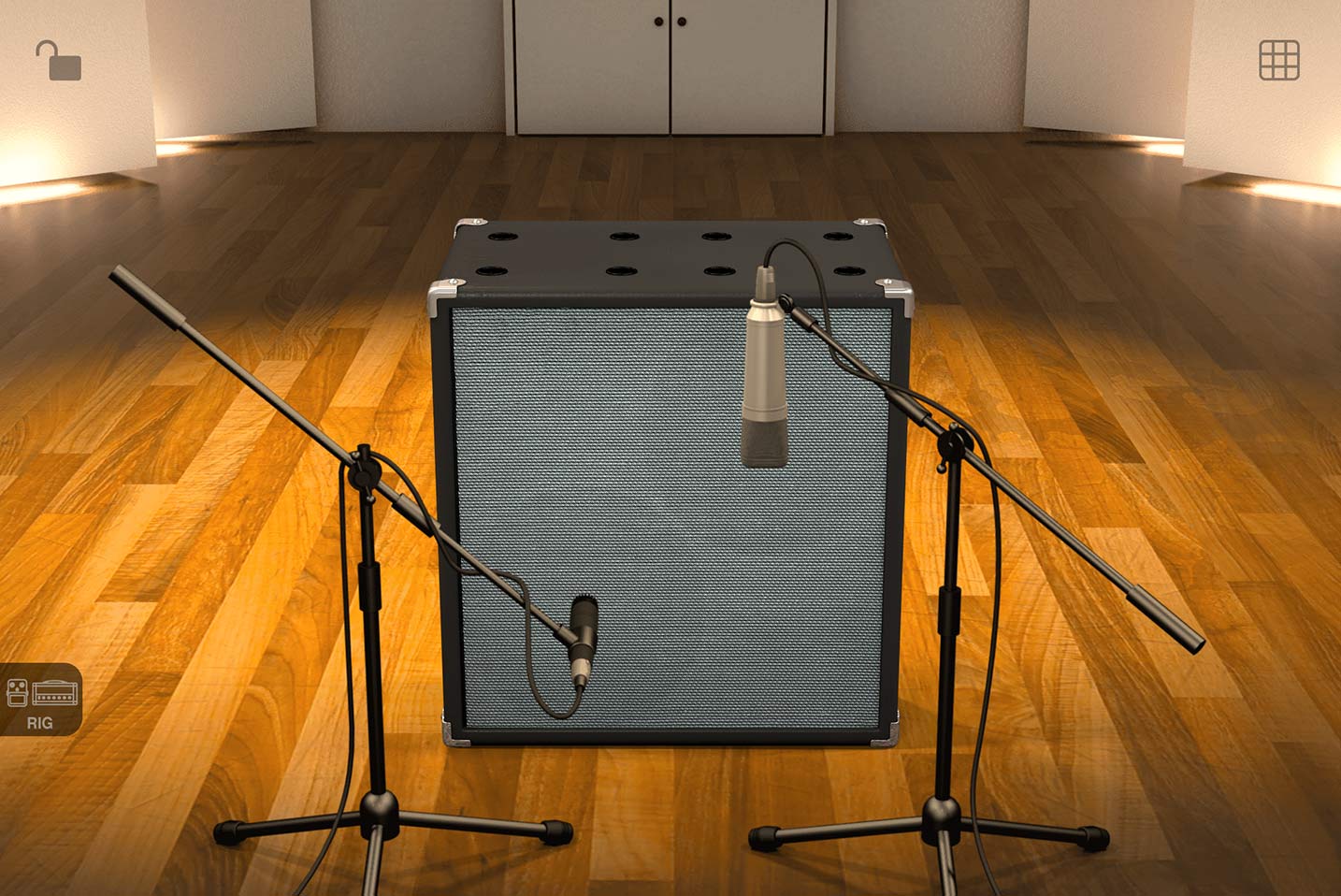
2x12" SVX
Based on Ampeg® SVT-212 AV® 2x12" Cabinet
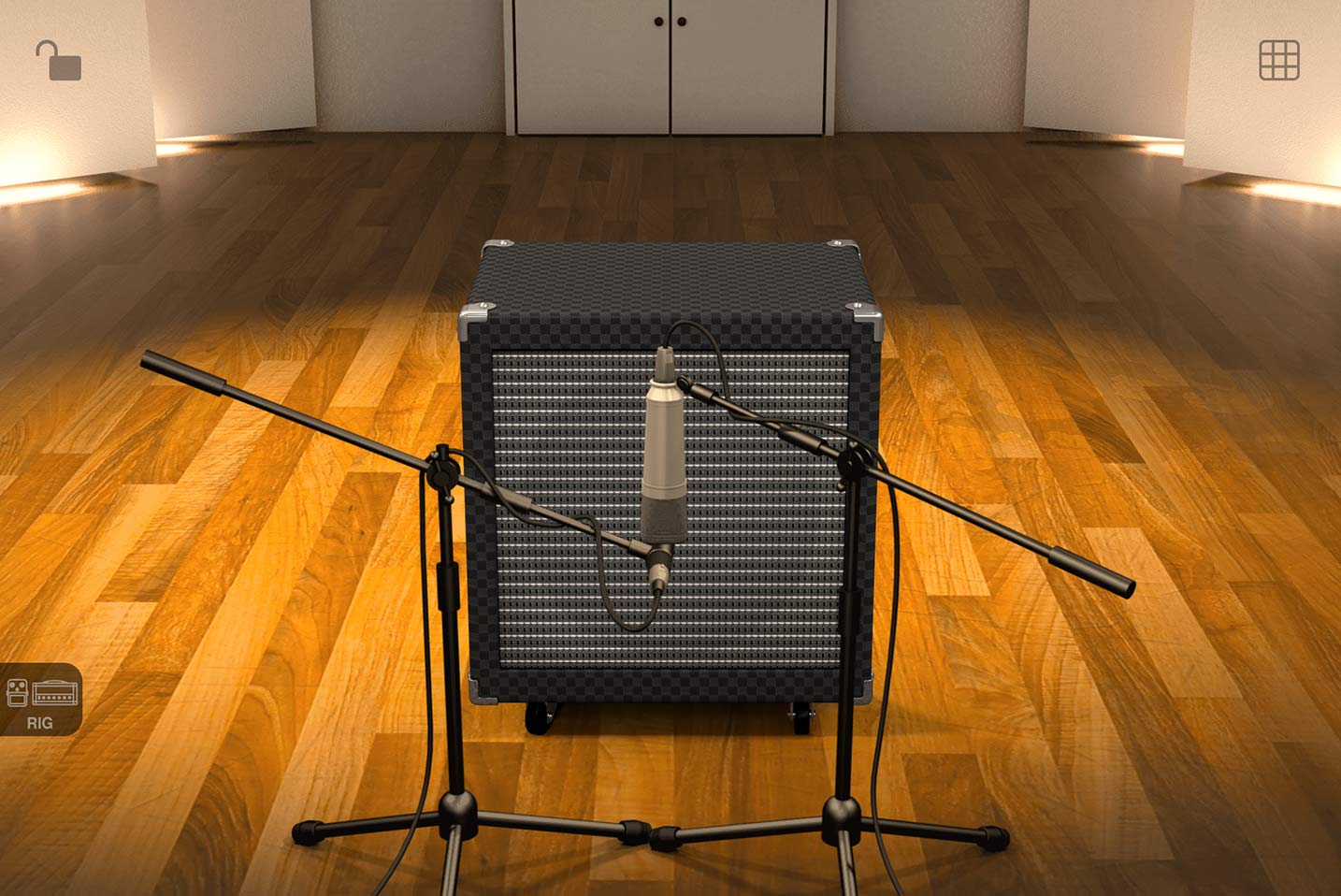
1x15" SVX
Based on Ampeg® HERITAGE B-15N® 1x15" Cabinet
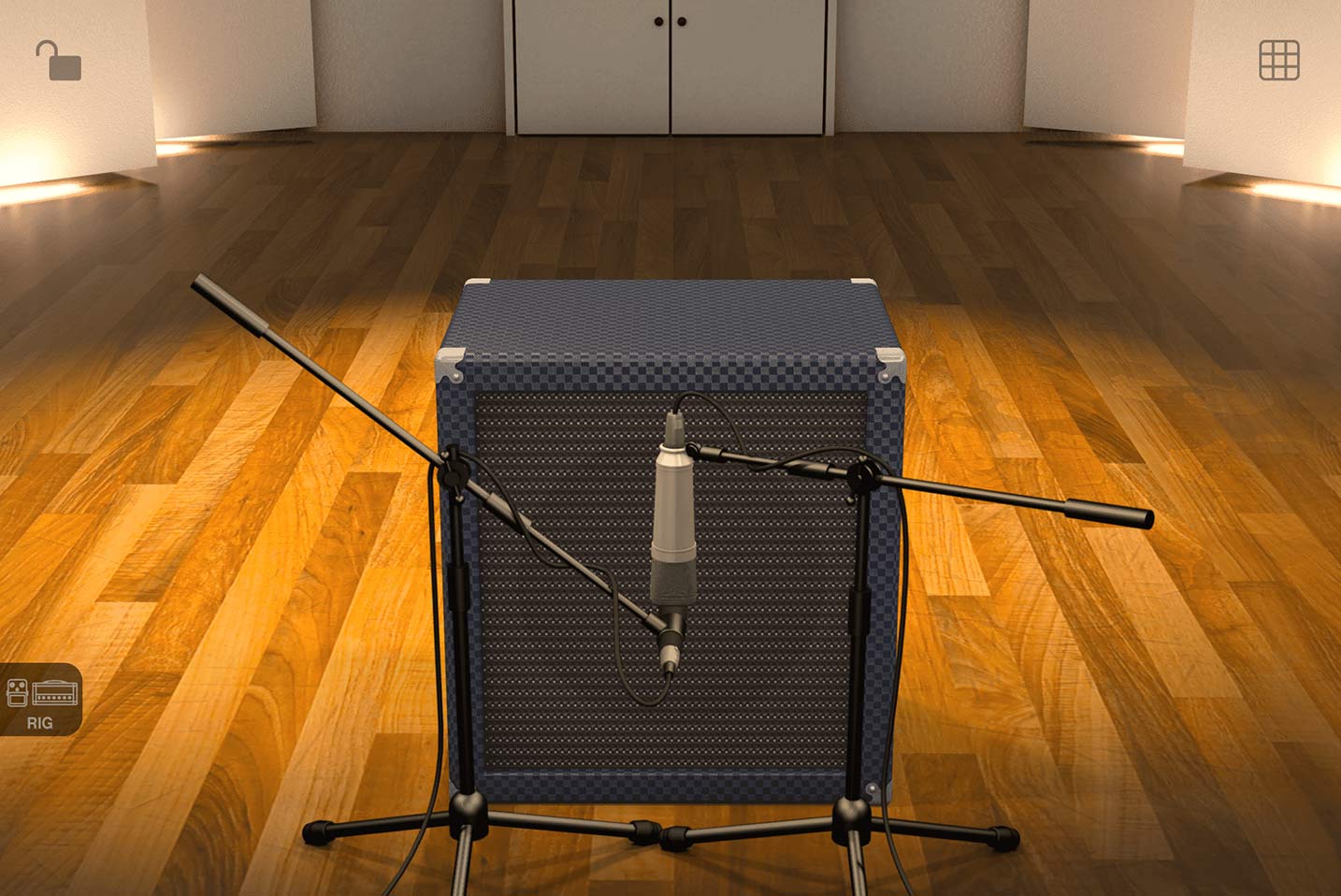
1x15" B
Based on Ampeg® B-15R® Portaflex “Flip Top” 1x15" Cabinet
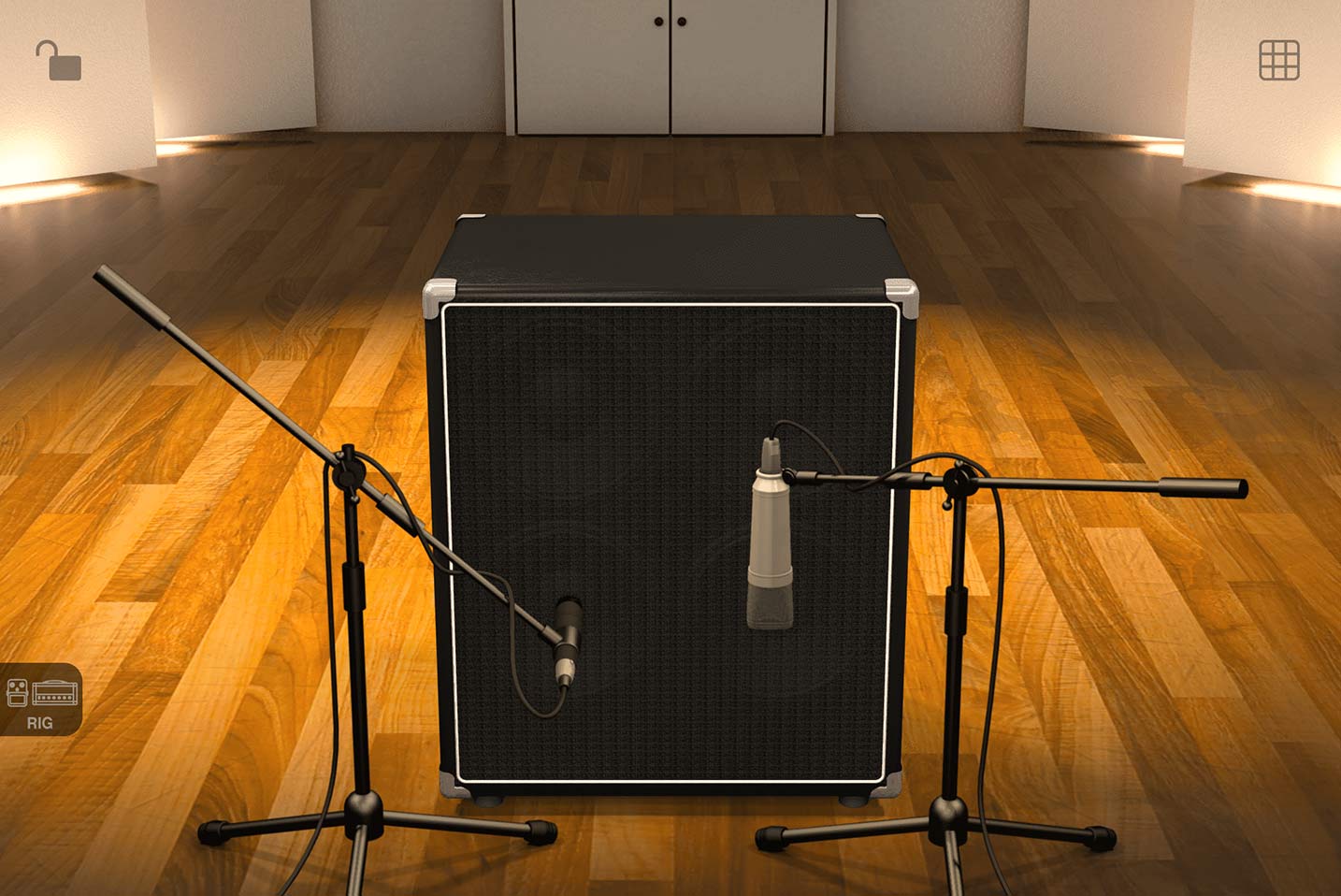
4x10" SVX
Based on Ampeg® SVT-410H® 4x10" Cabinet
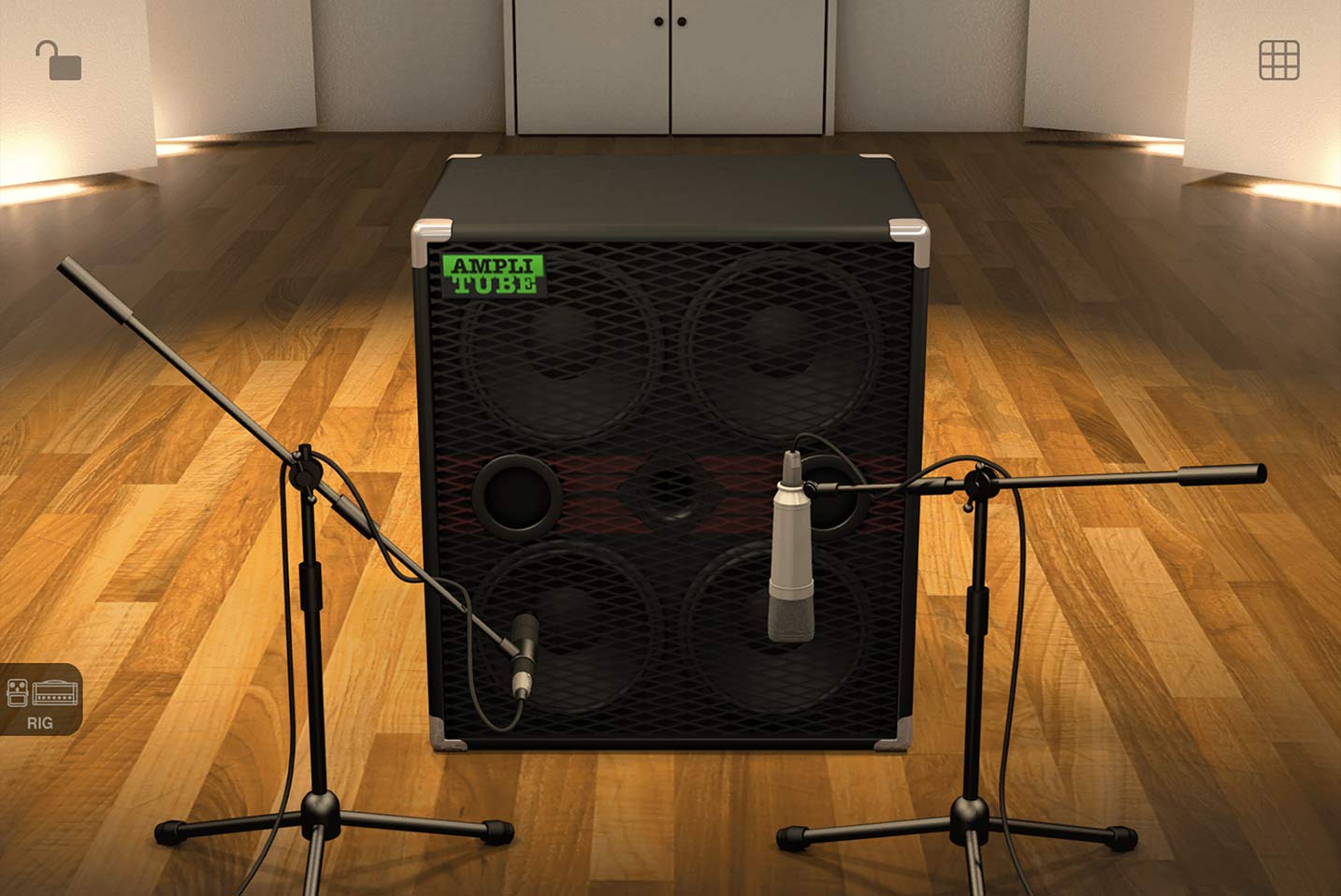
4x10"+tw TE Bass
Based on Trace Elliot® 4x10 8x10" Cabinet
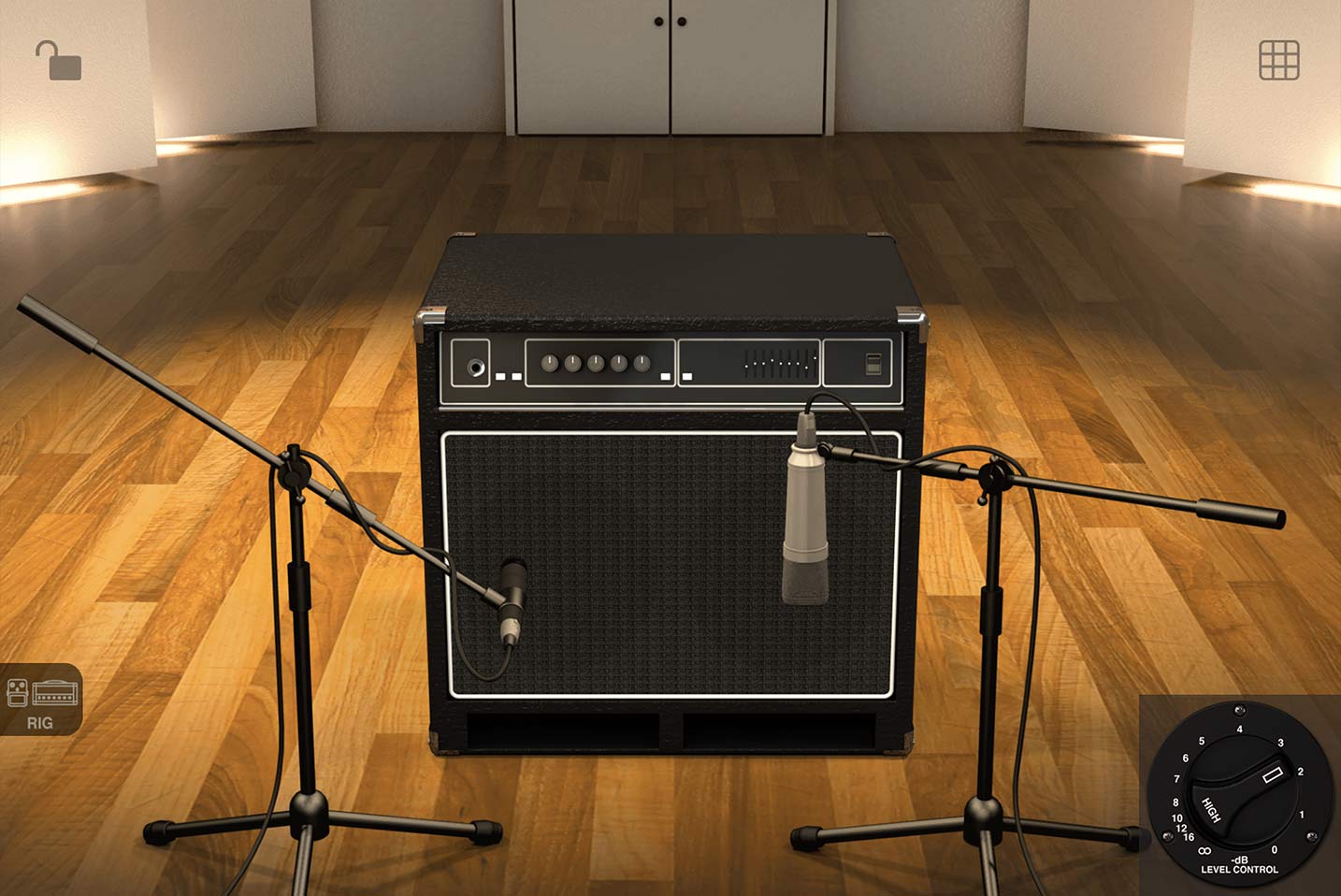
2x10" SVX-500
Based on Ampeg® BA500® 2x10" Cabinet
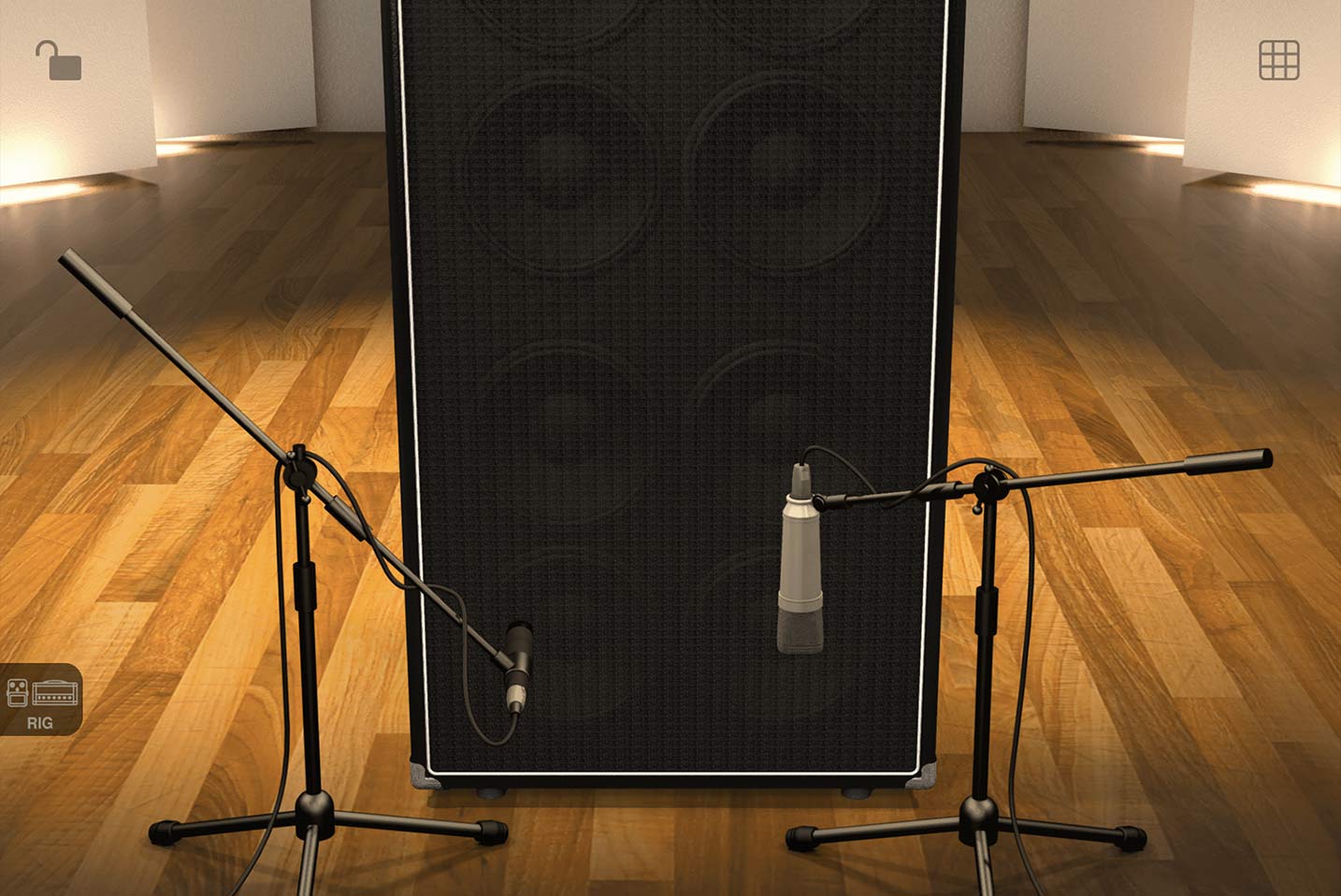
8x10" SVX-810E
Based on Ampeg® SV-T810E® 8x10" Cabinet
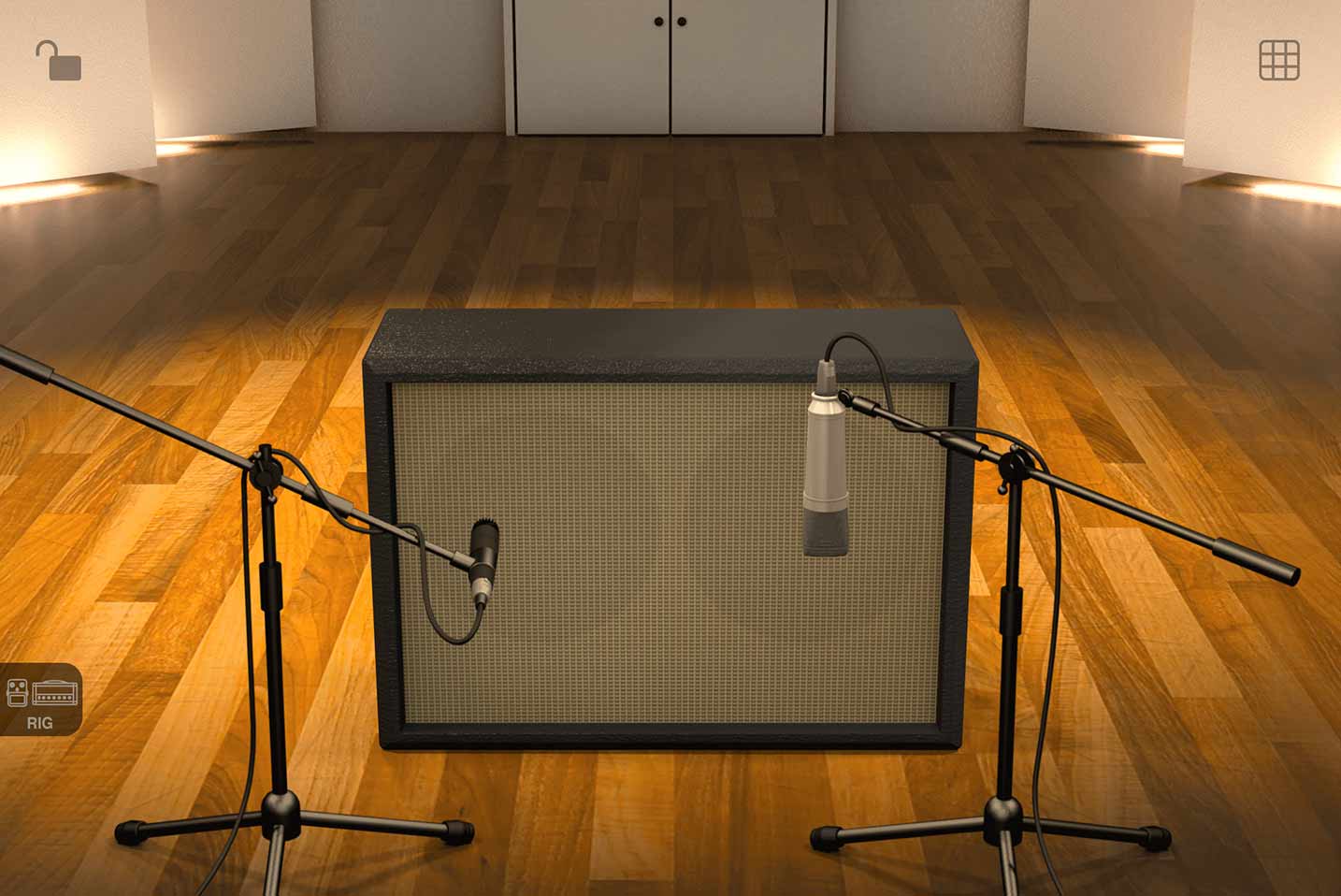
8x10" SVX-810E
Based on the Silvertone® 2x12” Guitar Cabinet
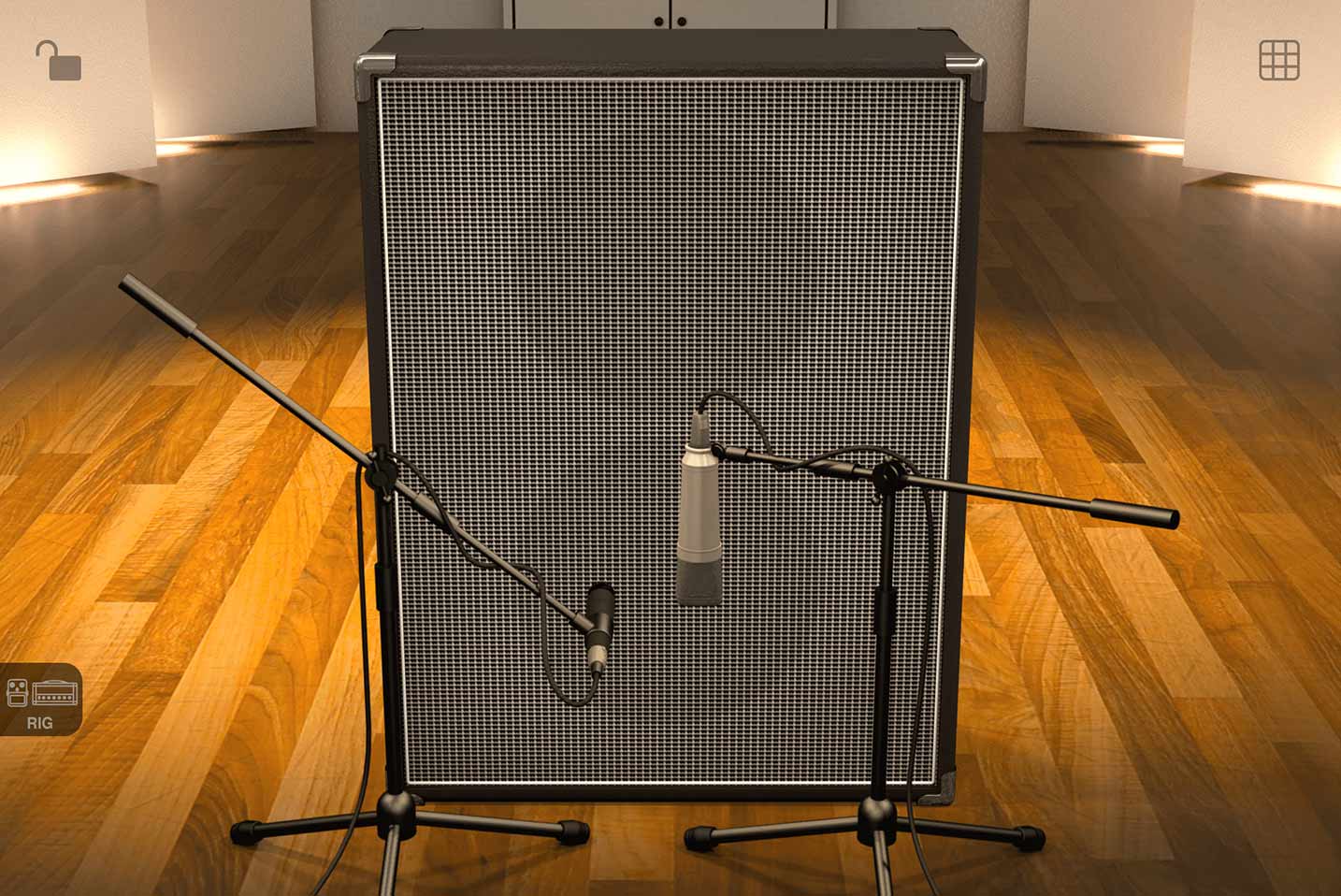
2x15 Closed B J130
Based on the Fender® Bassman® 2x15” Cabinet
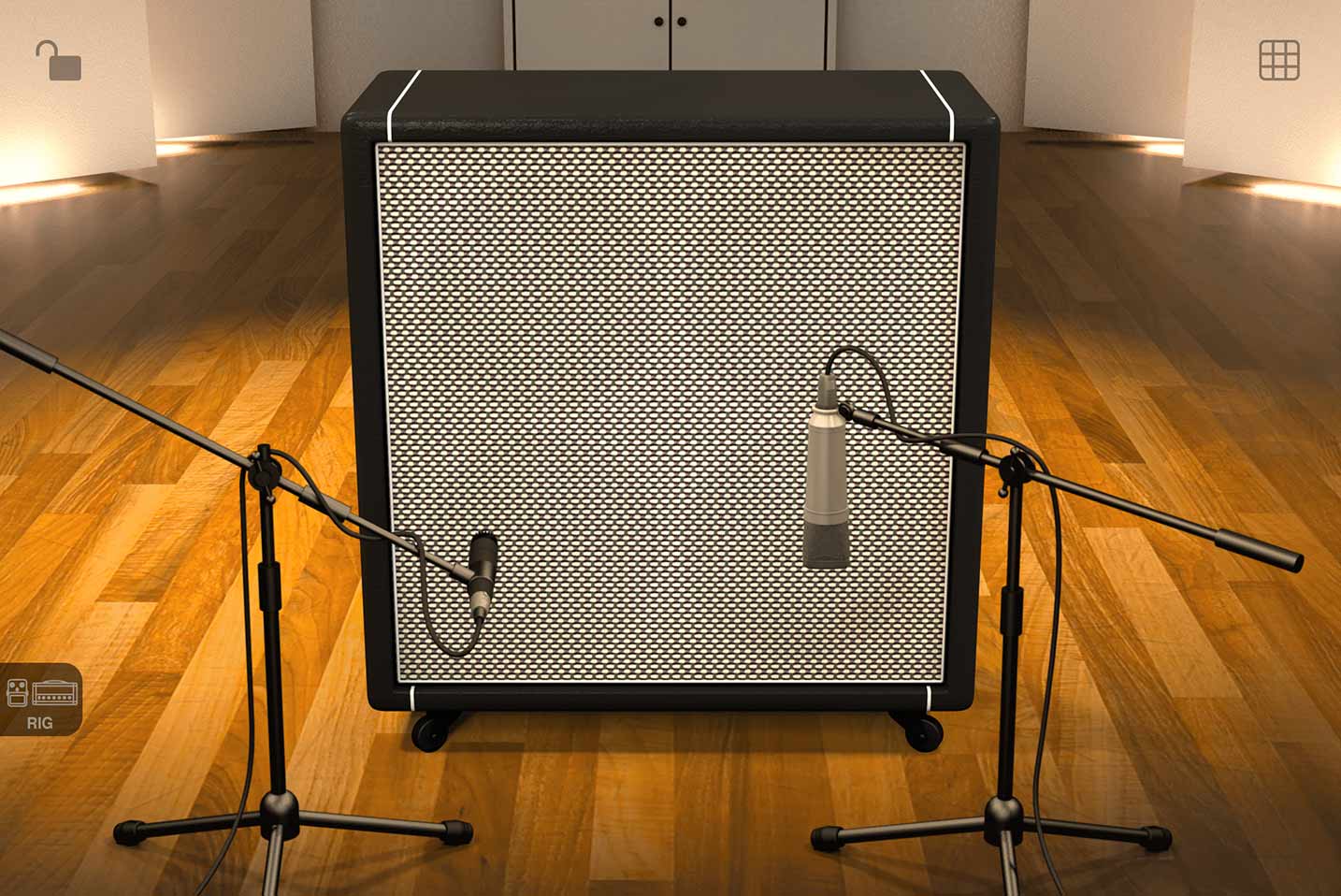
4x12 HiAmp
Based on Hiwatt® 4x12 Guitar Cabinet
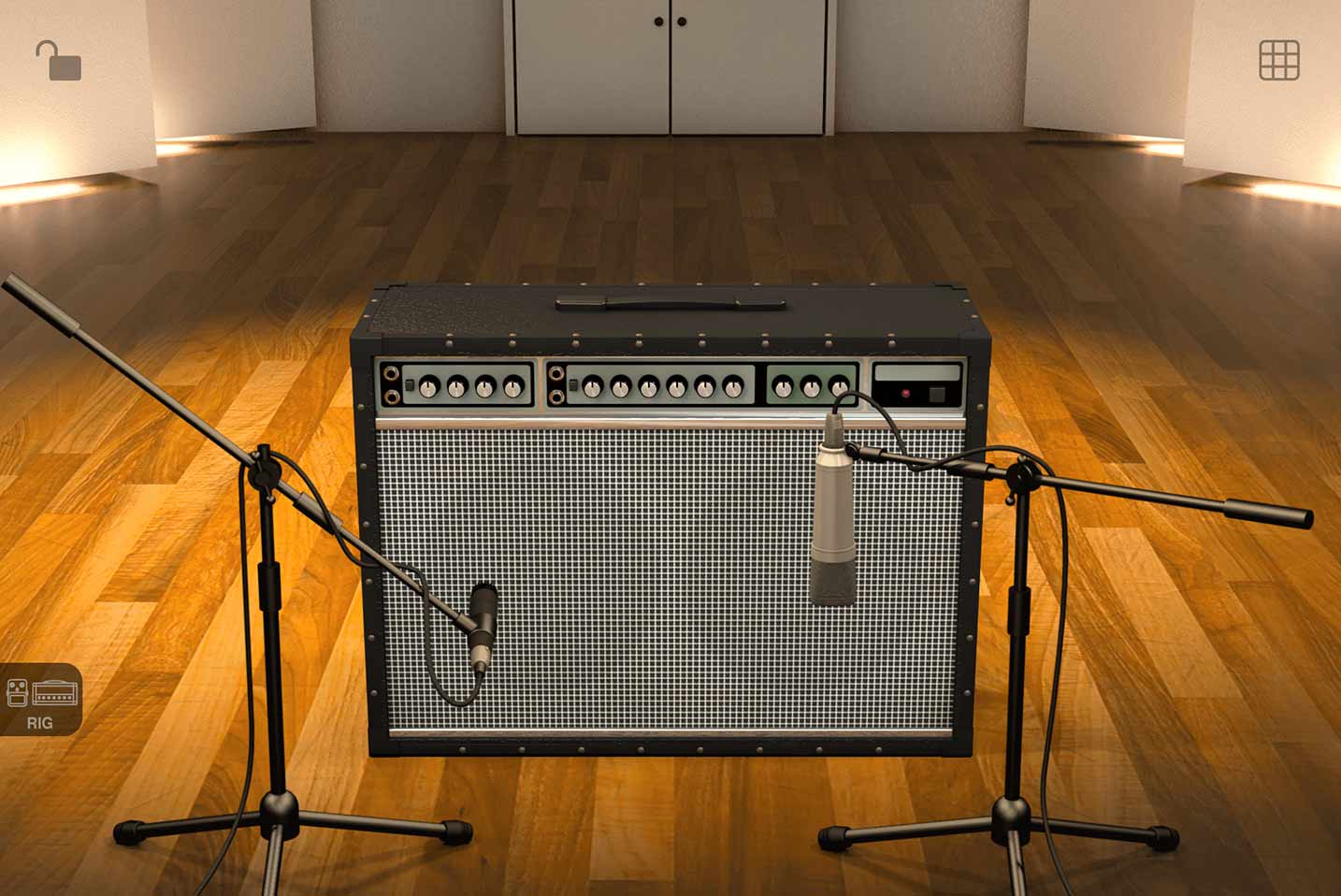
2x12 JP Jazz
Based on the cabinet section of the Roland® JC-120™ 2x12 Combo Guitar Amplifier
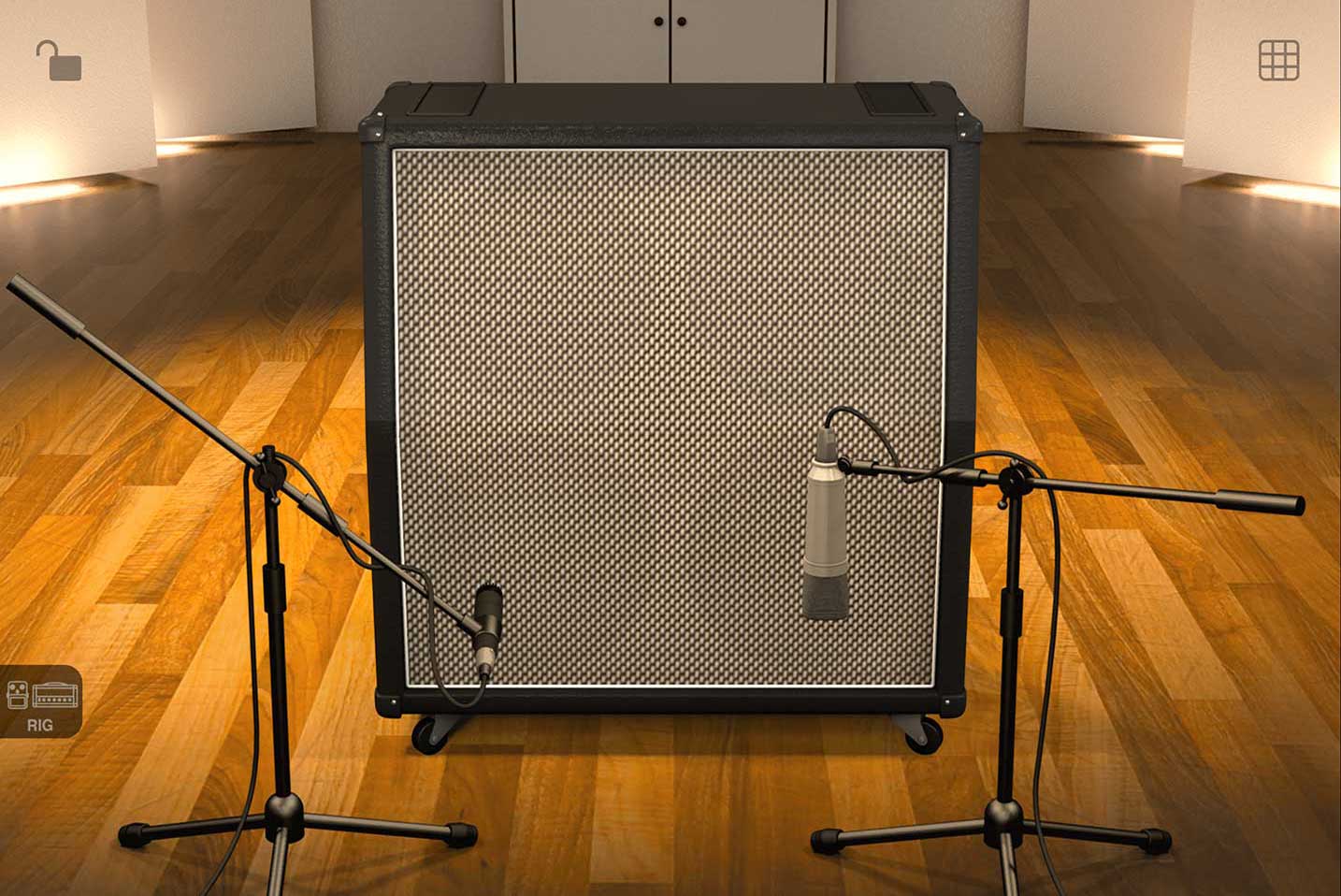
4x12" 1960AV
Based on Marshall® 1960AV Cabinet
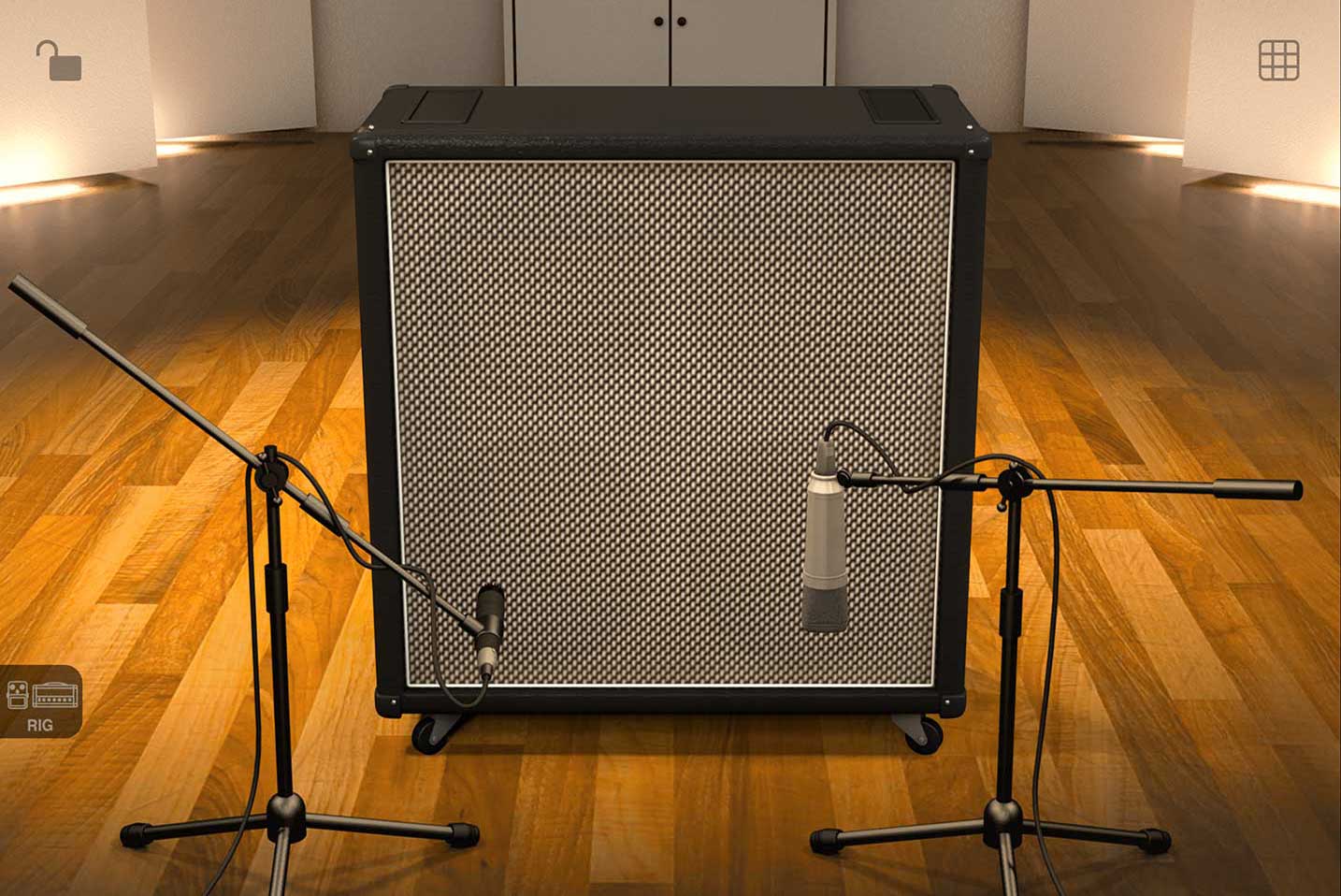
4x12" 1960BV
Based on Marshall® 1960BV Cabinet

2x15" J
Based on Fender® Dual Showman™ 2x15" Cabinet
equipped with J.B.Lansing D130F™ speakers

4x12" J
Based on Marshall® 4x12" Cabinet
equipped with J.B.Lansing® D120F™ speakers
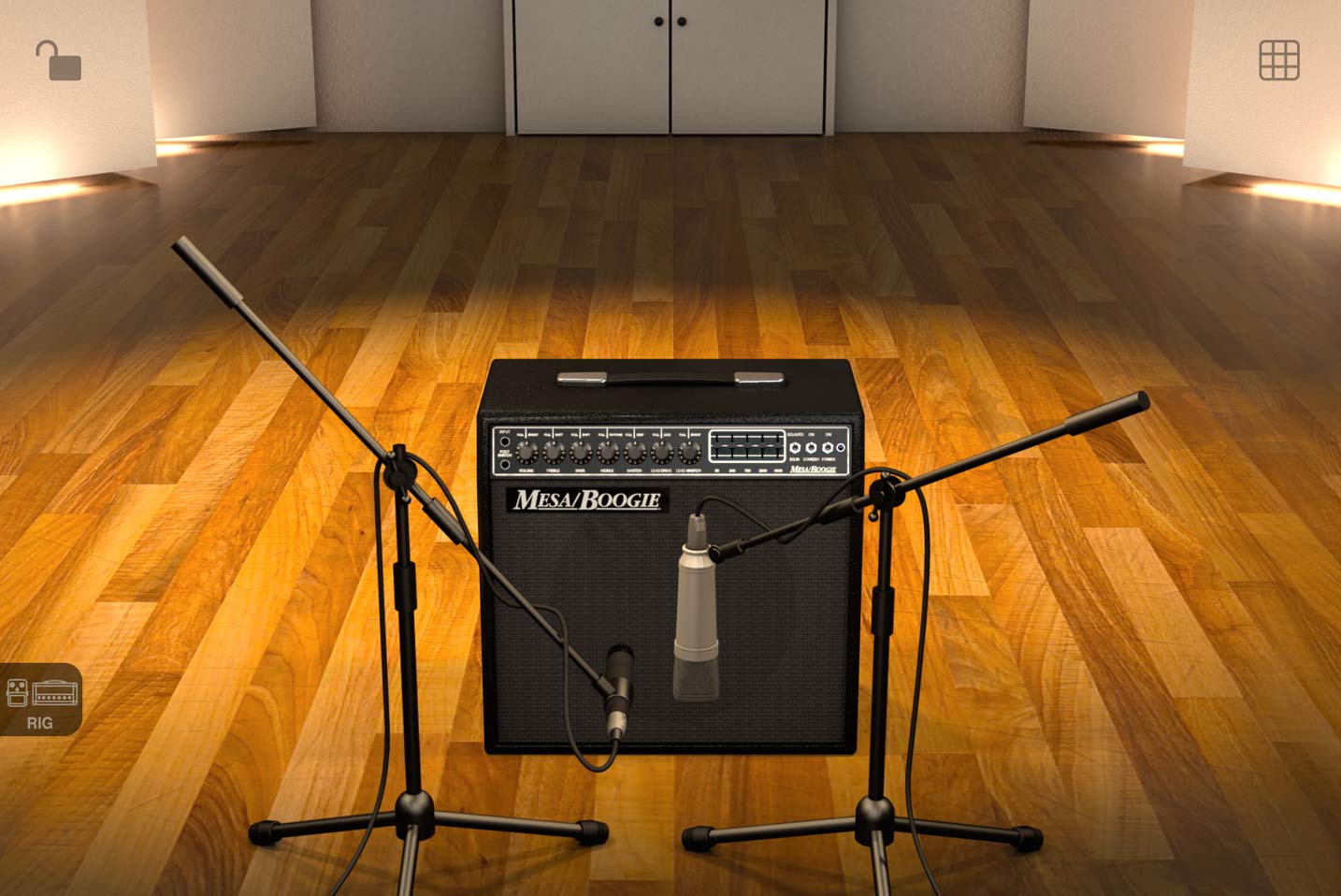
1x12" Mark III
Officially Certified
Mesa Boogie® Mark III™ 1x12" Combo Cabinet
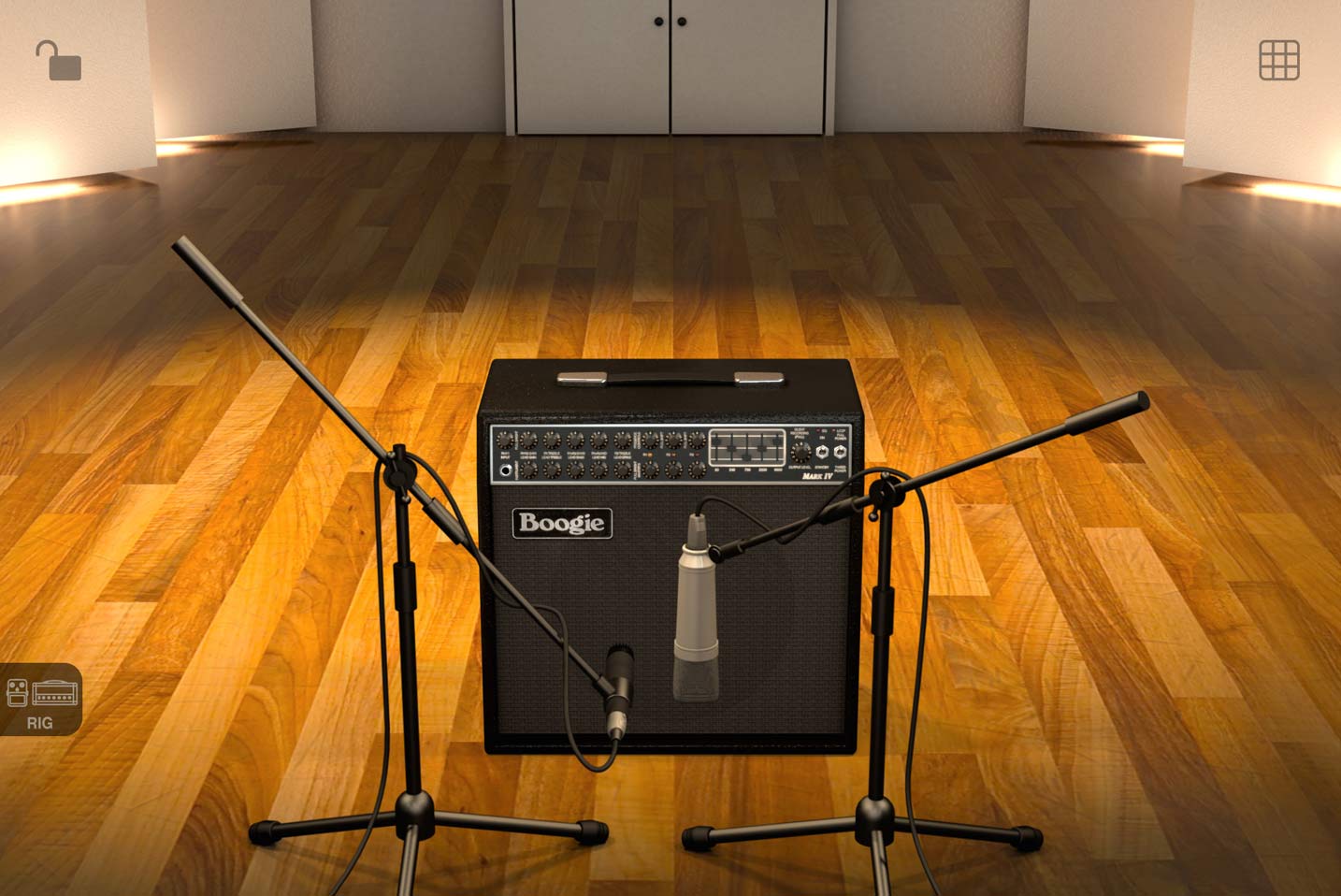
1x12" Mark IV
Officially Certified
Mesa Boogie® Mark IV™ 1x12" Combo Cabinet
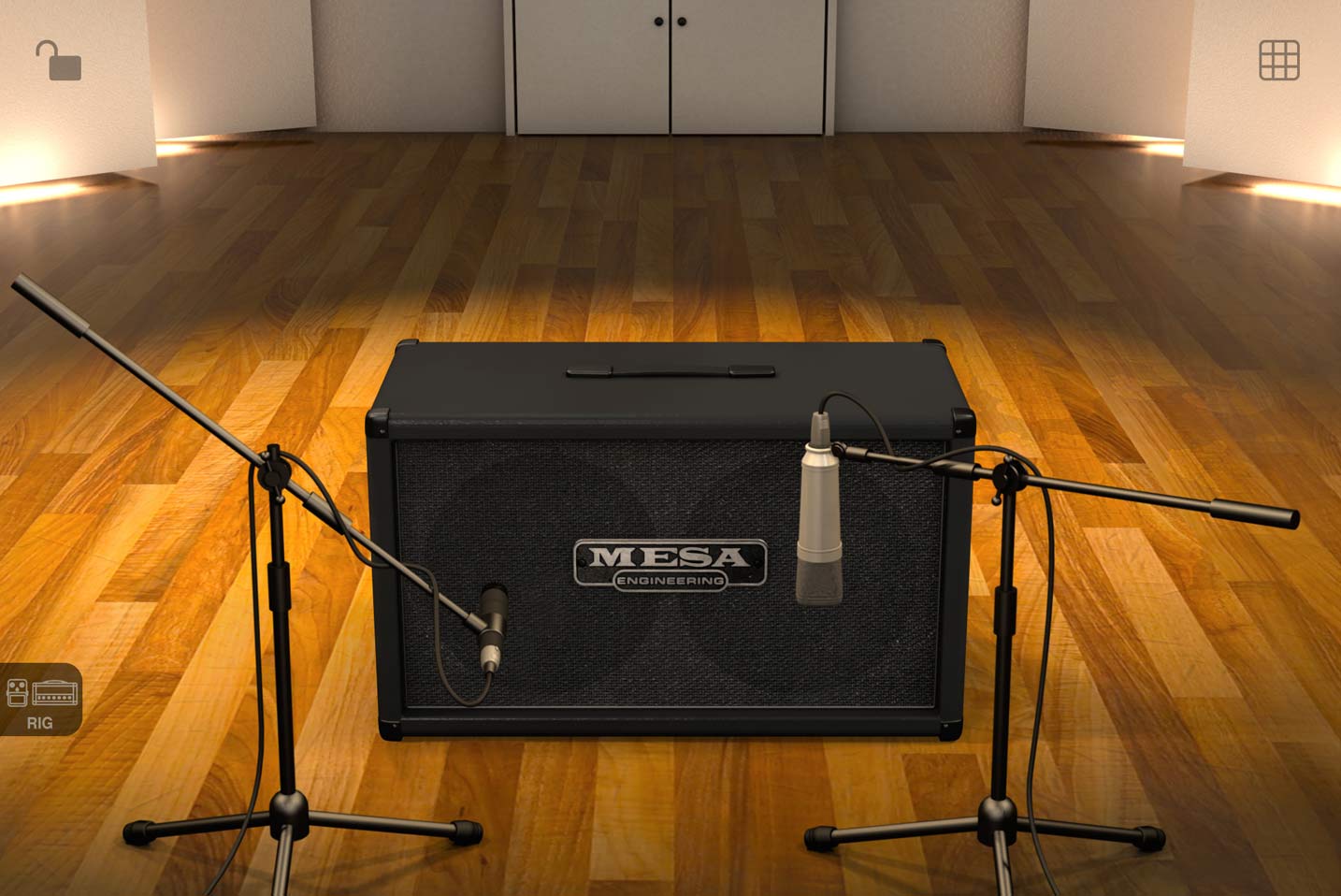
2x12" Rectifier
Officially Certified
Mesa Boogie® Recto® 2x12" Horizontal Cabinet
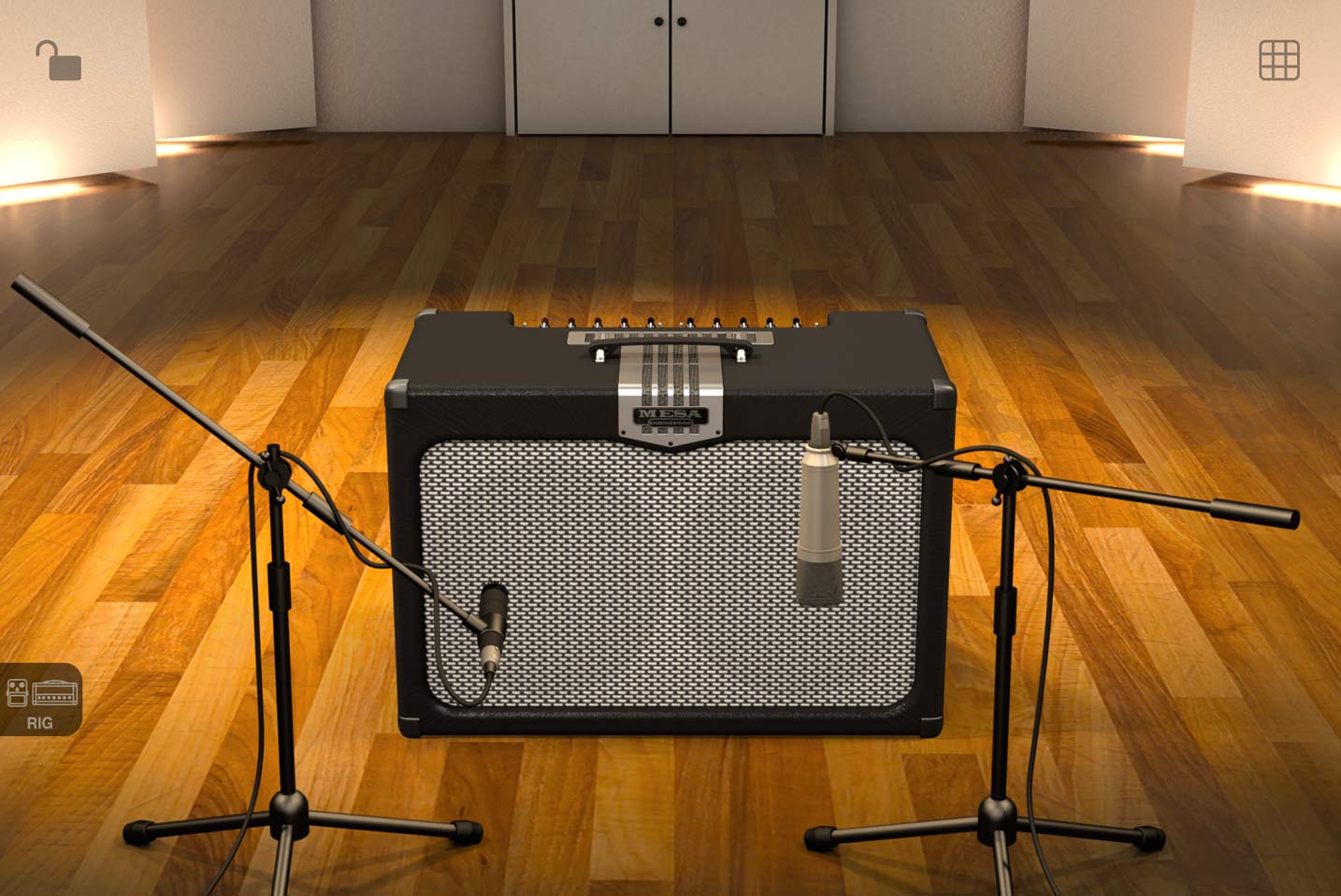
2x12" TA30
Officially Certified
Mesa Boogie® TransAtlantic® TA-30 2x12" Combo Cabinet
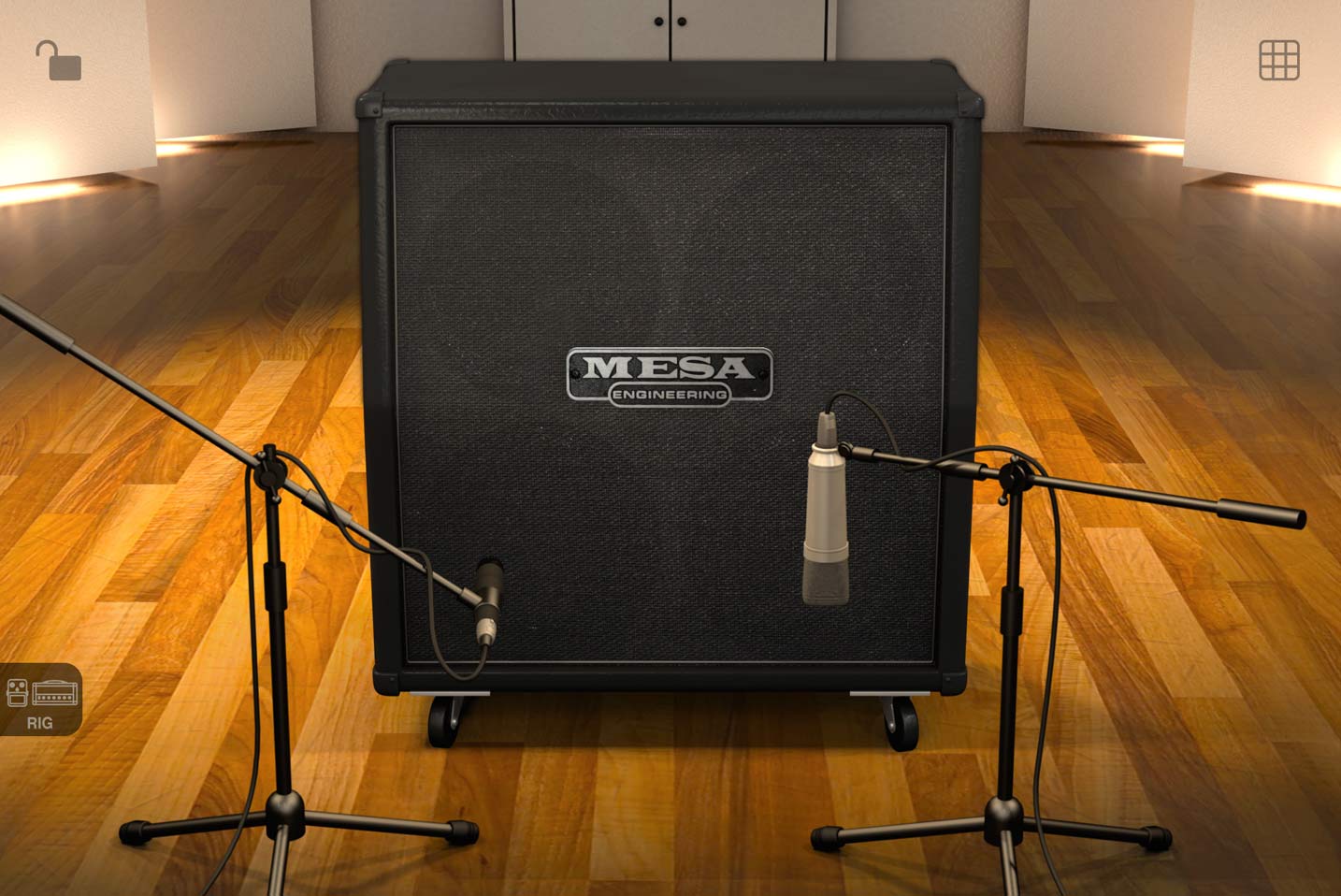
4x12" Rectifier
Officially Certified
Mesa Boogie® Recto® 4x12" Traditional Slant Cabinet
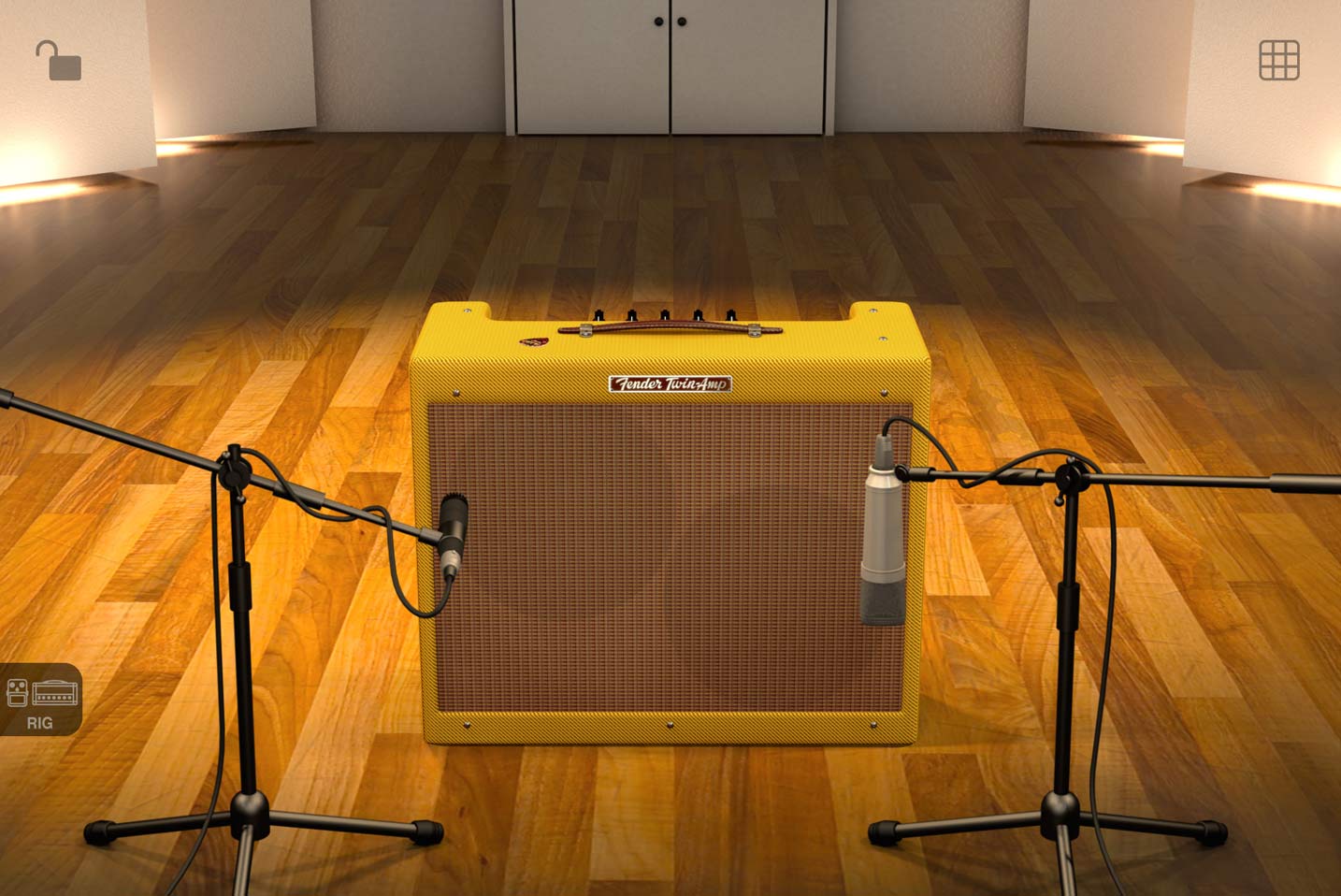
2x12" FTC
Officially Licensed '57 Custom Twin-Amp™ 2x12” Cabinet
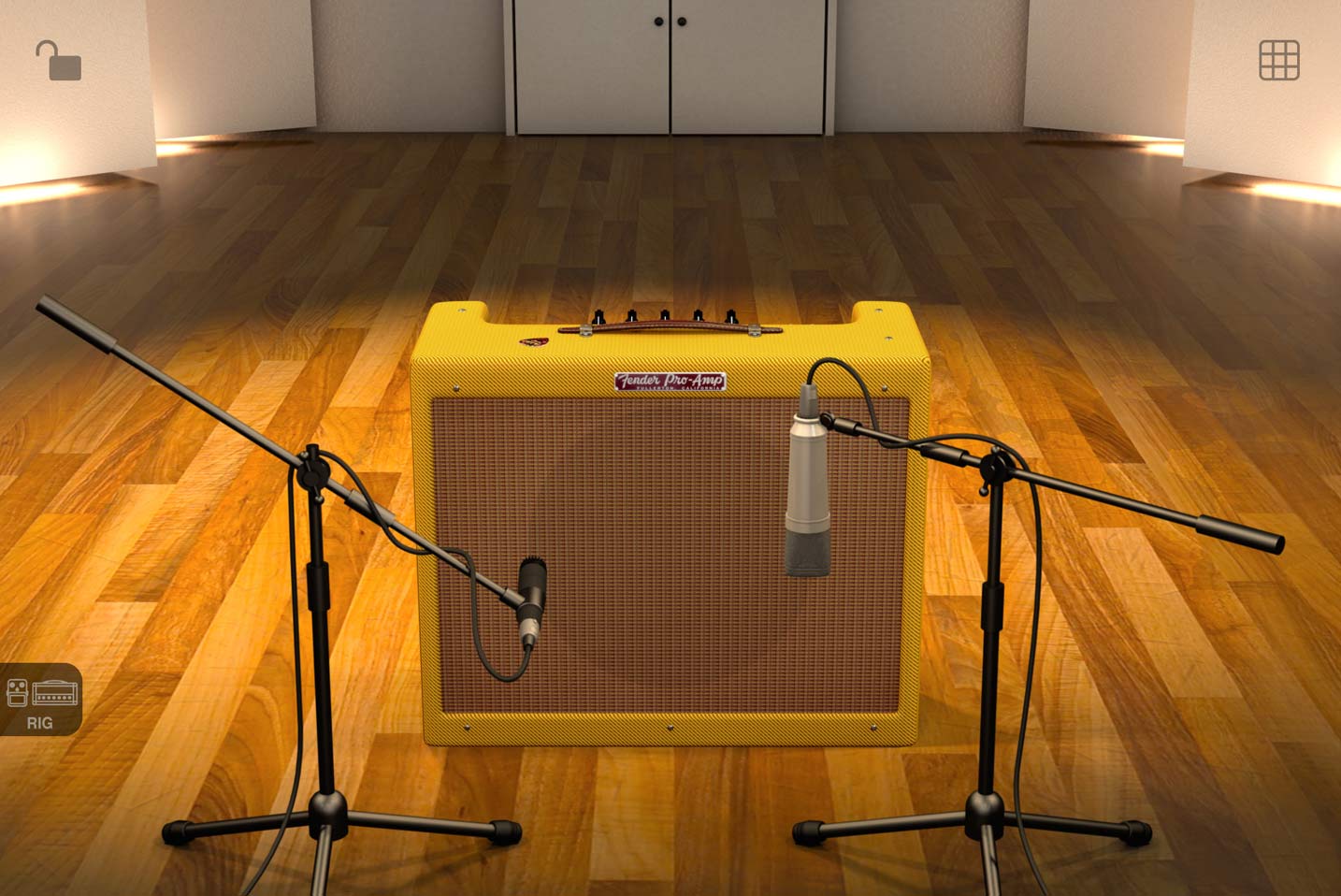
1x15" FCP
Officially Licensed '57 Custom Pro-Amp 1x15” Cabinet
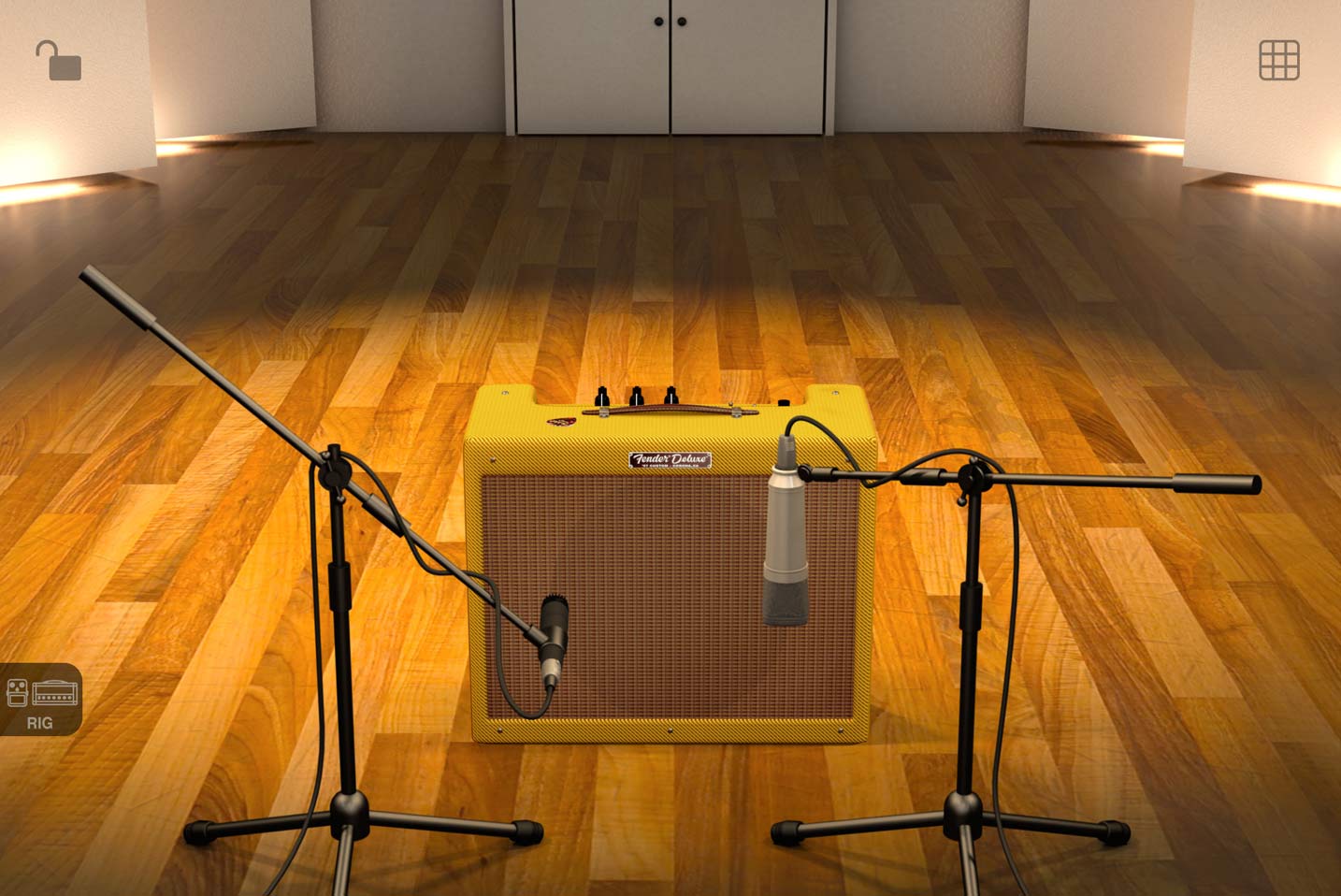
1x12" FCD
Officially Licensed '57 Custom Deluxe™ 1x12” Cabinet
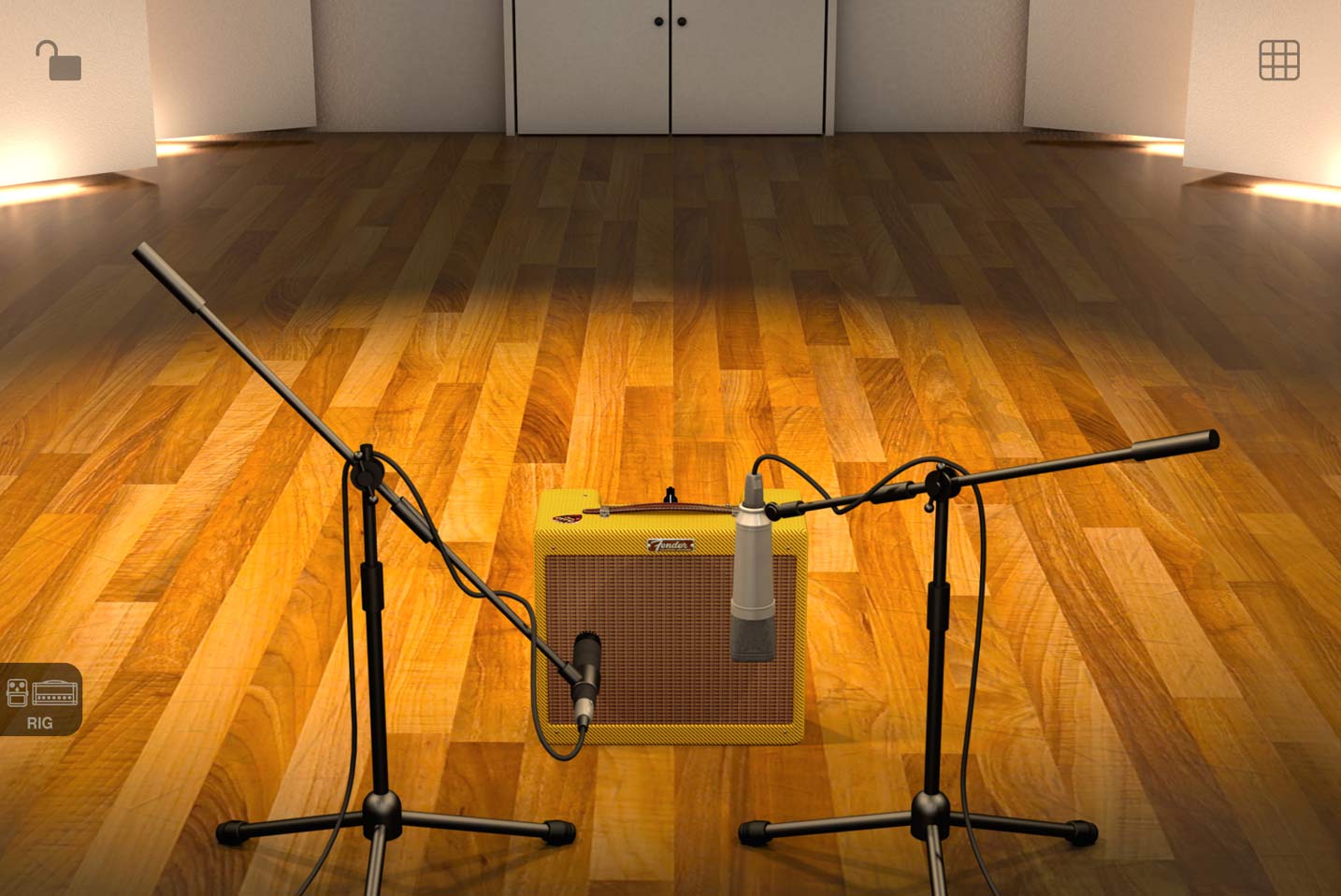
1x8" FCC
Officially Licensed '57 Custom Champ® 1x8” Cabinet
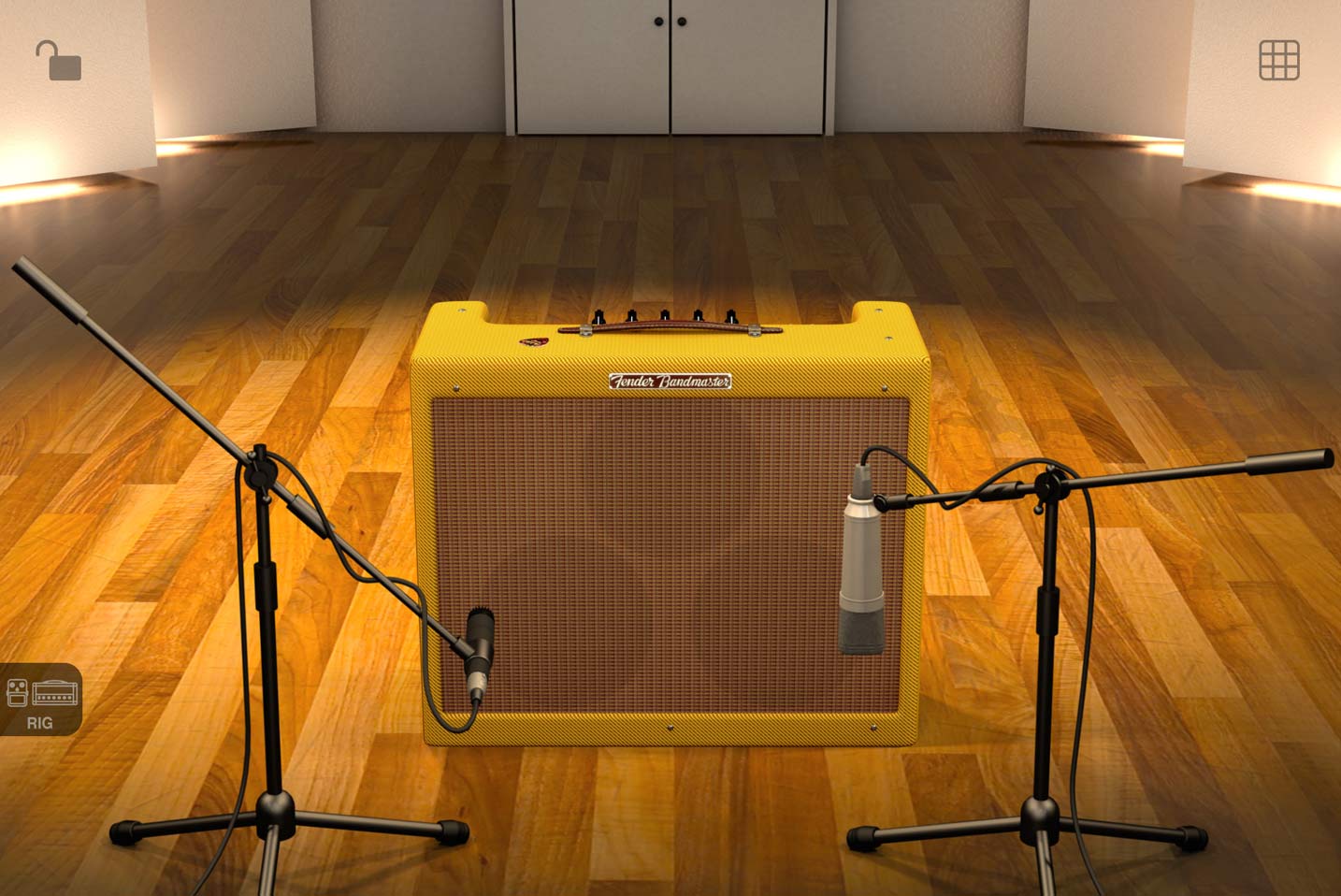
3x10" FB
Officially Licensed '57 Bandmaster™ 3x10” Cabinet
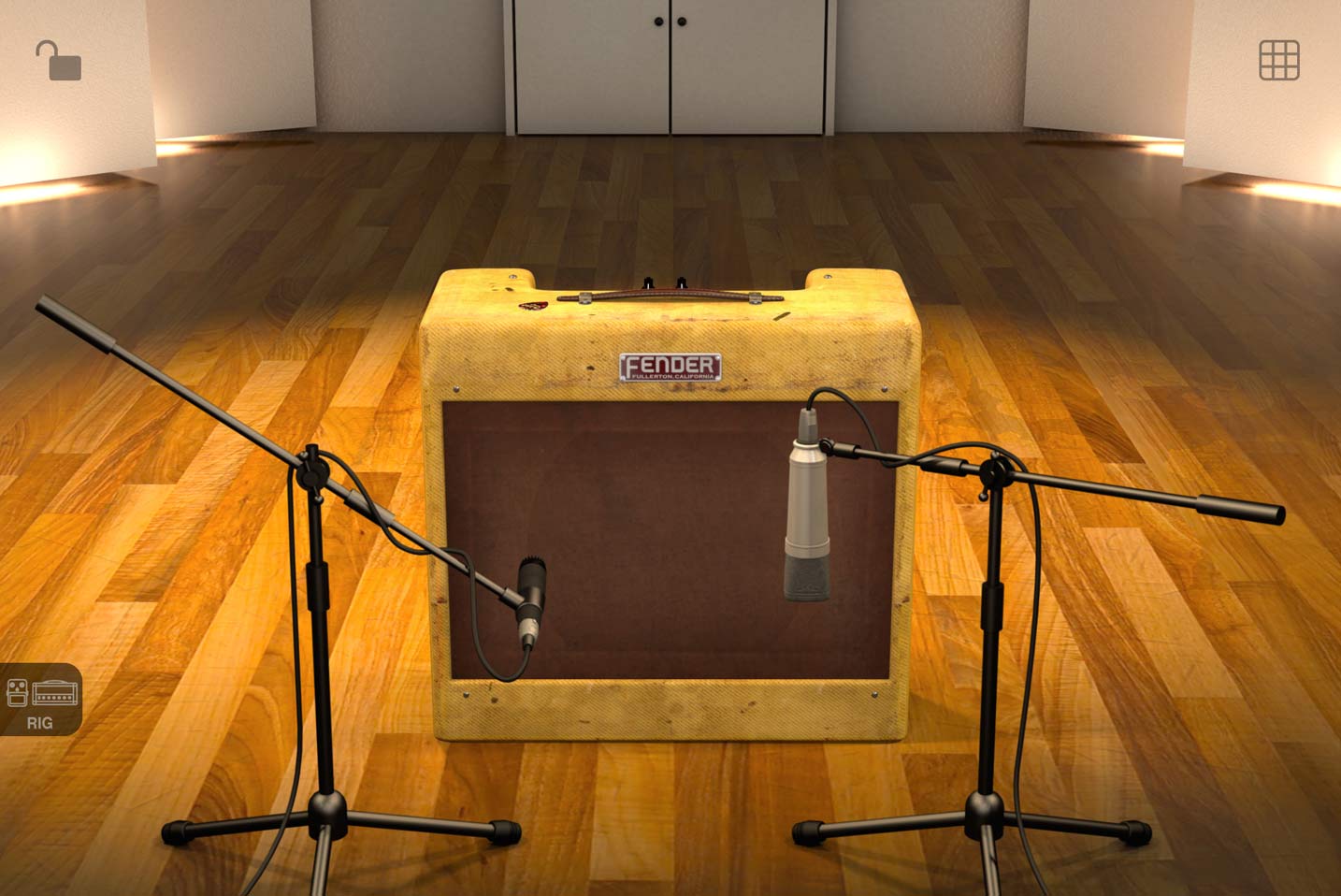
1x15" FB
Officially Licensed '53 Bassman® 1x15” Cabinet
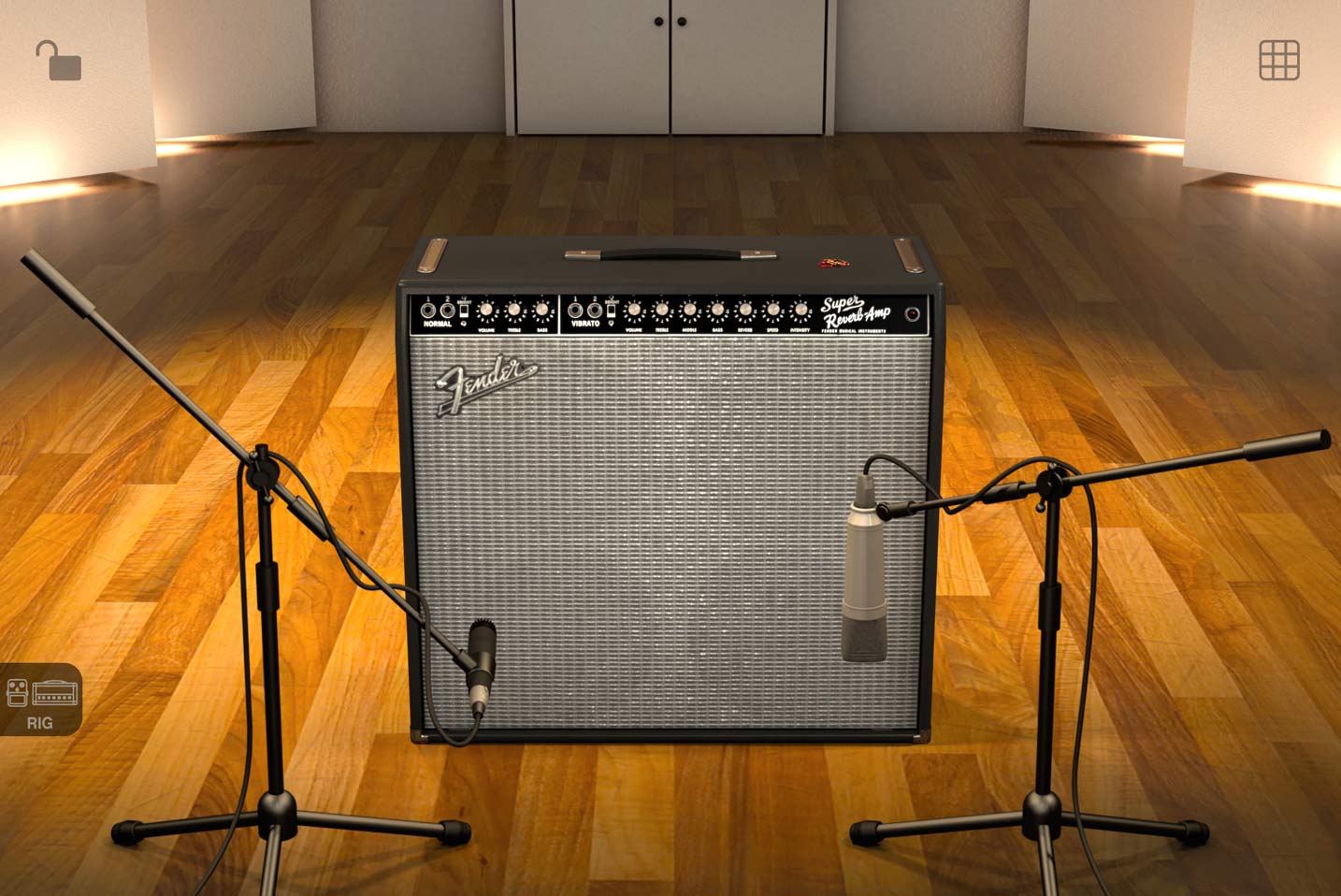
4x10" FSR
Officially Licensed '65 Super Reverb® 4x10” Cabinet
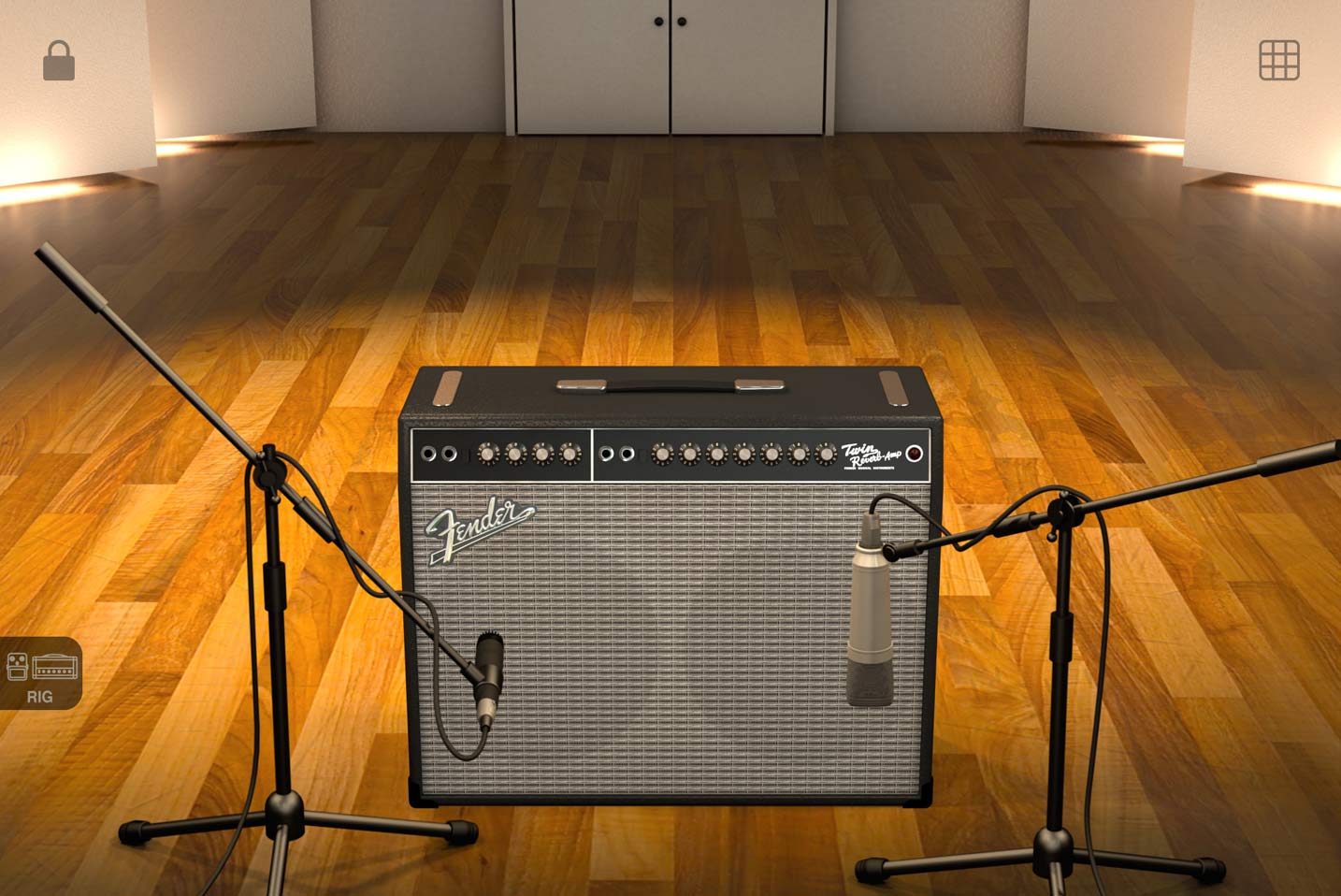
2x12" FT
Officially Licensed
'65 Twin Reverb® 2x12” Open Back Cabinet
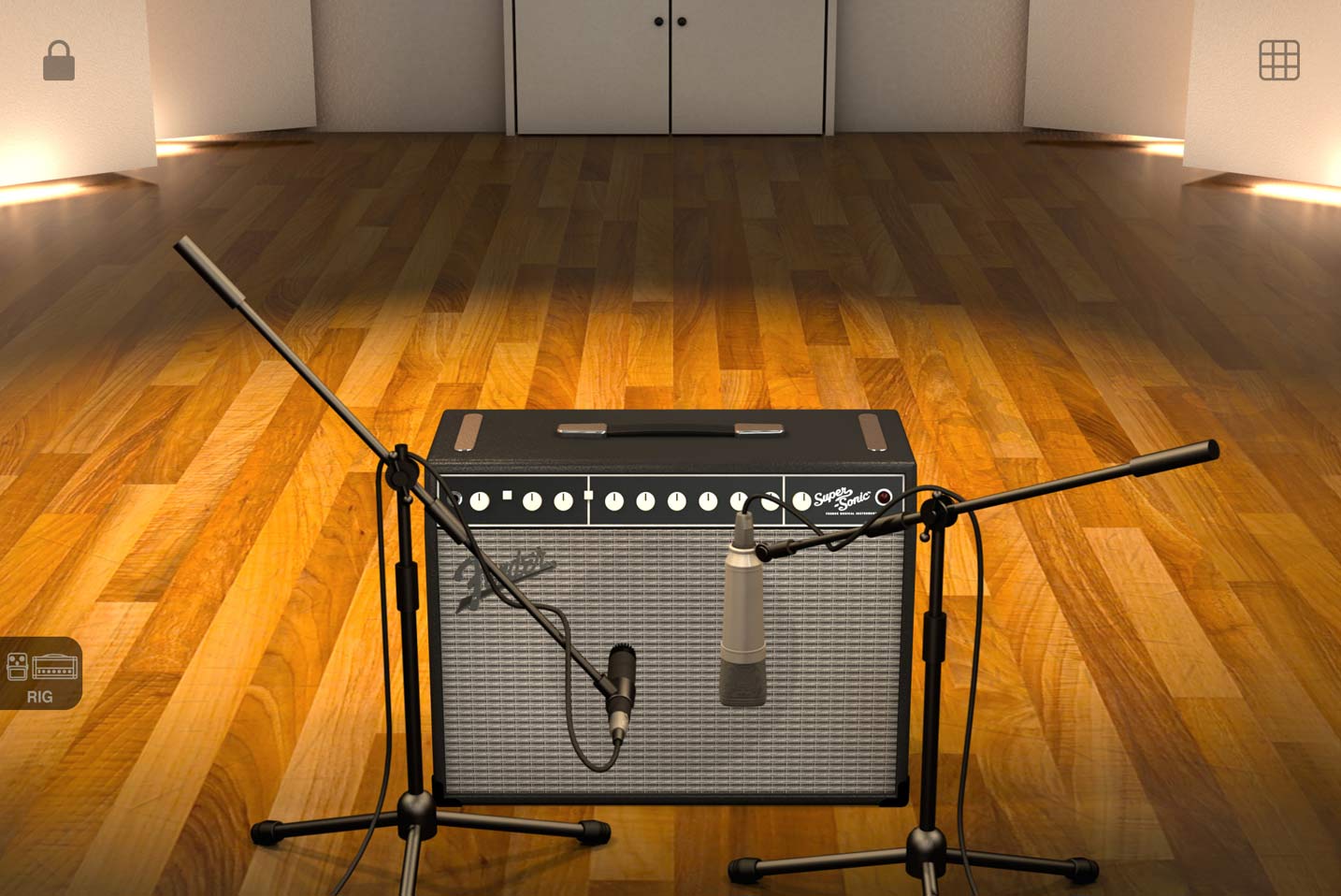
1x12" FS
Officially Licensed
Super-Sonic™ 1x12” Cabinet Model
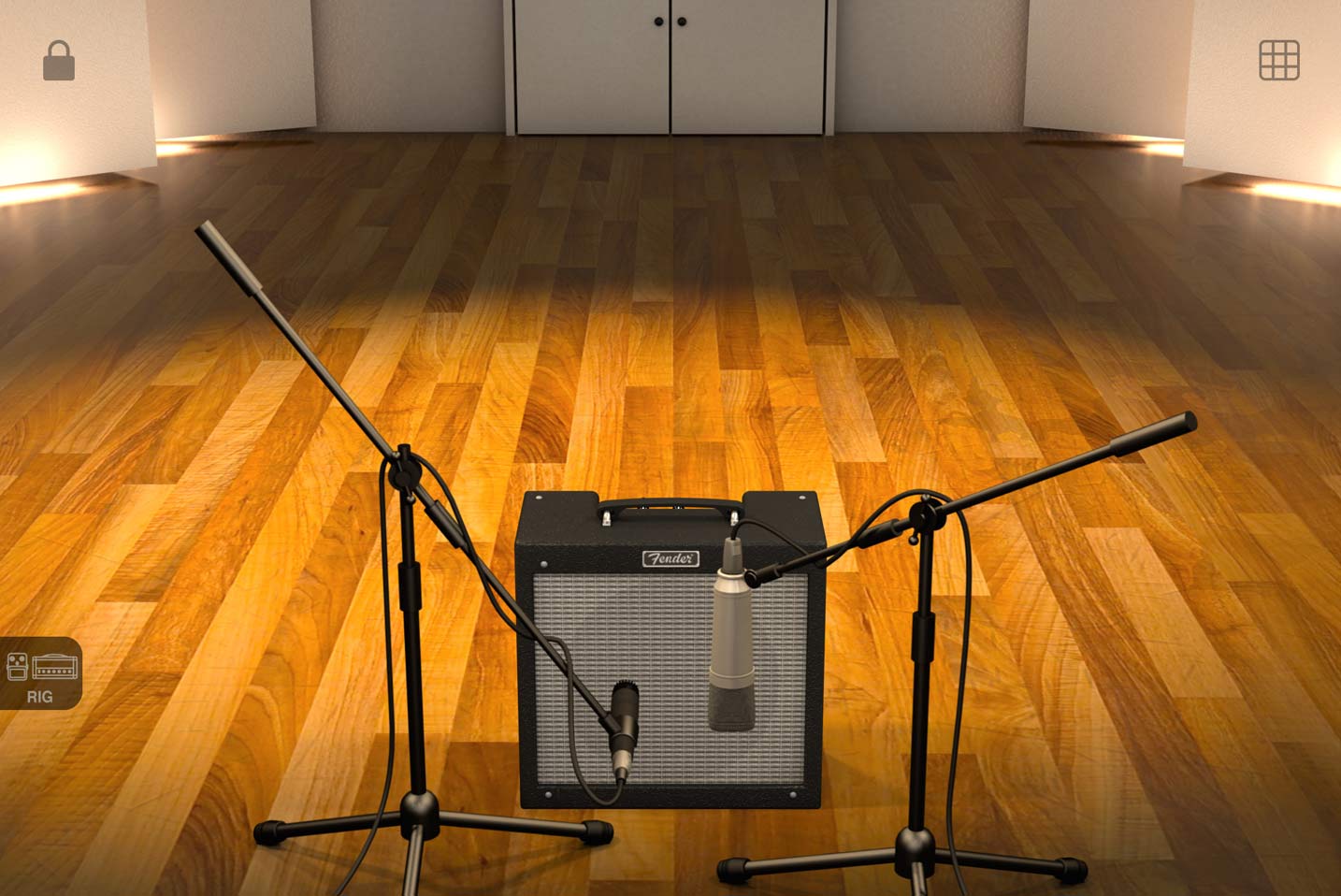
1x10" FP
Officially Licensed
Pro Junior™ 1x10” Open Back Cabinet
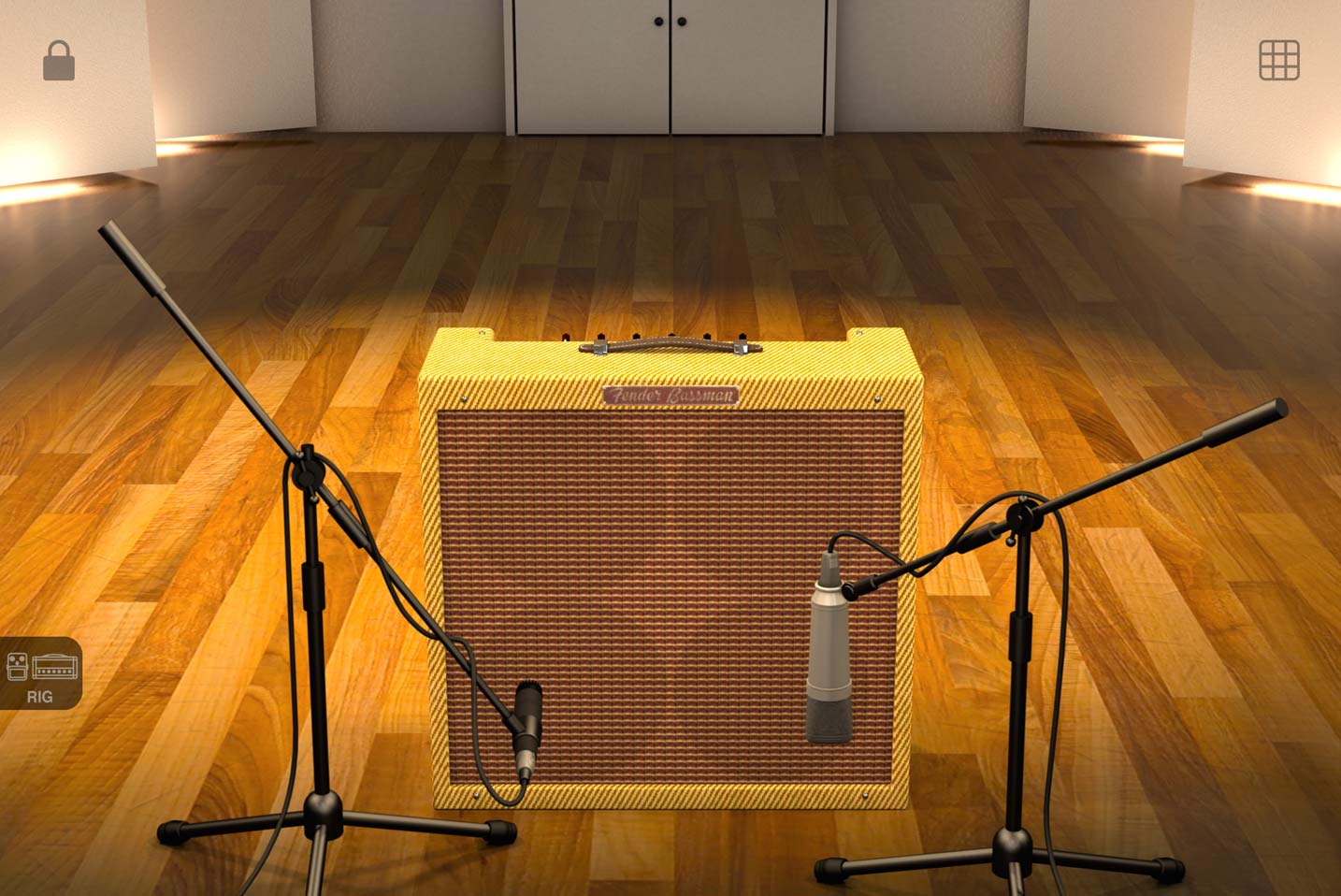
4x10" FB
Officially Licensed
'59 Bassman™ 4x10” Open Back Cabinet
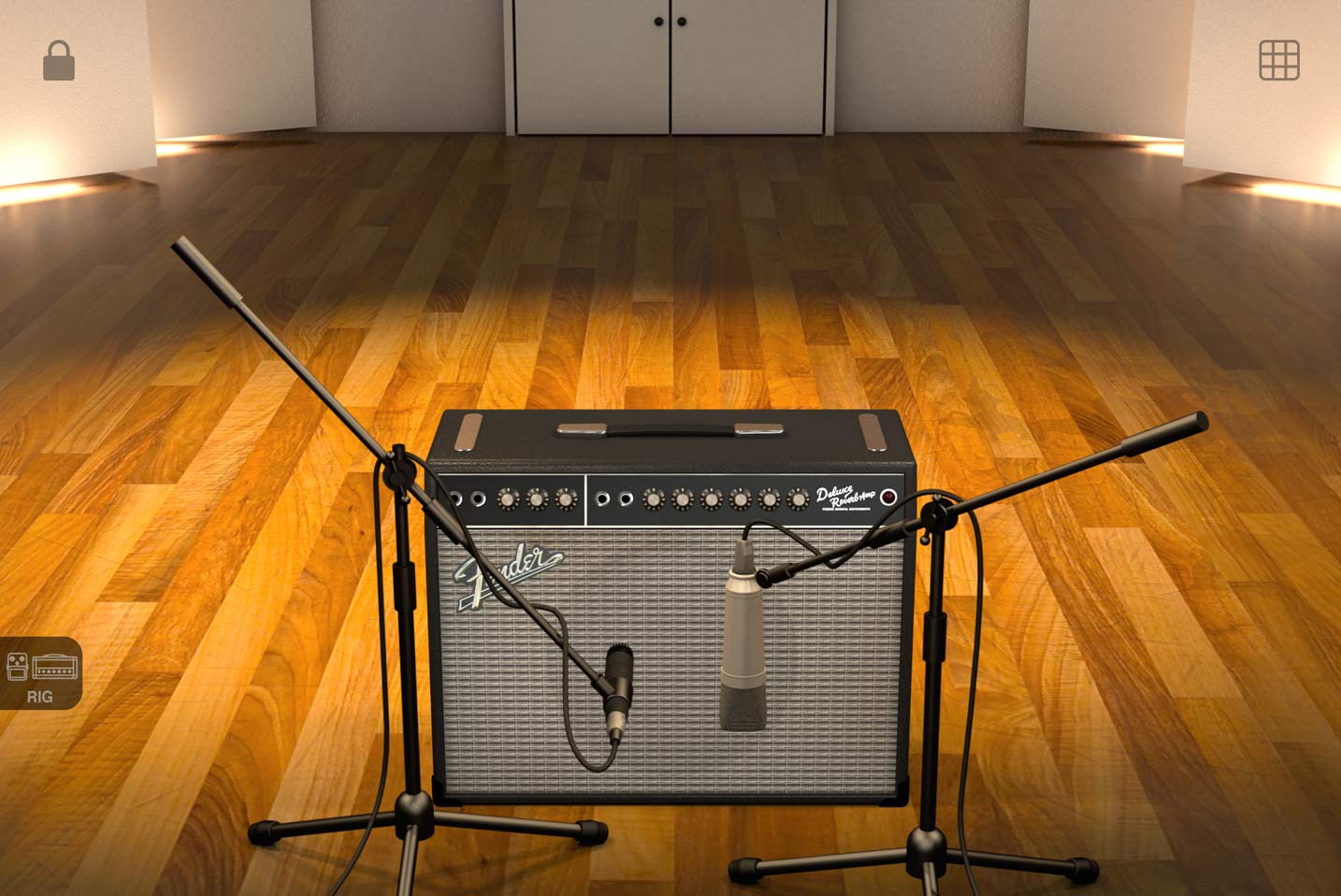
1x12" FD
Officially Licensed
'65 Deluxe Reverb™ 1x12” Open Back Cabinet
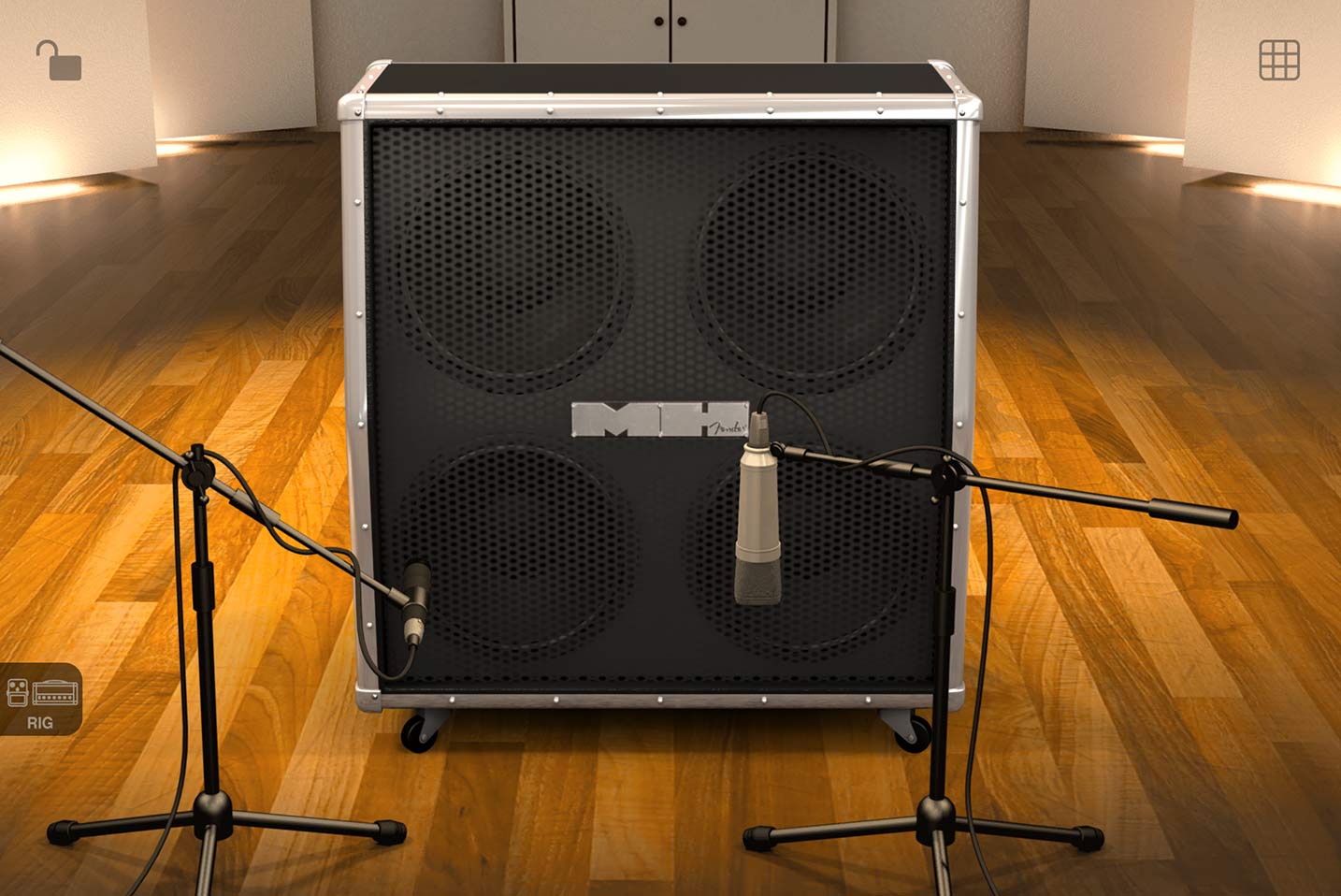
4x12" MH-412SL
Officially Licensed MH-412SL 4x12” Cabinet
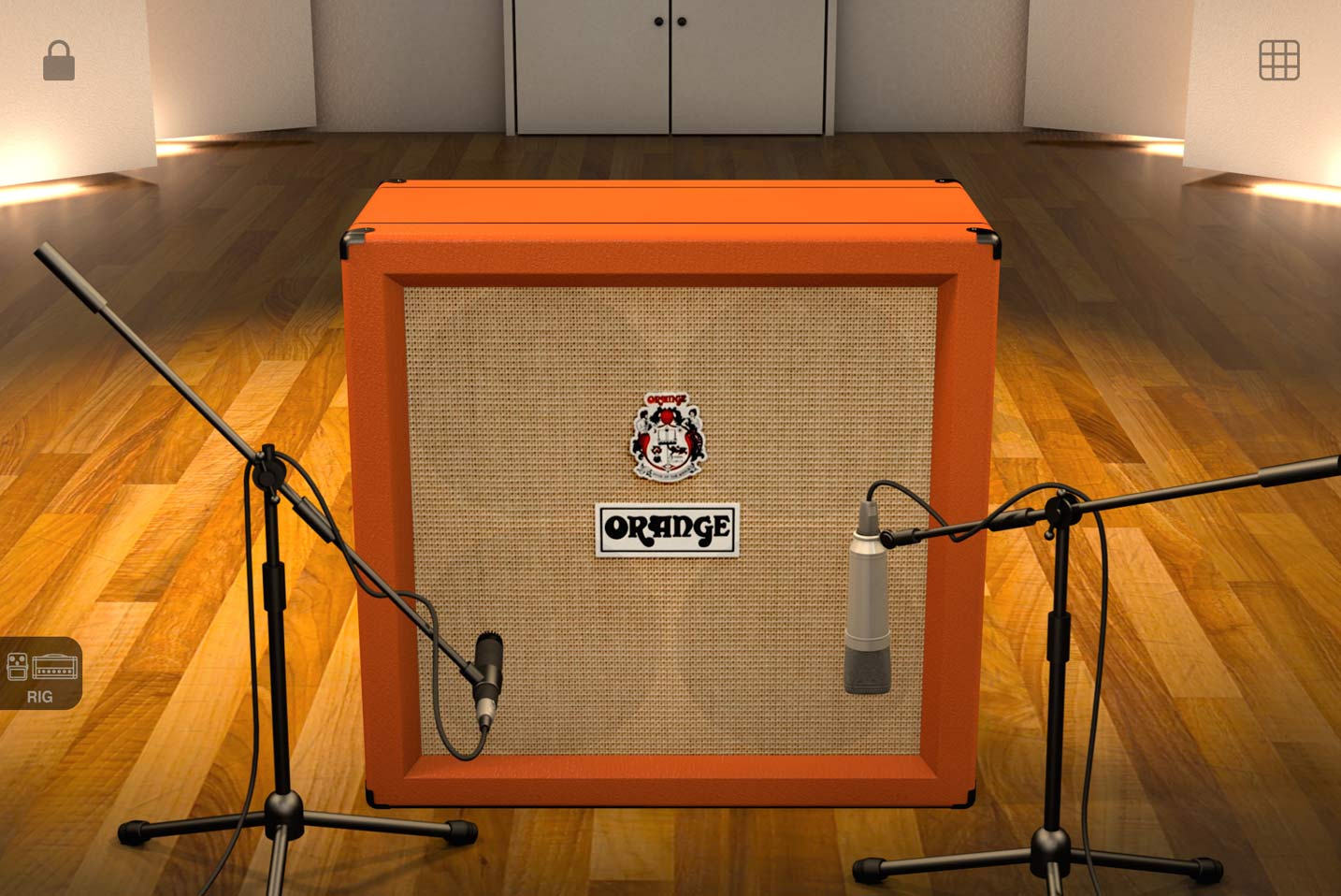
4x12" PPC
Officially Certified
Orange® PPC412 4x12" Cabinet
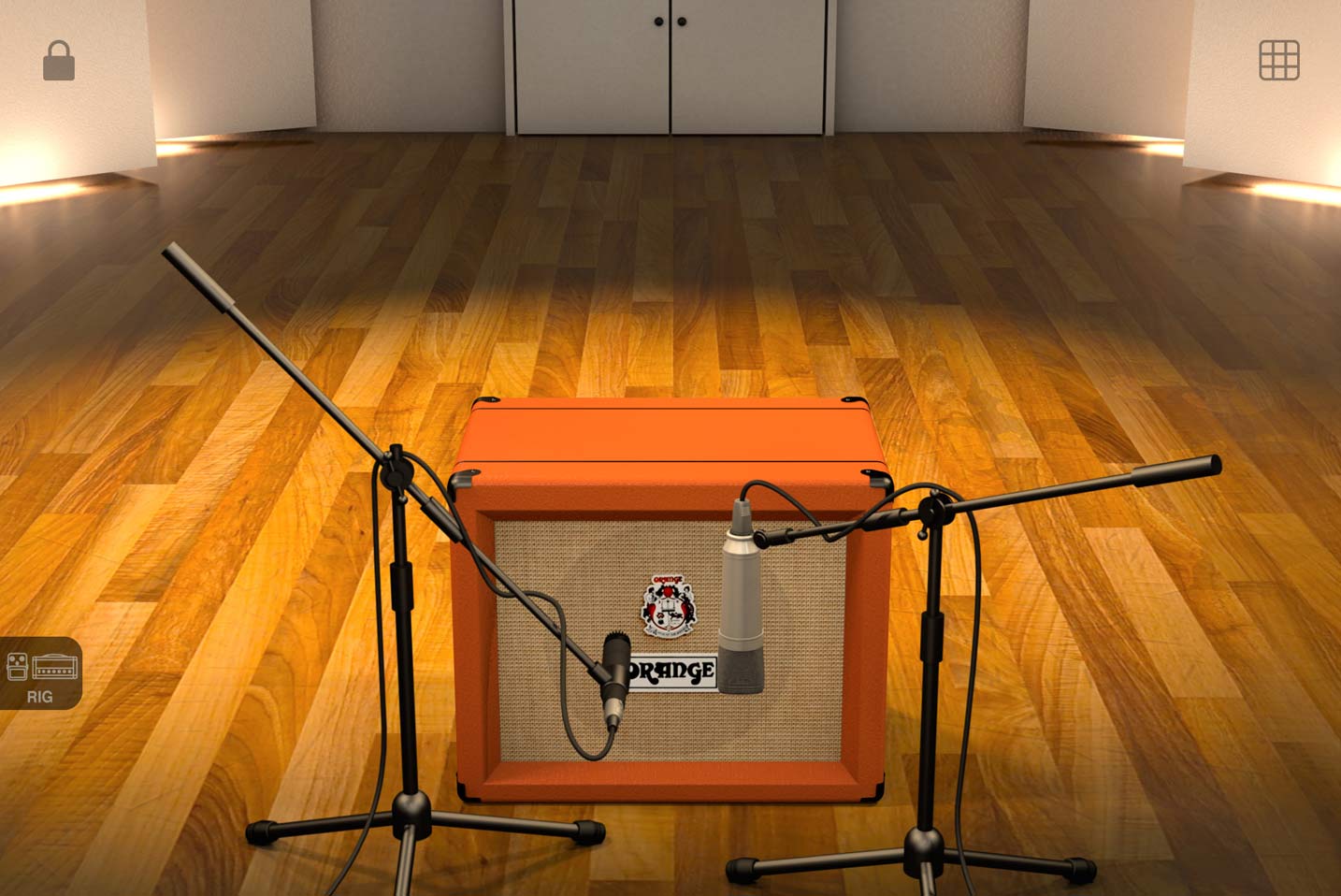
1x12" PPC
Officially Certified
Orange® Tiny Terror™ 1x12" Combo Cabinet
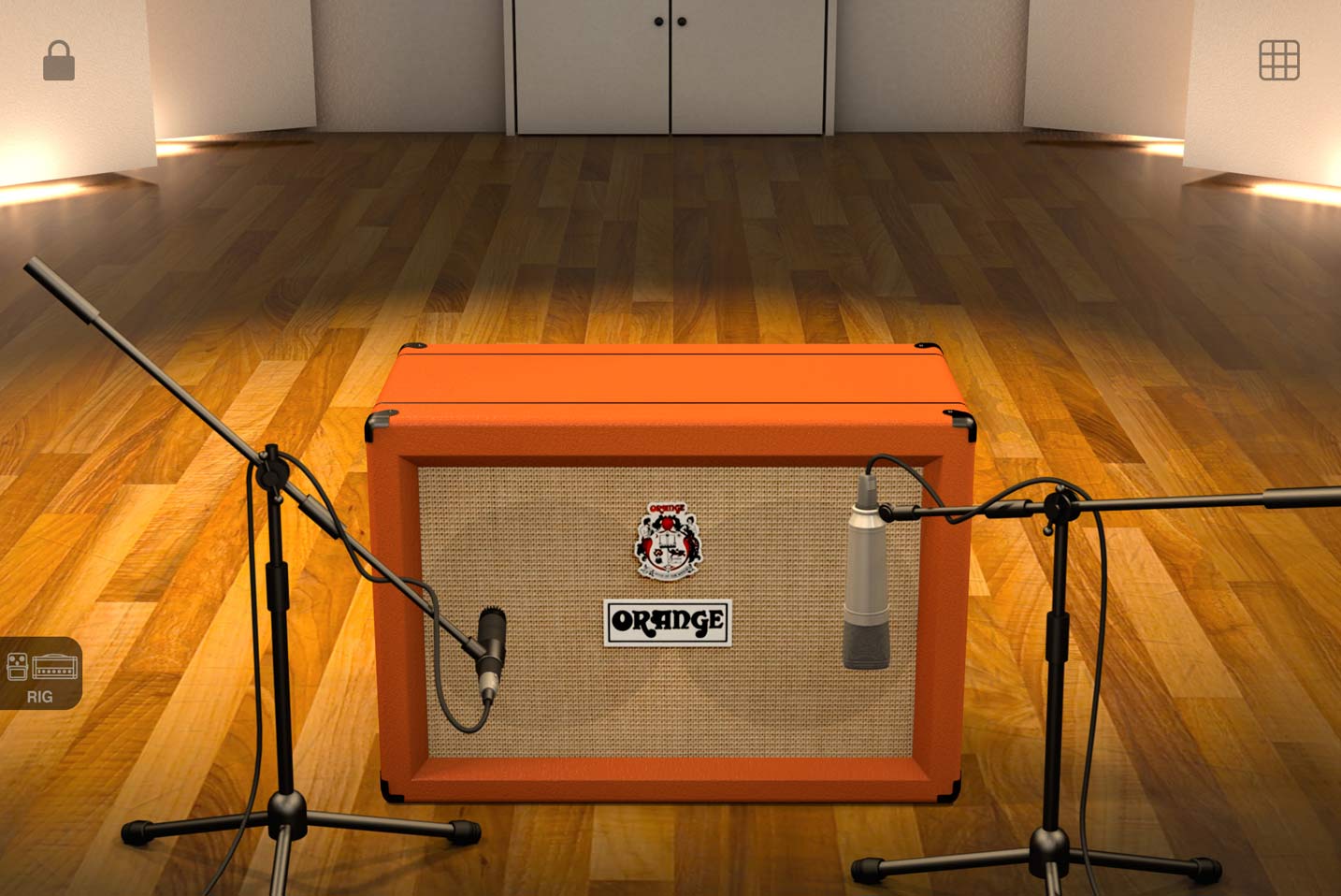
2x12" PPC
Officially Certified
Orange® PPC212 2x12" Open-Back Cabinet
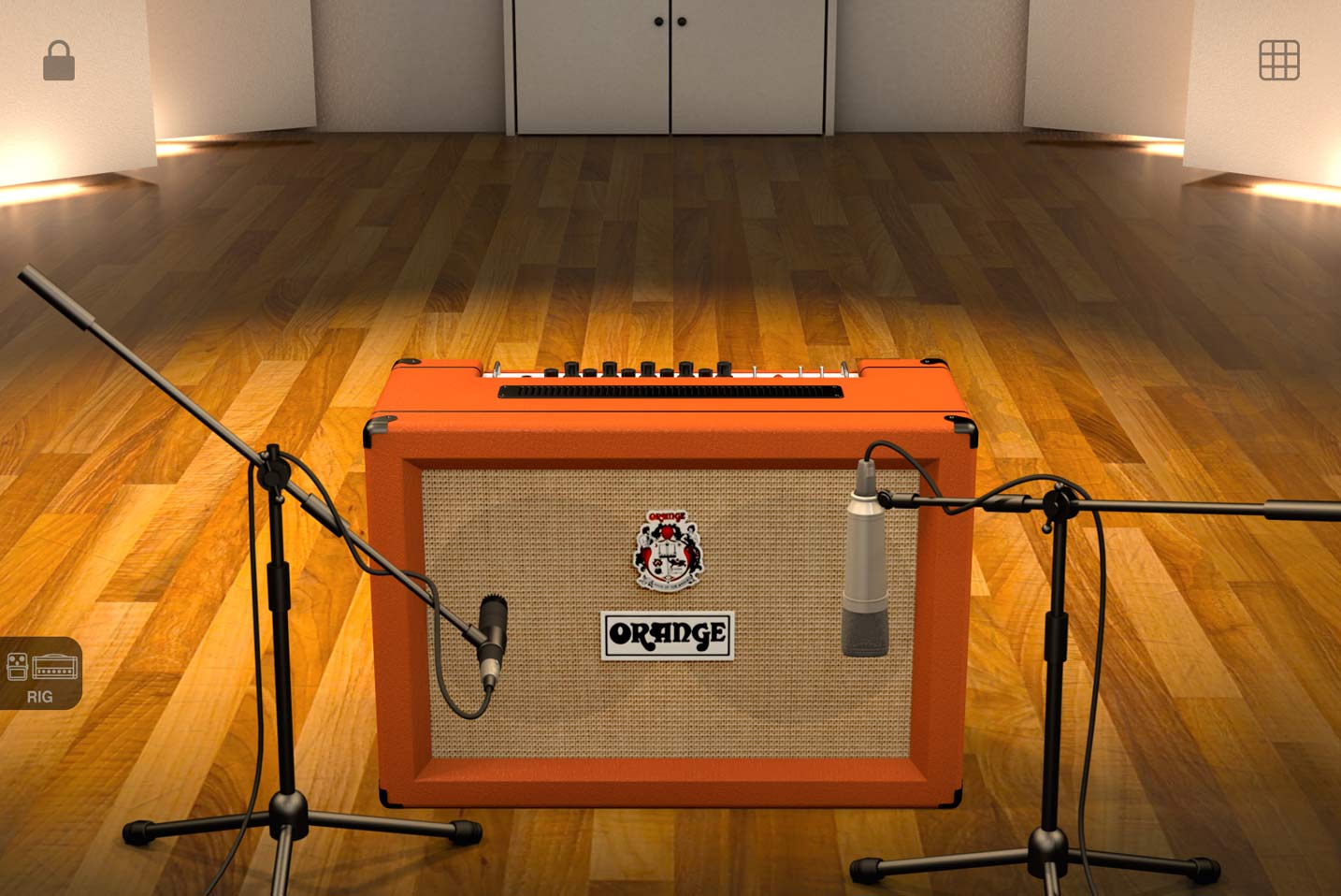
2x12" AD30
Officially Certified
Orange® AD30TC™ 2x12" Combo Cabinet
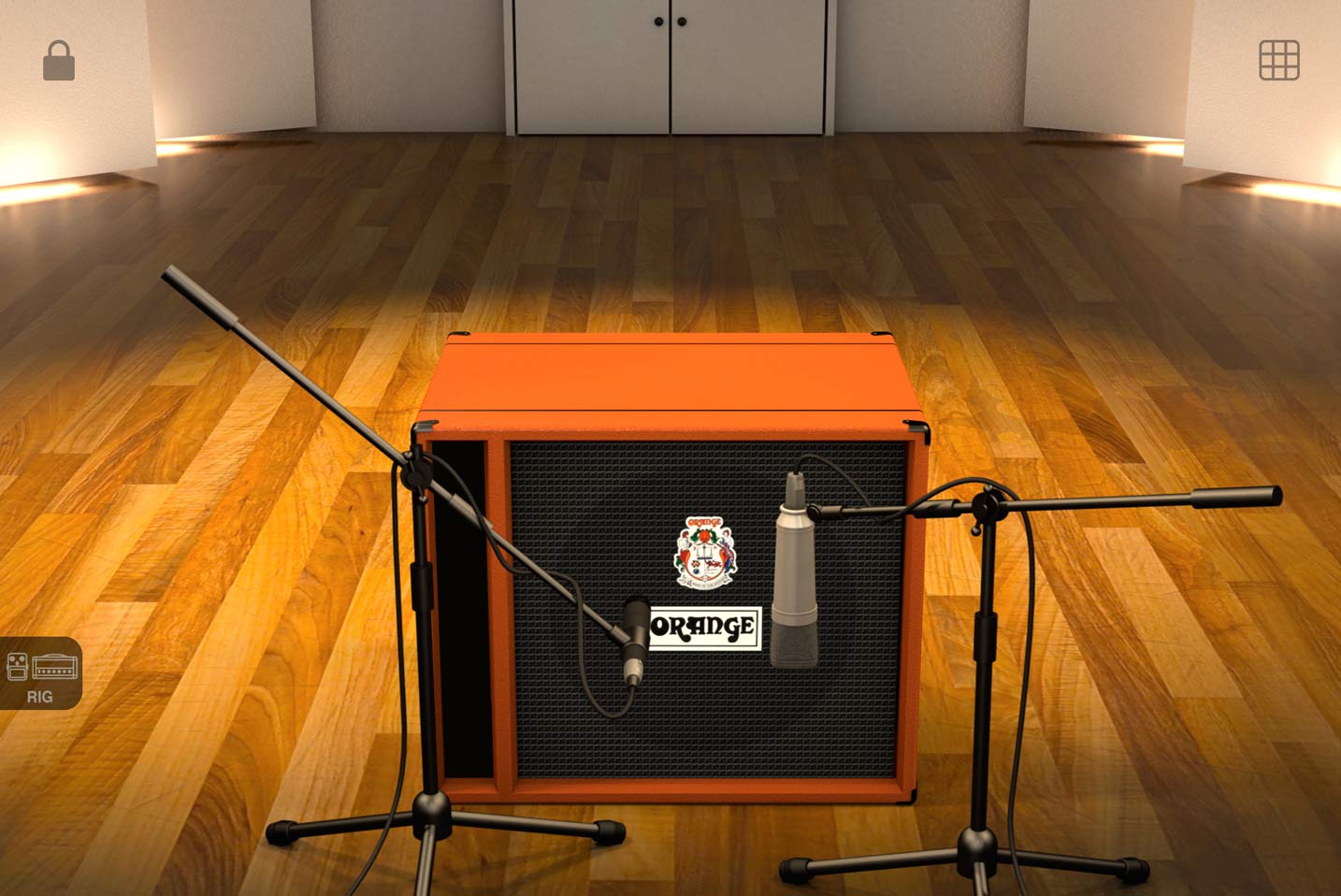
1x15" OBC
Officially Certified
Orange® OBC115 1x15" Cabinet
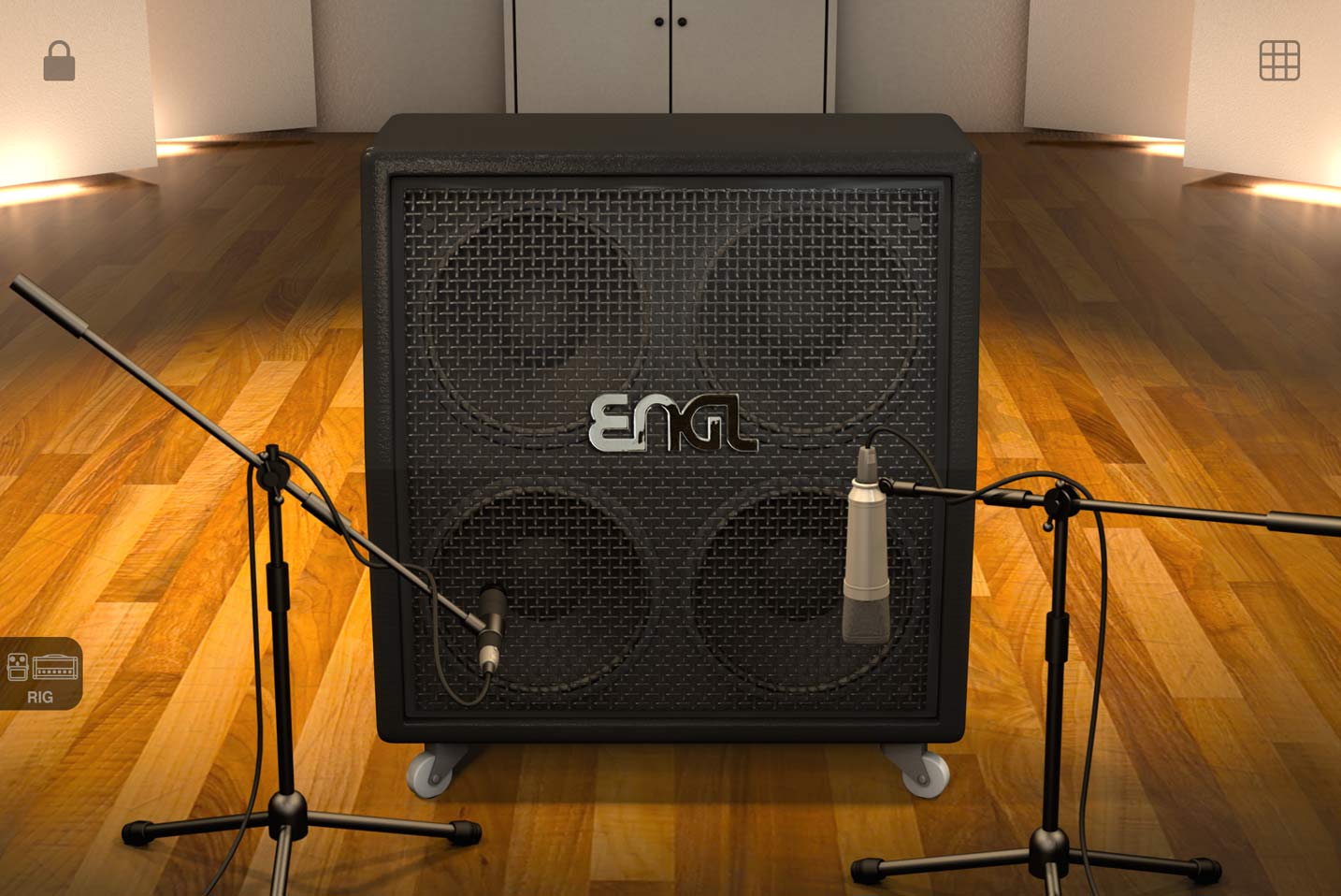
4x12" STD
Officially Certified
Engl® E 412 4x12" Standard Cabinet
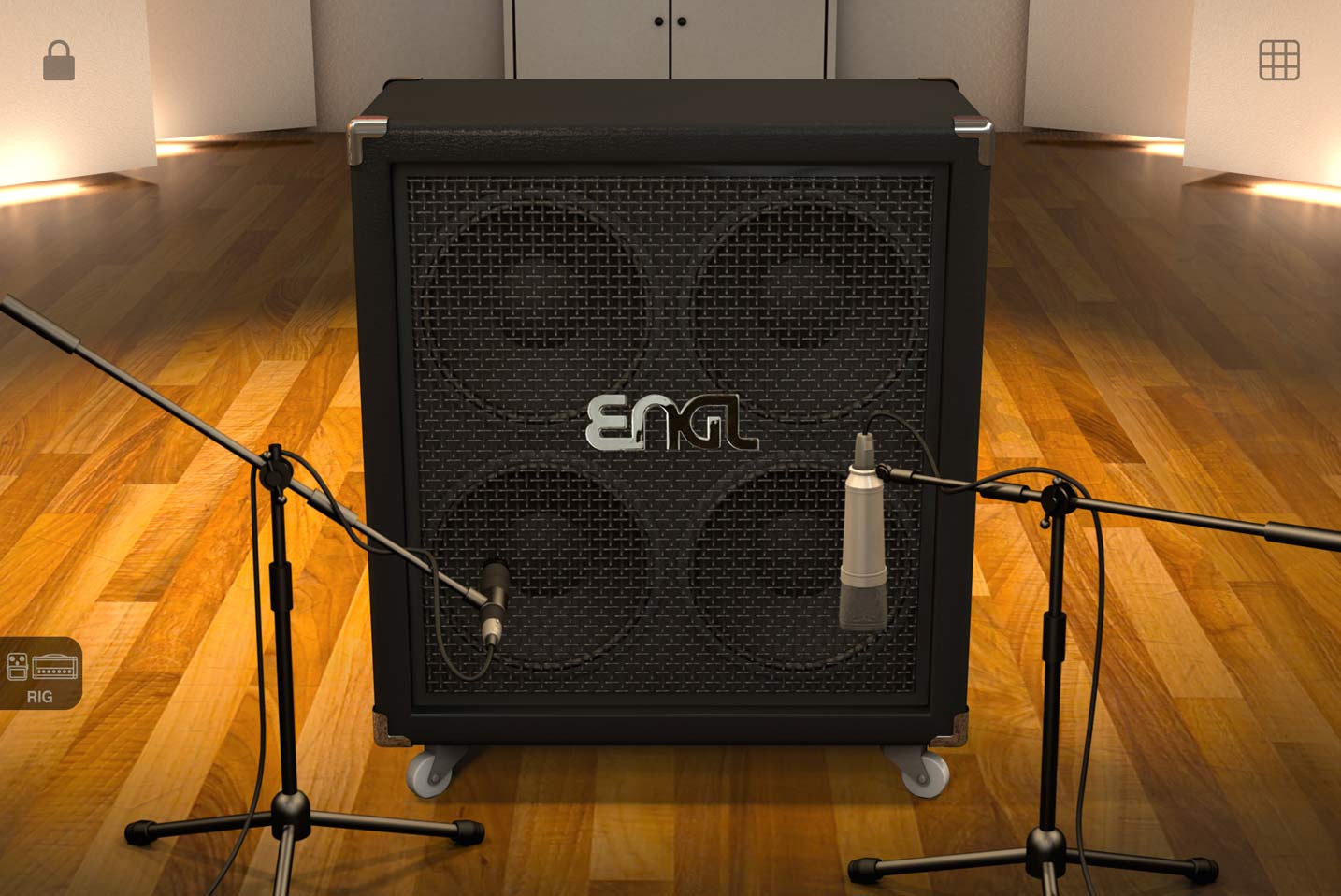
4x12" XXL
Officially Certified
Engl® E 412 PRO XXL 4x12" Cabinet
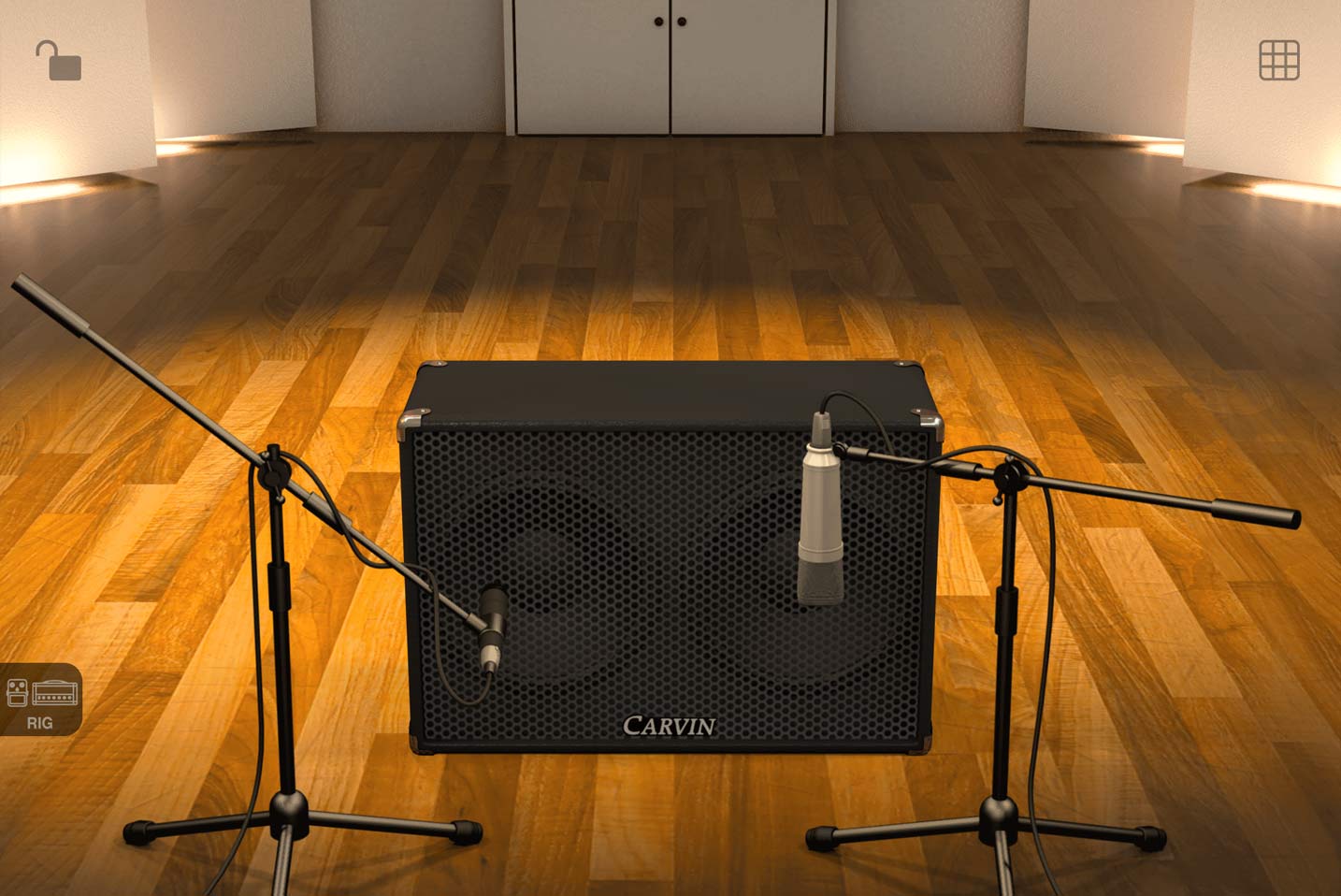
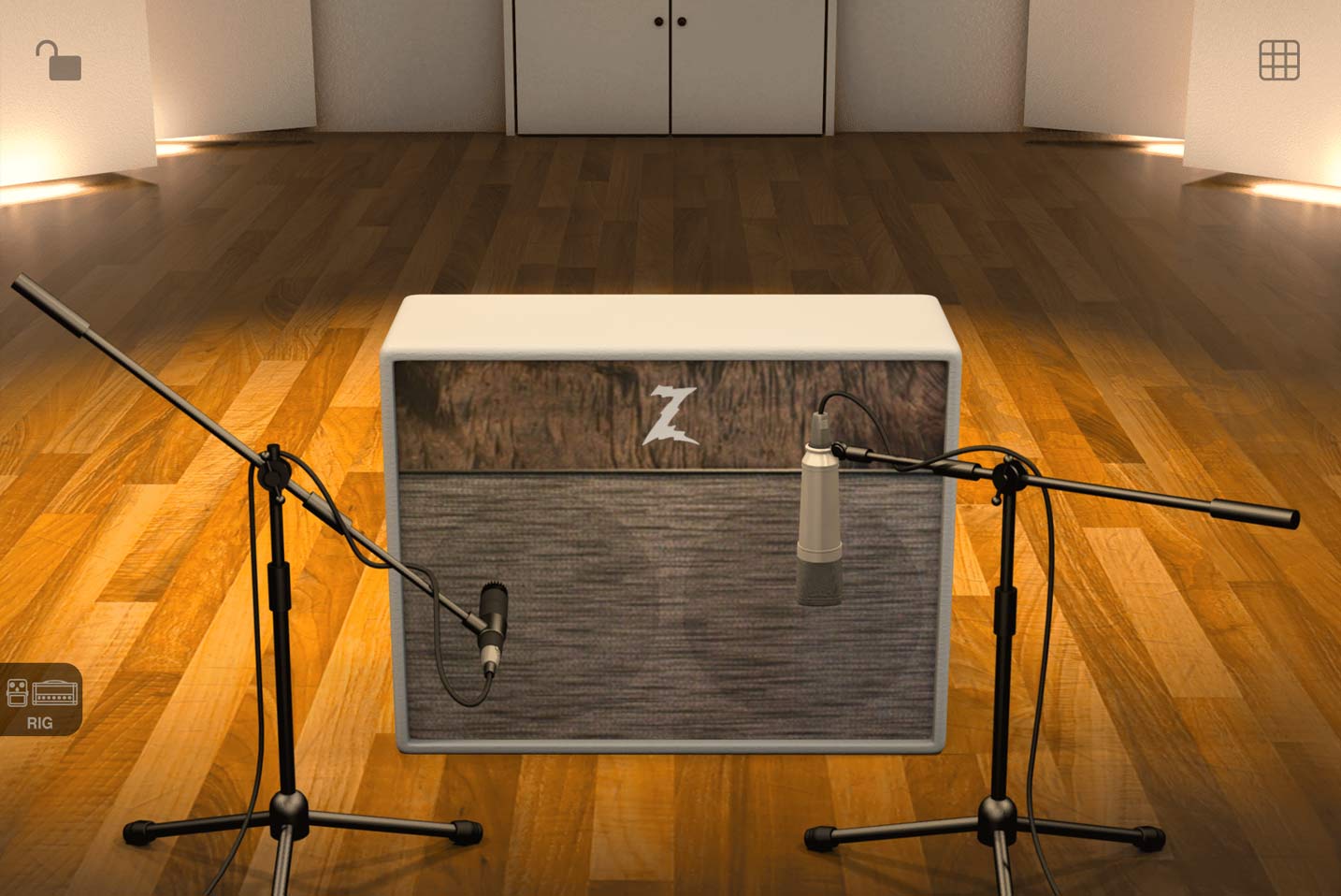
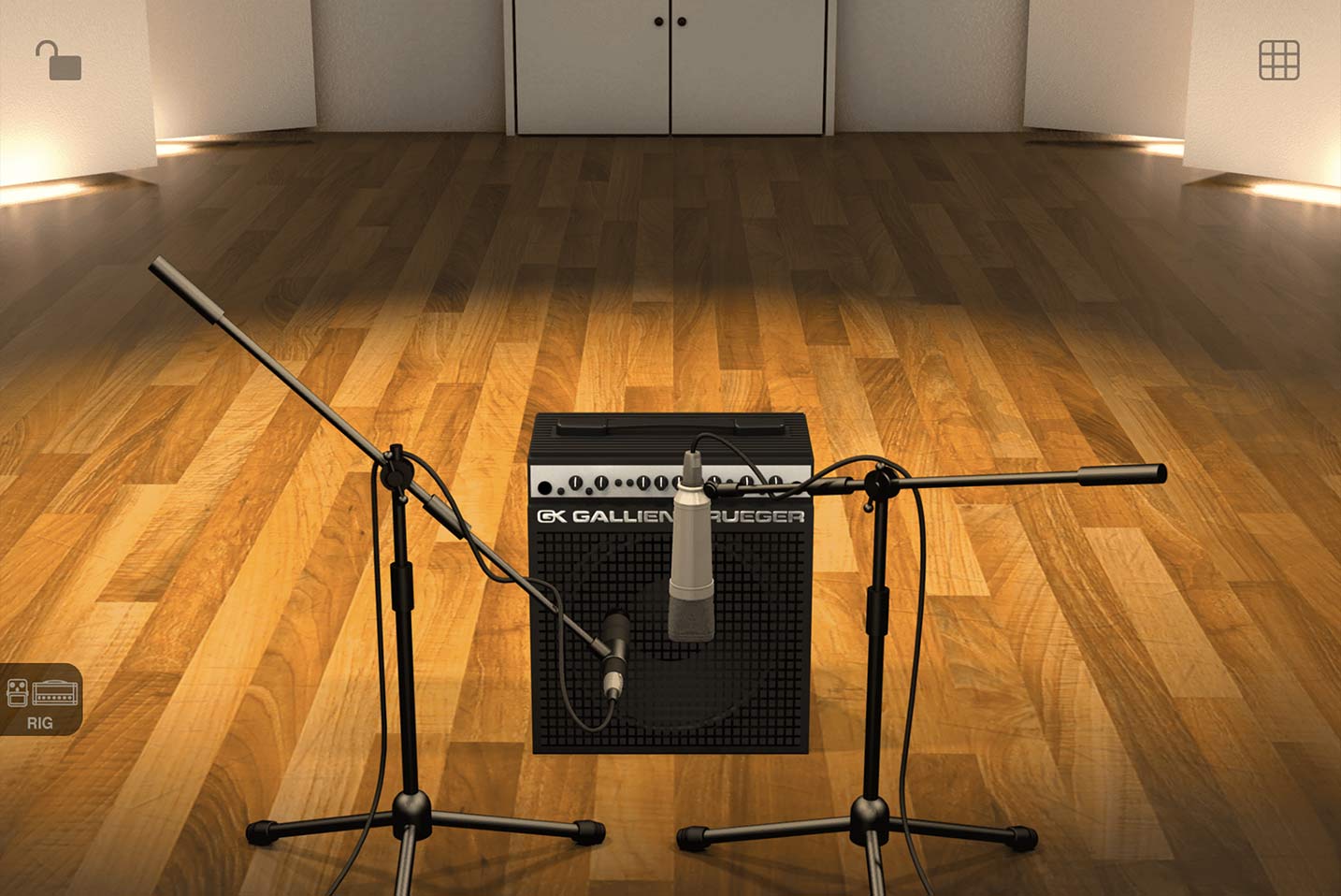
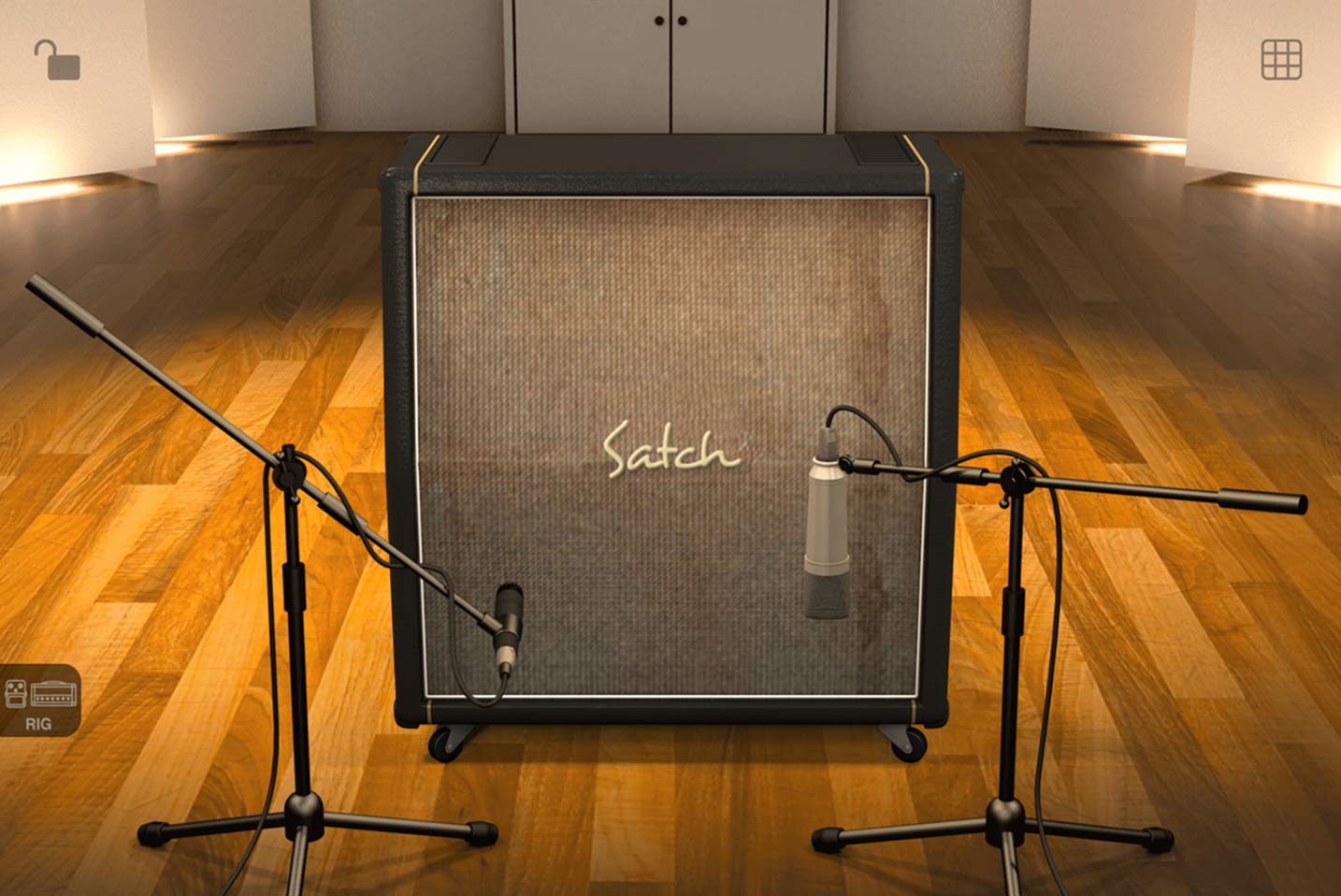
4x12" SG
Based on ’69 Marshall® 4x12
equipped with Greenback Celestion™ speakers
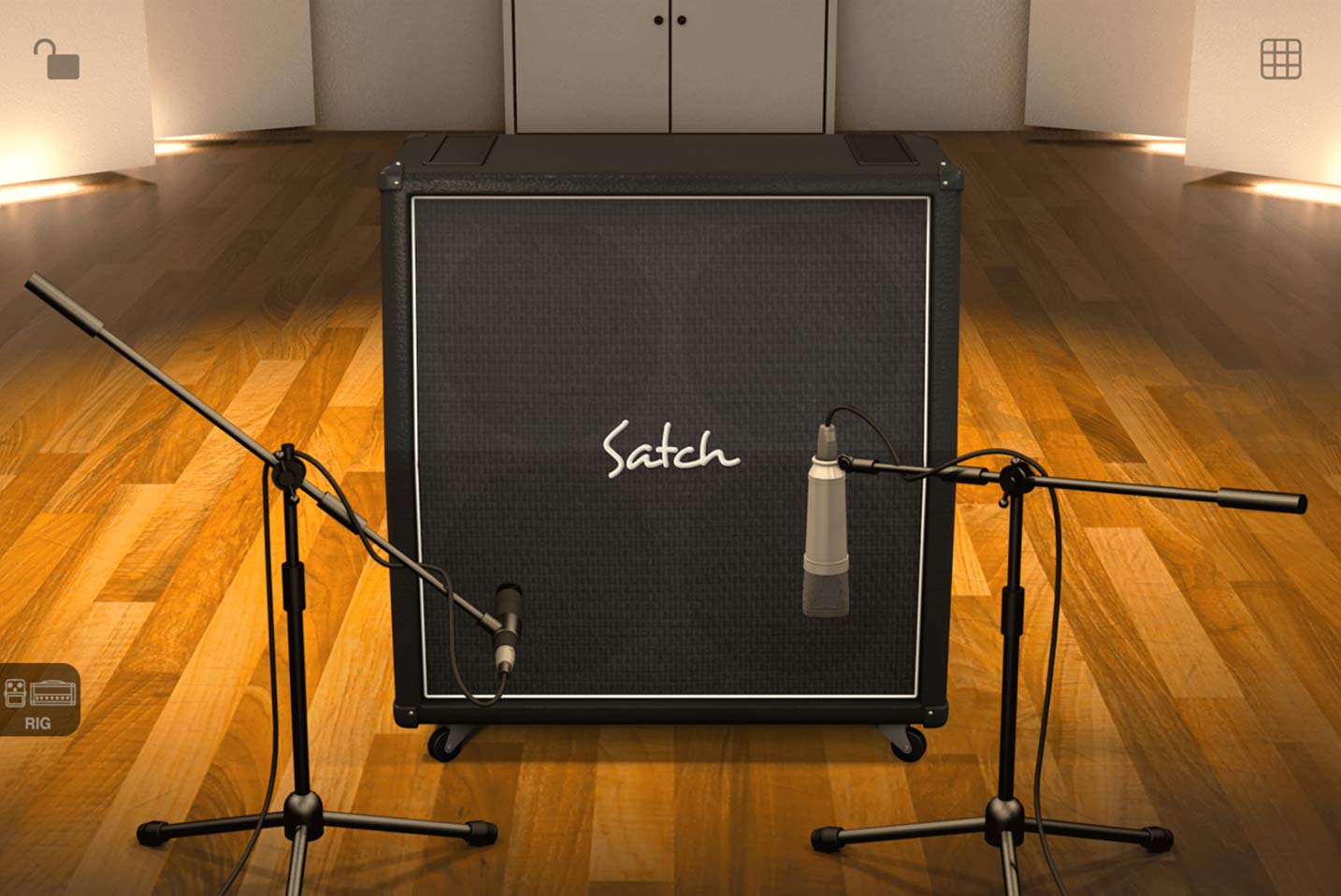
4x12" s60
Marshall® 1960B 4x12
equipped with G12T-75 Celestion speakers
Boston
Based on the cabinet emulation section of the Rockman X100
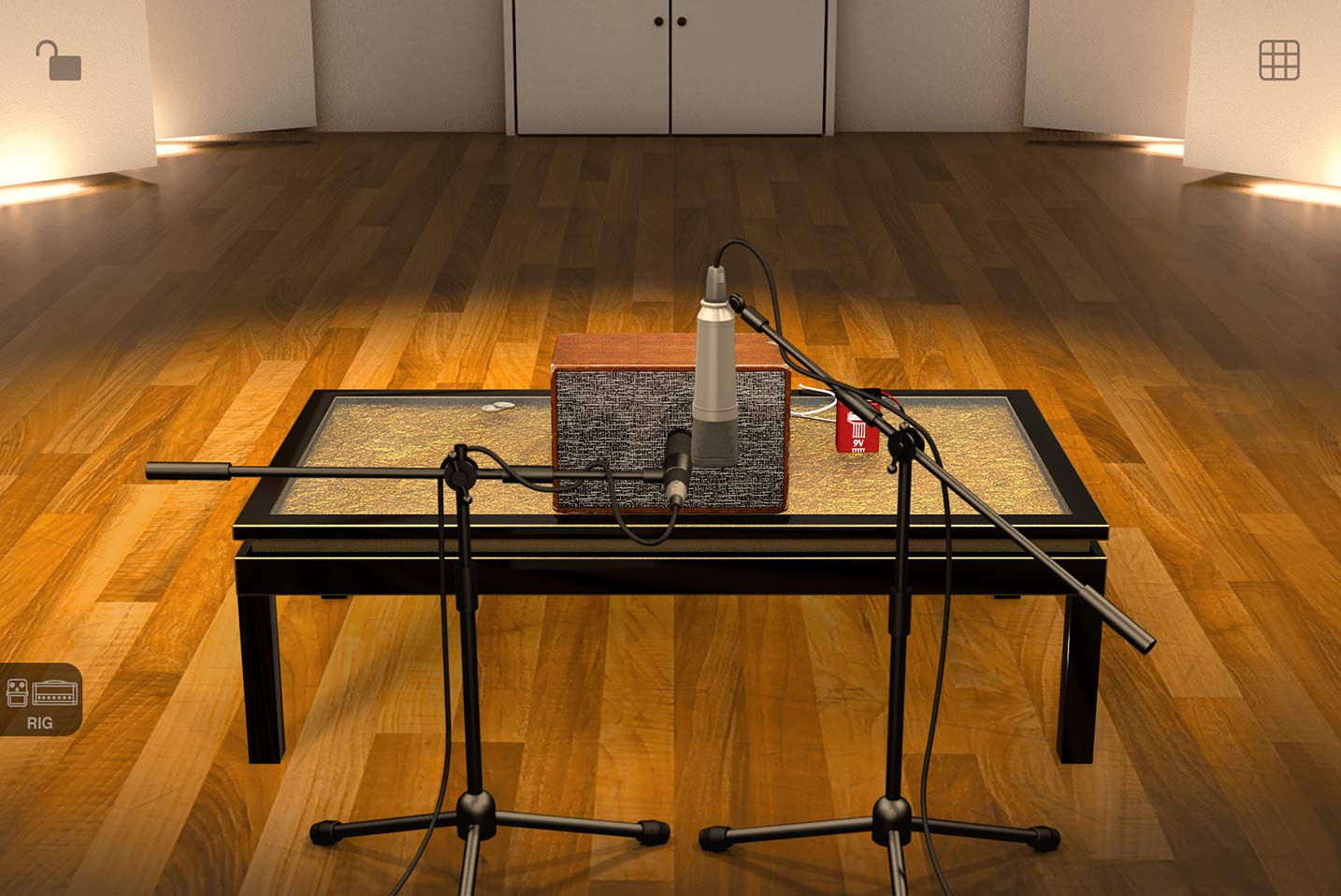
1x6" BM
Based on custom cab by John Deacon
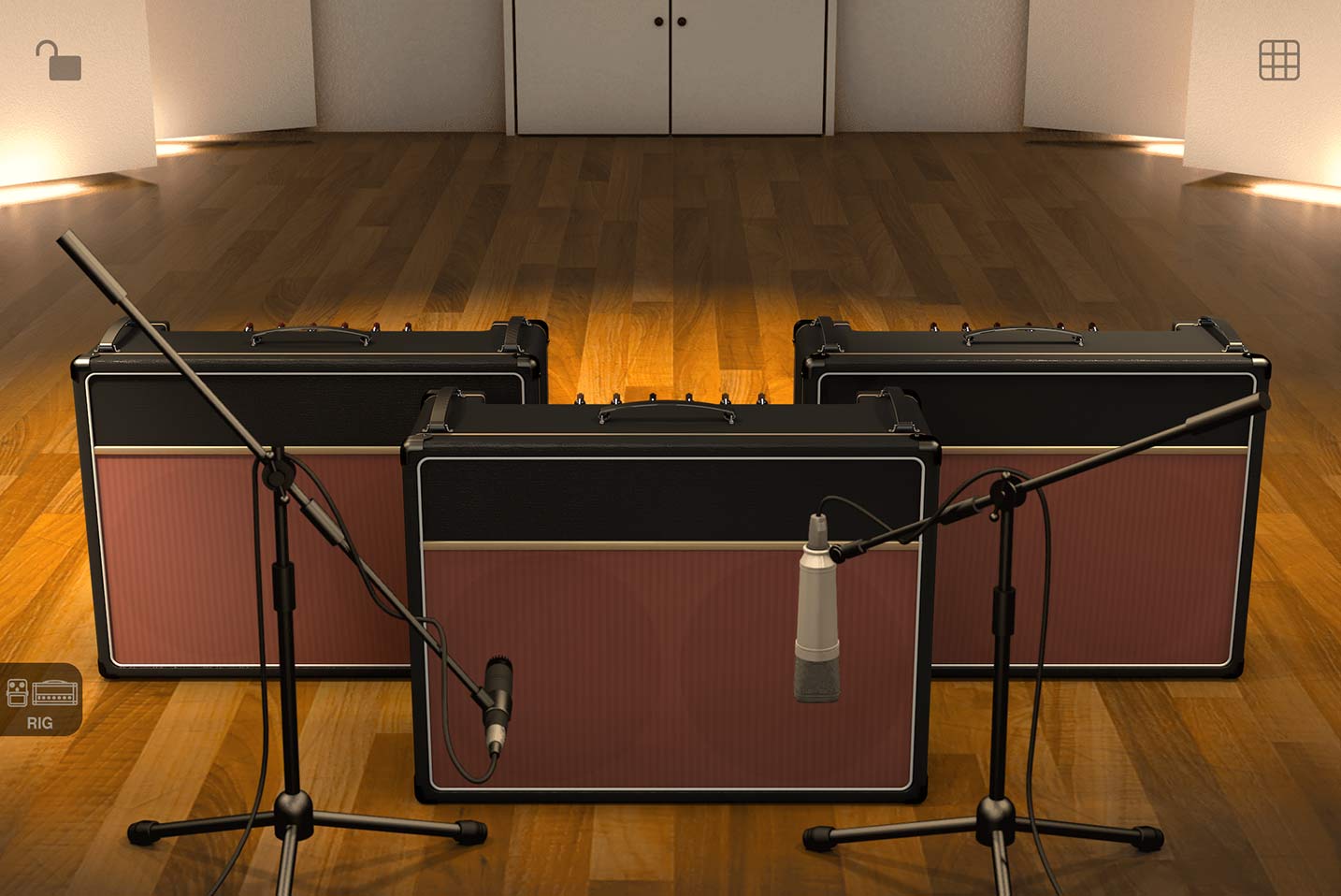
2x12" BM1
Based VOX® AC30™ 2x12
equipped with Celestion™ Alnico Blue speakers
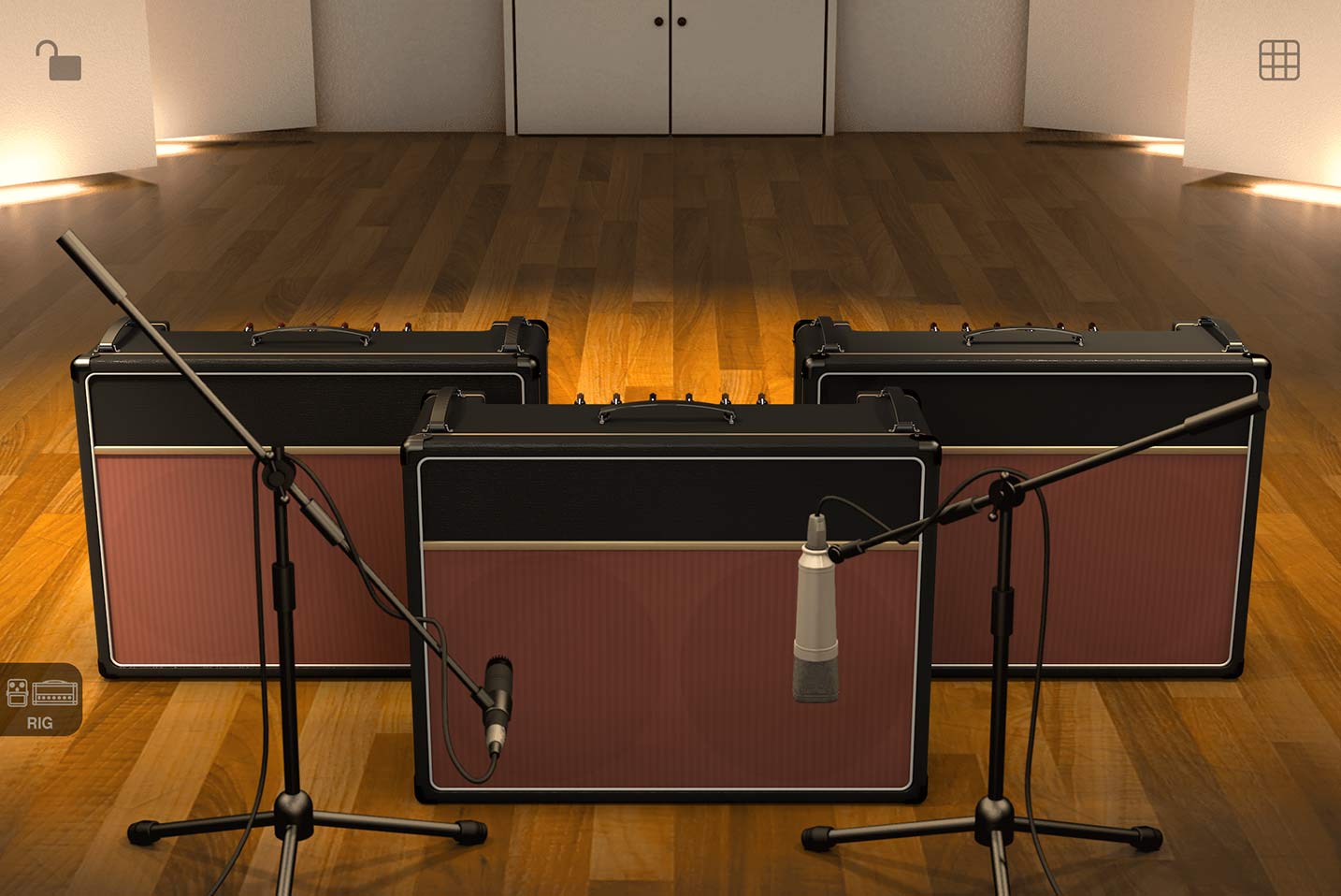
2x12" BM2
Based VOX® AC30™ 2x12
equipped with Celestion™ G12H Anniversary speakers
Microphones
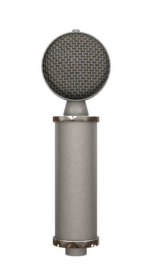
Bottle 563
Based on
Neumann® CMV-563
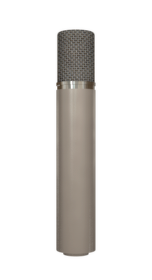
Condenser 12
Based on
AKG® C12
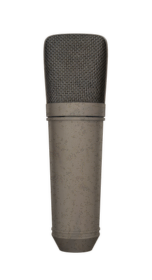
Condenser 67
Based on
Neumann® U67
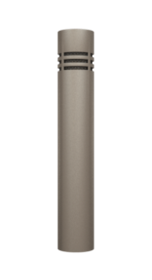
Condenser 84
Based on
Neumann® KM84
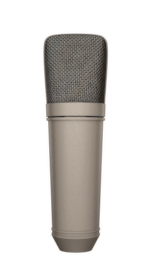
Condenser 87
Based on
Neumann® U87
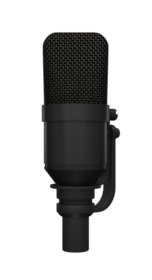
Condenser 170
Based on
Neumann® TLM 170
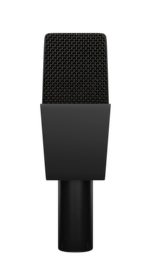
Condenser 414
Based on
AKG® C414
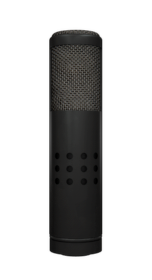
MD1b-FET
Based on
Groove Tubes® MD1b-FET
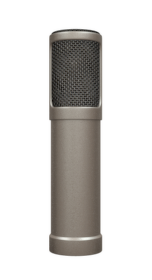
Tube VM
Based on
Brauner® VM1
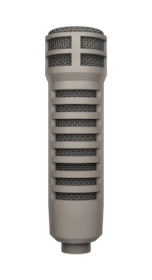
Dynamic 20
Based on
Electro-Voice® RE20™
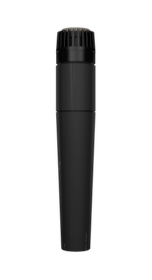
Dynamic 57
Based on
Shure® SM57™
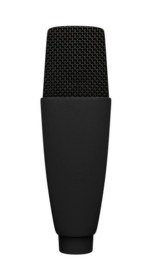
Dynamic 421
Based on
Sennheiser® MD421
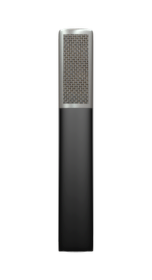
Dynamic 441
Based on
Sennheiser® MD441
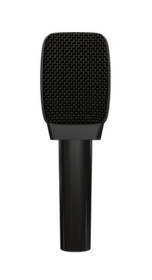
Dynamic 609
Based on
Sennheiser® MD609
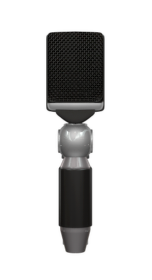
Vintage_Dynamic 20
Based on
Electro-Voice® RE20™
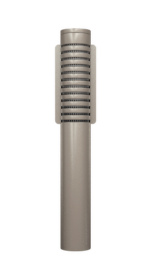
Ribbon 121
Based on
Royer® R121
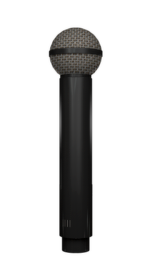
Ribbon 160
Based on
Beyerdynamic® M160
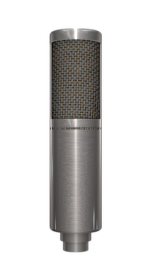
Velo-8
Based on
Groove Tubes® VELO-8
Your recording studio - always with you
You're on the go. You've got an idea. You want to get it down. But how?
The answer is in AmpliTube's built-in recording features. AmpliTube comes with a single-track recorder that can be expanded in two big ways via in-app purchase.
The first is 8-track simultaneous audio recording with master effects.
The second is Studio, a DAW-style waveform-editing suite.
When you have both enabled, AmpliTube transforms your mobile device into a fully mobile professional recording studio that has everything you need to make complete music productions while on the go.
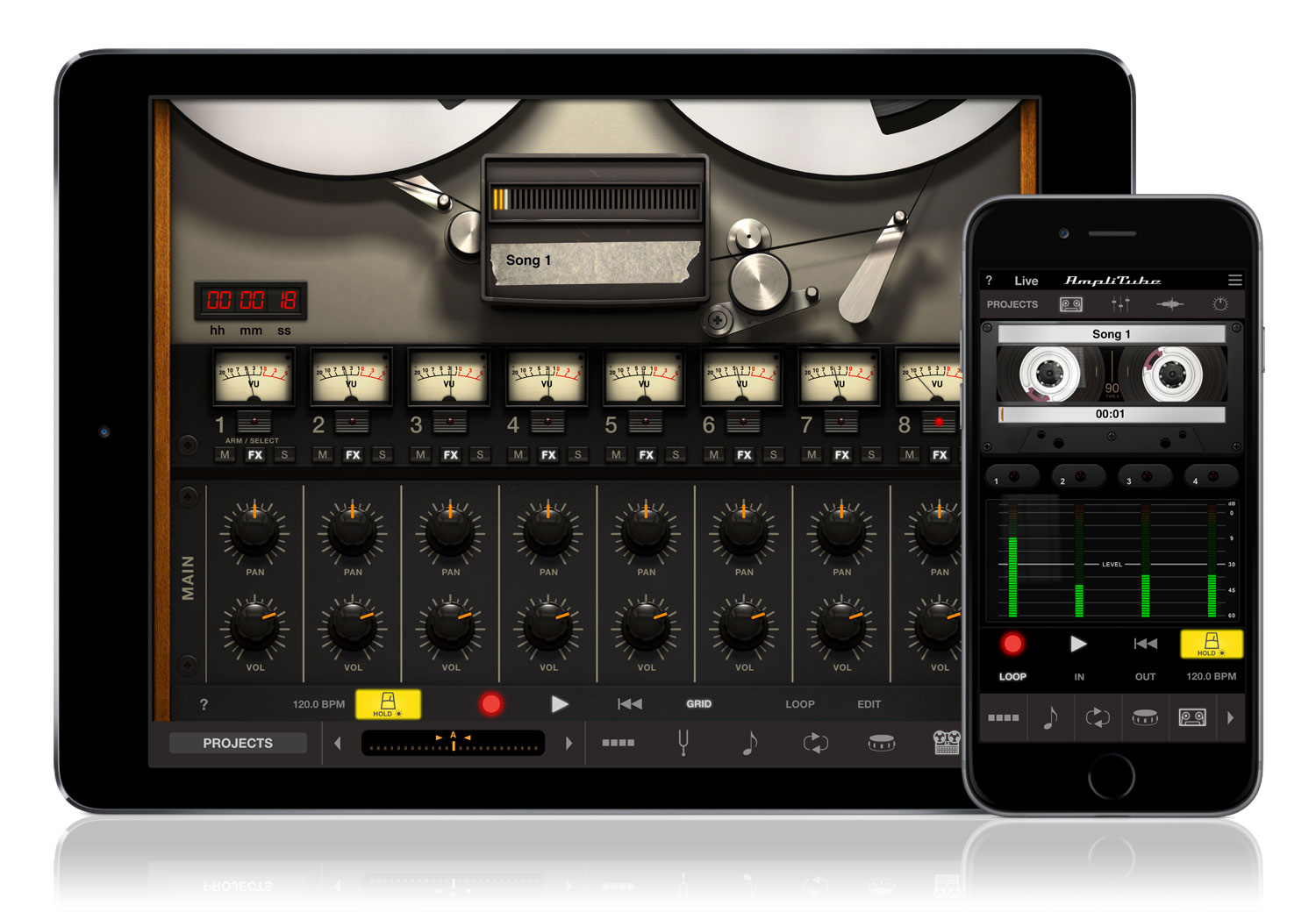
Make a record
The AmpliTube recorder provides you with up to 8 channels of simultaneous audio recording which means you can plug in your iRig Pro Duo or other class compliant multi-channel USB audio interface and record a duo or your whole band without leaving AmpliTube.
Touching the “Mixer” button in the bottom control bar accesses the Recorder/Mixer section. There’s a pre-roll feature that lets you set two measures of count-in before you start recording so you can lock onto the tempo and nail your part right from the downbeat. The recorder offers 8 available tracks for recording and a bounce feature for freeing up tracks as you need them.
Freeze
Another one of AmpliTube's useful features is "effects freeze." It simplifies the application of effects on individual tracks. AmpliTube remembers the signal chain setup per track so you can go back at any time and try a different set of effects on your tracks, just like you would when using a DAW with plug-ins on your Mac or PC. Pretty slick, right?
Track control
The Mixer section gives you everything you need for professional audio production. Each track has:
- A level meter with a clipping light that monitors the input signal of the track
- An “R” button for selecting the track to record (arm/select on iPhone)
- Mute and Solo buttons
- An FX button that enables the AmpliTube signal chain on that track
- Volume and Pan controls
- Send 1 and Send 2 controls for sending the track signal to the master effects section
Master effects
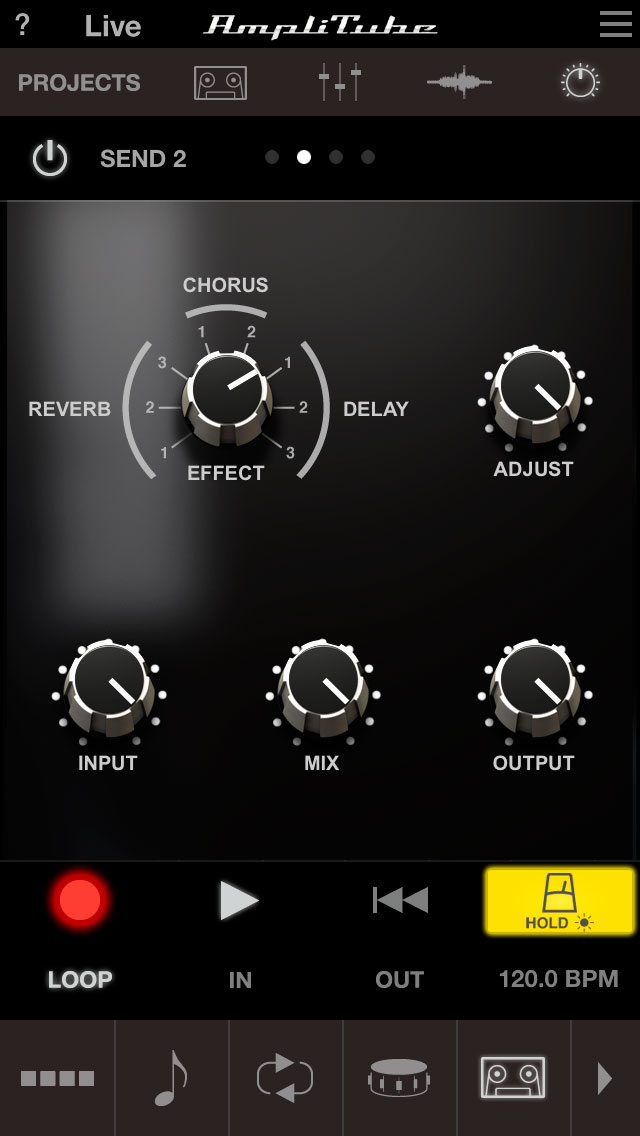
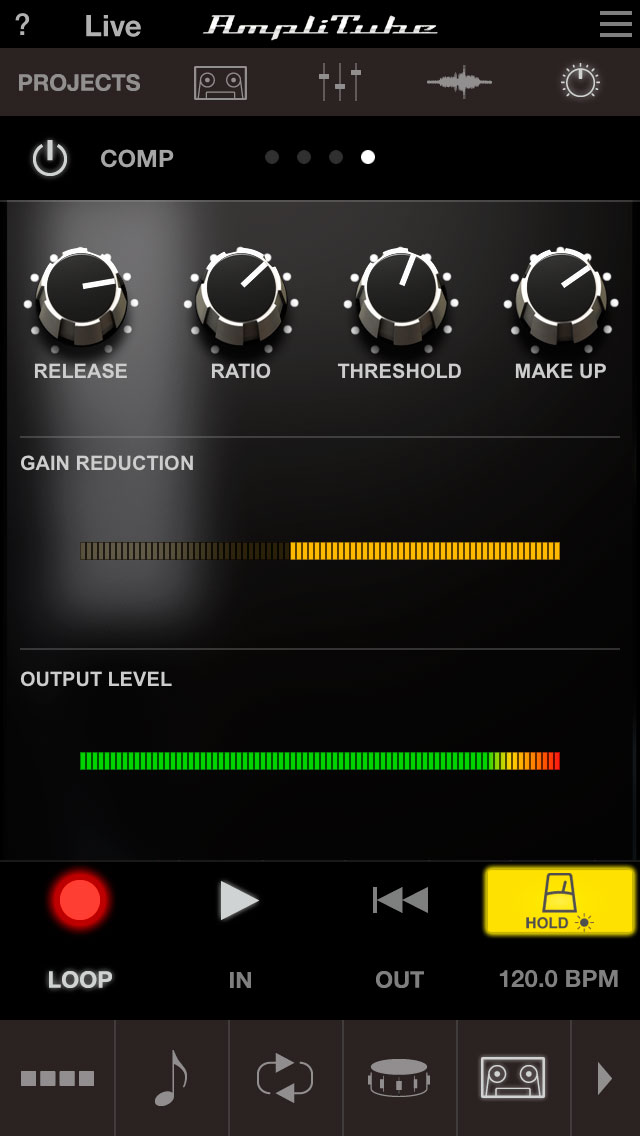
Want to add some polish to your mix? The Master Effects section has been designed to give you everything you need to add that extra punch to your finished works. This section is accessed by touching the "Mast FX" button. There you'll find the Send 1 and Send 2 effects processors.
Each of these allows you to choose from 3 levels of Reverb, 2 levels of Chorus and 3 levels of Delay. Use the “Adjust” button to fine tune the time and depth of the chosen effect’s main parameter. You can also control just how much of the effect shows up in the mix by using the Input, Mix and Output knobs.
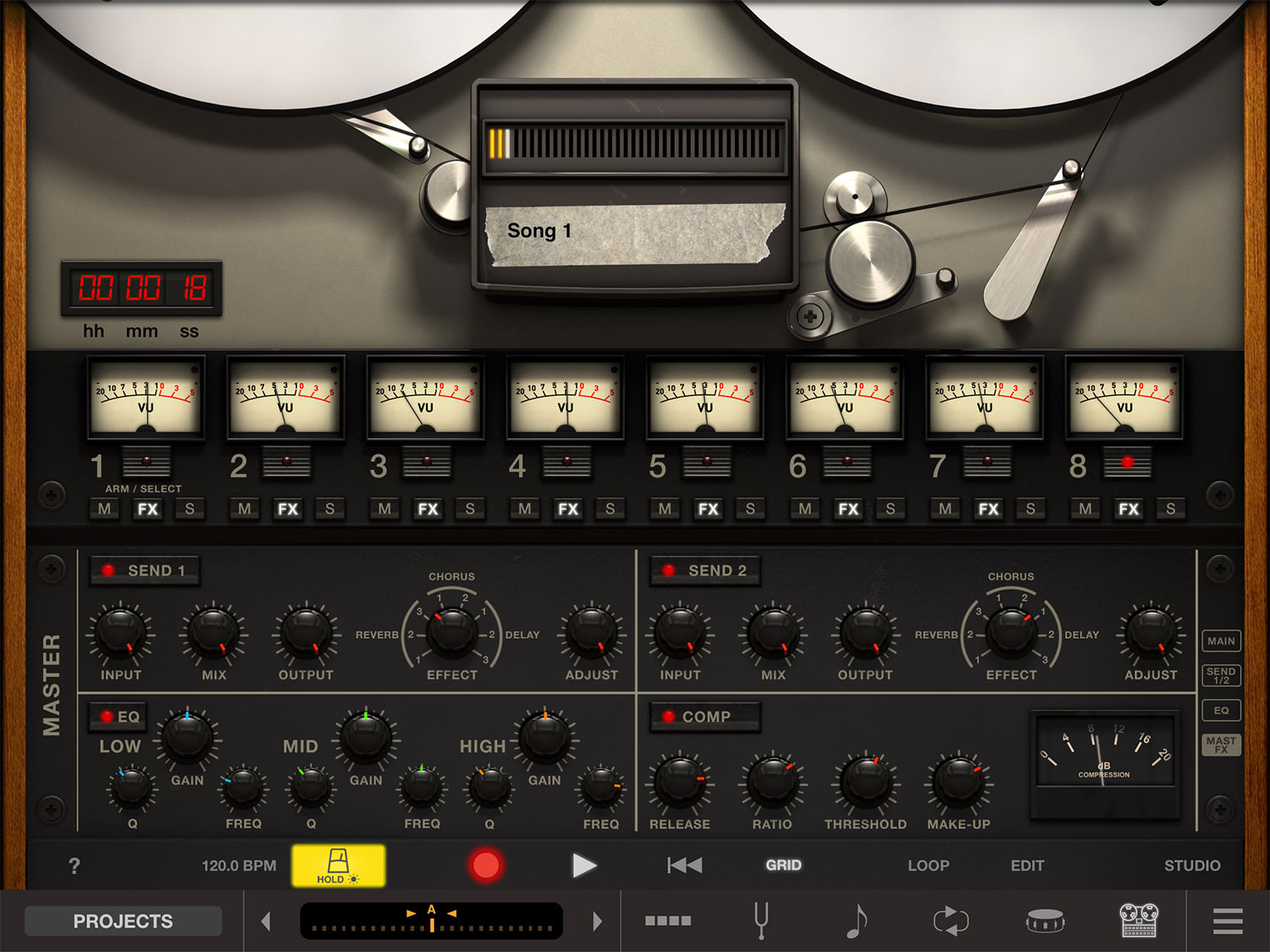
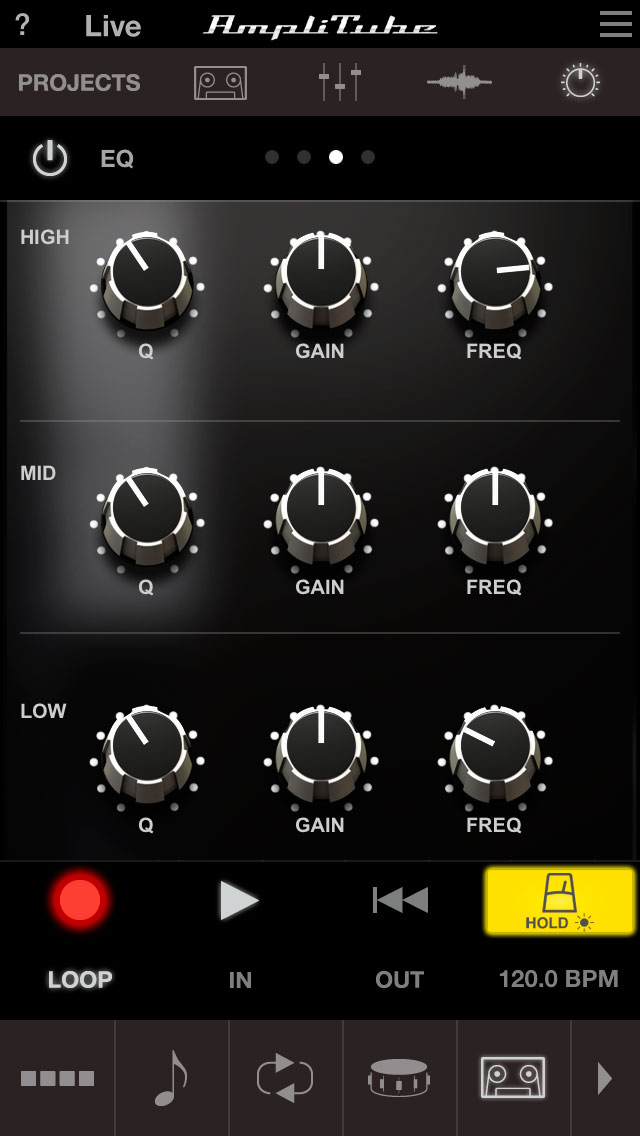
Finally, what would a master effects section be without an equalizer? AmpliTube gives you a 3-band parametric EQ that's been specially made to help you bring out the sweetness of your overall mix. Take that, run it through the included compressor for tightness and gain control, and you'll have a finished product that's ready to be heard by your fans.
Meet me at the studio
AmpliTube also has a powerful editing tool: AmpliTube Studio. Its DAW-style interface will be very familair to recording veterans and very intuitive for recording novices. Studio brings precise waveform editing and audio region manipulation to the mobile world. It's an easy, visual way of arranging while on the go that's remeniscent of some of the most powerful desktop music creation tools.
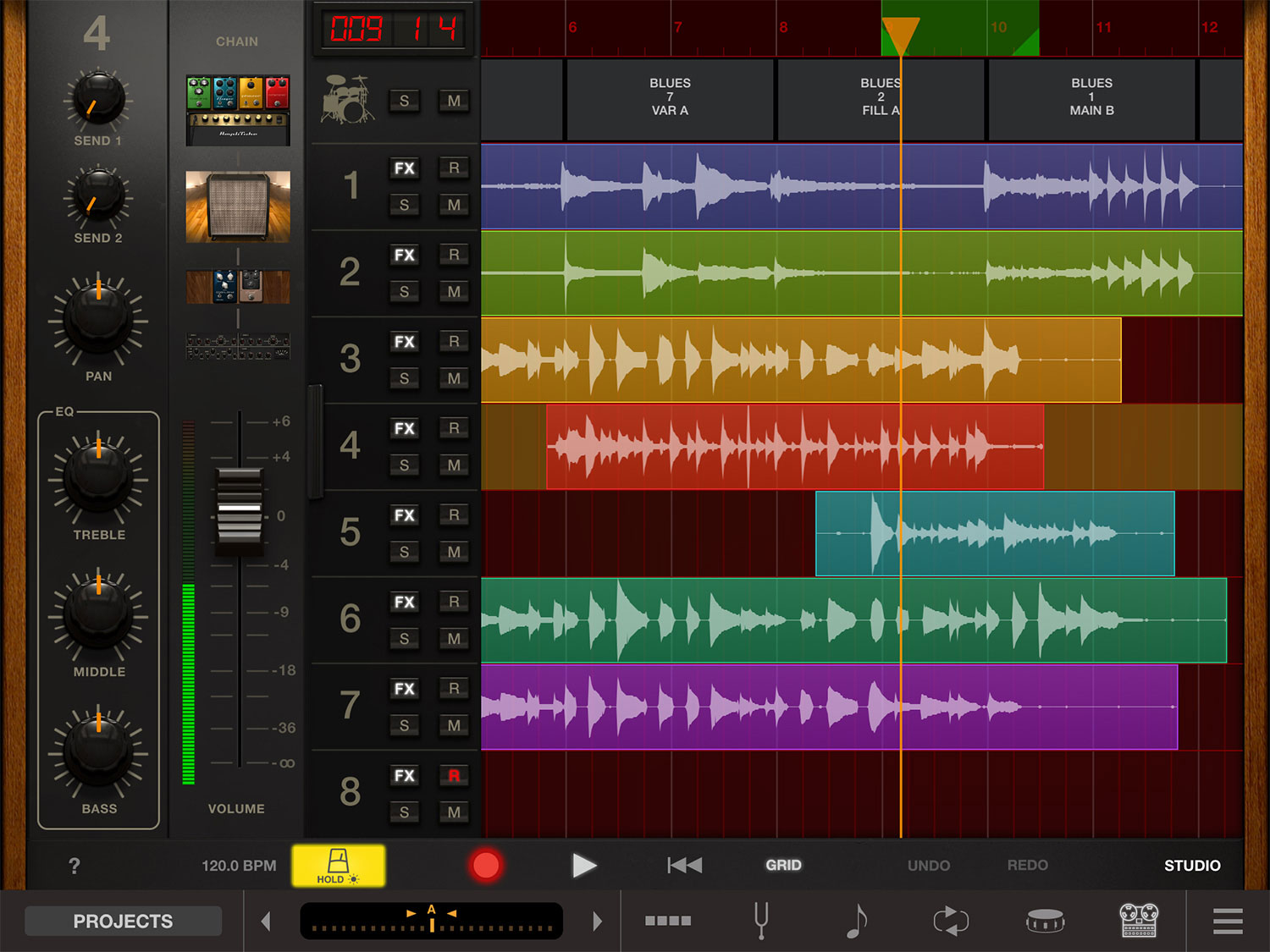
Touching the “STUDIO” button in the bottom control bar accesses AmpliTube Studio. It provides access to a range of features that have been designed to help you achieve sonic perfection. Using it is easy, it's split in two display regions on the screen: The Track Control section is on the left and the waveform timeline grid is on the right. With both in front of you, you also have access to the full signal chain plus effects, recording tools, mixing functions and more.
Track on
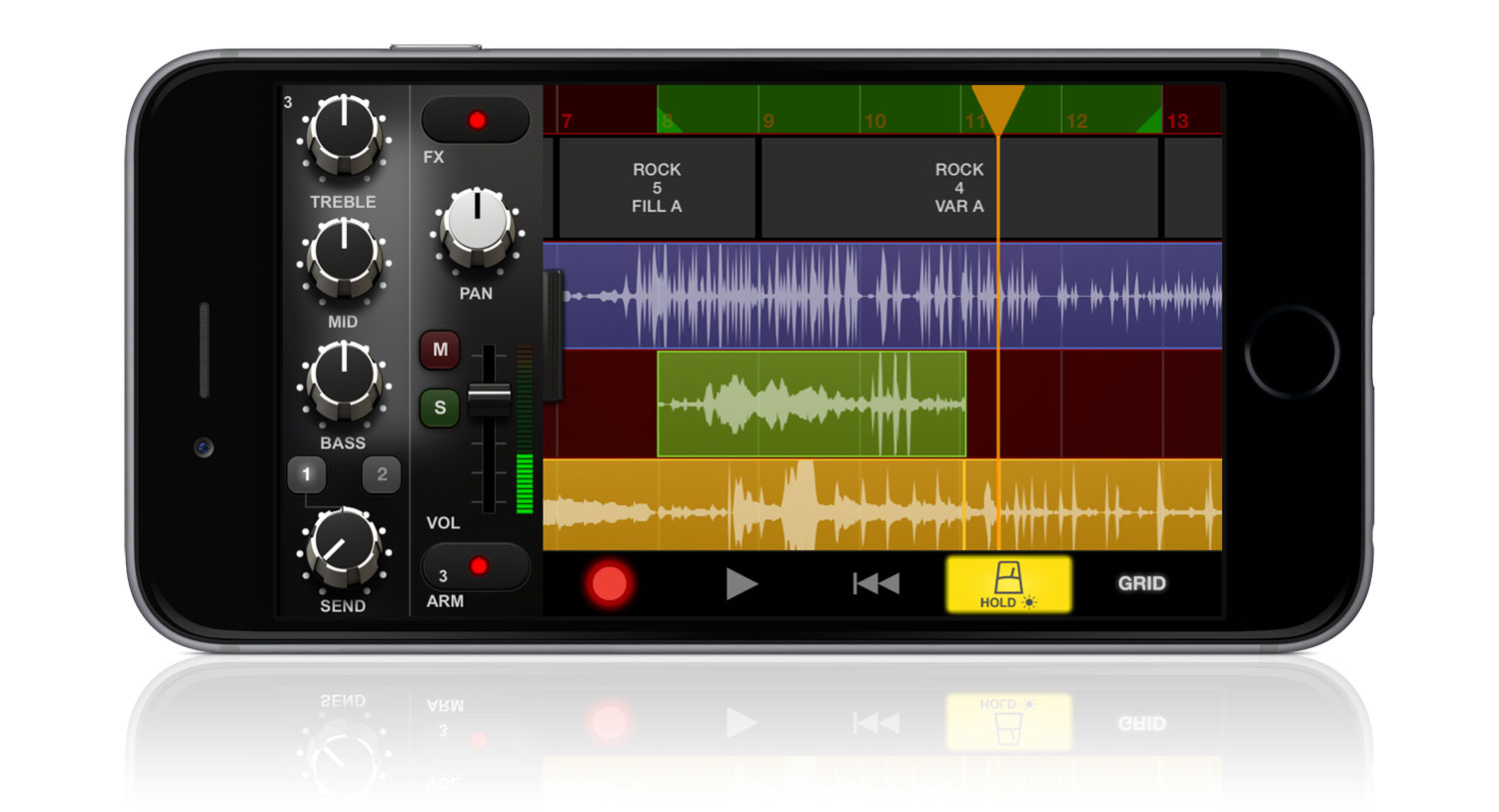
The Track Control section houses the controls you need to adjust and tweak the sound on individual tracks. Touch any waveform display on the right — or empty space or track number — to access the individual controls for that track on the left. Knowing where you are at any given time is simple: The number in the upper left hand corner indicates the currently selected track.
You can adjust how much of the track’s signal goes to the master effects section by using the “SEND 1” and “SEND 2” knobs. The master effects section can be accessed by touching the "MASTER" button (this is great for fine tuning). In addition, we've also included a Track EQ section below the Master button that let lets you fine-tune the EQ on each individual track, just like on a professional mixing console.
In addition to these crucial features, you also get a level meter, a peak light, a quick FX Edit button, pan control and a console-style fader for fine volume adjustment on each track.
Catch a waveform
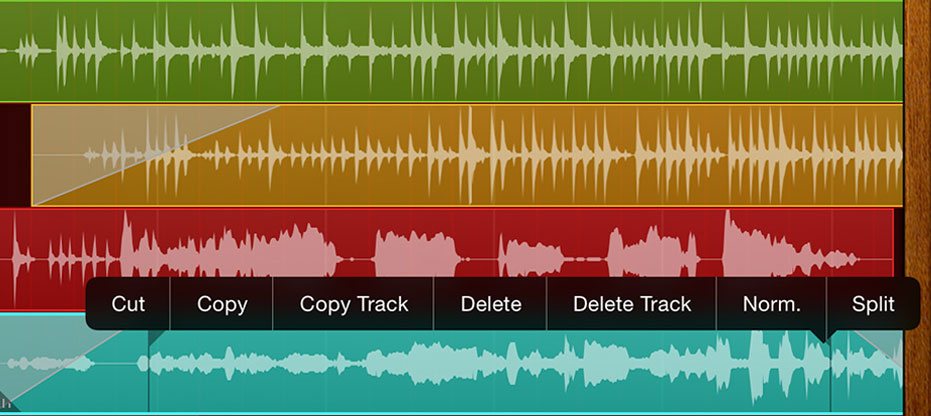
At the core of the studio module is the waveform display section. This is where most of your audio editing will be done. From this section, you can select audio material by touching on the waveform display. This then lets you perform multiple types of edits with ease: cut, copy, copy track, paste, delete region, delete track, normalize volume or split at playhead.
Tap the waveform you want to edit to gain access to the full range of editing commands. These functions provide all the basic tools you need for working with audio regions. You can even move audio forwards and backwards in the timeline by dragging the waveform around on the screen.
Fade & crop
AmpliTube also has a few other great tools destined to make your audio life easier: Fade In, Fade Out and Crop. Creating a fade is as simple as selecting the region you want to fade, and then dragging the triangle in the top left corner right to create a fade-in. The farther from the beginning of the region you drag the triangle, the longer the fade-in becomes. Pretty easy.
Creating a fade-out is done the same way, only go to the upper right corner of the audio region and drag the triangle to the left.
Cropping an audio region is done in a similar fashion. Grab the triangle at the bottom of the region (either left or right, depending on where you want it cropped), and then move it either direction to crop.
Getting around
Navigation in Studio is done with both multi-touch and simple gestures. You can zoom in and out of a region by pinching in or out with two fingers on the screen. Alternatively, to get more screen real estate, you can hide the Track Control section by swiping left on the black handle just to the left of the track 4 indicator number.
AmpliTube Studio and Loop Drummer
At the top of the screen is the navigation bar, and it serves three handy functions: First, it is divided into bars, beats and divisions so you have a reference point in the composition. As you zoom in (by pinching out with two fingers), you’ll notice more gridlines showing up. These are handy for precisely aligning audio material with rhythms and beats.
Second, you can define loop start and end points by dragging a finger from left to right. You’ll notice a green area shows up when you do this. Drag the left triangle to the beginning of your desired loop and the right triangle to the end. Once defined, double tap on the green area to activate it. Then hit play on the transport to begin playback of the loop. The third feature is creating a “punch in” recording area. Drag your finger from right to left in the navigation bar and you'll create a red “Punch in” section. Adjust the start and end points with the triangle handles, and then activate it with a double-tap. You can de-activate loop and punch in regions by double-tapping again.
Just south of the Navigation bar is the “Loop Drummer” track. If you’ve programmed a killer beat using the built-in Loop Drummer feature, it will show up in this track. You can edit your drum sequence in this track by touching and dragging the drum parts around. You can also add more drum parts to the sequence by touching the “DRUMS” button in the bottom nav bar. Then touch and drag out the chosen drum sectio to the desired position in the track. A “double-tap” on a drum part will duplicate it to the right of the original. This makes it super easy to create awesome, professional-sounding rhythm tracks in a snap.
Other individual track features include the ability to solo, mute, record enable and activate the AmpliTube signal chain on a track. You can record audio material directly to a track in the Studio view by using the “PLAY”, “RECORD”, “REWIND” and metronome transport controls at the bottom of the screen. There’s also a “GRID” button that turns “grid-snapping” on and off, plus “UNDO” and “REDO” commands for the human in us all.
Your personal session drummer
Inside AmpliTube, you'll find a powerful loop-based rhythm module called Loop Drummer that lets you quickly create great sounding drum tracks.
Loop Drummer can play on its own or act as the drum section for AmpliTube's built-in recorder. It automatically syncs to the recorder, so when you hit play or record, Loop Drummer plays along in perfect time. But Loop Drummer offers way more than just loops that play over and over, its unique Remix feature intelligently generates full-length drum parts with intros, beats, fills and endings.
Or, if you prefer, you can also use Loop Drummer to build your own patterns. It’s even got its own mix window.
The loops
Loop Drummer comes with a collection of rock loops, but you can expand it easily and inexpensively via in-app purchase. We offer Style Packs that contain 64 loops each, and give you eight different song-construction kits based around a core drumbeat. For each you get all the song parts you’ll need to put an awesome, and full-length drum track together.
The Style Packs come in all major genres including Rock, Blues, Country, Pop, Funk, Punk, Metal, Electro, Jazz, Reggae and more. You can buy them individually or purchase them in pre-selected groups. All told, there are over 1000 loops in the Loop Drummer collection!
Instant drums
Press the Remix button and Loop Drummer will instantly construct a full drum track for you just like a producer would. Each time you press this button, you'll get a different variation. It's a great feature that offers an endless source of inspiration that will take your jam, practice and composition sessions to the next level.
And if you're a "hands-on" kind of musician, don't worry. You can also build drum tracks yourself by auditioning loops in Loop Drummer's browser. Just drag and drop the loops you like onto the timeline. If you want to tweak a part, it's easy. You can your loops, add crashes, tap in new tempos and a whole lot more — it's all just a touch away.
All together now
One of the most impressive features about Loop Drummer is how it works in tandem with AmpliTube’s recorder. Hit play or record on the recorder, and Loop Drummer will plays along in perfect sync. And if you have the multitrack option for the recorder (available as an in-app purchase), you'll have all the tools you need to put together entire productions, including authentic-sounding drum parts.
Another great thing: Loop Drummer’s audio doesn’t take up any tracks on the recorder. It has its own separate audio channel that's combined automatically with the recorder’s output. To adjust the drum level in the mix, all you have to do is adjust Loop Drummer's volume control.

Export options
You can also use your favorite Loop Drummer arrangements in other applications. It's easy: Just press the Export button in Mix Mode to bring up the "Export Sequence" screen. This lets you send you send your sequence to the iOS Clipboard or to the File Sharing app folder (for iTunes File Sharing with your computer).
How to use Loop Drummer
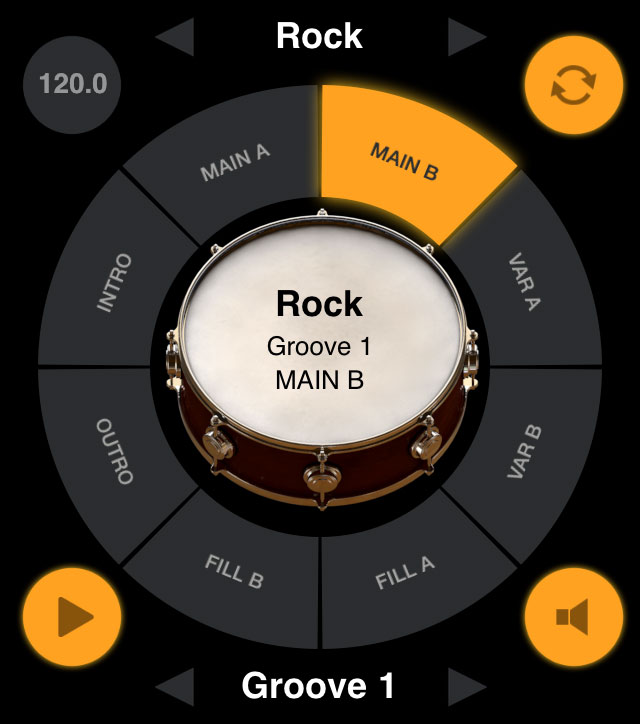
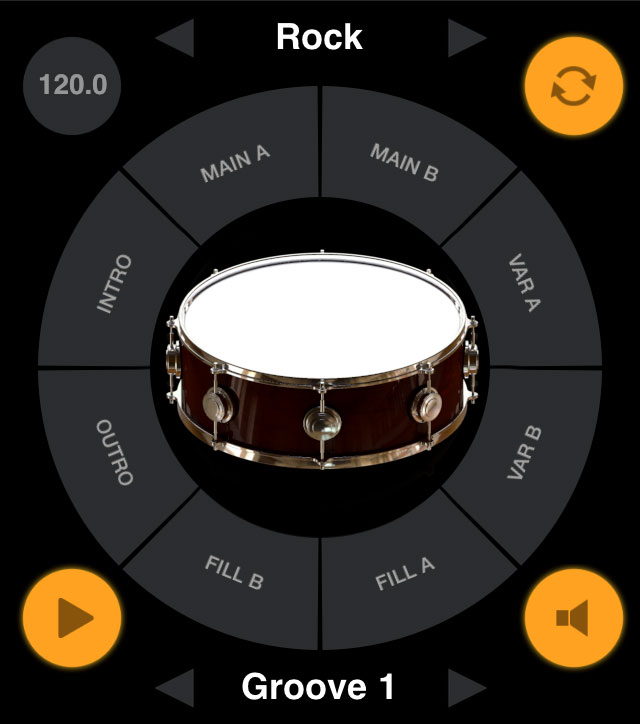
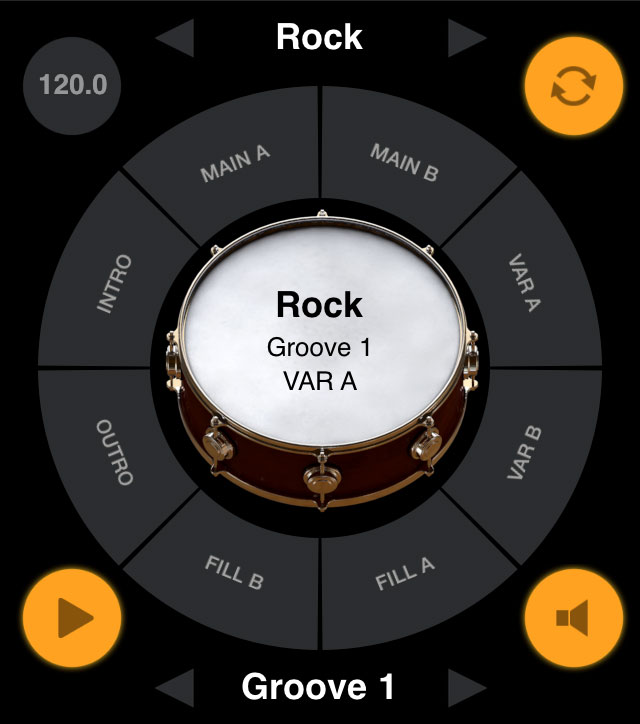
Loop Drummer’s interface is super simple. Choose a Style and Groove by pressing the arrows near the top and bottom of the screen respectively. Choose loops from the Ring Browser — it’s the circle in the middle of the window with the snare drum in it.
The button outside the ring with the speaker icon is the Preview button. Press it. When it lights, it's activated. Now press any loop in the Ring Browser and it will play.
The Timeline at the bottom of the window is where the loops in the drum sequence go. If you're using the Remix feature, the arrangement will show up there after you press the Remix button (the circular arrows on the upper right of the screen). If you're building the arrangement manually, drag a loop from the browser into the timeline. It will now be a part of your arrangement.
To switch the arrangement of your loops just press, hold and drag. You can also add crashes on the downbeat by highlighting a chosen loop on the timeline. You can set the overall tempo by tapping the tempo button (or you can just enter a value if you want to be precise).
Press the Mix button to access the circular volume control. This also adjusts Loop Drummer’s tempo and functions as a reverb send.
Features
- Loop-based drum module that can be opened from inside AmpliTube
- 1024 loops available in a variety of musical styles
- Syncs automatically with AmpliTube recorder
- Remix button intelligently generates unique drum sequences from the loops in the Groove
- Audio from Loop Drummer appears as a separate audio channel on the AmpiTube recorder
- Loops change tempo to match Loop Drummer’s tempo setting
- Mixer section allows for independent drum volume adjustment and drum track soloing
- Timeline-style arranging of drum parts
- Set custom-length looping sections
- Export drum sequences to iOS Clipboard or via File Sharing
A truly super looper
Unlock your creativity
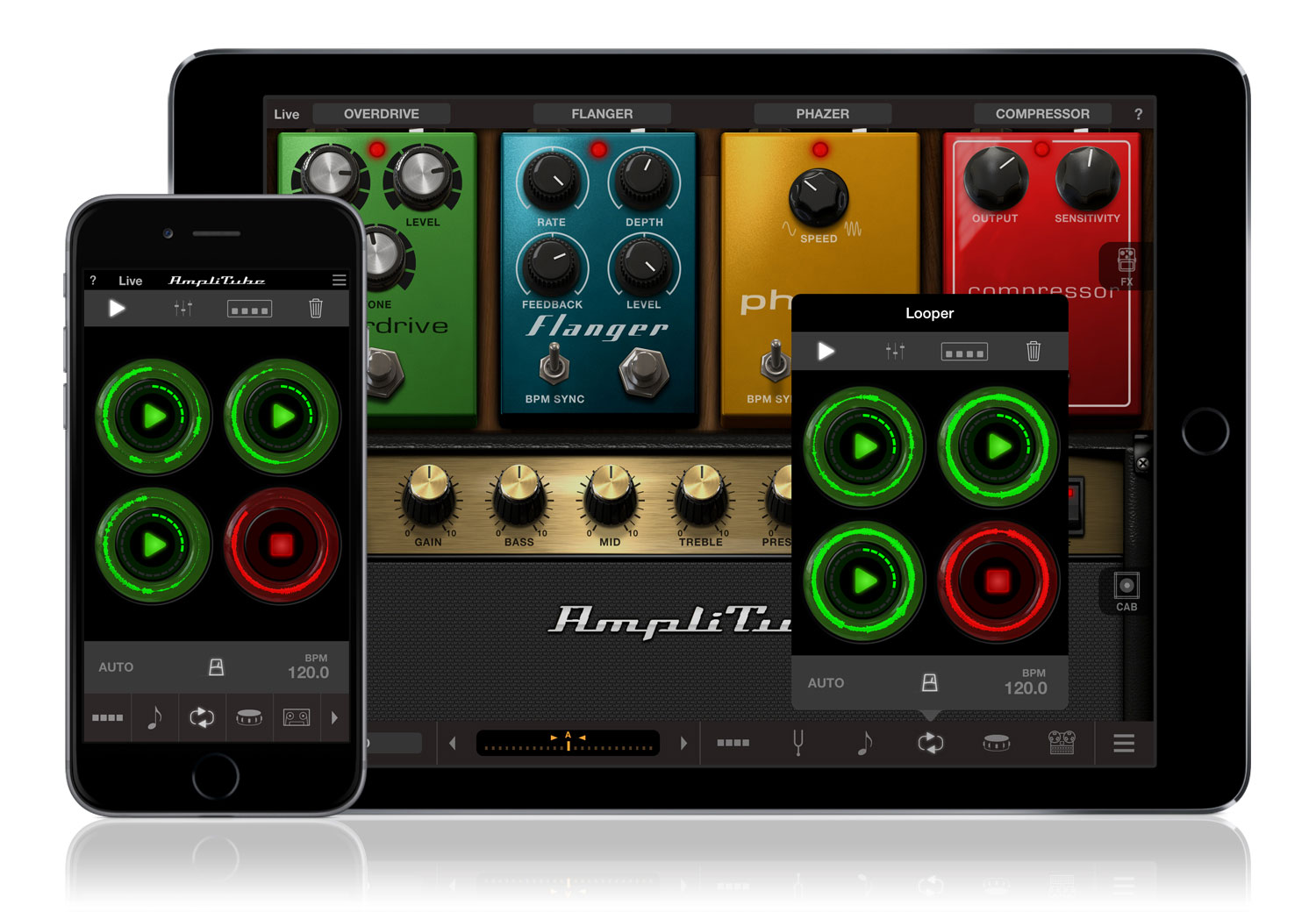
Looper is one of the many useful tools available as an add-on for AmpliTube. As its name suggests, it gives you a quick and easy way to create up to 4 synced audio loops. Created a looped-up masterpiece? Looper lets you easily save and export your work. It's the perfect sketchpad for new ideas; it's intuitive interface that's designed for experimentation and self-accompaniment will inspire you to think in an entirely new (and loopy) musical way. Record melodic loops, leads, percussive riffs, vocals, chord progressions and more, all at the touch of a button.
As easy as 1,2,3...4
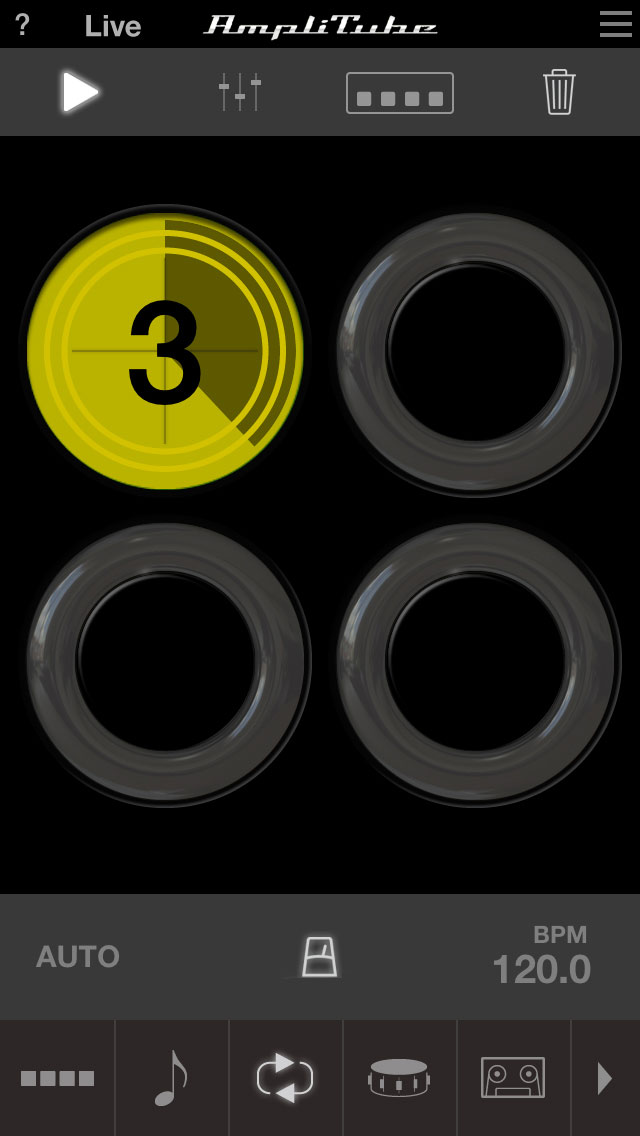
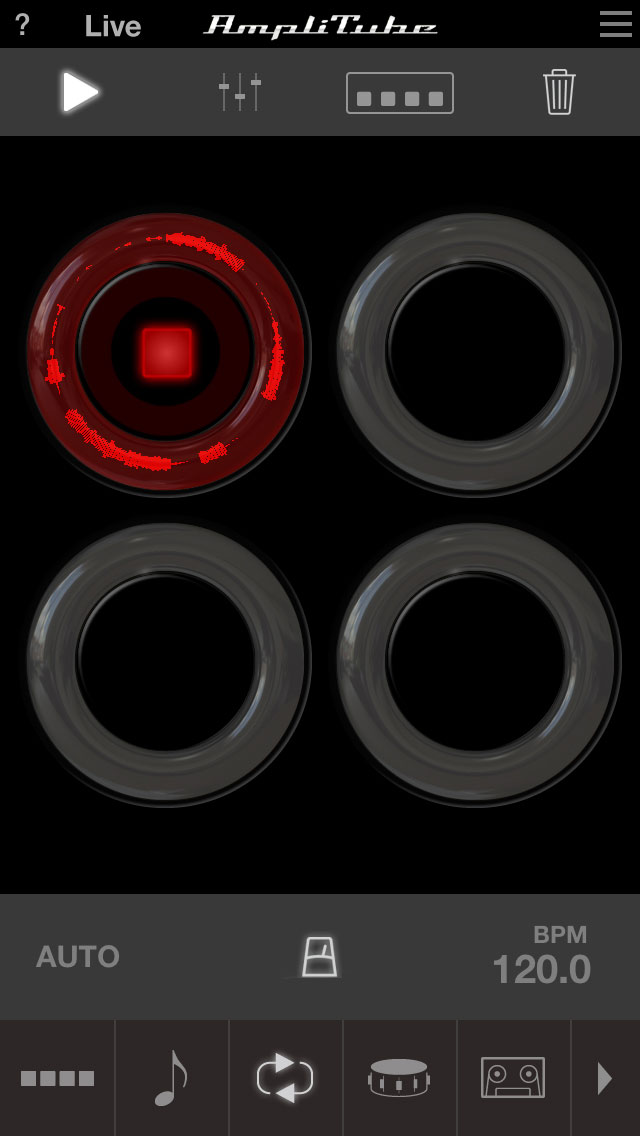
Using Looper is easy. Just set your preferred BPM and enable the metronome feature. Then tap the "rec" icon on the first loop button. From there it's 4, 3, 2, 1, go! Loop 1 will begin recording automatically, and it wont stop recording until you tap on the button again.
Super sound
And no matter when you tap to end your loop, your loops will always sound good because each loop is quantized to the nearest quarter note. Once closed, Loop 1 will continue to play, setting the stage for you to repeat the process with loops 2 through 4. Just tap the "rec" icon on the second loop to start recording the next layer, and so on. The length of your first loop determines the length of all the loops the follow. Once you've captured your audio, you can mute and un-mute individual loops by simply tapping on the loop you want to silence with your finger. It's really that easy!
Get tricky with MIDI
Want to get tricky while performing live with your loops? That's also a piece of cake: Looper can also be controlled via iRig Stomp I/O and iRig BlueBoard (or any MIDI controller).
That means you can assign each of Looper's loop buttons to a corresponding physical button on a pedal board.
Now you can trigger loops from the floor, leaving your hands for more creative things, like playing your guitar.
Learn your favorite riffs
AmpliTube is also a great tool for improving your chops. It has a slick song player section that lets you import songs and backing tracks. You get full control over these tracks, so you can speed them up or slow them down — all without changing pitch. It’s perfect for when you want to learn complex riffs and licks. It also features a “NO VOICE” mid-range cancelling feature that lets you turn off the lead vocal or guitar solo from an existing track so that you can step up and take center stage.
Why AmpliTube?
Nearly 20 years ago, AmpliTube pioneered single component modeling technology, and was the first company to go beyond the “black-box modeling” approach of electronics. Today, IK Multimedia continues to lead the pack when it comes to model accuracy of all the elements in the complete signal chain with innovative solutions and ultra-accuracy that no other brand can match.
We invented the processes and technologies that produce the most accurate models of gear in the industry, and have been doing it longer than any other company.
The most trusted brand by world-class amps and effects manufacturers
Who do the top manufacturers in the industry trust to make ultra-accurate models of their gear? That’s right, IK Multimedia and AmpliTube. But don’t just take our word for it when we say we offer the best-sounding, most accurate software modeling in the industry. Check out our partner roster of 18 (and growing) of the world’s best amplifier and effects pedal manufacturers who rely on IK Multimedia for accurate digital reproductions of their products. When Fender®, MESA/Boogie®, Orange®, Soldano®, Ampeg®, ENGL® and many more decided to put their name on virtual models of their gear, they chose the best — AmpliTube.

The widest range of tone available - period
With nearly 300 individual gear models available, AmpliTube offers more tonal variety than anything else on the market. We have modeled almost every amp and effect circuit ever produced since the birth of electric guitar and effects pedals.
No matter what type of tone you are aiming for, only AmpliTube has the right gear for it.
“Made in Italy” craftsmanship and heritage
Our approach to creating hyper-realistic models of gear is firmly rooted in the best “Made in Italy” craftsmanship tradition. We don’t simply “look at schematics” and listen to sound samples like other companies. Not only do we acquire the real units by painstakingly searching for the “best specimen of its kind,” but we always approach any new piece of gear as a unique modeling project. From thorough and detailed analysis of the circuit using the most advanced modeling algorithms to hours of A/B sound testing and dedicated audio engineering craftsmanship, our process delivers the “true to the original” best possible sound for your projects.
AmpliTube®, TONEX®, AI Machine Modeling™, ToneNET™, SVX™, X-GEAR™, X-DRIVE™, X-SPACE™, X-TIME™, X-VIBE™, VIR™, DIM™, DSM™, VRM™, are trademarks or registered trademark property of IK Multimedia Production Srl. All rights reserved.
MESA/Boogie® is a registered trademark property of MESA/Boogie Limited Corporation. FENDER™ and all FENDER amplifiers, logos, and trade dress are the trademarks of FMIC and used herein under license. All rights reserved. ORANGE® is a registered trademark of Orange Music Electronic Company Ltd. SEYMOUR DUNCAN® is a registered trademark of Carter Duncan Corporation. GROOVE TUBES® is a registered trademark of ROKR Ventures, Inc. GALLIEN-KRUEGER® is a registered trademark of Gallien-Krueger Corporation. JET CITY AMPLIFICATION 333® is a registered trademark property of 333 Enterprises Incorporated DBA Jet City Amplification Corporation. THD® is a registered trademark of THD Electronics Ltd. T-REX ENGINEERING® is a registered trademark of T-Rex Engineering ApS Corporation. CARVIN® is a registered trademark of Carvin Corporation. DR. Z AMPLIFICATION® is a registered trademark of Dr. Z Amps, Inc. FULLTONE® is a registered trademark of Fulltone Musical Products, Inc. Z-VEX® is a registered trademark of property of Zachary Vex. ENGL® is a registered trademark property of Edmund Engl. WAMPLER PEDALS® is a registered trademark property of Wampler Pedals, Inc. MORLEY® is a registered trademark property of Sound Enhancement Products, Inc. LESLIE® is a trademark property of Hammond Organ/Leslie, wholly-owned brand subsidiaries of Suzuki Musical Instruments Mfg., Ltd. of Hamamatsu, Japan, used under license. Dimebag Darrell™ name and likeness used under license of the Estate of Darrell Lance Abbott.
Mac, the Mac logo, the Audio Units logo, iPhone®, iPod touch®, iPad® are trademarks of Apple Computer, Inc., registered in the U.S. and other countries. App Store is a service mark of Apple Inc. Windows and the Windows logo are trademarks or registered trademarks of Microsoft Corporation in the United States and/or other countries. VST is a trademark of Steinberg Media Technologies GmbH. AAX, Avid, the Avid logo, Pro Tools, and RTAS are trademarks or registered trademarks of Avid Technology, Inc. in the U.S. and other countries.
All other product names and images, trademarks and artists names are the property of their respective owners, which are in no way associated or affiliated with IK Multimedia. Product names are used solely for the purpose of identifying the specific products that were studied during IK Multimedia's sound model development and for describing certain types of tones produced with IK Multimedia's digital modeling technology. Use of these names does not imply any cooperation or endorsement.
IK Multimedia disclaims any ownership over content uploaded by users to ToneNET, including but not limited to Tone Models, Presets, and any text or symbols that users upload with their content. IK Multimedia does not endorse or represent any users of ToneNET, and any names, trademarks, or tradenames that users may upload with their content on ToneNET should not be construed as an endorsement, association, or affiliation with IK Multimedia. Users represent and warrant that they own or are licensed to use all intellectual property, including copyrights and trademarks, in any content that they upload. IK Multimedia disclaims that any content uploaded by users is non-infringing. Please see the
ToneNET Terms of Use
with ways that you can notify us if you believe content on ToneNET infringes your rights.


