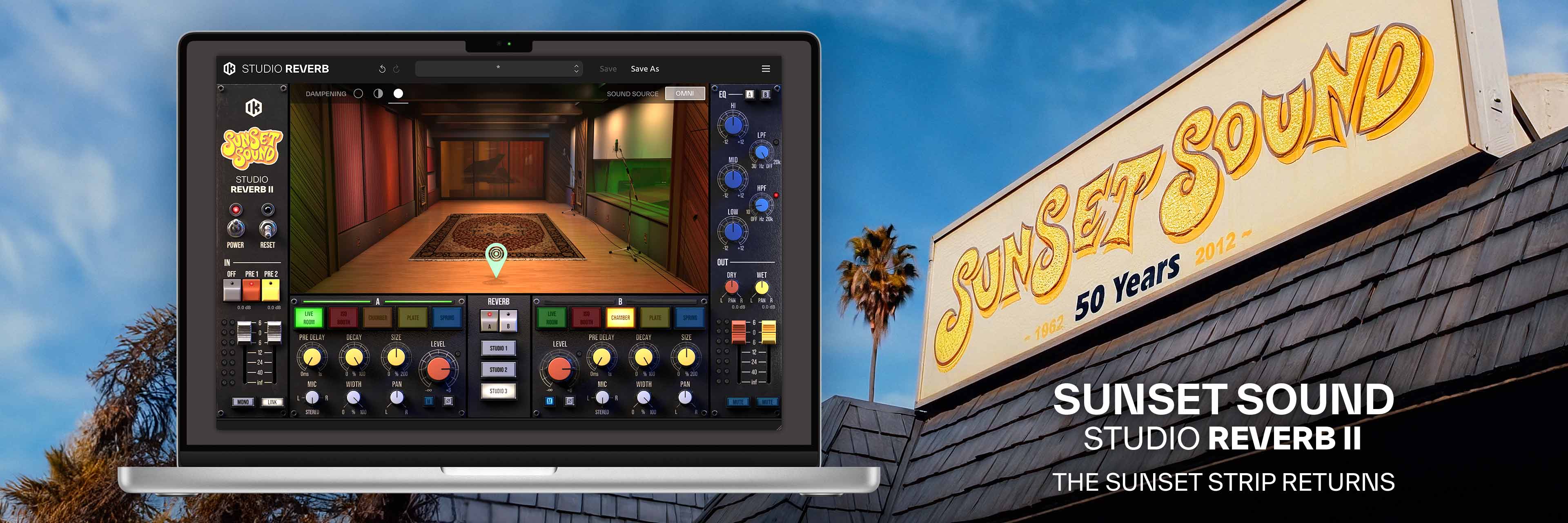
Sunset Sound’sスタジオの空間を、そのままに
Sunset Sound Studio Reverb II は、ベストセラーとなった T-RackS モジュールを、単独のプラグインとして再構築し、大幅に進化させたリバーブ・プラグインです。かつてない空間解像度とコントロール精度で、Sunset Sound スタジオの Studio 1、2、3の音響的な複雑さをそのままお届けします。
Sunset Sound Studio Reverb II は、IK Multimedia 独自の VRM™(Volumetric Response Modeling = 体積応答モデリング)技術により、Sunset Sound スタジオの伝説的な Studio 1、2、3の音響特性を、高い精度とリアリズム、そして実践的なミックス・コントロールと共に再現します。Sunset Sound スタジオで生み出されてきた数々の名録音を特徴づけるトーン、奥行き、そして空気の動きを感じてください。

主な特徴
-
高精度なライブ・ルーム・ポジショニング
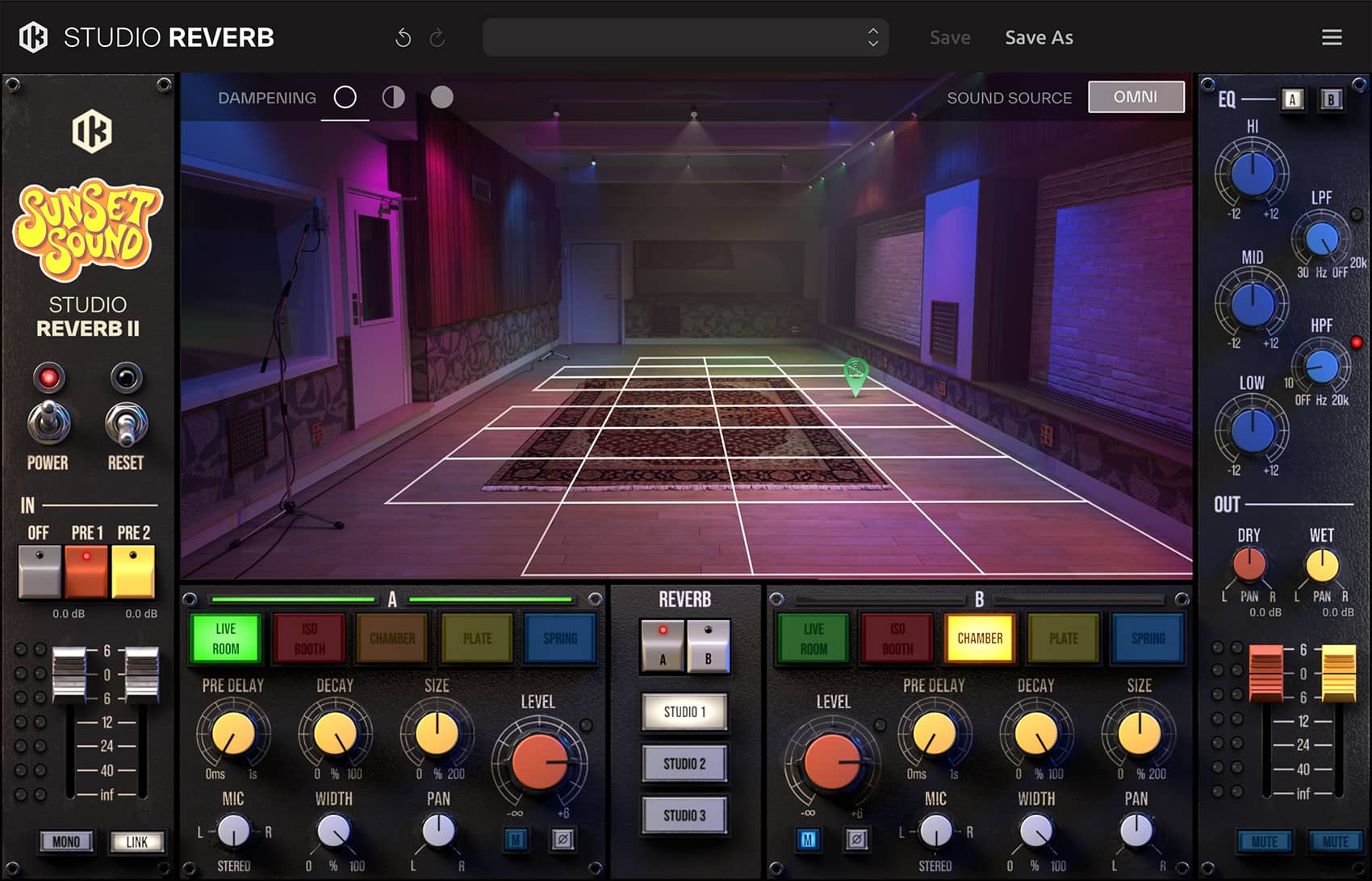
スタジオごとに、最大27箇所の独立した音源位置を選択(演算による補間処理なし)。
-
2基の独立したリバーブ・エンジン
パラレルで利用可能な、完全に独立した2基のリバーブ・エンジンを搭載。
-
拡張されたキャプチャー・ライブラリー
空間のリアリティを実現する、336種類ものステレオIR(インパルス・レスポンス)を収録。
-
指向性/無指向性のサウンド・ソース・モード
ソースに最適な空間の響きを実現する2種のモードを搭載。
-
高度なサイズ・コントロールとチャンネルごとの EQ
あらゆる空間を精密に拡大・縮小、EQ による音色調整も可能。
-
ルームアコースティック調整機能
Studio 1、3に、可動式吸音パネルを再現した Variable Acoustic Dampening(可変アコースティック・ダンピング)を搭載。
オーディオ・デモを聴く
3D Source ポジショニング
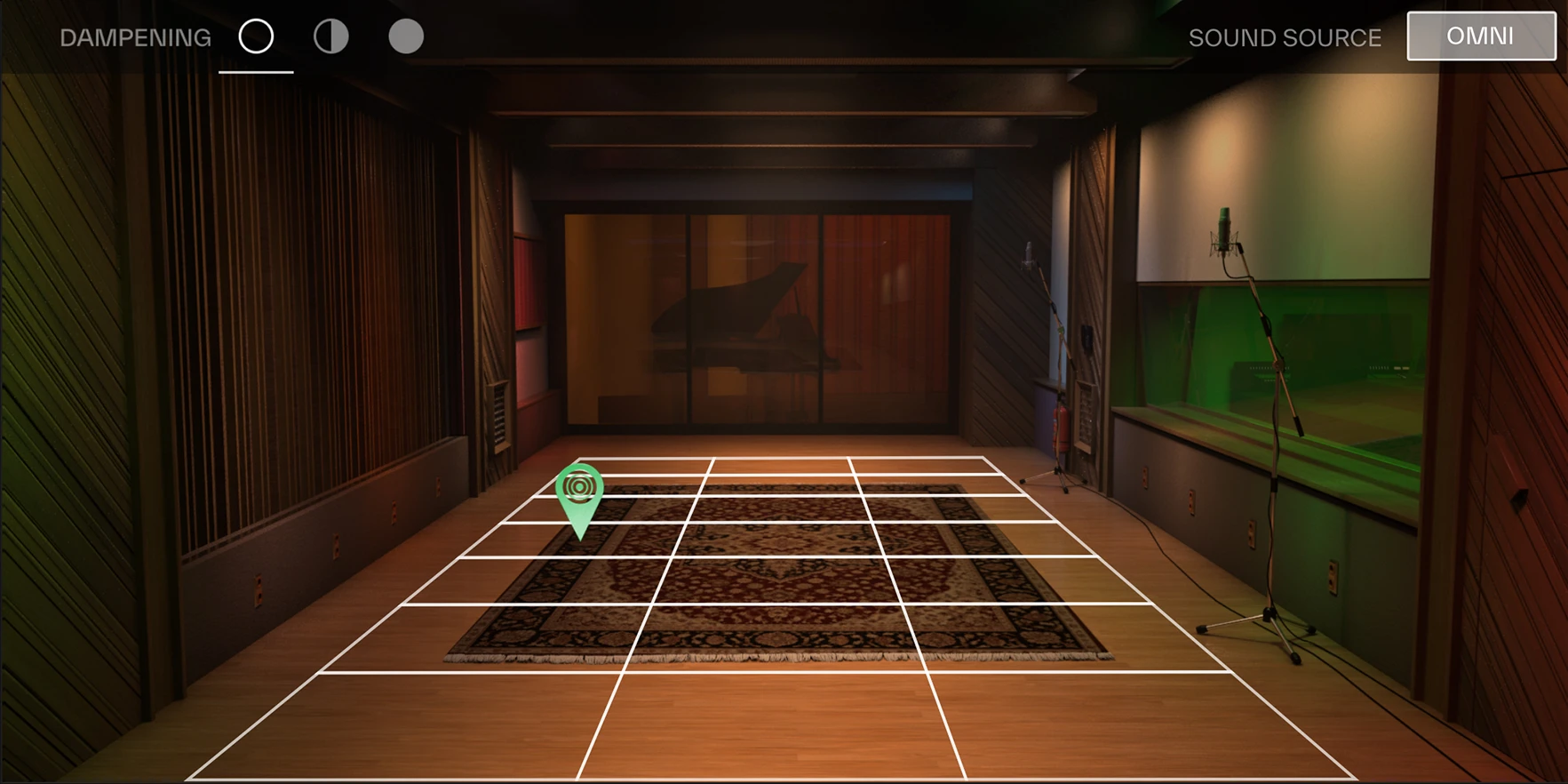
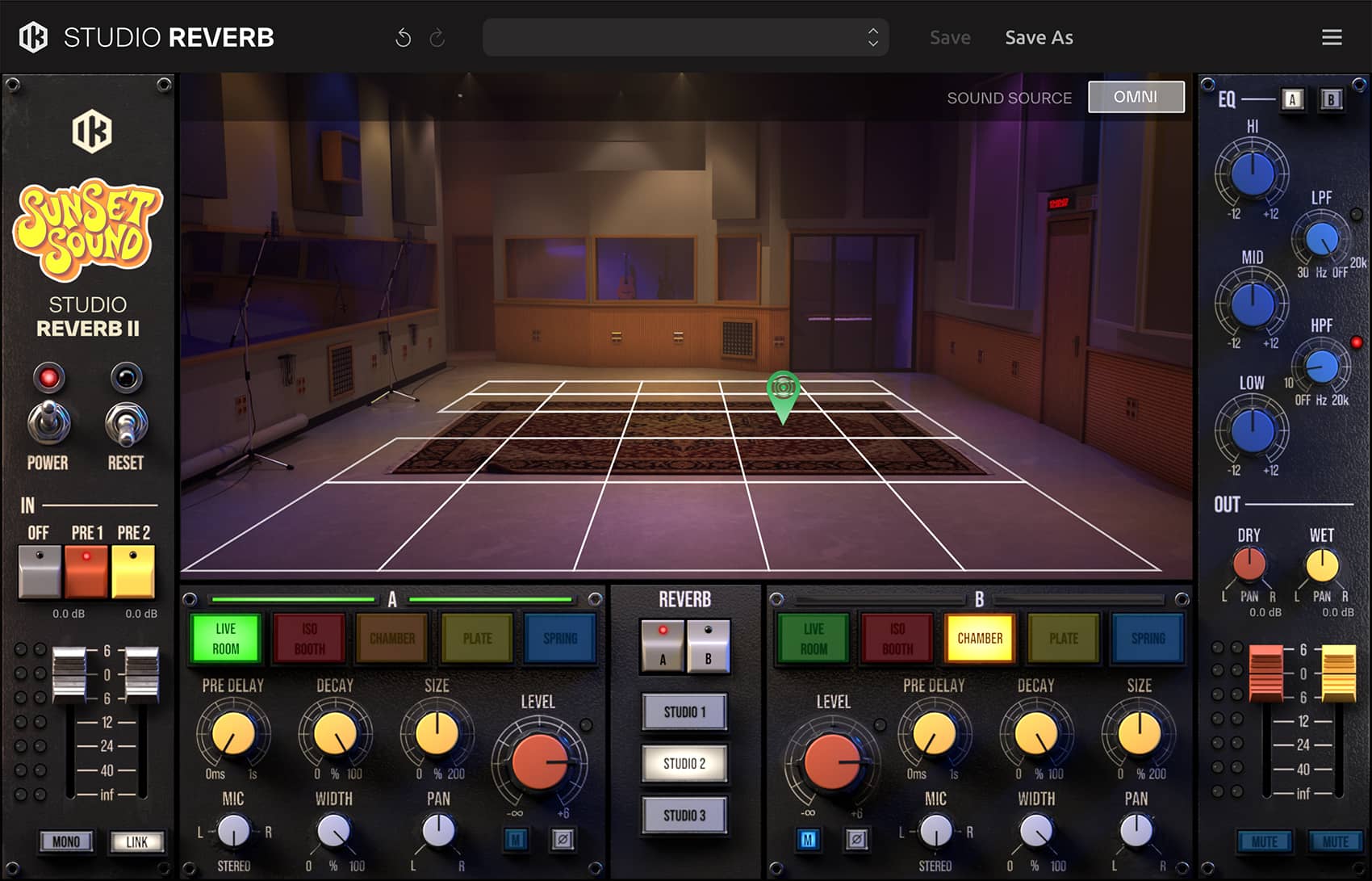
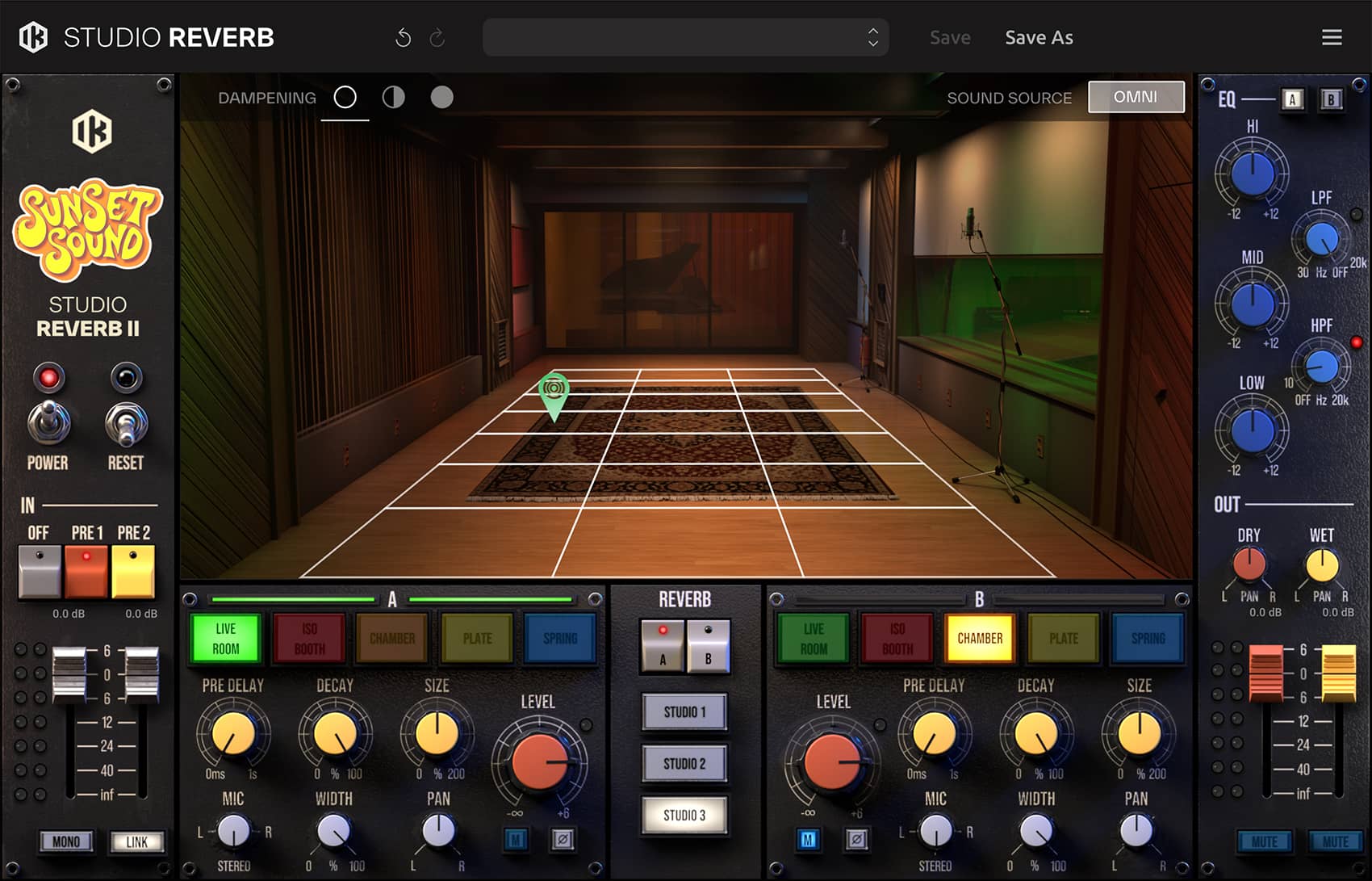
Sunset Sound Studio Reverb II は、スタジオごとに最大27箇所の音源位置をサンプリングした Live Room Positioning System を搭載しています。
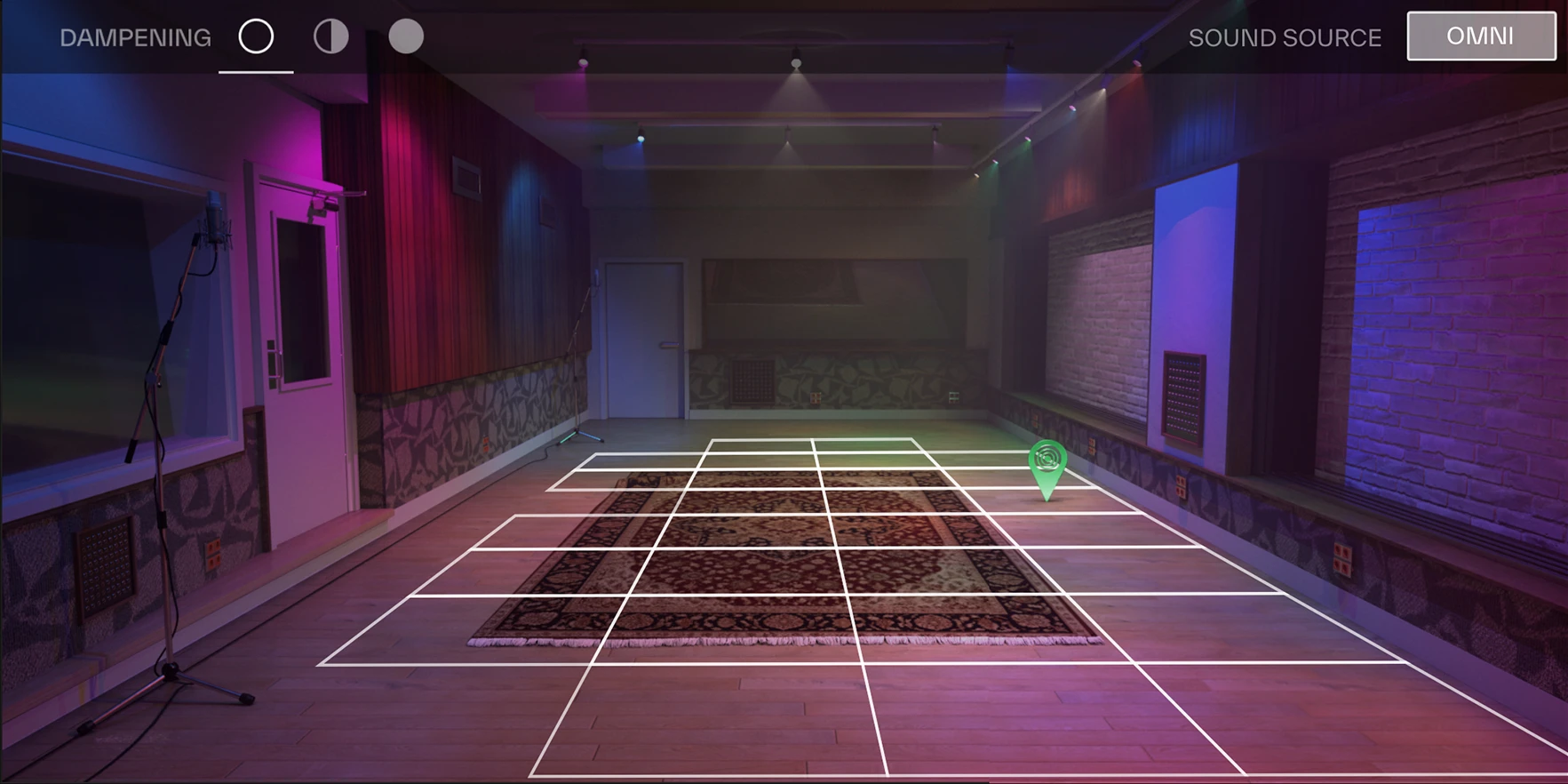
Studio 1 - GRID
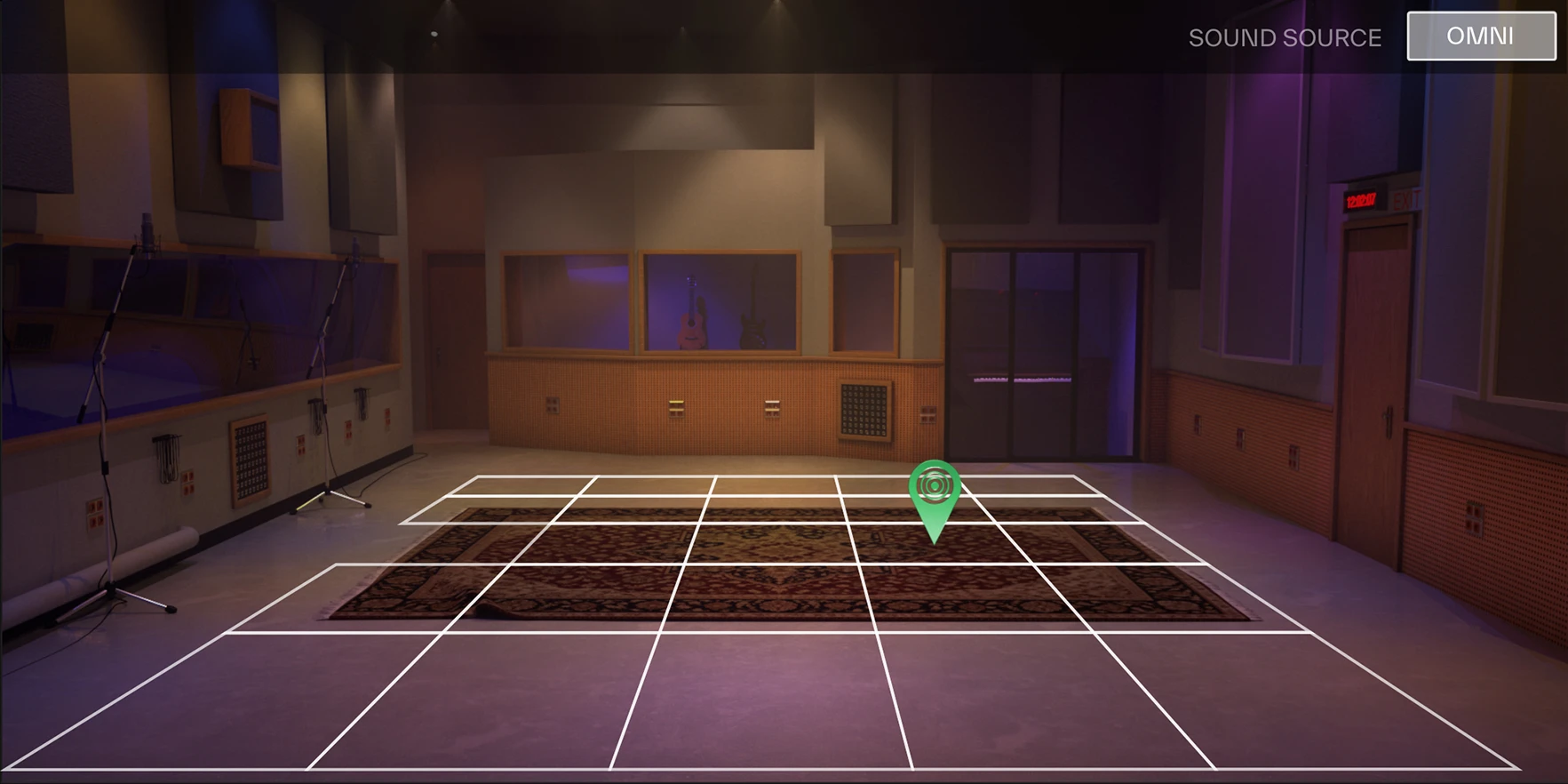
Studio 2 - GRID
Studio 3 - GRID
各ポジションは単なる演算による数値の補間ではなく、実際の音響イベントとして個別に収録されています。これにより、初期反射や壁面からの反射による増幅、リアルな遠近感を忠実に再現します。
さらに Studio 1および3では、Sunset Sound スタジオにある実際の可動式吸音パネルを再現した可変ダンピング機能が利用できます。減衰特性やトーン・バランスを物理的に正確な挙動でコントロールでき、エンジニアが実際にルーム・アコースティックを調整する感覚でサウンドを作り込むことが可能です。
パラレルで利用可能な2基のリバーブ
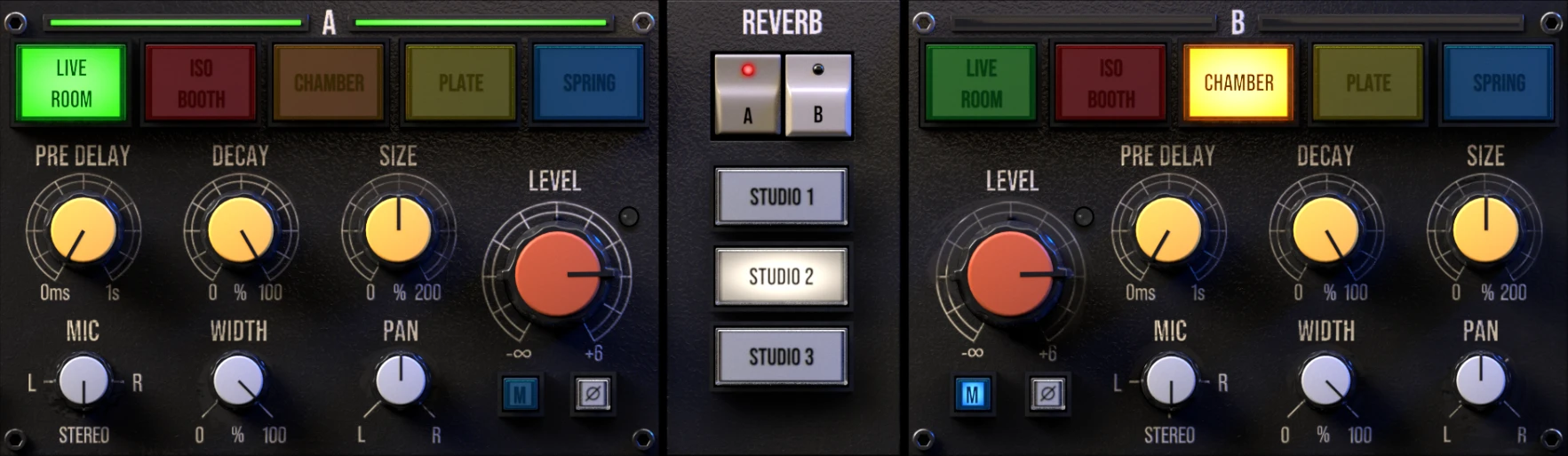
Sunset Sound Studio Reverb II では、独立した2基のリバーブ・エンジンをパラレルで動作させるデュアル・エンジン構造を採用。ライブ・ルーム、エコー・チェンバー、アイソレーション・ブース、EMT プレート・リバーブ、AKG スプリング・リバーブなどを自由に組み合わせて利用可能です。それぞれに独立したEQ、ステレオ・コントロール、ルーティングを備えており、物理空間とクラシックなハードウェア・リバーブをレイヤーしたり、複数のルームをブレンドしたりと、極めて柔軟な空間設計が行えます。
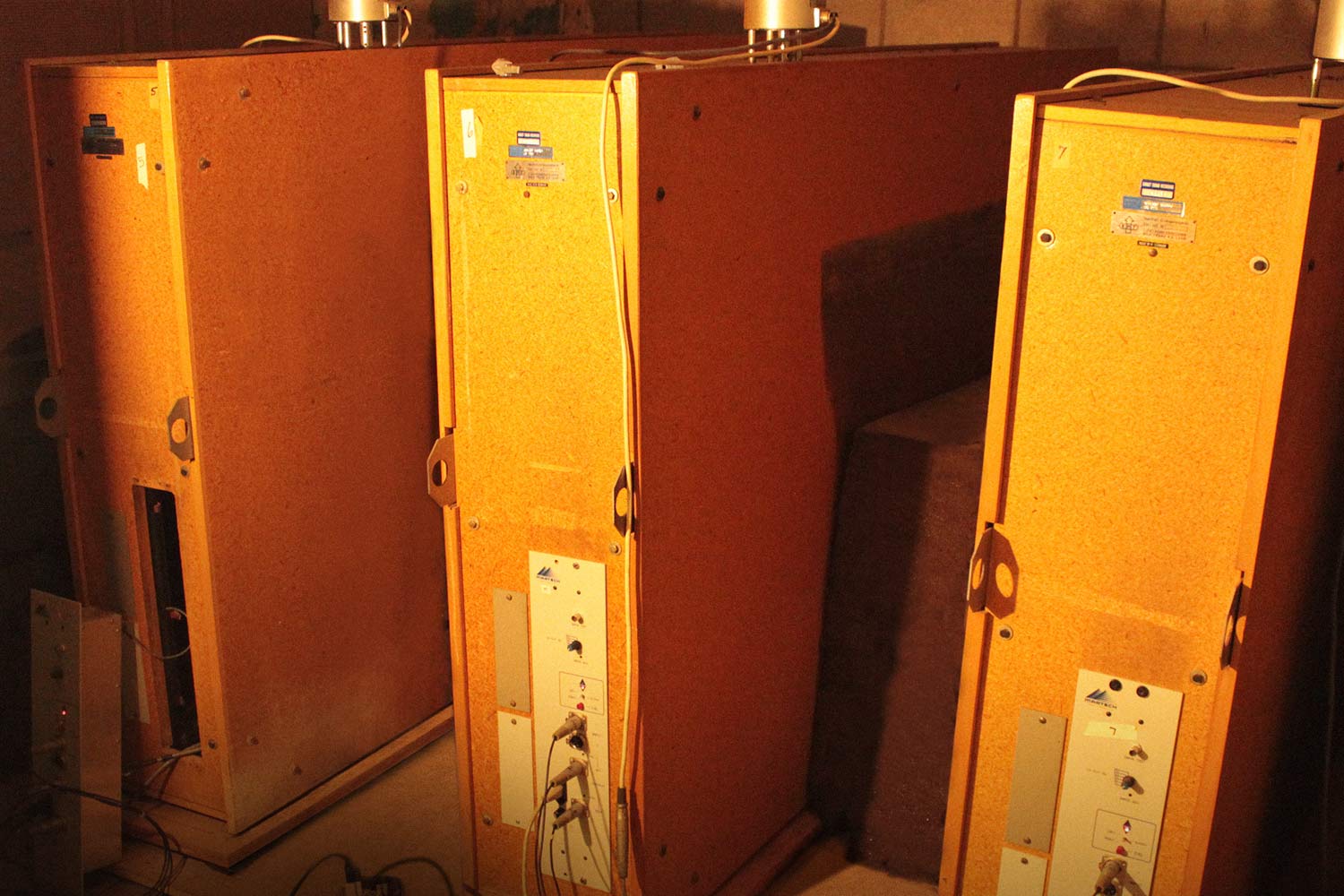
EMT 140
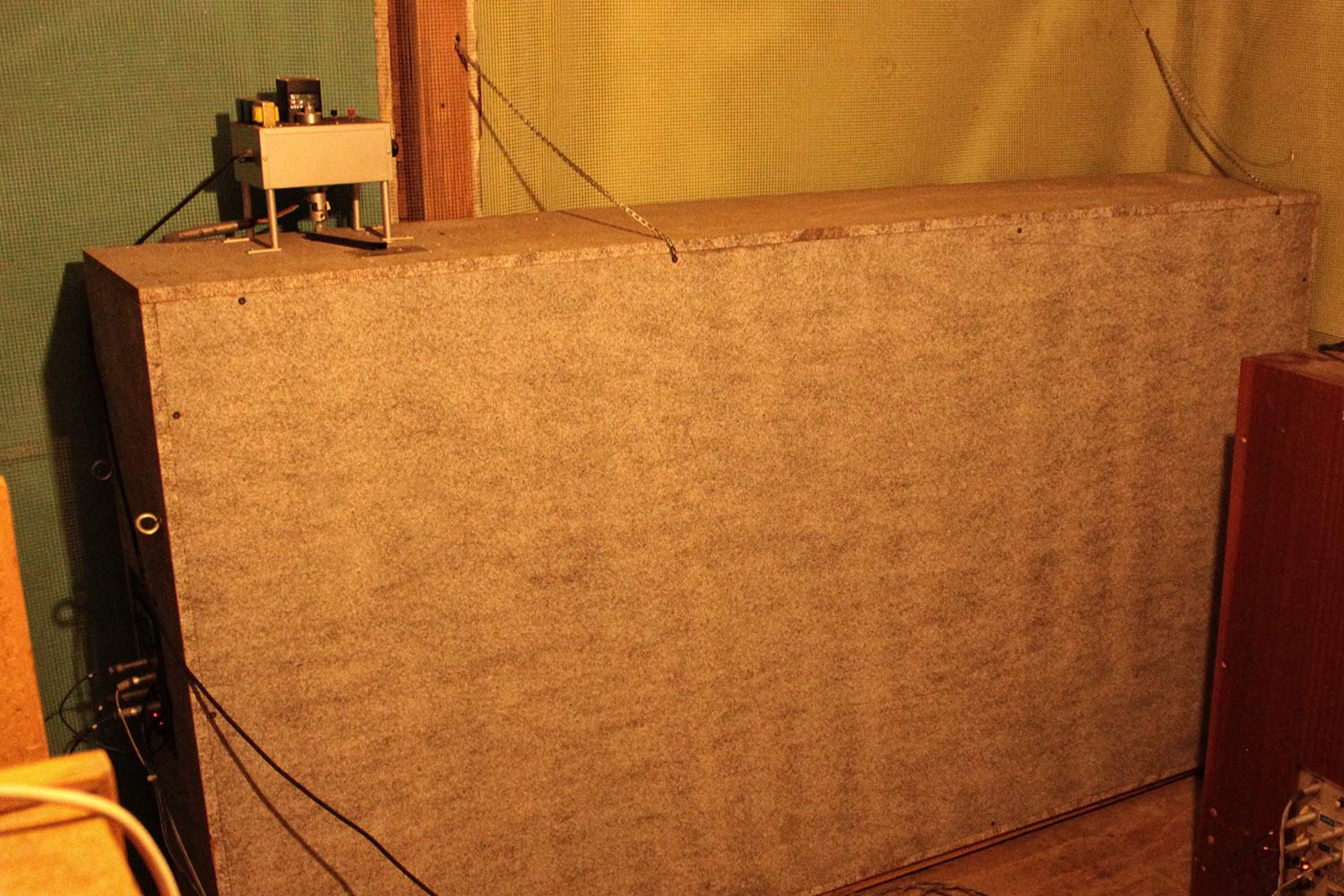
Echoplate
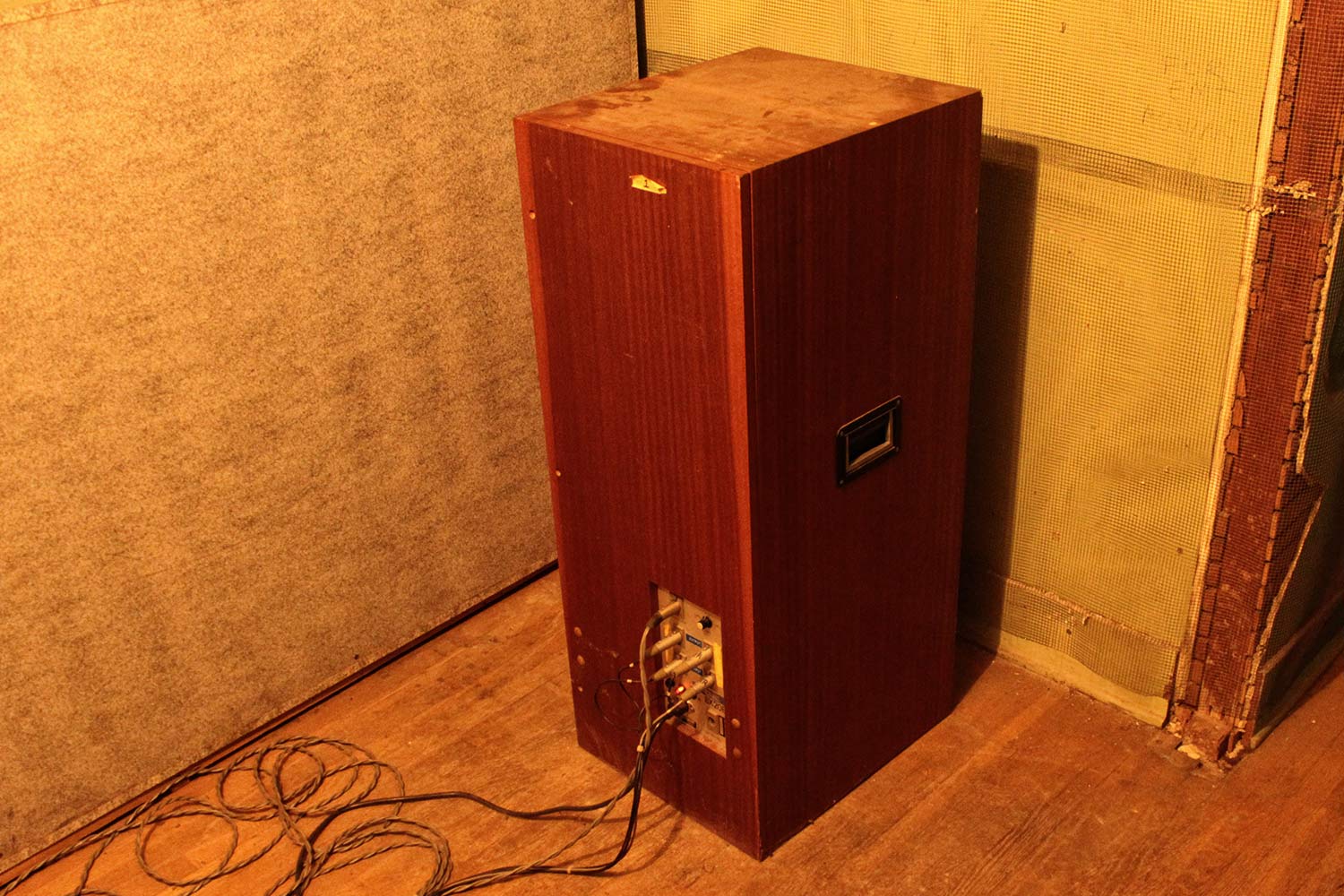
AKG BX-20E
高度な空間コントロール
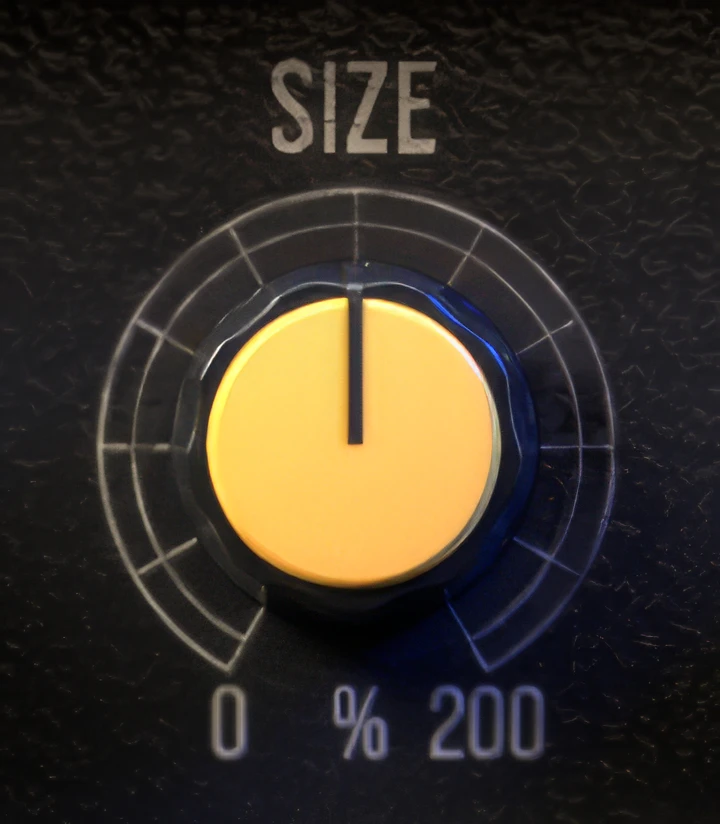
Sunset Sound Studio Reverb II の SIZE コントロールは、単なる減衰(ディケイ)パラメーターではありません。オリジナルの収録素材が持つ音色の特徴や空間的な挙動を維持したまま、インパルス・レスポンスを0%から200%までダイナミックにスケーリングします。
これにより、以下が可能になります:
- 初期反射のディティールを損なうことなく広い部屋の響きをタイトにする
- 小さな空間をシネマティックな環境へと拡張
- テンポやアレンジに合わせてディケイを変化させながらも、空間的整合性を維持
- 物理的制約を超えつつ、Sunset Sound のキャラクターを保持
ミックスに合わせてルームを切り替えるのではなく、リアリズムを損なうことなく「部屋そのもの」を作り変えることができるのです。
指向性(Directional)モードと
無指向性(Omni)モード
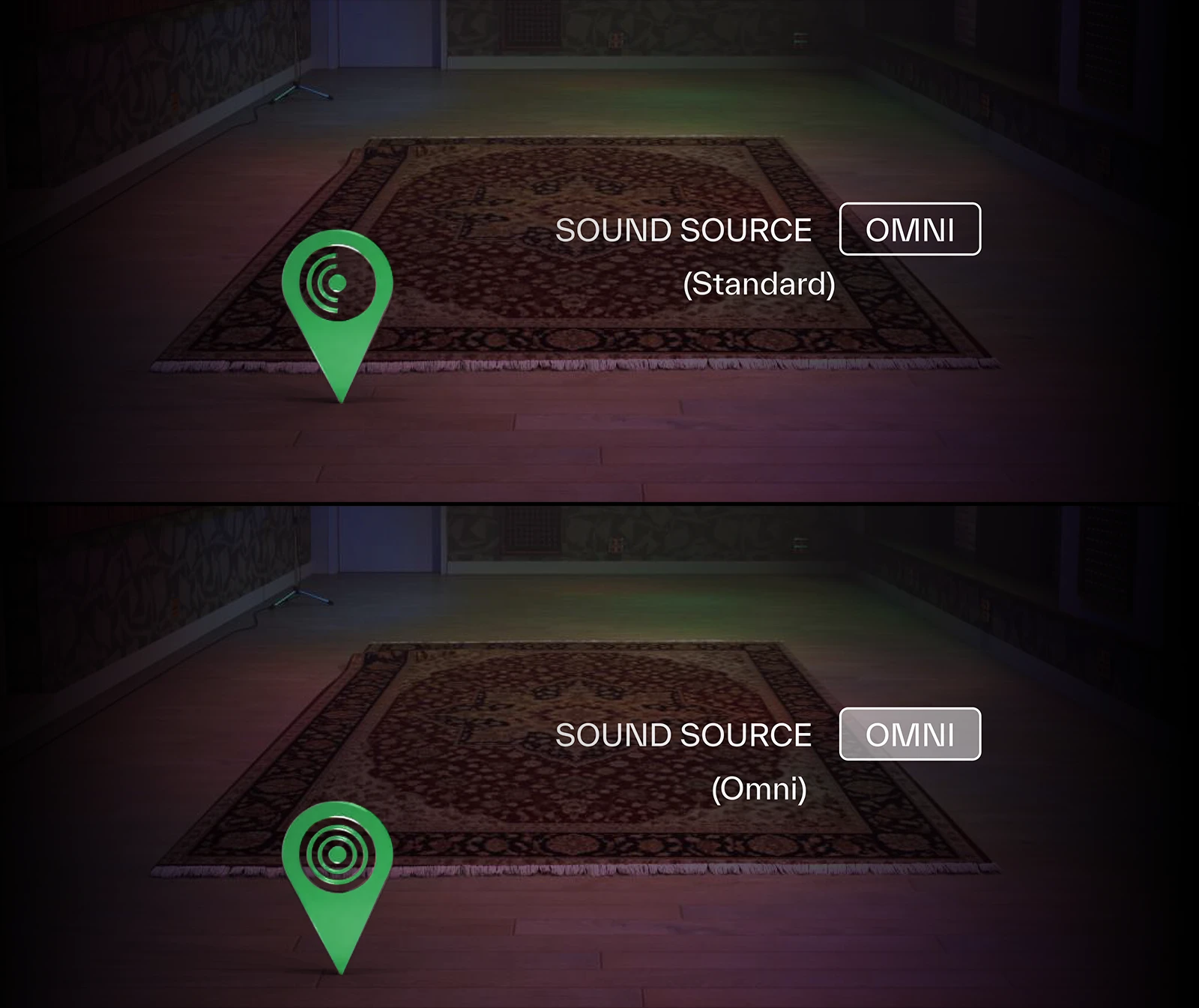
Sunset Sound Studio Reverb II では、2種の異なる部屋の響かせ方(サウンド・ソース・モード)を切り替えることができます。
- Directional モード — ボーカル、ギター・キャビネット、ブラスなどのように、特定の方向へエネルギーが集中して放射される音源ソース向けのモード
- Omni モード — ドラム、ピアノ、アンサンブルなどのように、空間全体へ均等に音が広がる音源ソース向けのモード
このように、サウンド・ソースに合わせたモードを使用することで、奥行き感が向上し、ディケイがより良く馴染み、ミックス全体の空間再現性が改善されます。まさに、プロダクションを一段上へ引き上げる“隠し味”となる機能です。
拡張されたIRライブラリー
Sunset Sound Studio Reverb II には、ライブ・ルームだけで336種のステレオ・インパルスレスポンス(IR)が収録されています。これにより、従来バージョンと比べて空間のバリエーションが大幅に拡張されています。
可変アコースティック・ダンピング
吸音状態をコントロール
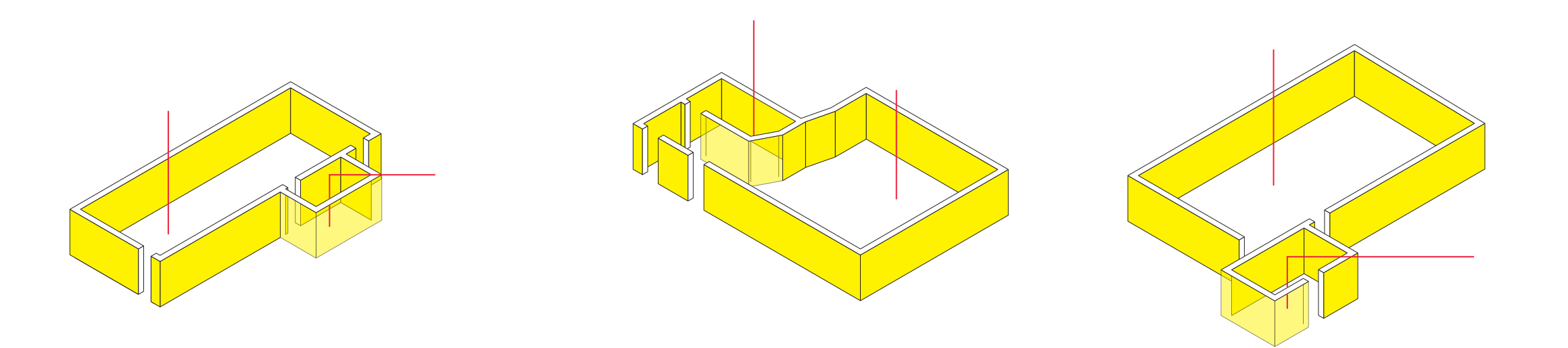
Studio 1、3には、吸音状態を変化させる Variable Acoustic Dampening modeling(可変アコースティック・ダンピング・モデリング)技術が使用されており、Sunset Sound スタジオに実在する可動式吸音パネルの効果を忠実にモデリングしています。これは、単なる EQ や単純なディケイ調整機能ではありません。Sunset Sound Studio Reverb II では、ルームそのものの物理的に異なる音響状態とダンピングの種類を個別にキャプチャーしており、反射密度、残響特性、トーン・バランスにおいて、よりリアルで説得力のある空間コントロールを実現しています。
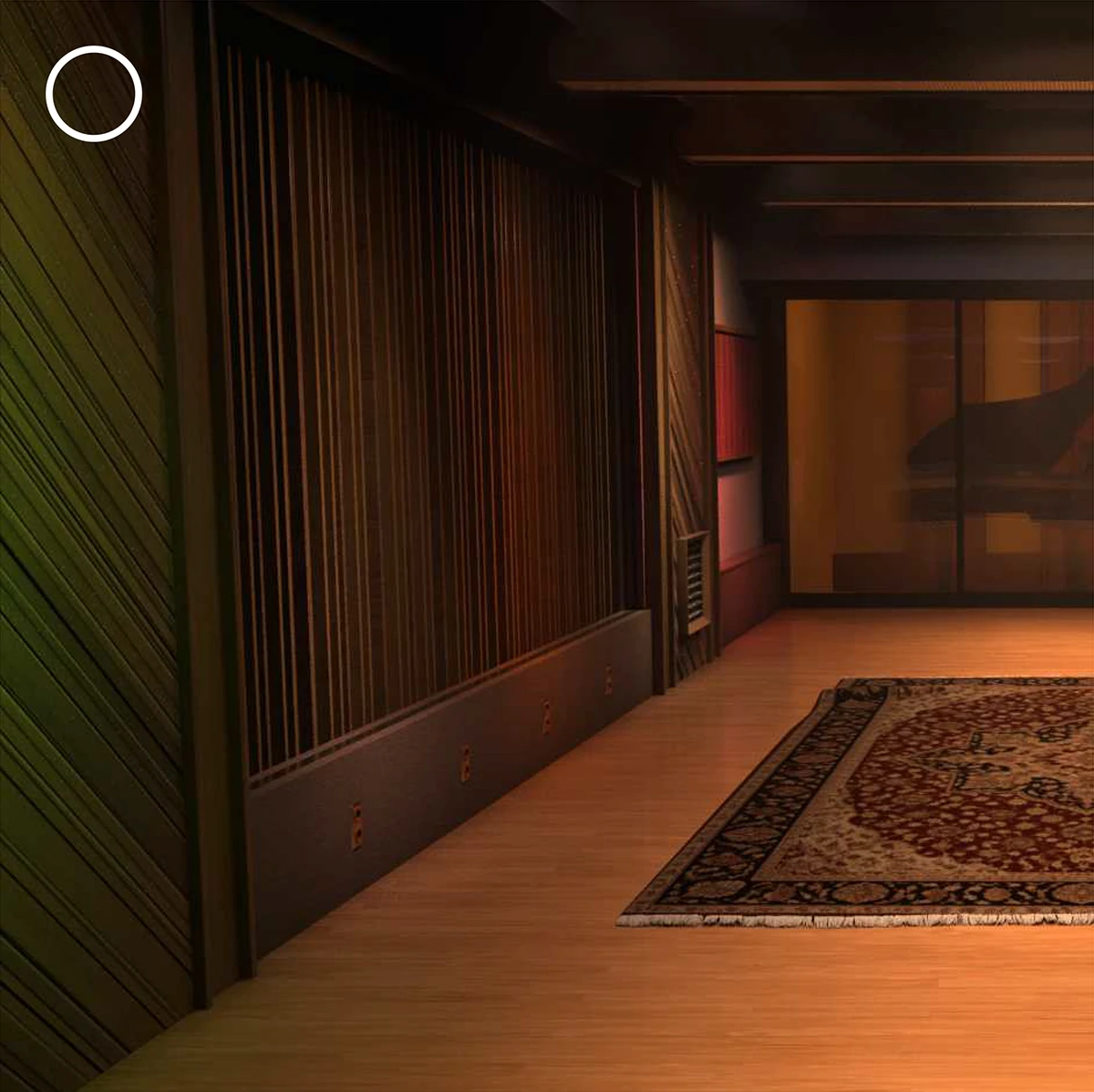
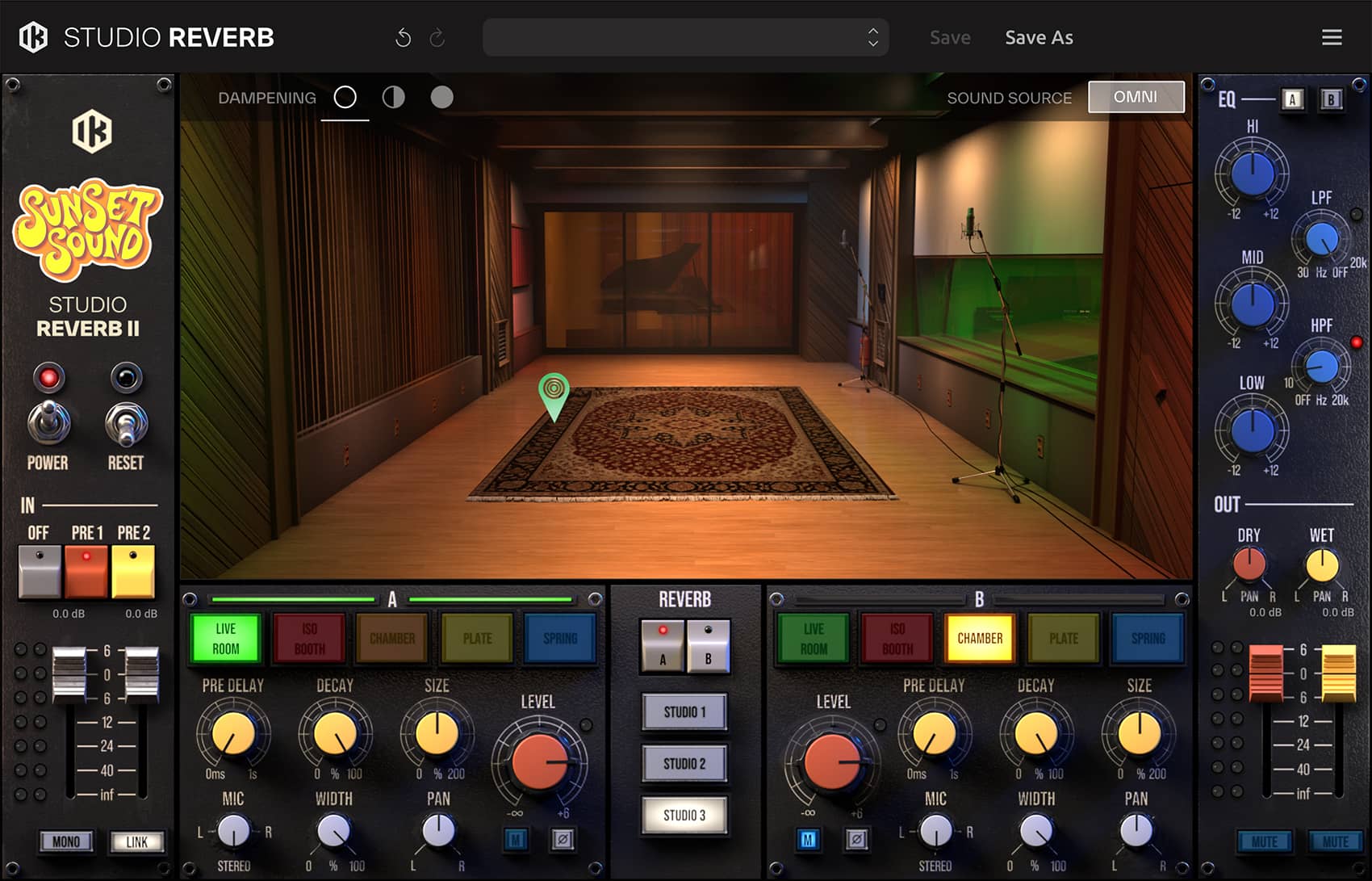
Studio 3 - default dampening
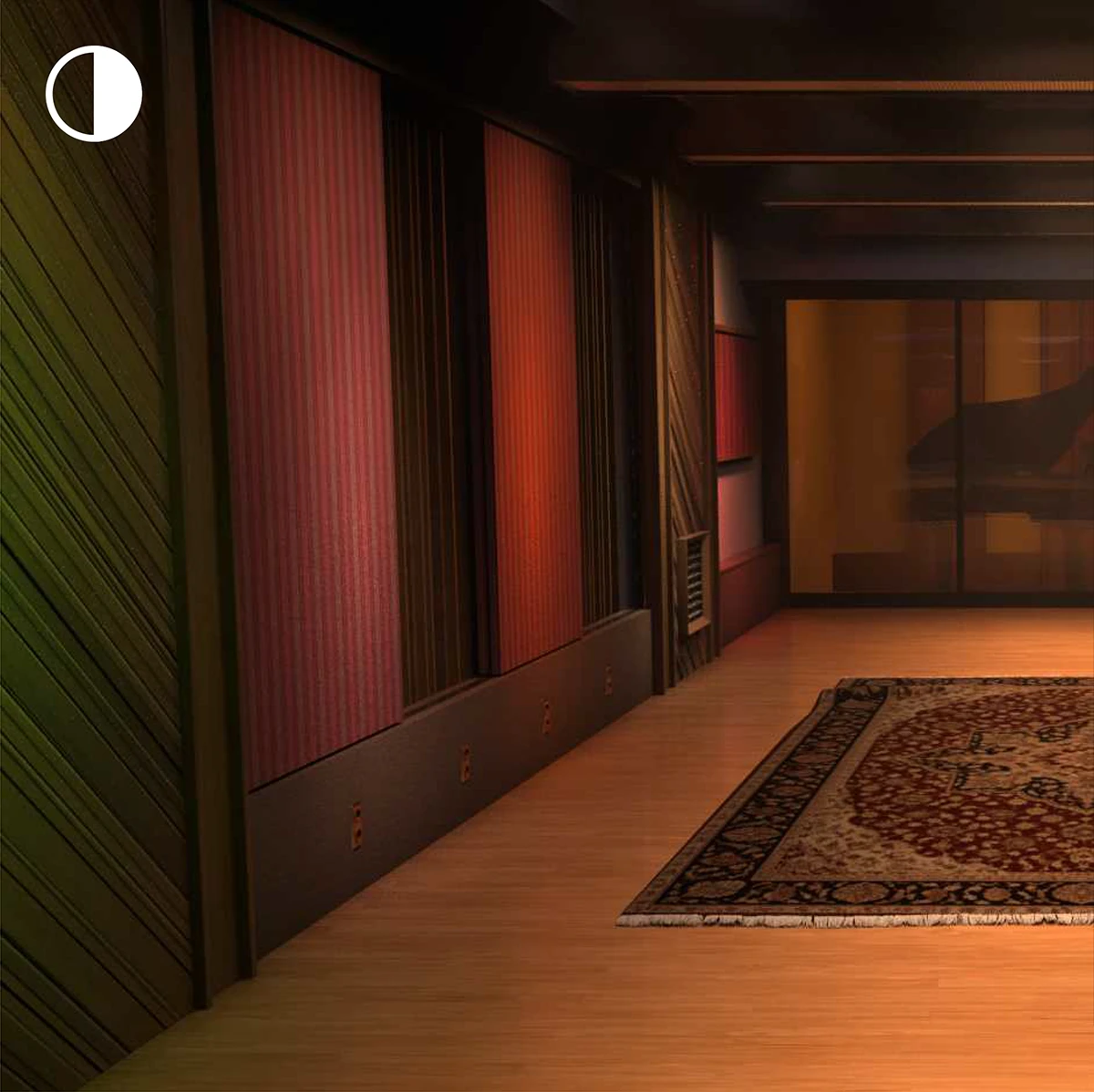
Studio 3 - half dampening
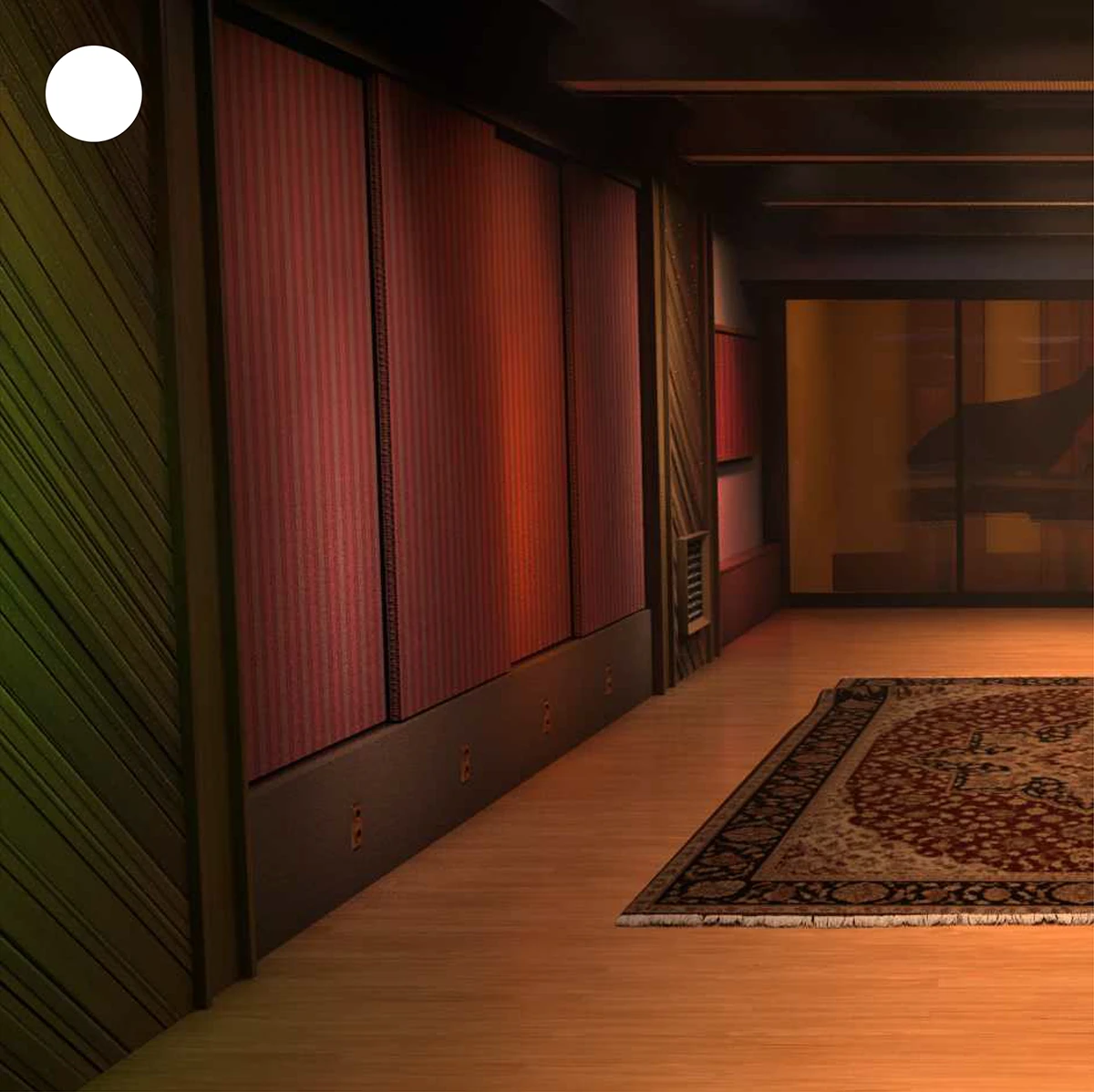
Studio 3 - full dampening
これにより、以下の効果が得られます:
- 低域のこもりを自然に引き締める
- 明瞭さを保ったまま、高域の反射を穏やかに整える
- 空間的リアリズムを維持しながら、ディケイ密度をコントロール
- 同一ルームを異なる楽器やアレンジに柔軟に適応させる
単なるトーンの違いにとどまらず、ルームの「反応」そのものが物理的に変化するため、エンジニアが実際にルーム・アコースティックを調整する感覚で、一つのスタジオ空間の中で、複数のルーム・キャラクターを使い分けることが可能になります。
シグナル・パスをもモデリング
Sunset Sound Studio Reverb II では、Sunset Sound スタジオ所有のヴィンテージ・マイク・コレクションに加え、スタジオを象徴するコンソールのシグナル・パス(信号経路)もモデリング。2種のシグナル・パス・エミュレーション(API/DeMedio Sunset Sound Custom または Class-A Discrete NEVE 8880)が選択可能です。これらのシグナル・パスによって、残響だけでなく、より豊かな倍音の深みと Sunset Sound ならではの音色のキャラクターが加わります。
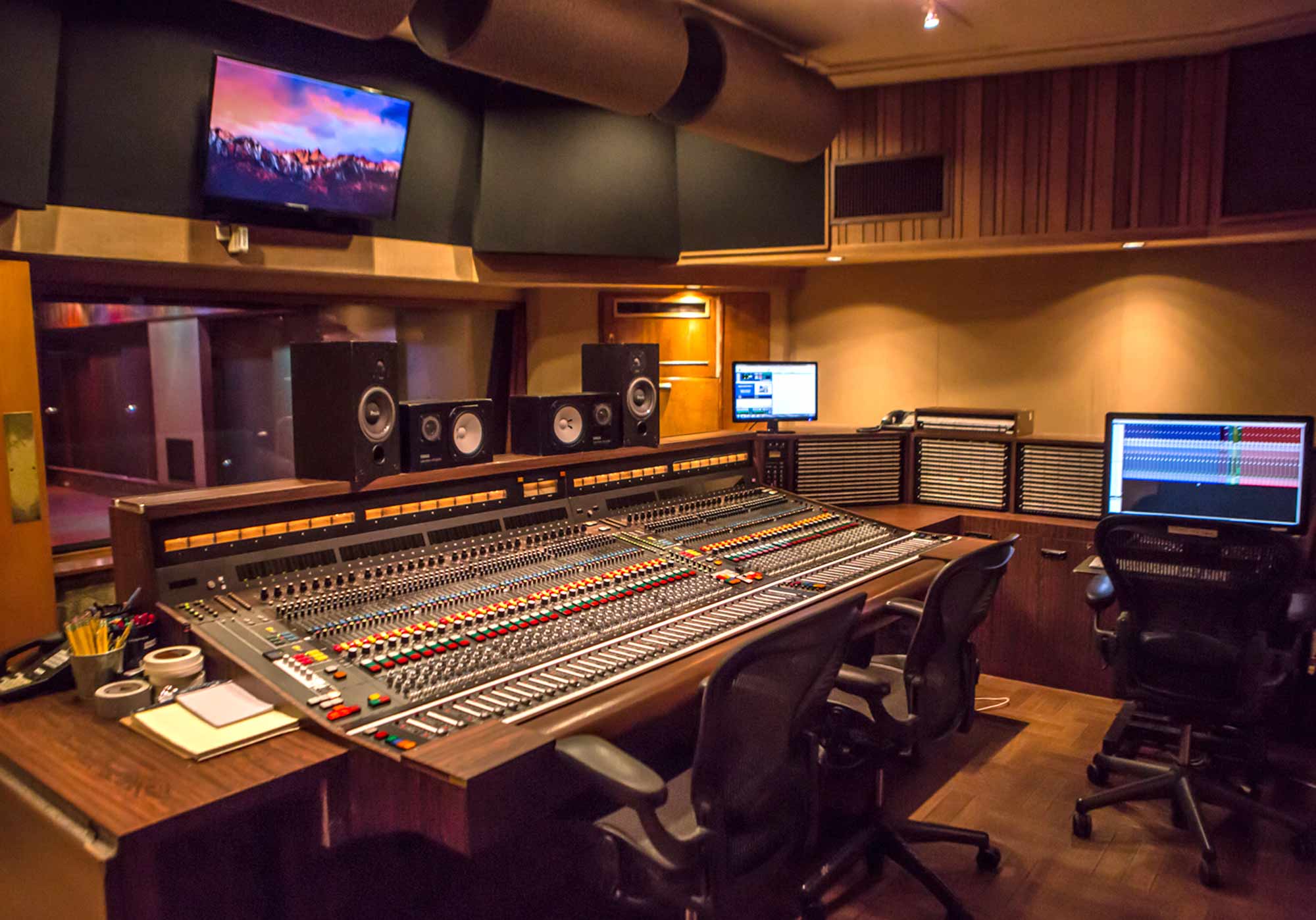
Studio 1
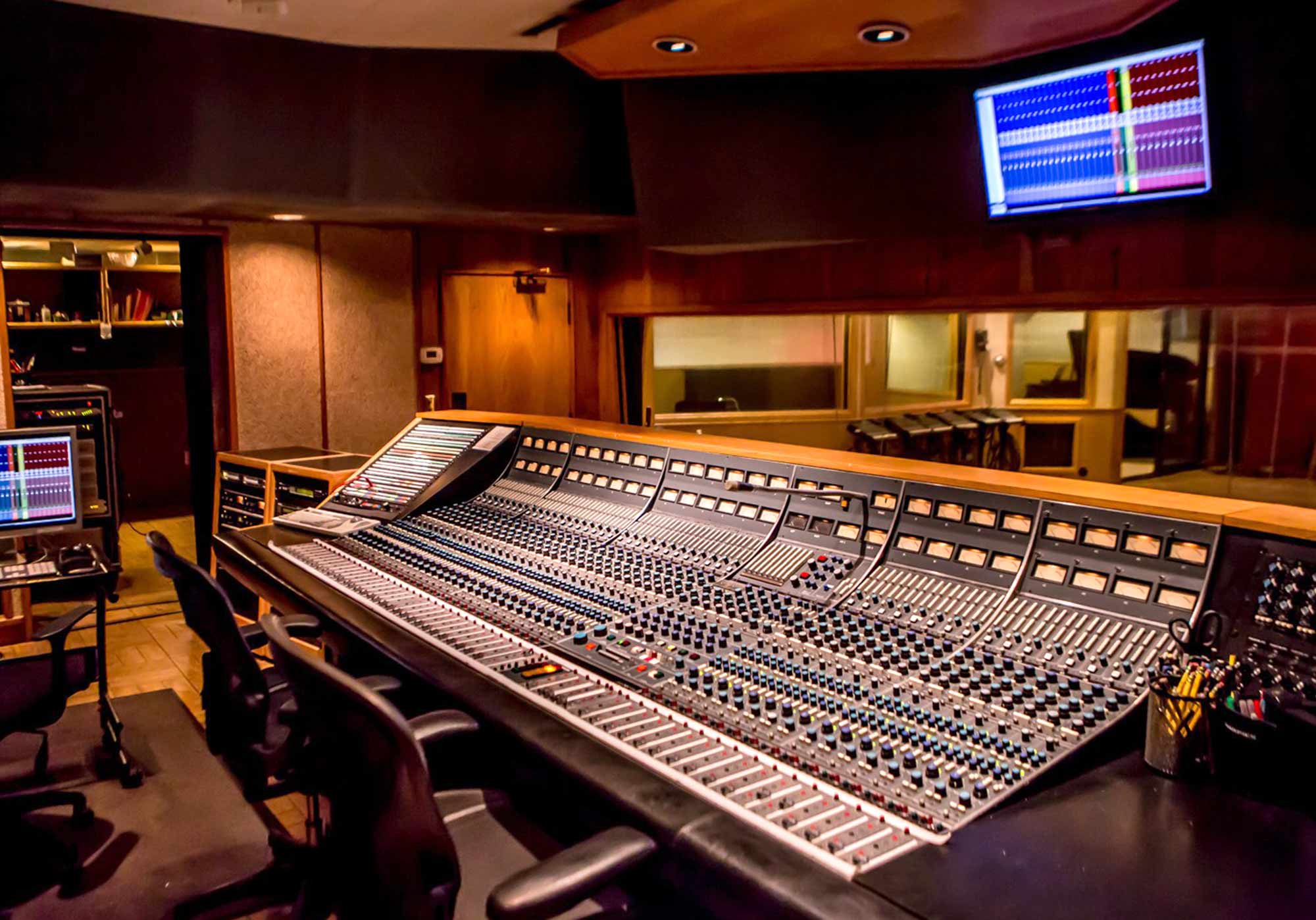
Studio 2
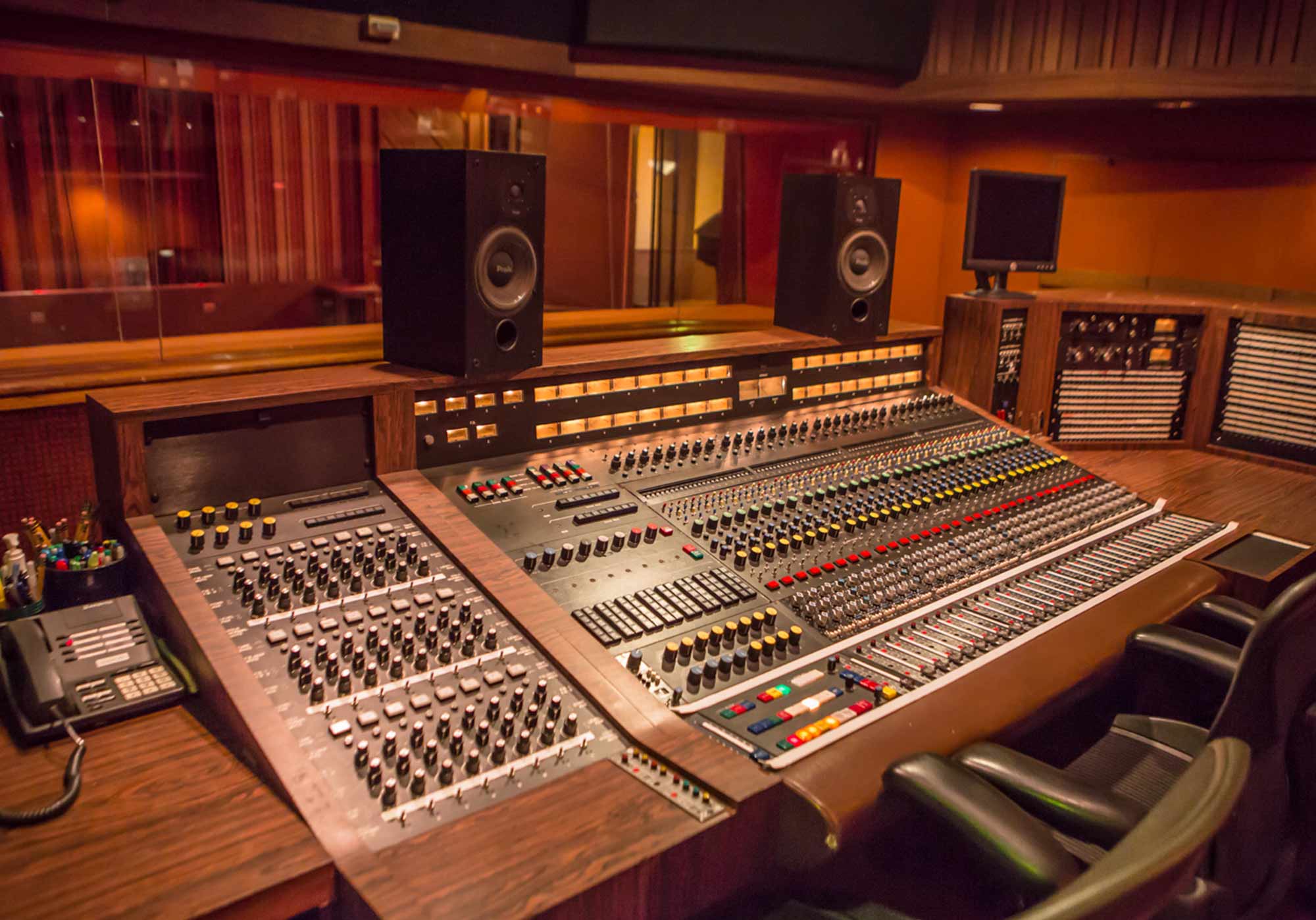
Studio 3
現代的なワークフローのためのインターフェース
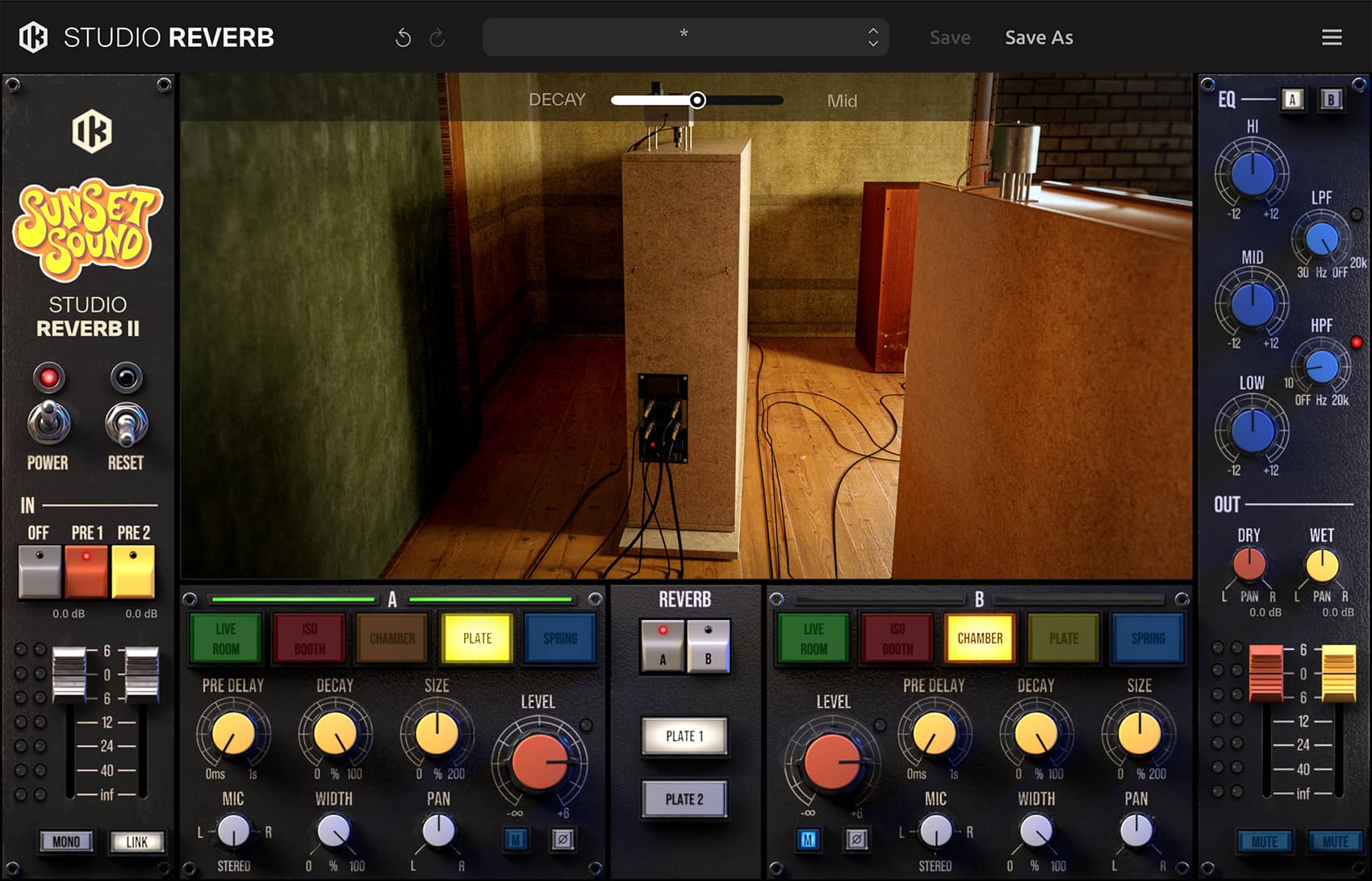
再設計された3D インターフェースは、精密なコントロールを維持しつつ、即座に視覚的なフィードバックを提供します。音源のポジション、吸音パネルの状態、ディフュージョンの選択、そしてルーティングの調整は、クリエイティブな流れを止めることなくアクセス可能です。
Sunset Sound Studio Reverb II は、単なるルーム・エミュレーションではありません。音楽史上最も多くの意味のあるレコーディングが行われたスタジオの一つが生み出す、リアリズム、柔軟性、そして現代的なミックス・コントロールを備えた「空間の楽器」ともいえる存在です。
音楽の歴史を刻むサウンド
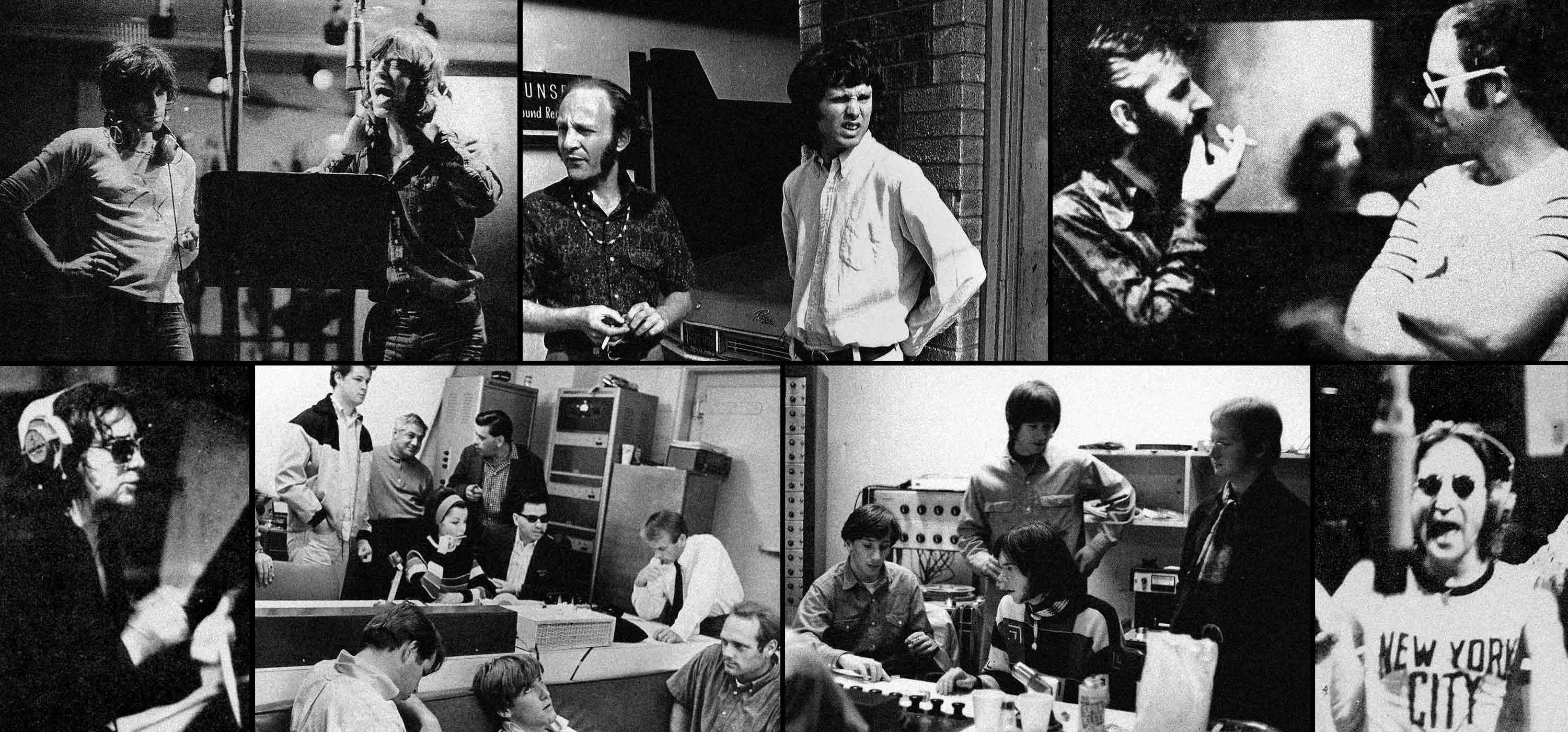
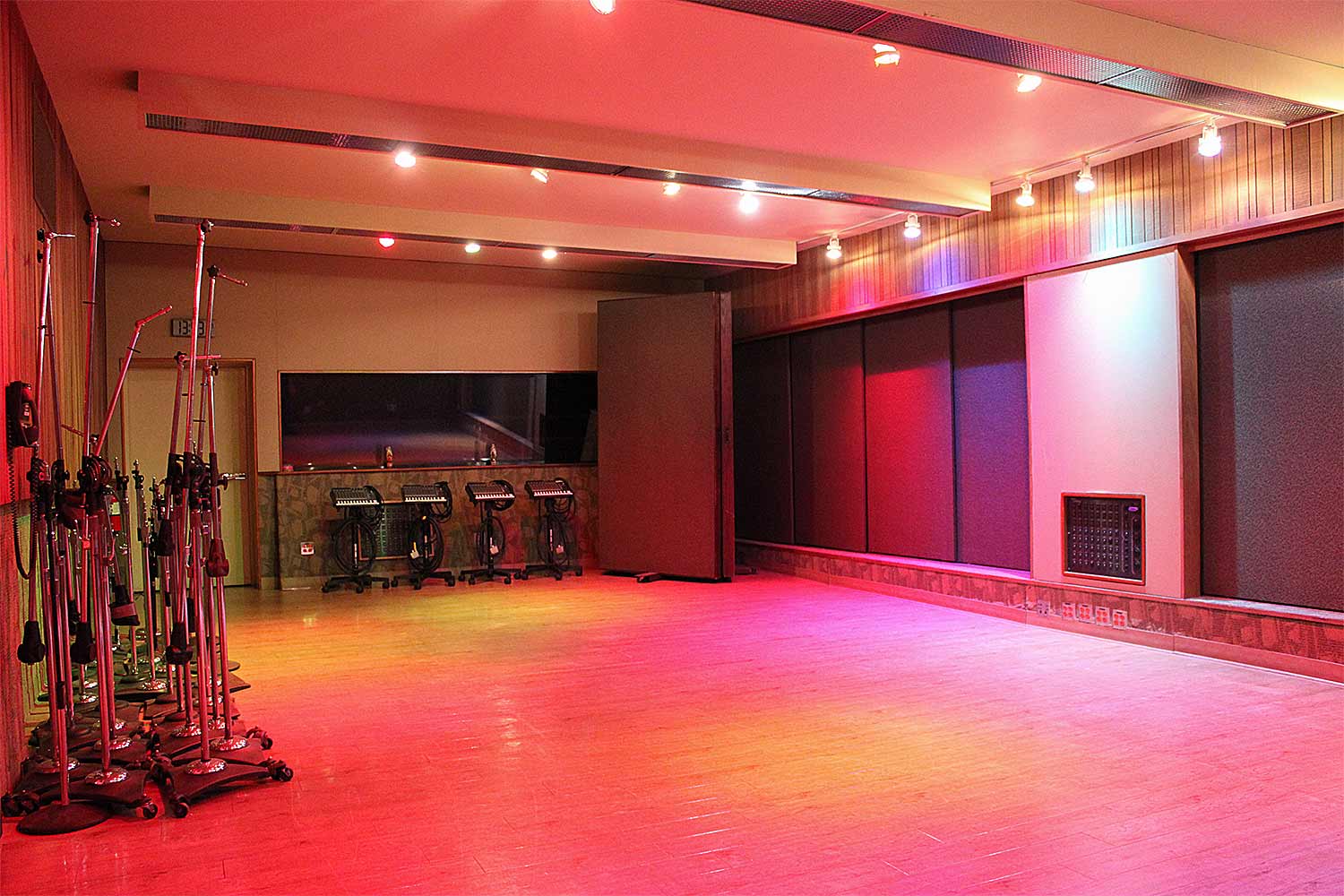
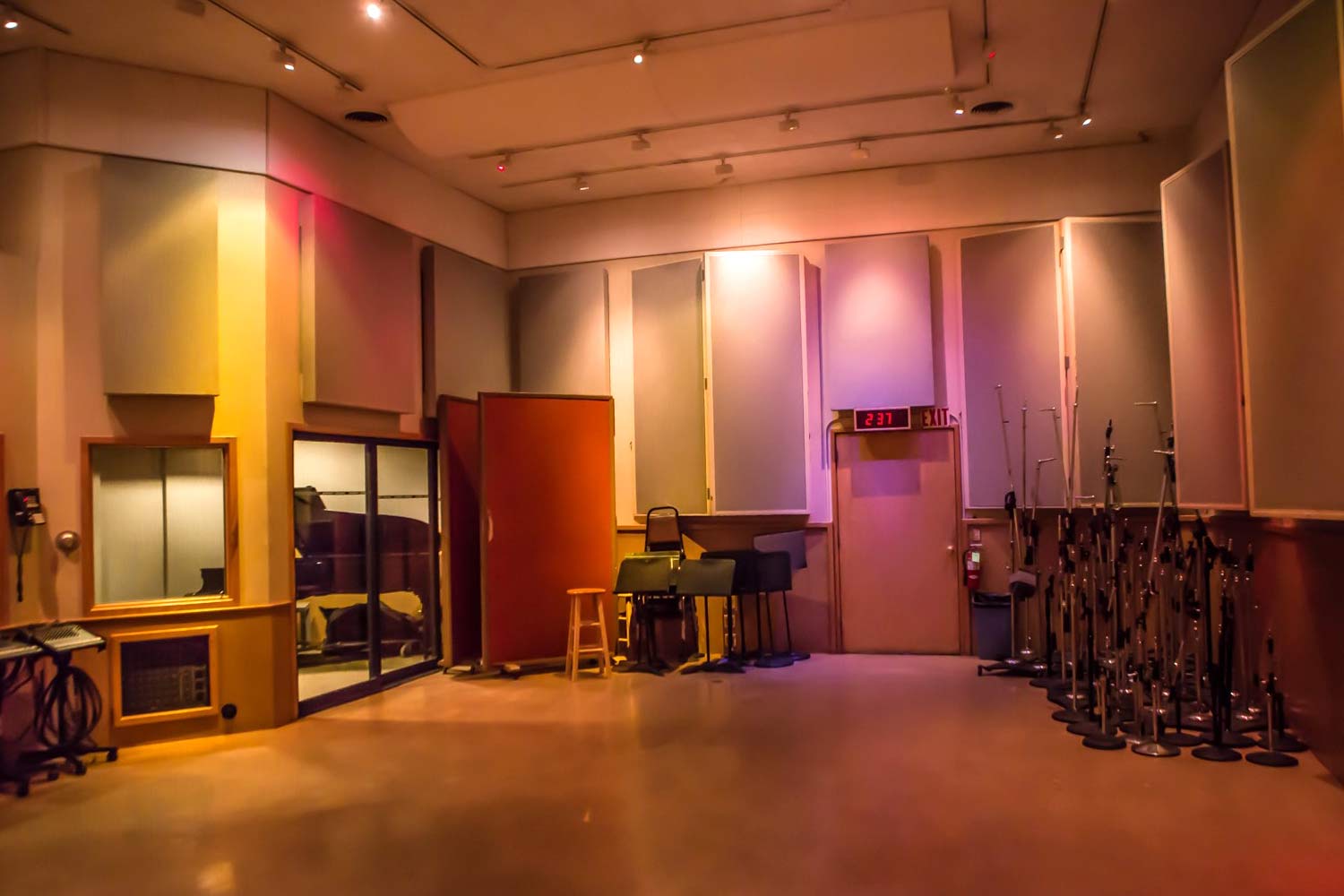
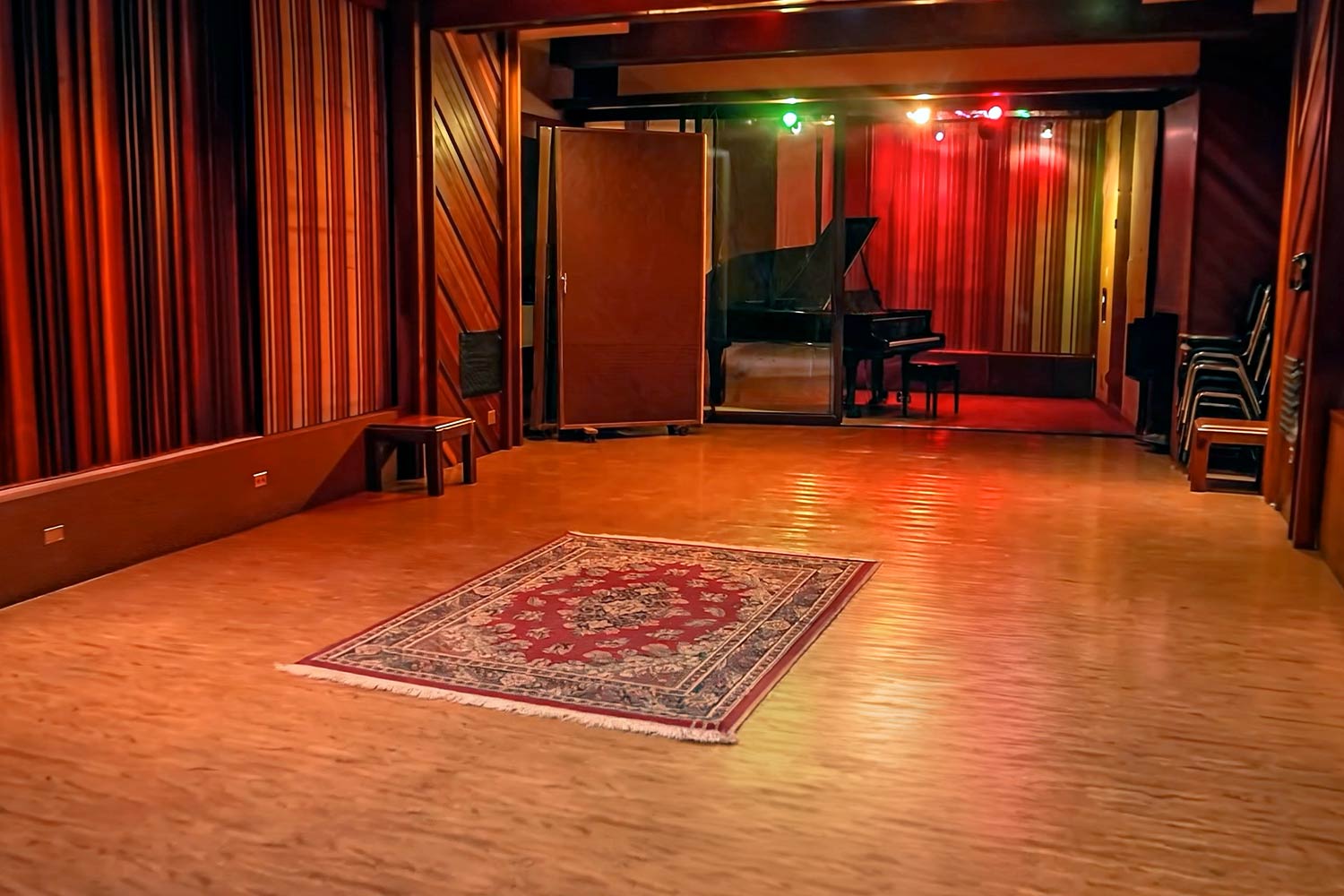
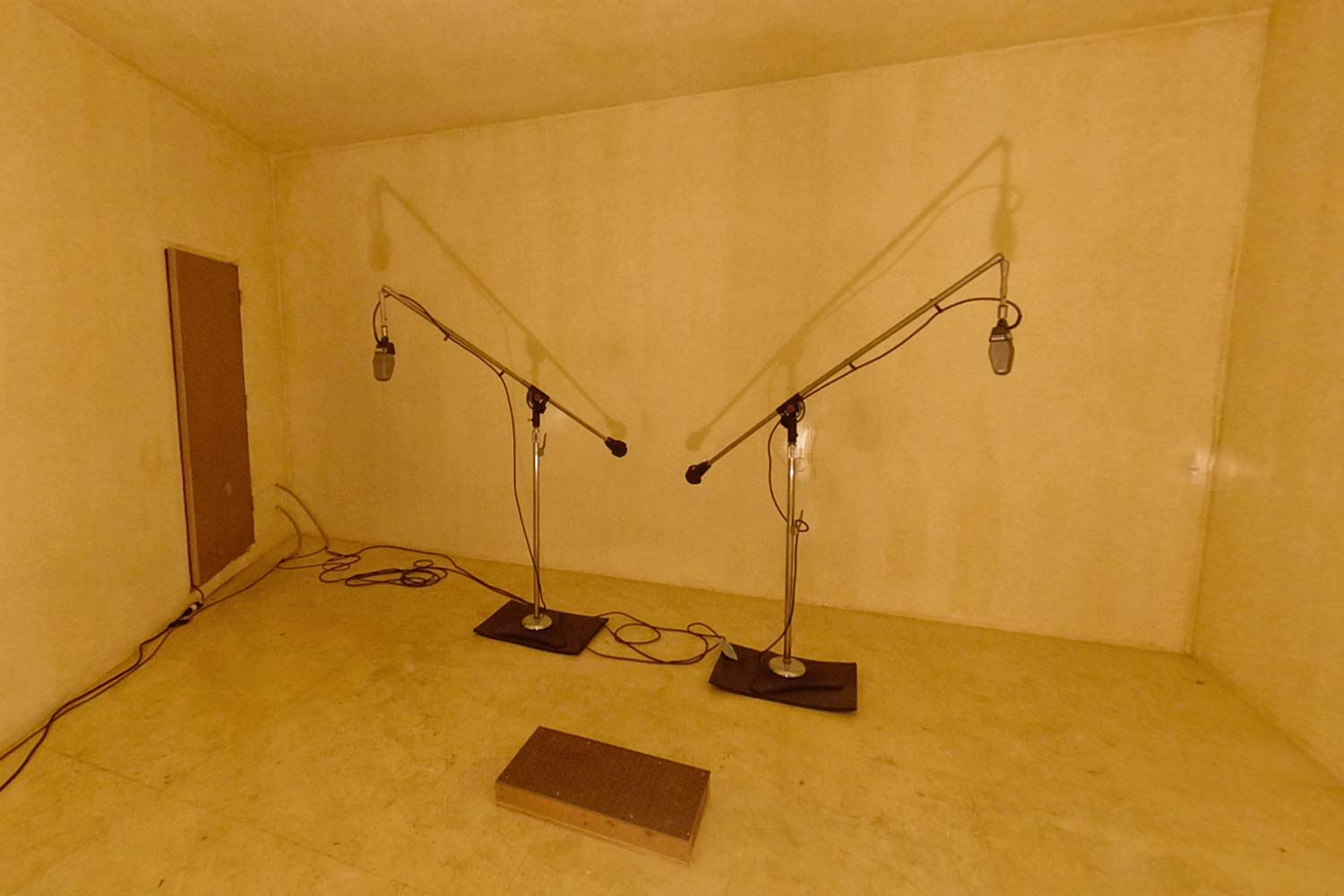
Sunset Sound は、1958年にディズニー・スタジオのレコーディング・ディレクターであるトゥッティ・カメラータによって開設されました。スタジオの傾斜したフロアや不均一な壁の構造は、偶然にも理想的な音響特性を生み出し、やがてこのスタジオは、ディズニーの名作映画「メリーポピンズ」などの映画のレコーディングで賑わうことになります。
1962年までには、ザ・ドアーズ、ジョー・コッカー、ザ・ローリング・ストーンズ、ニール・ヤング、ザ・ビーチ・ボーイズ、そしてレッド・ツェッペリンといったアーティストたちが Sunset Sound を訪れるようになっていました。それ以来、ヴァン・ヘイレン、TOTO、プリンス、ボブ・ディラン、トム・ペティ、ホイットニー・ヒューストン、ドゥービー・ブラザーズ、マイルス・デイヴィス、エルトン・ジョン、アラニス・モリセット、スマッシング・パンプキンズ、シェリル・クロウ、レイジ・アゲインスト・ザ・マシーン、オーディオスレイヴ、ライアン・アダムス、ベックなど、あらゆるジャンルのアーティストたちがこの場所を訪れています。
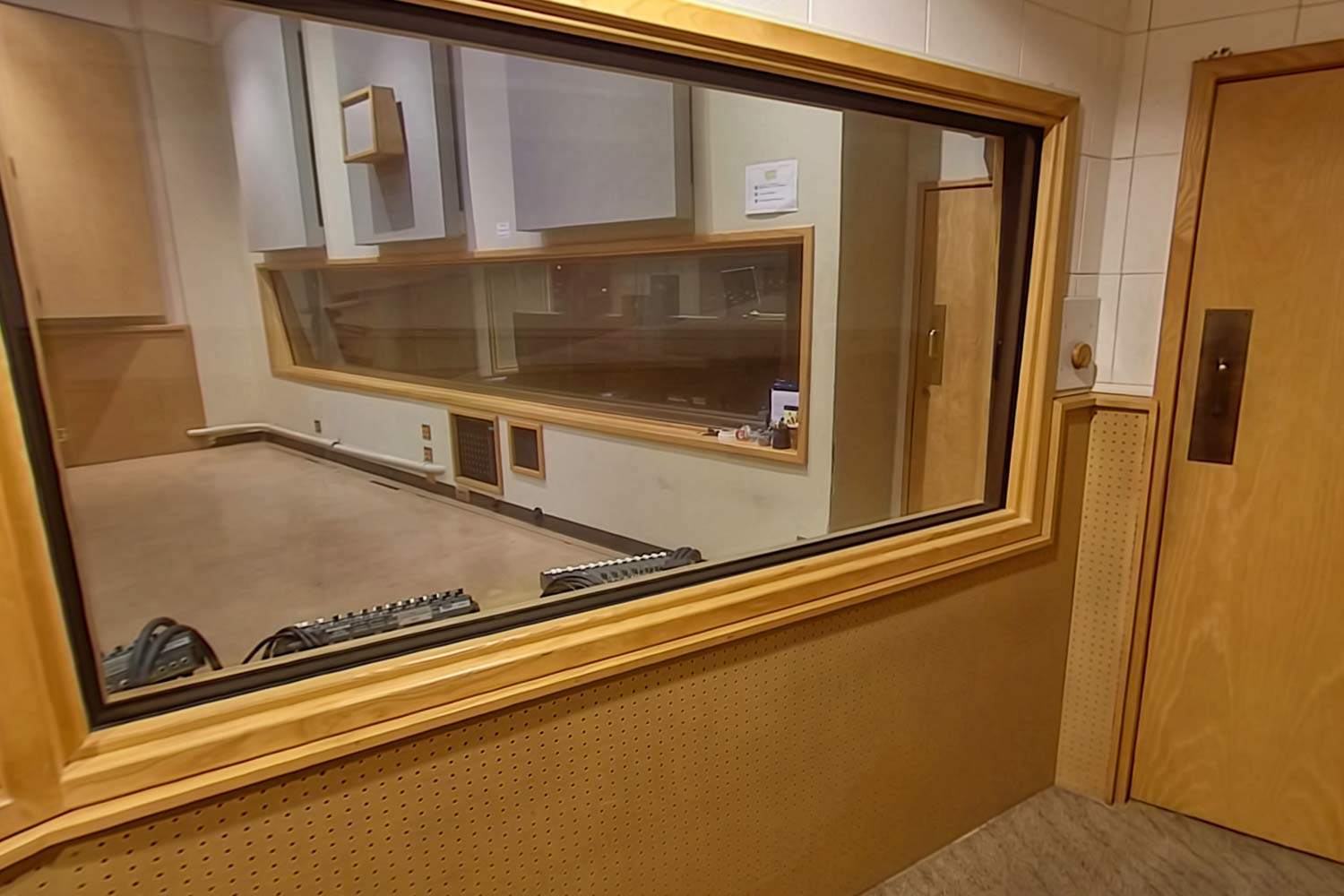
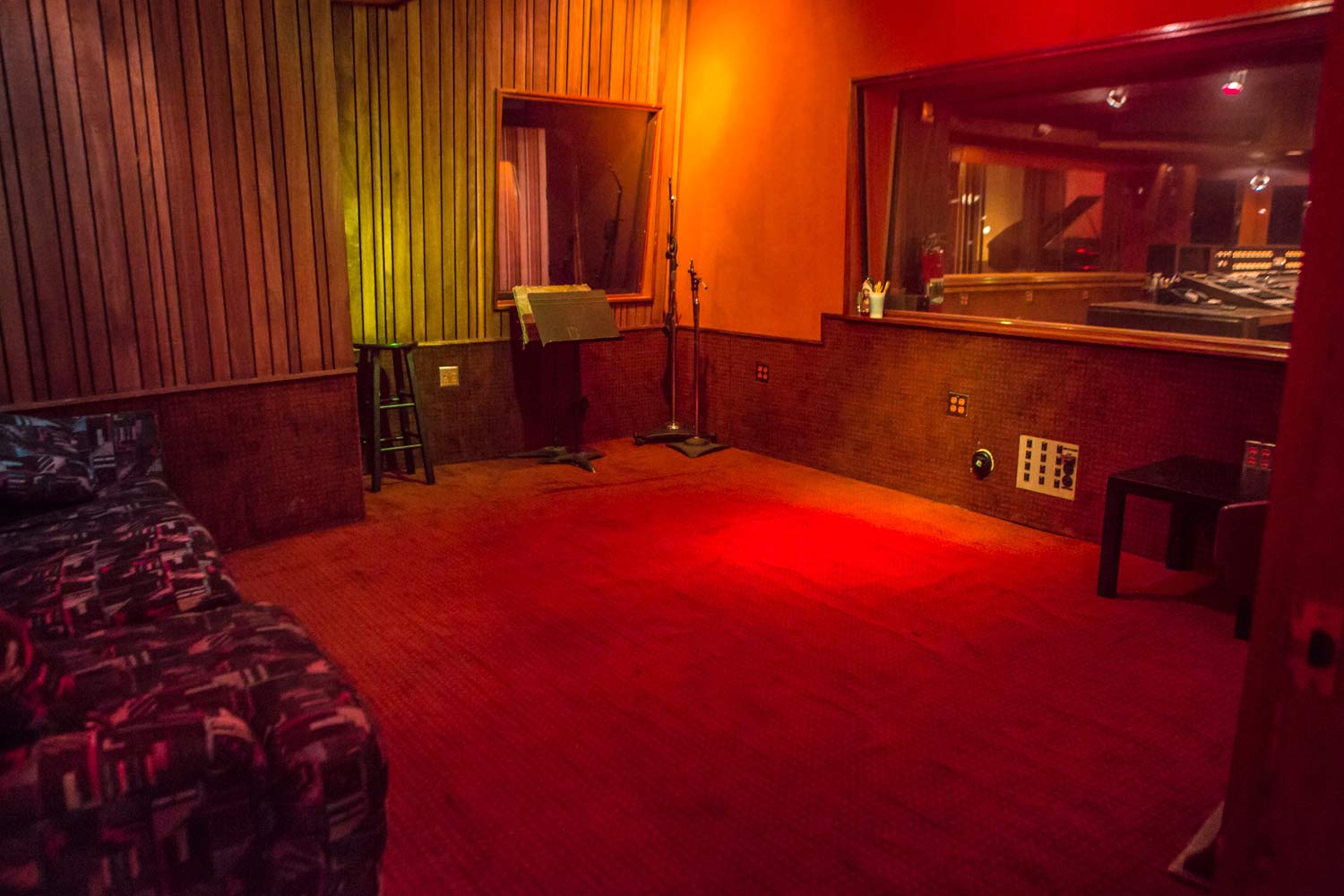
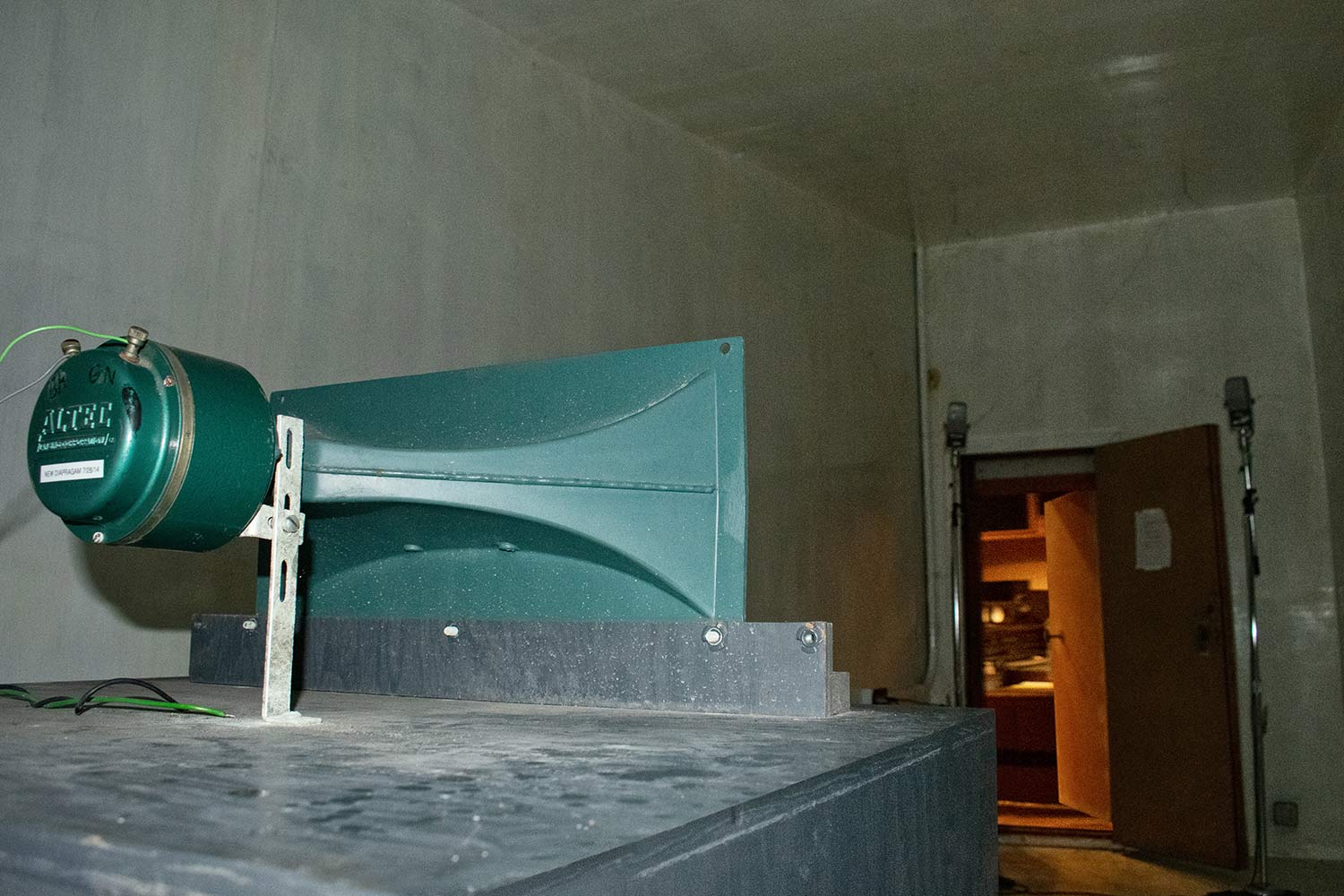
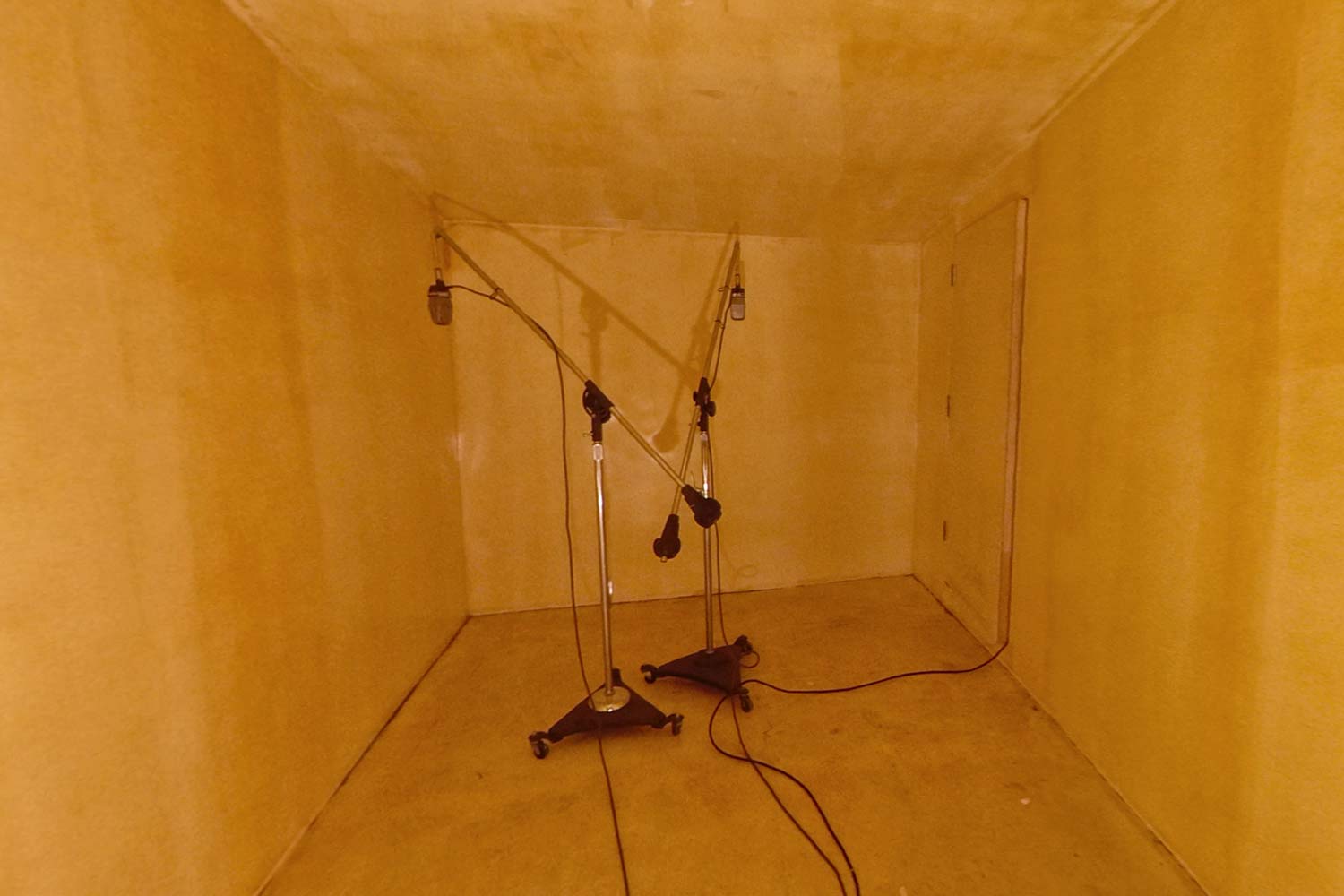
そして現在、Sunset Sound のライブ・ルーム、ボーカル・ブース、そしてエコー・チェンバーは、ポピュラー音楽そのものの歴史を形づくる存在となっています。だからこそ、IK Multimedia と現オーナーのポール・カメラータは、すべてのミュージシャンが自分のトラックに、“Sunset Sound の魔法”をかける機会を提供したいと考えました。
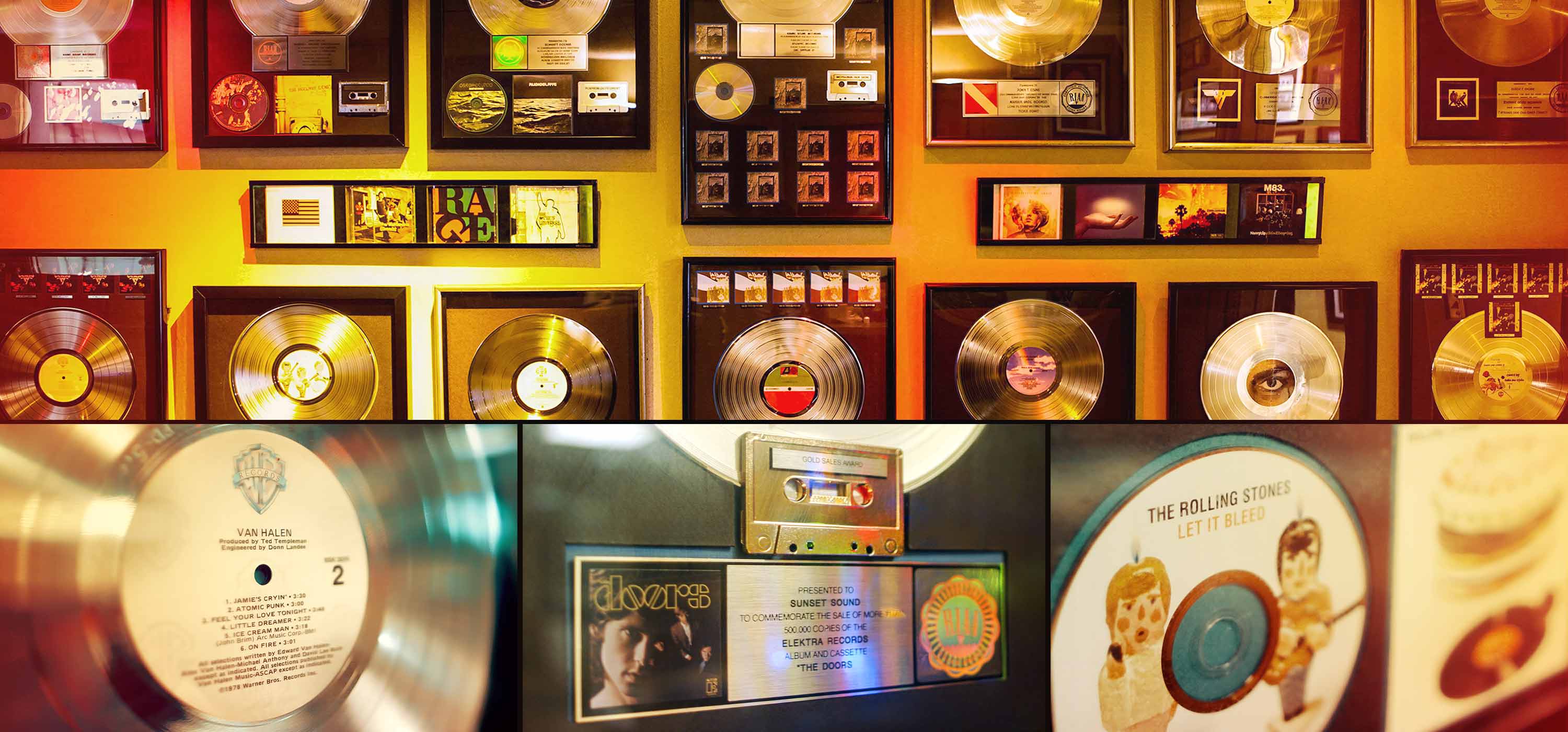
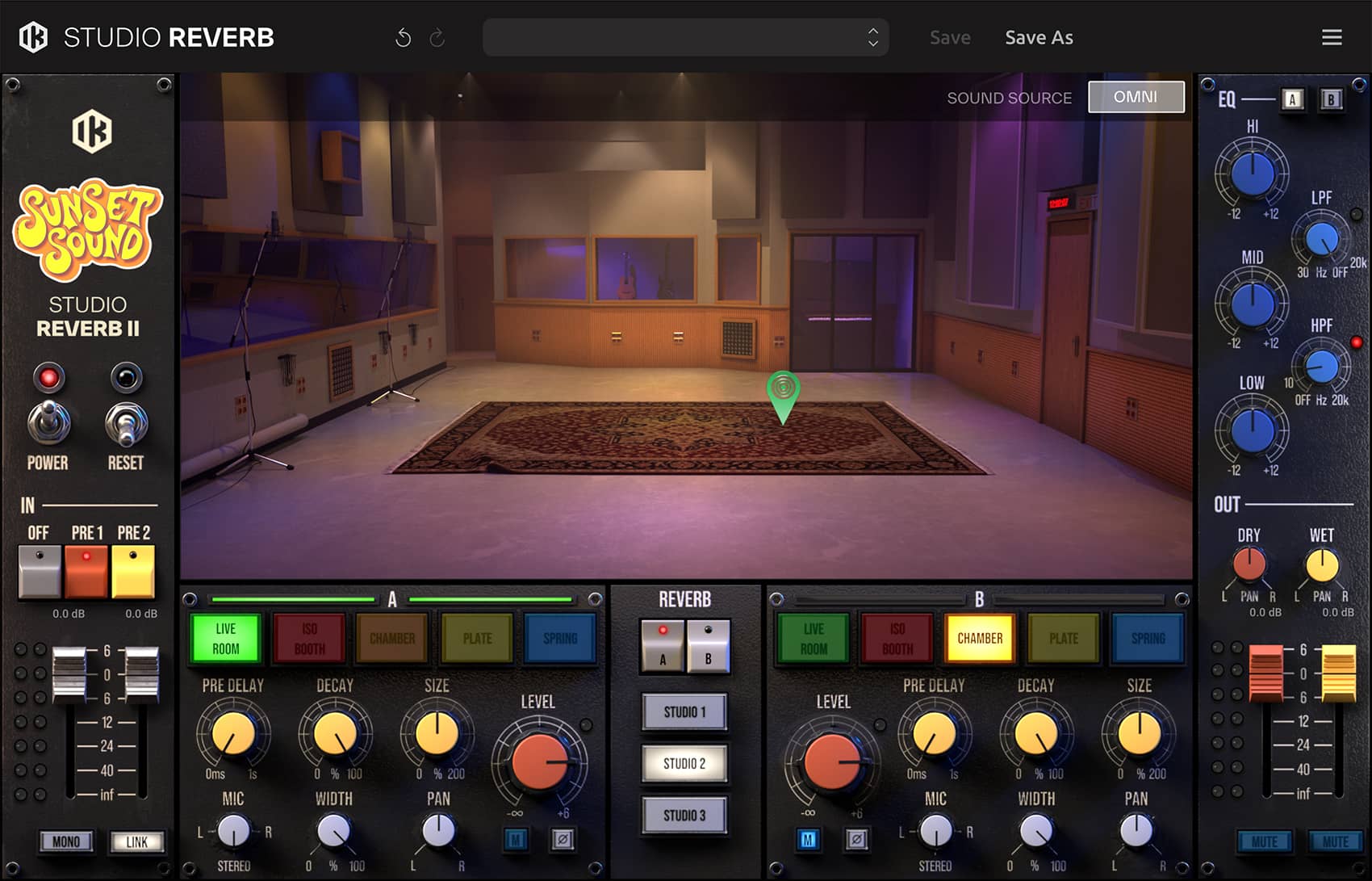
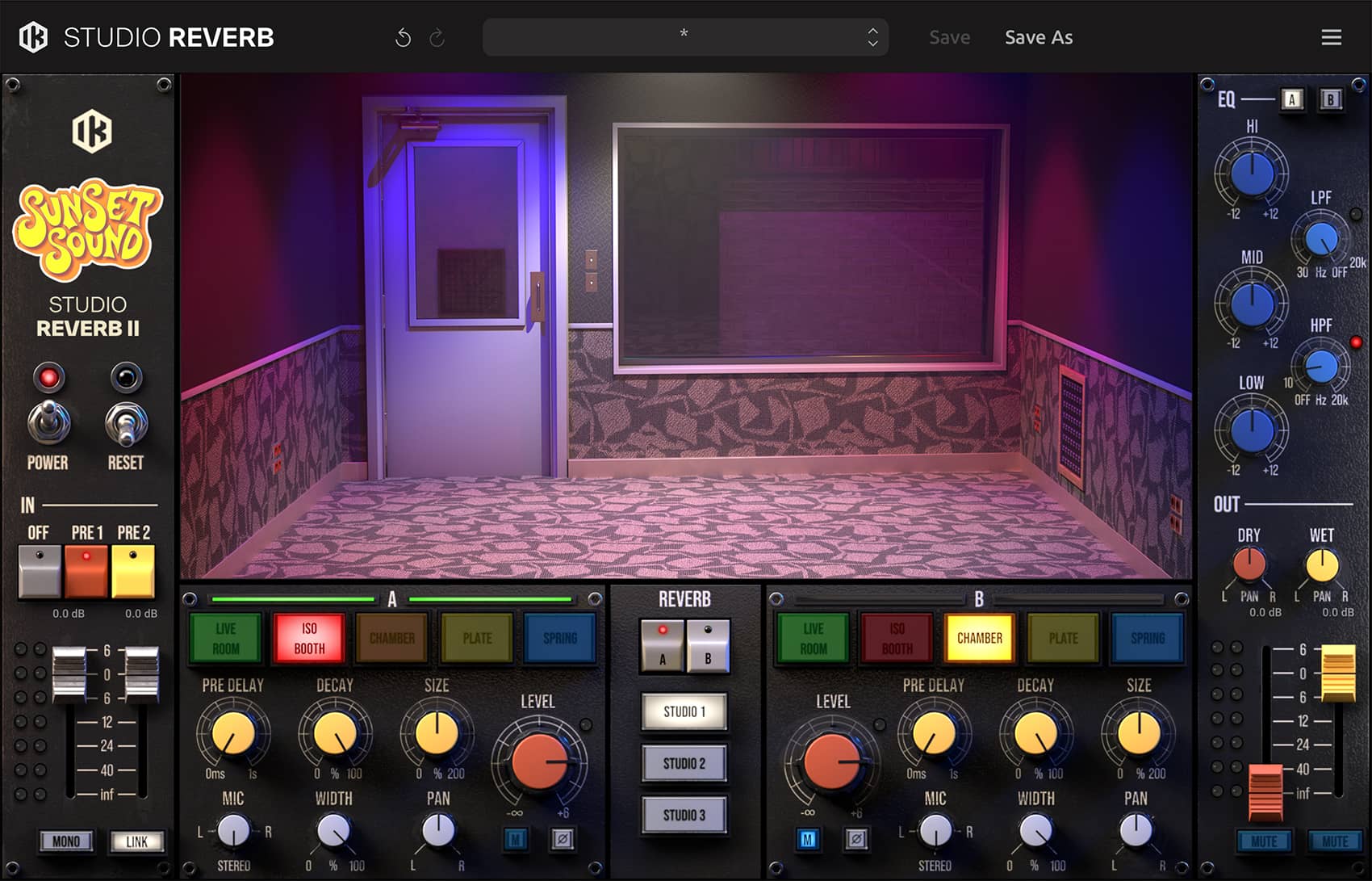
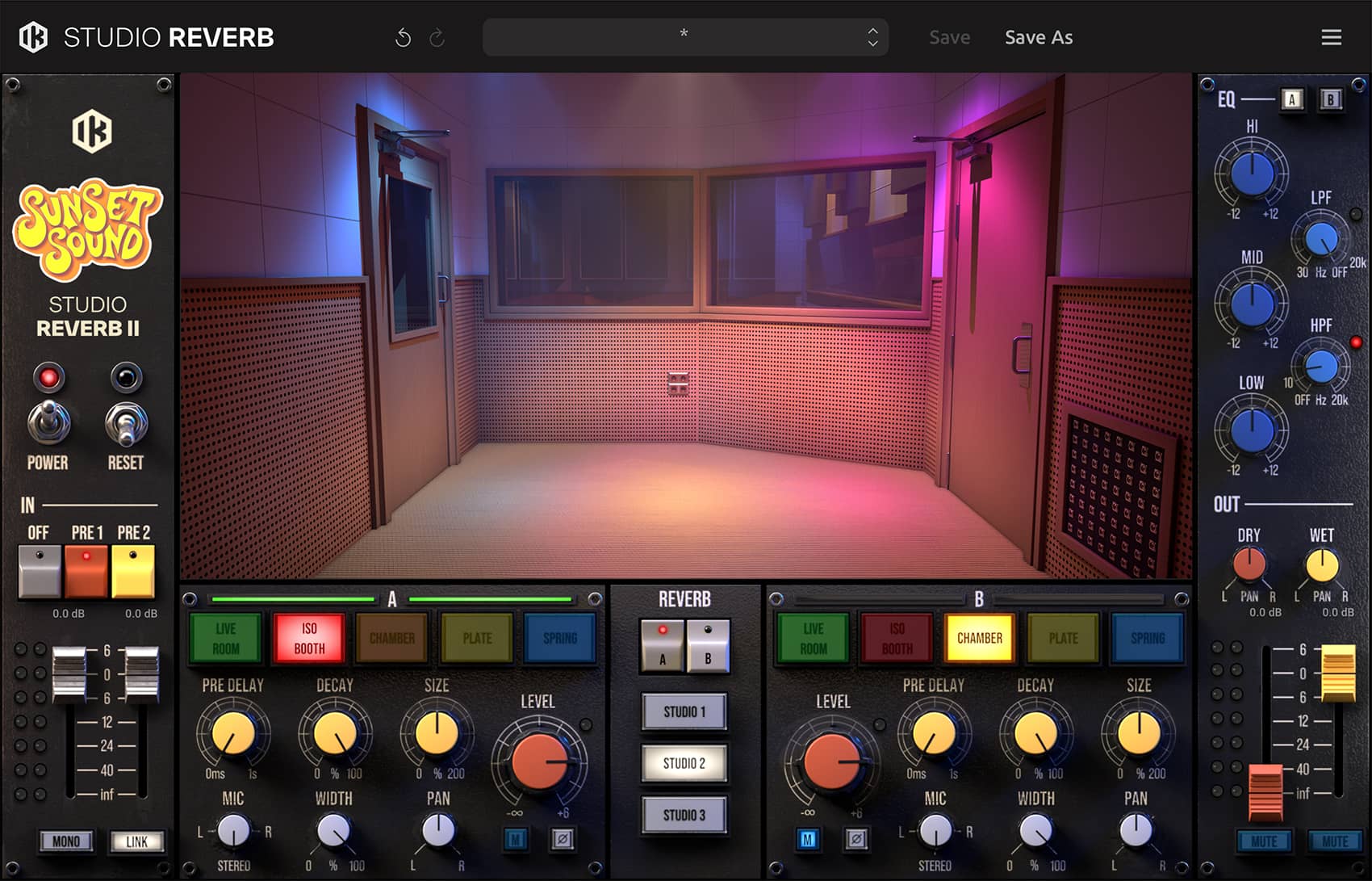
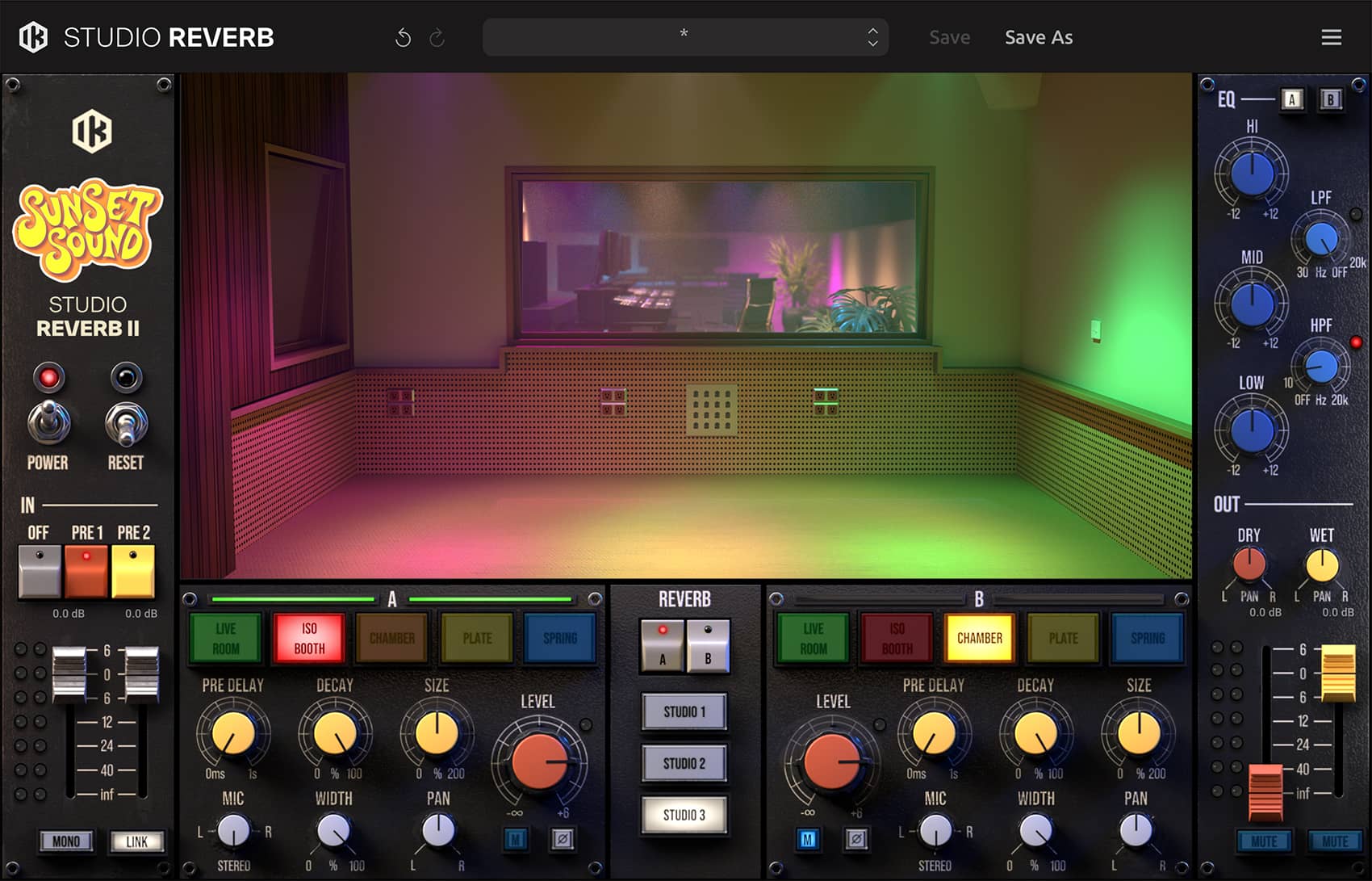
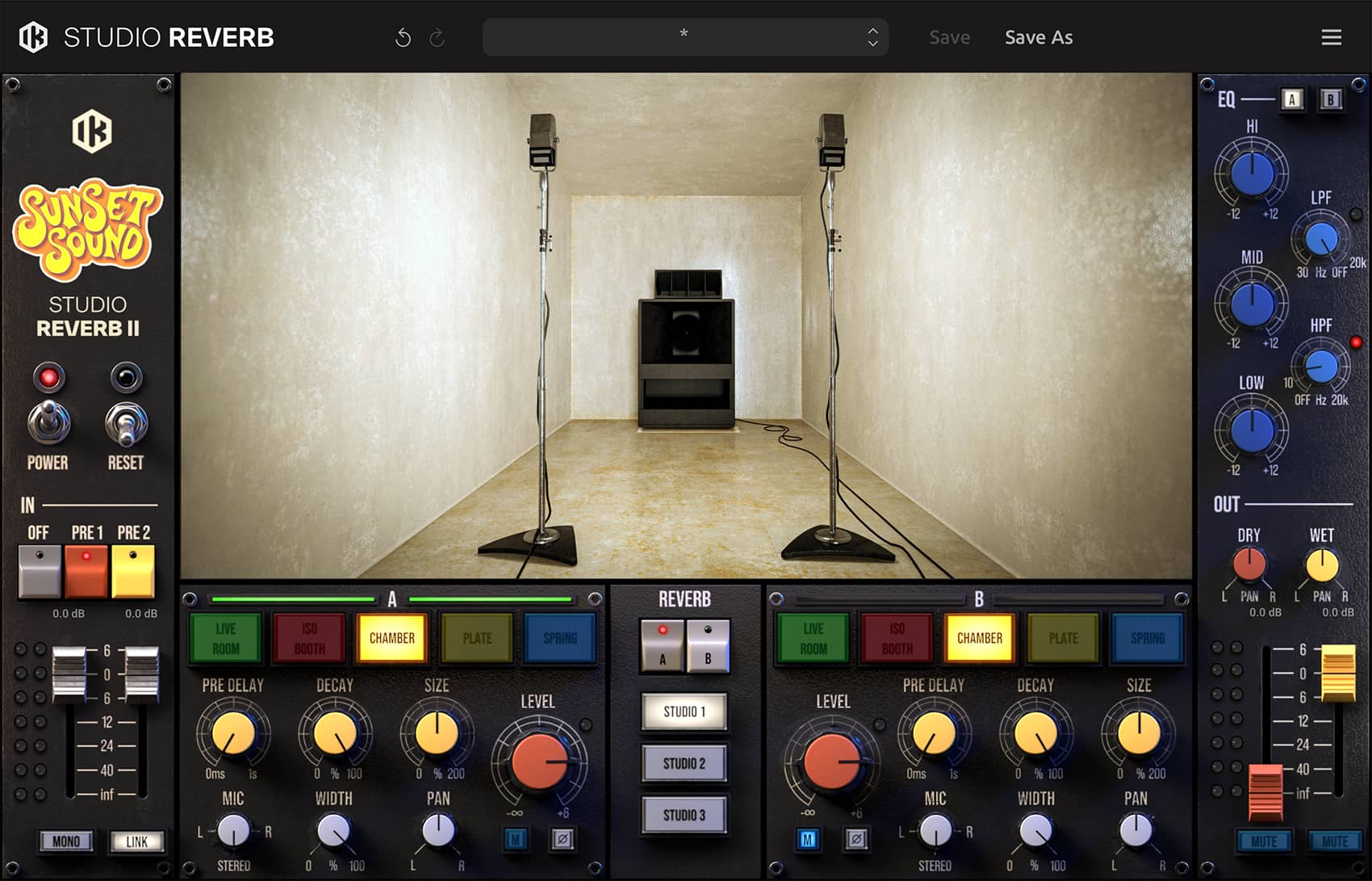
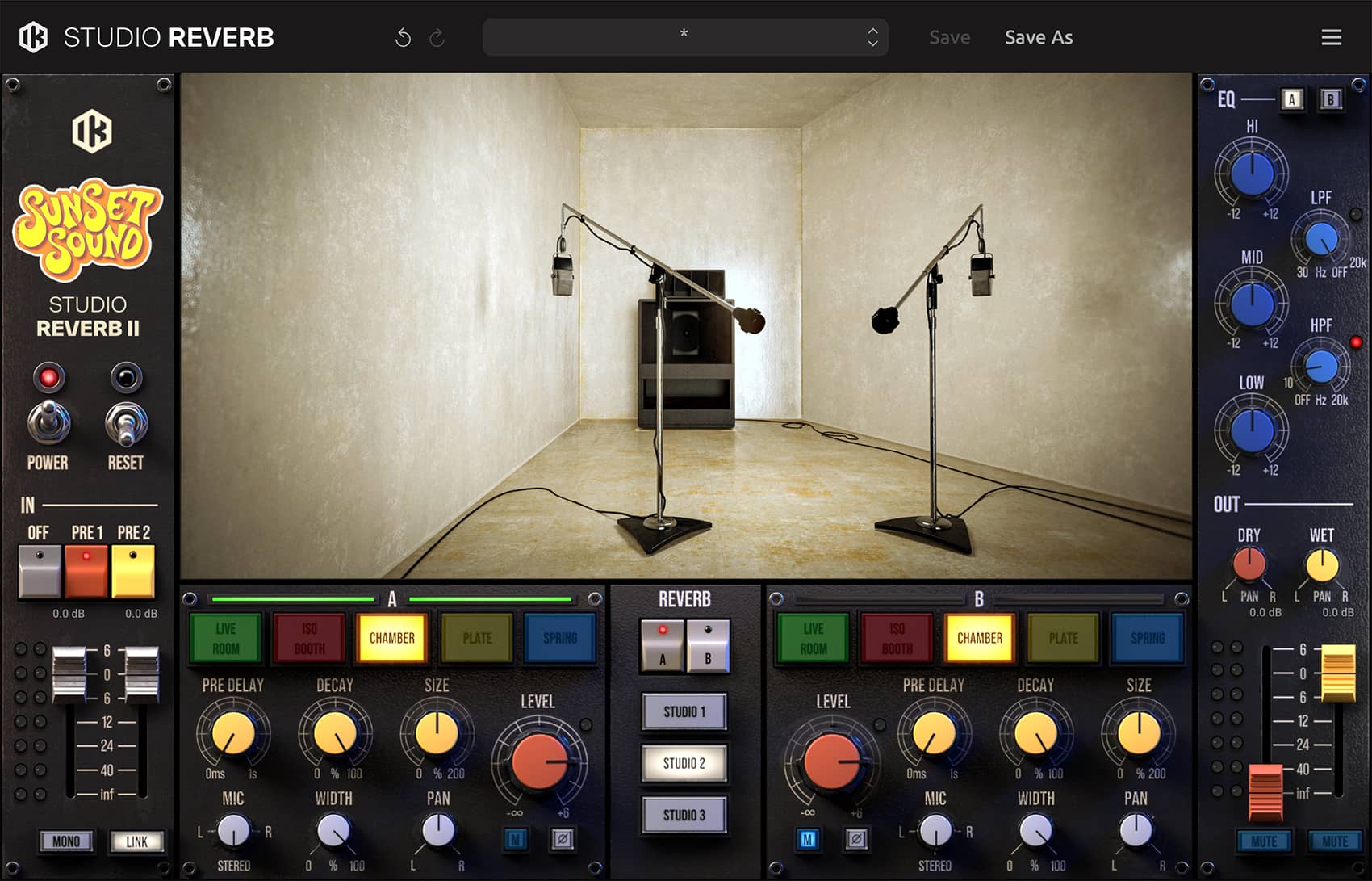
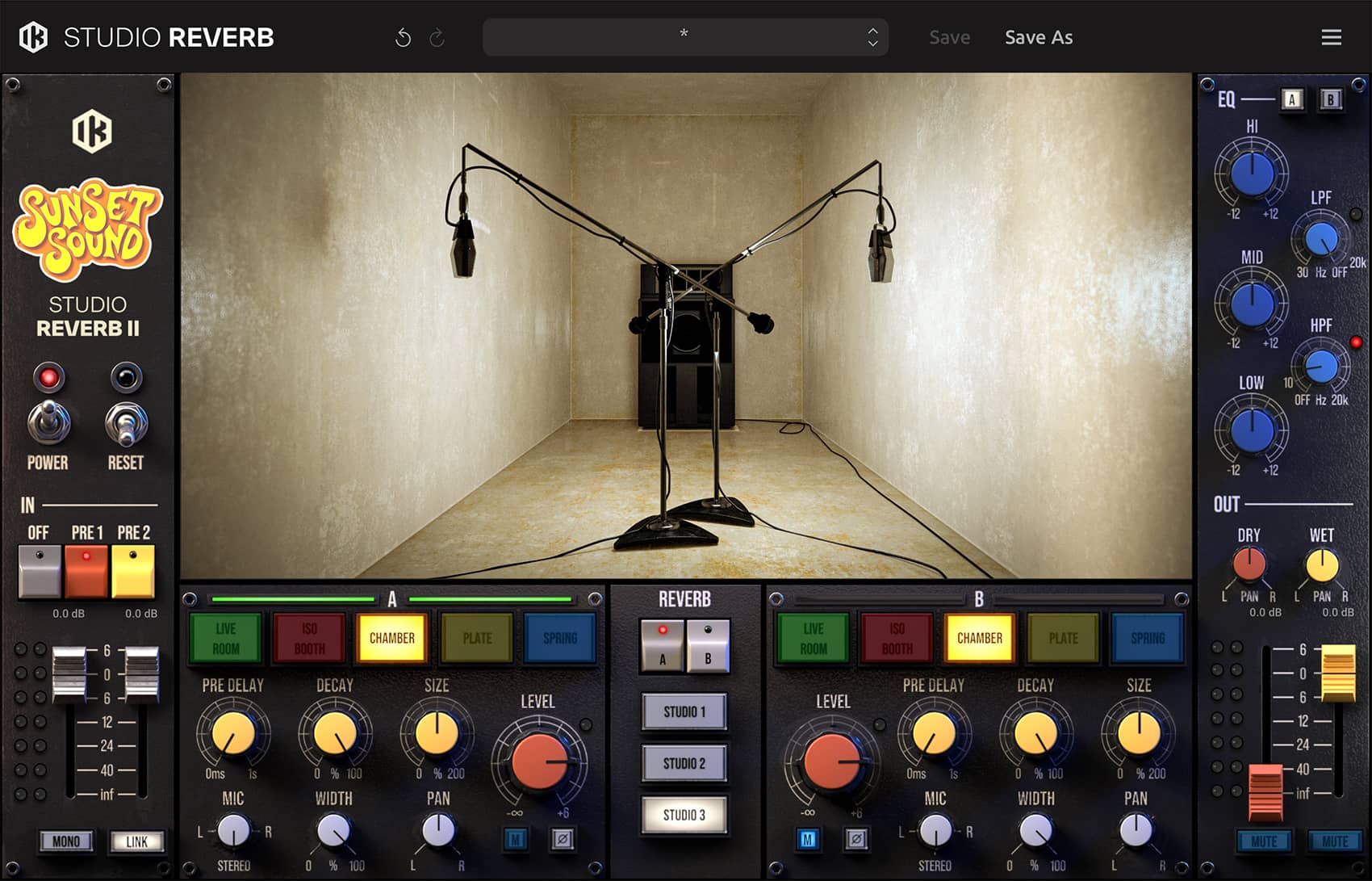

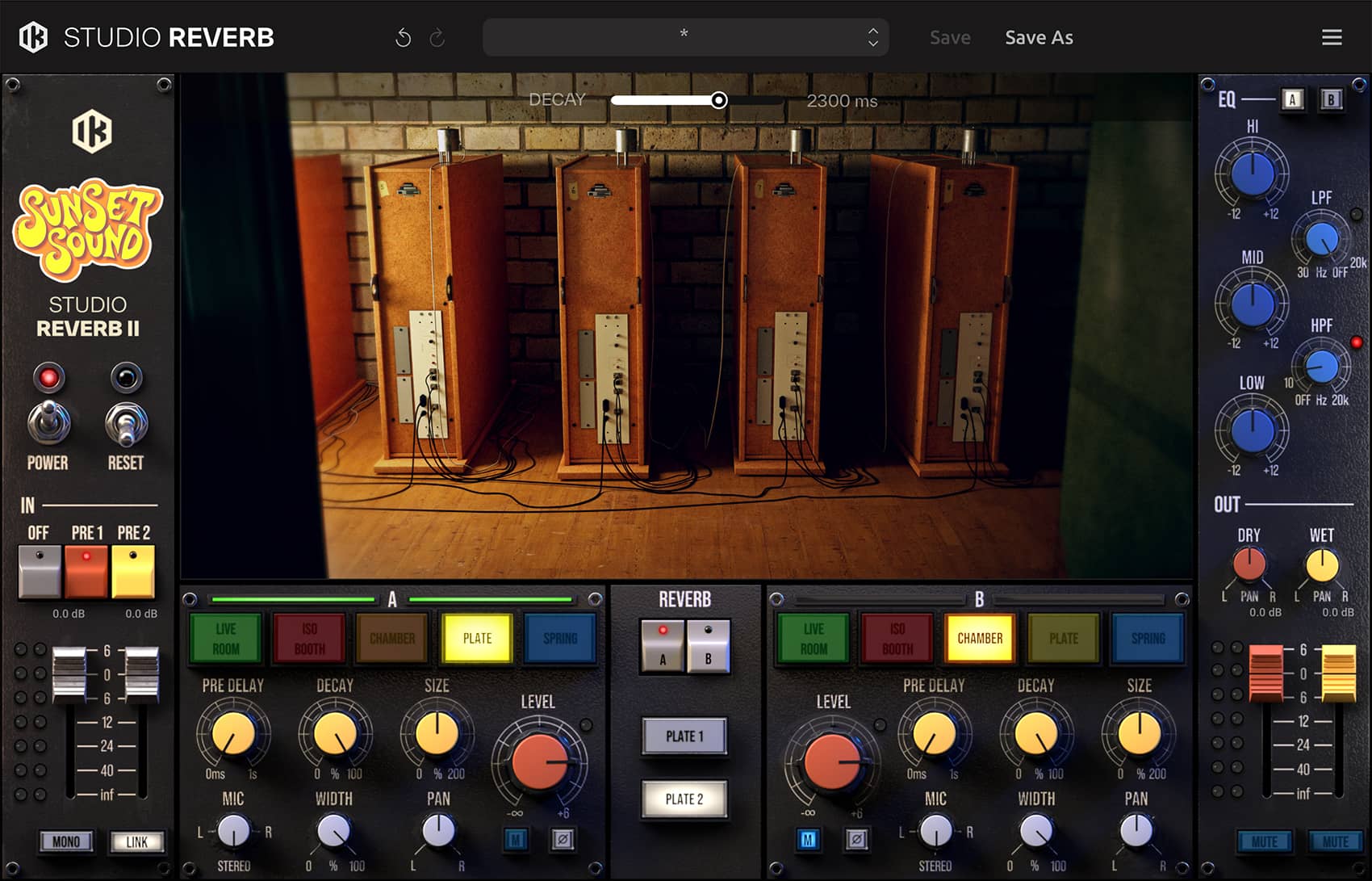
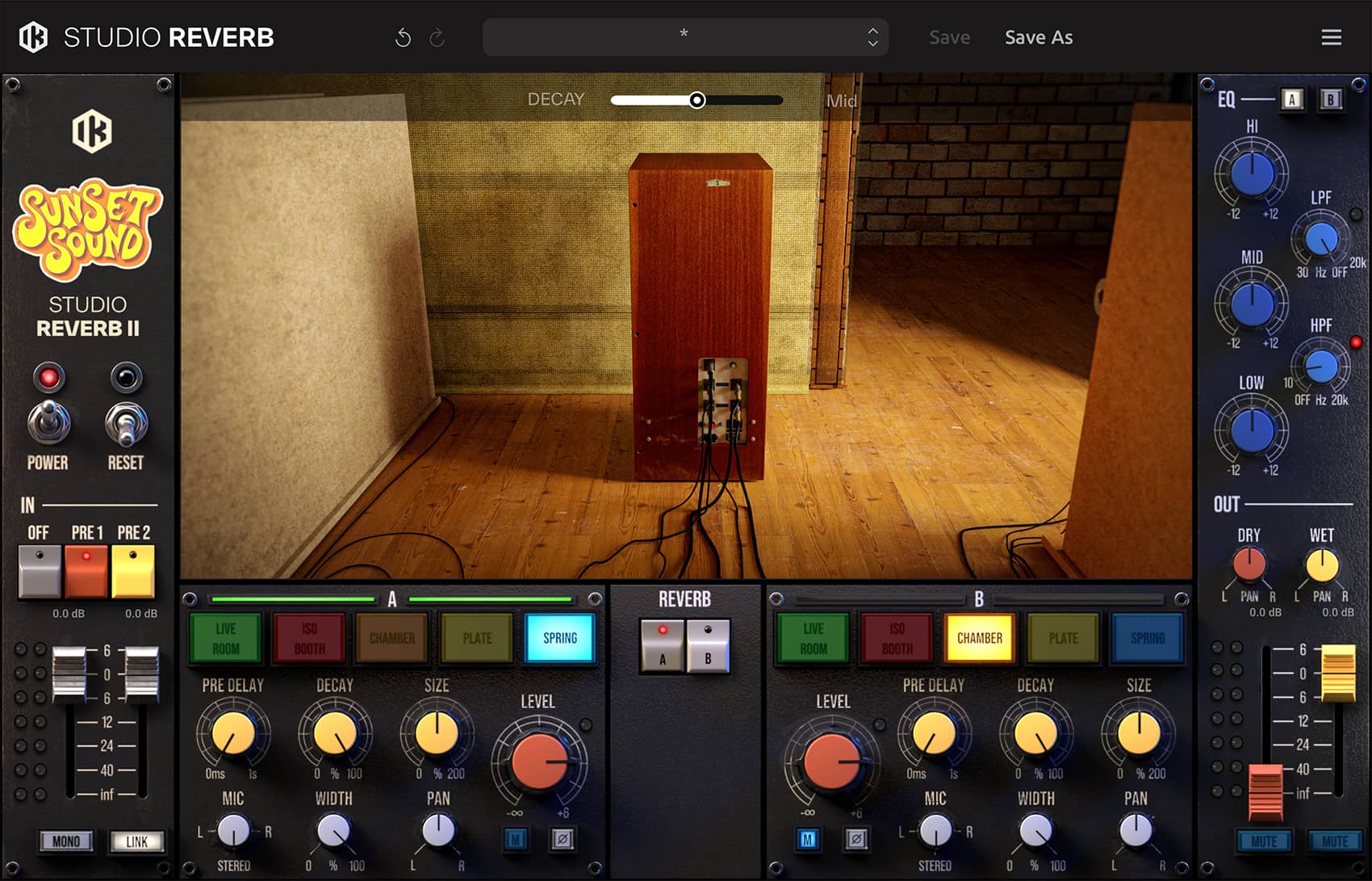
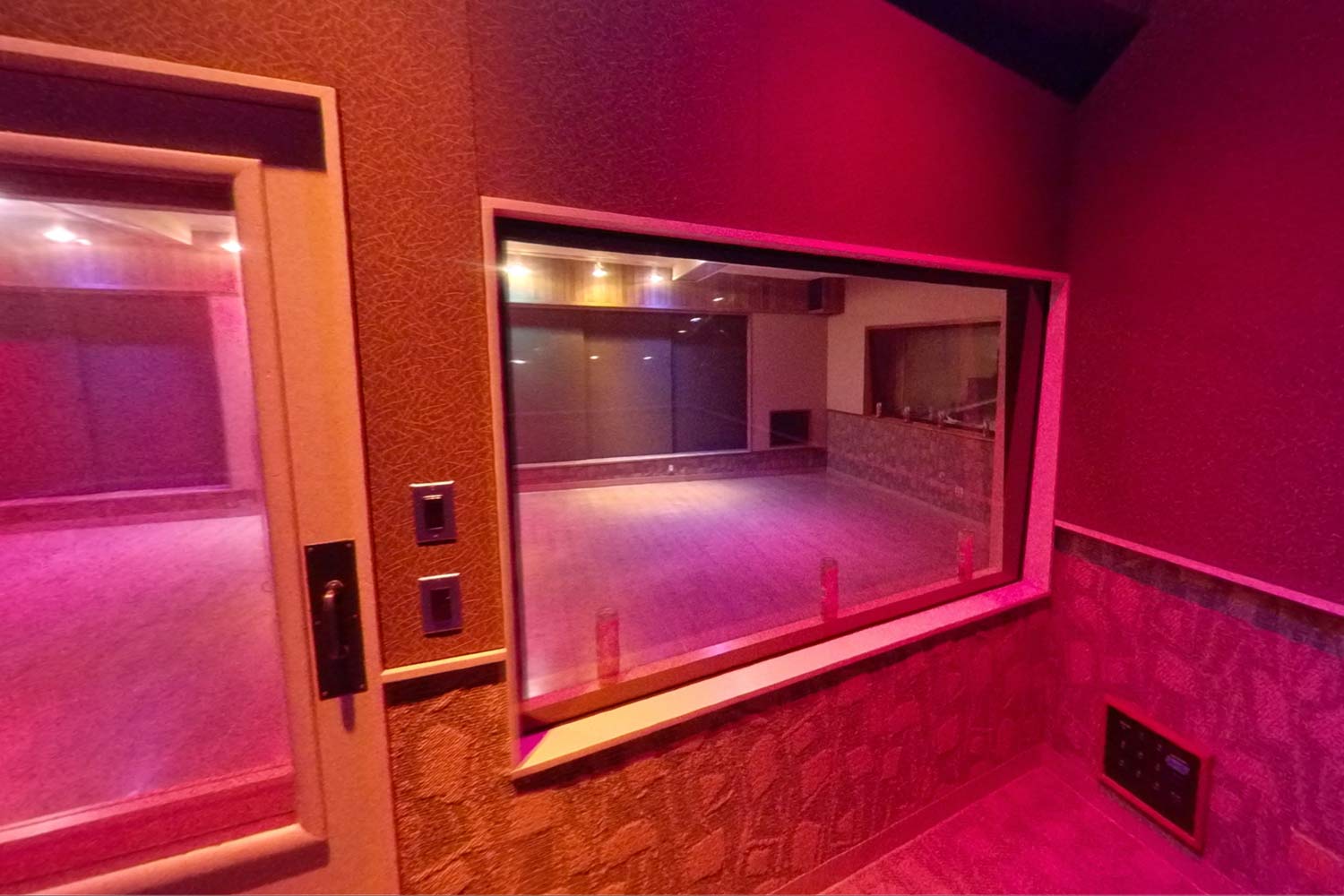
1960年代初頭の建設以来、すべてのルームおよび機材は丹念に維持管理されてきました。このため、Sunset Sound で数々の歴史的セッションが録音された当時とまったく同じソニック・インプリント(音響的個性)が、現在も変わることなく保たれています。
究極のリアリティ
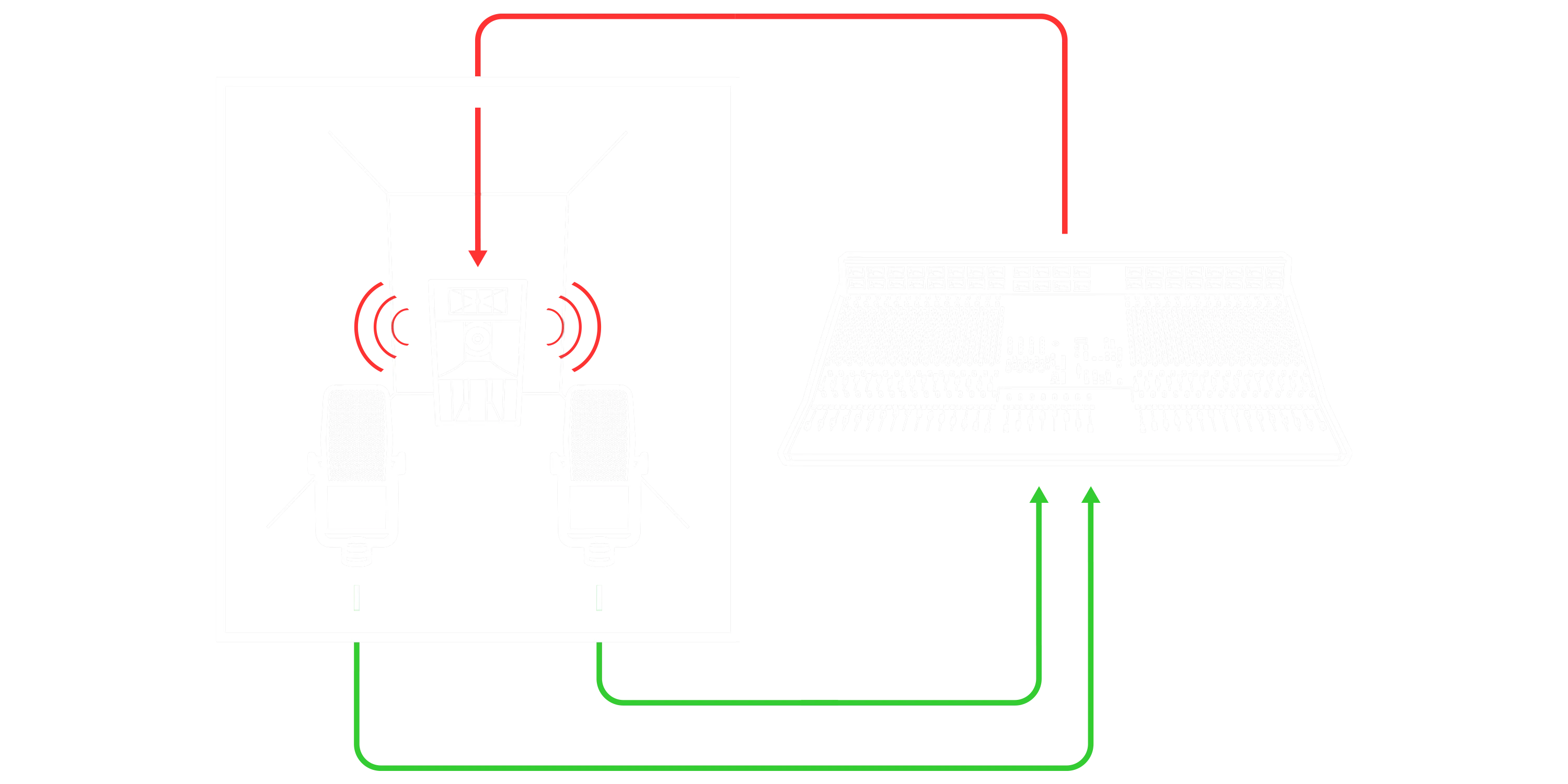
Sunset Sound Studio Reverb II には、各スタジオの音響特性を再現するため、IK Multimedia 独自のVRM™(Volumetric Response Modeling = 体積応答モデリング)技術が使用されています。この高度なコンボリューション技術を使用することで、最高品質の残響効果を生成し、まるでスタジオにいるかのような空間と雰囲気を提供します。
直感的なトーン・シェイピング
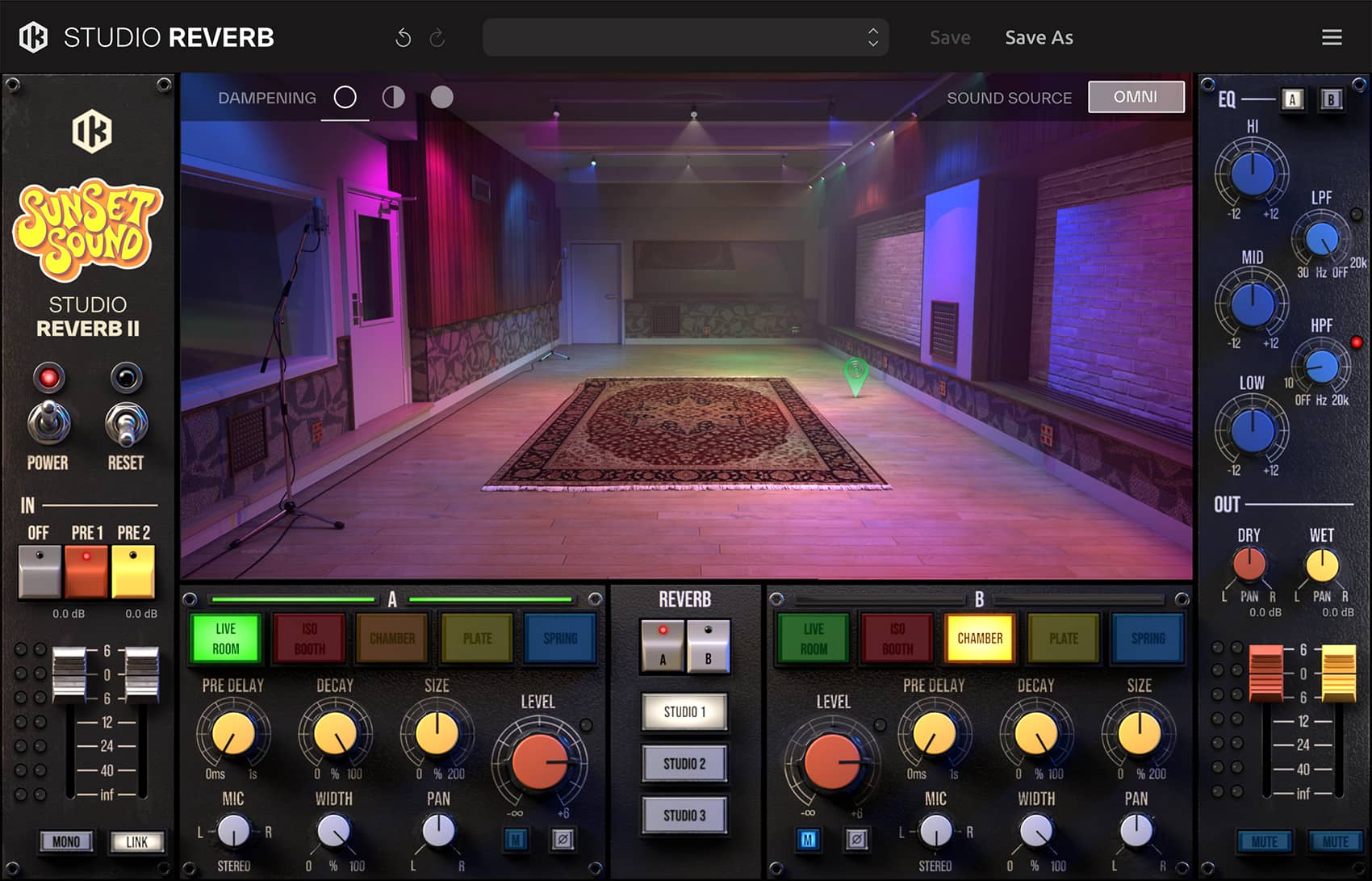
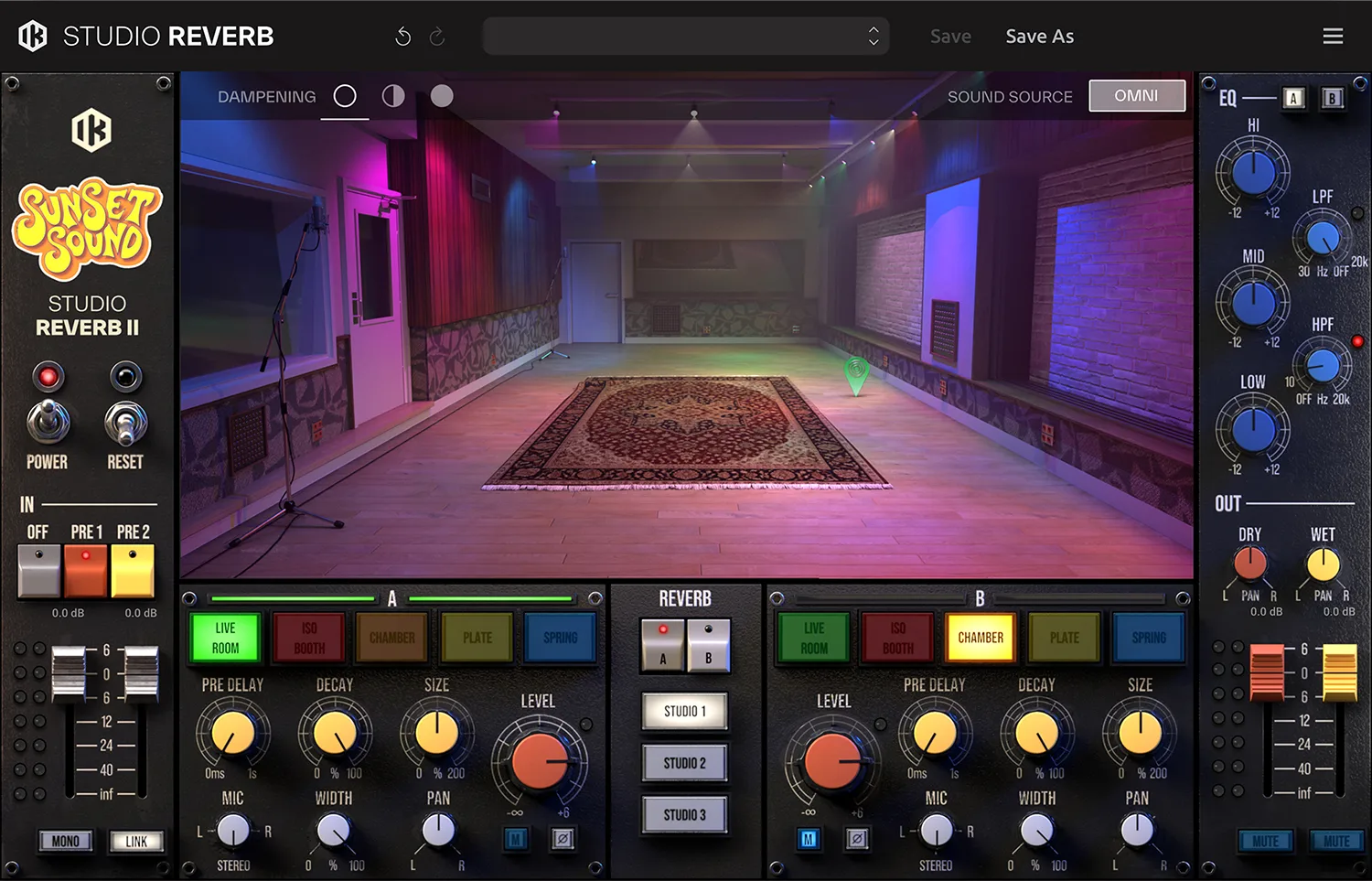
Sunset Sound Studio Reverb II は、空間を自由に作り込むために必要なすべてのコントロールを備えています。プリ・ディレイやディケイなどのベーシックなコントロール、EQ、マイクの設定に至るまで、空間を調整する多くのコントロールに加え、正確なレベル調整やモニタリングも可能です。
プリアンプ:2種のシグナル・パスから選択可能(PRE1 = API/DeMedio、PRE2 = Neve)
インプット:
- 入力信号のゲインを調整
- LINK:フェーダーをリンク。ステレオ信号を調整
- MONO:L/Rをサミングしてモノラルに
リバーブ・タイプ:各チャンネルのリバーブ・タイプを選択
リバーブ・パラメーター:
- PRE DELAY:ドライ信号とリバーブの立ち上がりの時間差を設定。0ms~1秒の範囲で調整可能。アタックの明瞭さを保ちながら空間的な奥行きを演出。
- DECAY:リバーブが減衰するスピードをコントロール。100%は選択した空間本来の自然な残響時間、0%では約1msの極めて短いテールになります。
- SIZE:空間サイズをストレッチまたはコンプレッションします。100%が実際のルーム・サイズ、200%で広大なアンビエンス、0%でタイトかつコンパクトなリバーブを生成。
- MIC:Left(L)、Right(R)、またはStereo(デフォルト)から使用するマイク設定を選択。デュアル・モノからフル・ステレオまで設定可能。
- WIDTH:リバーブの広がりを調整。100%でフル・ステレオ、0%でモノラル。音像を中央に寄せたい場合に有効。
- PAN:ステレオ内のリバーブ音の定位を調整。ドライ信号と意図的に位置をずらしたり、ミックス内の特定パートに合わせて配置することも可能。
LEVEL:メイン・ディスプレイに表示するリバーブ・チャンネルを選択。
チャンネル・セレクター: selects what reverb channel is shown on the main display.
スタジオ・セレクター:使用するスタジオ/プレートを選択。選んだスタジオ/プレートに応じて、インパルス・レスポンスおよび音響特性をロード。
アウトプット:WET/DRYそれぞれの信号について、レベル、PAN、ミュートを個別にコントロール
イコライザー:A/Bチャンネルに、独立したイコライザーを搭載
サウンド・ソース・モード:指向性(Directional)モードと無指向性(Omni)モードを選択
ダンピング:Studio 1および3に設置された吸音パネルの音響効果をシミュレート。Off/Half/Fullの3段階が選択でき、ブライトでライブ感のある反射から、よりドライでコントロールされた響きへと段階的にルーム特性が変化。
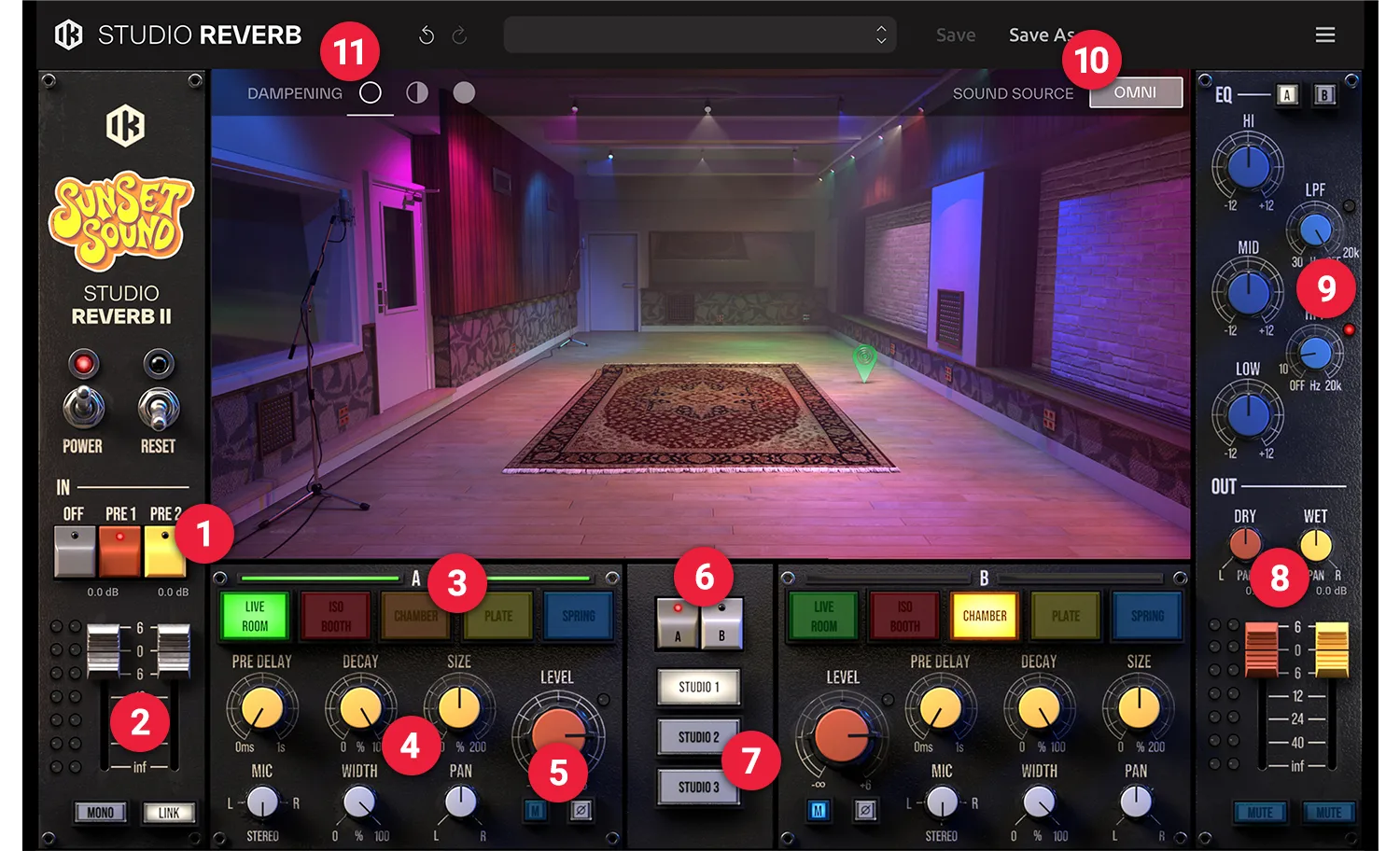
- プリアンプ:2種のシグナル・パスから選択可能(PRE1 = API/DeMedio、PRE2 = Neve)
-
インプット:
- 入力信号のゲインを調整
- LINK:フェーダーをリンク。ステレオ信号を調整
- MONO:L/Rをサミングしてモノラルに
- リバーブ・タイプ:各チャンネルのリバーブ・タイプを選択
-
リバーブ・パラメーター:
- PRE DELAY:ドライ信号とリバーブの立ち上がりの時間差を設定。0ms~1秒の範囲で調整可能。アタックの明瞭さを保ちながら空間的な奥行きを演出。
- DECAY:リバーブが減衰するスピードをコントロール。100%は選択した空間本来の自然な残響時間、0%では約1msの極めて短いテールになります。
- SIZE:空間サイズをストレッチまたはコンプレッションします。100%が実際のルーム・サイズ、200%で広大なアンビエンス、0%でタイトかつコンパクトなリバーブを生成。
- MIC:Left(L)、Right(R)、またはStereo(デフォルト)から使用するマイク設定を選択。デュアル・モノからフル・ステレオまで設定可能。
- WIDTH:リバーブの広がりを調整。100%でフル・ステレオ、0%でモノラル。音像を中央に寄せたい場合に有効。
- PAN:ステレオ内のリバーブ音の定位を調整。ドライ信号と意図的に位置をずらしたり、ミックス内の特定パートに合わせて配置することも可能。
- LEVEL:メイン・ディスプレイに表示するリバーブ・チャンネルを選択。
- チャンネル・セレクター: selects what reverb channel is shown on the main display.
- スタジオ・セレクター:使用するスタジオ/プレートを選択。選んだスタジオ/プレートに応じて、インパルス・レスポンスおよび音響特性をロード。
- アウトプット:WET/DRYそれぞれの信号について、レベル、PAN、ミュートを個別にコントロール
- イコライザー:A/Bチャンネルに、独立したイコライザーを搭載
- サウンド・ソース・モード:指向性(Directional)モードと無指向性(Omni)モードを選択
- ダンピング:Studio 1および3に設置された吸音パネルの音響効果をシミュレート。Off/Half/Fullの3段階が選択でき、ブライトでライブ感のある反射から、よりドライでコントロールされた響きへと段階的にルーム特性が変化。


